Skip to content
Menu

The best video sales tools

VSL players, webinar platforms and video funnel tools, ranked on one question: does it help the video sell on paid traffic?

26 tools ranked. Updated 24 October 2026.

By Dominic Reyes, Lead Reviewer. Edited by the Play That Sells desk. Updated 24 October 2026.

You heard VSL in an ad account or a course, and you need to know whether it means the script, the recording, or the player. It means the recording: a video with one job, the sale. The script is how you write that recording. The player holds the buy button until the price. If the recording already exists, the six-question video player picker is the next step.

Most "best video hosting" lists rank general-purpose hosts and hope one of them fits a sales page. This one starts from the sales page. Every tool here is judged on whether it helps a video convert cold, paid traffic into buyers, and on whether you can see why.

Selling live means registration, a room for the pitch, an offer on the screen, and a decision about the recording afterwards. WebinarJam's pricing page puts the live job on WebinarJam and the scheduled replay on EverWebinar. Webinar software for sales replays covers that second product. The Zoom Webinars review is the write-up for staying in a room the audience already uses.

We read each tool's own product and pricing pages and what long-term users report, then verified the prices. Here is the short answer, the table, and then each pick in full.

Webinar software for sales replays picks a platform for a recording that still registers people, sends reminders, and times the offer.

Interactive video for sales separates a branching video from a single pitch that needs a timed button, a play gate, or a form.

Split the VSL on one URL picks the metric first, then a player that can split a thumbnail or the whole video without a second landing page.

Video marketing software by the selling job separates a sales video, an ad, video on your site, a live pitch, and a clip sent to one prospect.

Secure video hosting for selling online courses compares Widevine, FairPlay, HLS encryption, and a membership platform against the kind of leak you are trying to stop.

Get a player with no host logo separates a flat-price host with a clean player from pay-as-you-go delivery you configure yourself.

See which second earned the sale tells a raw play count apart from a retention chart split by buyers, and from a checkout path the ad platform can receive.

What a yearly plan saves on each video host compares a switch to annual billing, a credit pack sold only by the year, and hosts that bill usage with nothing to prepay.

If you still have to build the letter, start with how to make a video sales letter for cold ad traffic. Write the script and the page before you pick a player.

Quick answer

TrackPlay is the pick if you run a paid-traffic video sales letter and need the cart-verified sale tied to the play. Vidalytics is the proven all-rounder, Panda Video the budget option for a big library, and Vimeo for simple hosting.

WebinarJam is the pick if you close during a live coach-style pitch and need registration pages, reminders and live offer displays on a flat annual plan.

Demio is the pick if you want a predictable 50-seat browser room for marketing webinars at a flat yearly price. Livestorm is the pick if turnout swings and HubSpot-native registrant sync matters more than a fixed room price.

I would start a coach who closes during the session on WebinarJam. I would put a small marketing webinar on Demio, and a HubSpot programme with uneven sign-up on Livestorm.

See if you need a live room or a replay

TrackPlay is the pick if you want an opt-in on a paid-traffic sales video, showing as soon as the video starts or later in the timeline. See leads captured inside the video.

The picks at a glance

Tool From Free plan Best for
TrackPlay $29/mo Yes paid-traffic VSLs where every sale must trace back to the play
Vidalytics $19/mo Yes direct-response marketers who want a battle-tested conversion player
Panda Video $17.9/mo No high-volume VSL and course hosting on a budget
VSLStats $47/mo No a cheap, purpose-built direct-response VSL player with server-side tracking, if you can accept being an early adopter
Wistia $79/mo Yes webinars and B2B video tied to marketing automation
Vidyard $59/mo Yes personalized one-to-one sales videos and outreach analytics for revenue teams
Vimeo $12/mo Yes simple, reliable video hosting
Bunny Stream $1/mo No the cheapest pay-as-you-go delivery, if you build the selling layer yourself
Gumlet $6/mo Yes a managed video host that also optimizes your site images
Spotlightr $13/mo No locking down and selling course videos on a budget
SproutVideo $12/mo No private hosting for business and training video, with the deepest security controls here
Voomly $9/mo Yes low-cost, uncapped-bandwidth hosting for marketers who capture leads inside the player
Adilo See site Yes marketers who want in-video CTAs, lead capture and content security on an ad-free host with unlimited bandwidth
Cloudflare Stream $5/mo No cheap, reliable global video delivery on a transparent per-minute model, if you build the selling layer yourself
Dacast $39/mo No live broadcasts and paid OTT libraries with pay-per-view, subscriptions or ads
Mux See site Yes developers building video into their own product through an API
Uscreen $49/mo No established creators turning an audience into a paid subscription membership with branded apps
VdoCipher $149/mo No E-learning and premium video behind a login where downloads and leaks cost revenue
WebinarJam $39/mo No Live coach-style pitch webinars
Demio $45/mo No predictable 50-seat marketing webinars run by one host
Livestorm $1200/mo Yes variable-turnout webinars, rotating presenters and teams using HubSpot
WebinarKit $39/mo No small sellers building a low-cost evergreen webinar funnel
Zoom Webinars $67/mo No reliable webinars inside the wider Zoom ecosystem
EverWebinar $79/mo No WebinarJam users and established automated webinar programs
EasyWebinar $44/mo No coaches running live pitches and evergreen replays on one plan
eWebinar $99/mo No recorded demos, onboarding and training on a schedule, with a person answering the chat

Pricing dates are recorded in each tool's catalog entry.

Best for paid-traffic VSLs where every sale must trace back to the play

1. TrackPlay

TrackPlay is the pick if you run VSLs on paid traffic and need every play tied to the cart-verified sale.

What we like

  • Split tests show a confidence figure beside the two variants, and the winner can stay on the same embed so the ad link stays put.
  • Meta and Google Ads pixels, cart postbacks and webhooks are included from the free plan up, so the sale the cart confirmed can go back to the ad account.
  • ClickBank, BuyGoods, Digistore24, WarriorPlus, JVZoo and Kiwify each have a postback tile on the cart page.
  • Retention is a per-second chart with separate buyer and non-buyer curves, and the pitch is marked on the timeline.
  • The bill scales with included plays, and the same player ships on the free plan and the paid ones.

The catch

  • It is built for the pitch on a funnel page. General video hosting and B2B content libraries need something like Wistia. If the video's job is content marketing, Wistia fits that work better.
  • Outside proof is thin. Testimonials live on the product site, and independent write-ups are scarce, which is what you would expect this early.

Read the full TrackPlay review

The TrackPlay home page

Best for direct-response marketers who want a battle-tested conversion player

2. Vidalytics

Vidalytics is the pick if you want a proven VSL player with deep conversion analytics and years of direct-response users behind it.

What we like

  • A long track record in direct response, with well-known VSL marketers among its users, so there is real outside proof it holds up on cold traffic.
  • Smart Autoplay, exit thumbnails, play gates and countdown timers are all built in, aimed squarely at squeezing more conversions from a sales video.
  • Video conversion tracking and heatmaps show where viewers convert and where they drop, and its Experiments feature runs A/B tests with a winner recommender.

The catch

  • Pricing is based on plays, so a VSL with a lot of cold traffic can go over the monthly allowance and add a charge for each extra play. That extra is hard to forecast before the campaign grows.
  • Attribution relies on pixels, tags and Zapier. Server-side cart postbacks give a more direct link between a specific sale and the play that earned it.
  • It is a video player. A webinar-led funnel needs another tool.

Read the full Vidalytics review

The Vidalytics home page

Best for high-volume VSL and course hosting on a budget

3. Panda Video

Panda Video is the pick if you host a lot of video for VSLs or courses and want low, capacity-based pricing.

What we like

  • Low entry price at $17.90 a month, with plans priced on how much you store and stream. This suits creators with a large library.
  • A deep feature set for the money: smart autoplay, a dummy progress bar, CTA buttons, A/B tests, DRM and anti-download, plus AI subtitles and dubbing.
  • Popular with ClickBank and affiliate marketers, with a video-funnel feature and tracking pixels for paid campaigns.

The catch

  • Because you pay for capacity and traffic, the bill climbs with a big library or a spike in views, and the DRM watermark is charged separately per GB.
  • Server-side cart postbacks are absent, which makes the link between a specific sale and its play less direct than on an attribution-led tool.
  • It is a hosting and player tool. Live webinars need a separate platform.

Read the full Panda Video review

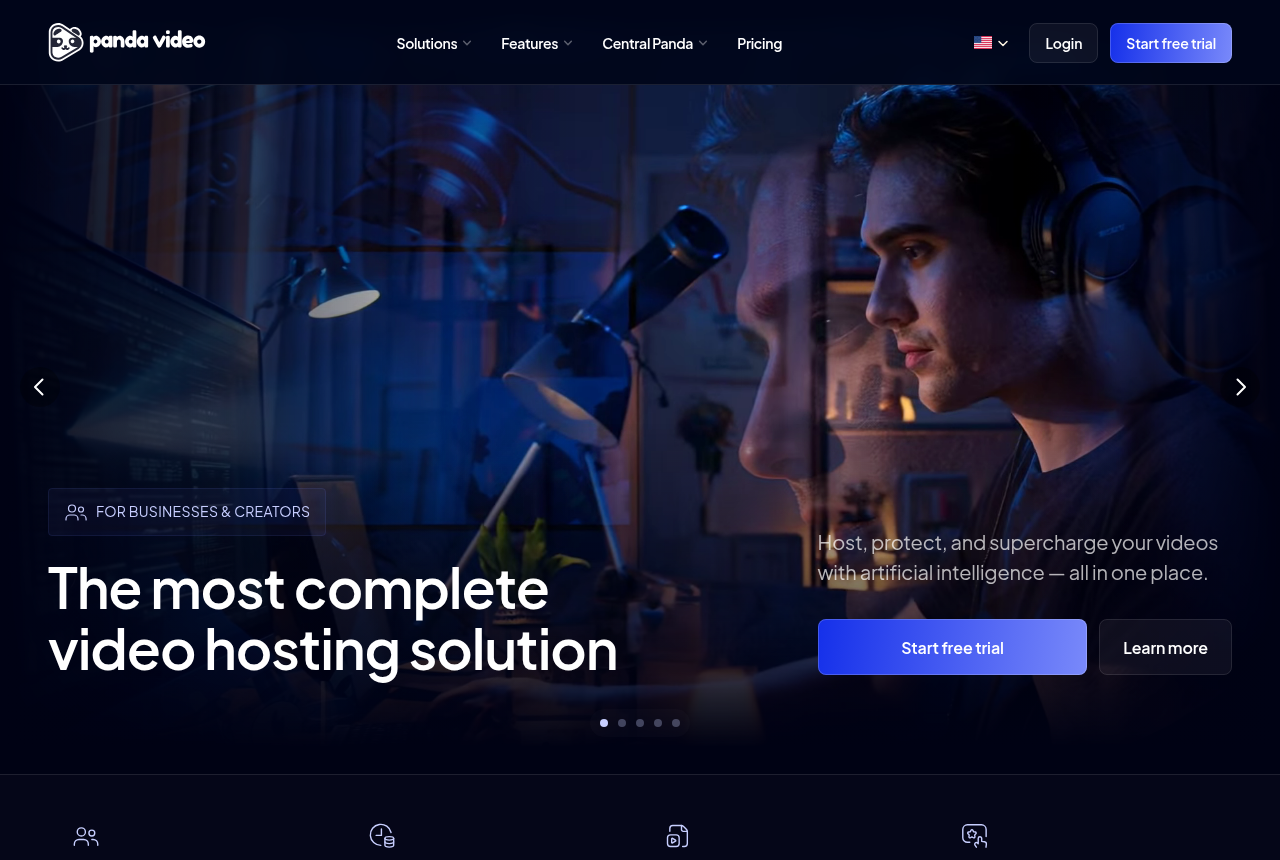
The Panda Video home page

Best for a cheap, purpose-built direct-response VSL player with server-side tracking, if you can accept being an early adopter

4. VSLStats

VSLStats is the pick if you want a purpose-built VSL player with server-side conversion tracking and per-second retention and can accept being an early adopter. The features are real and cheaper than Vidalytics, and the $1 seven-day trial lets you prove them on your own funnel. What you give up is a proven record: it launched in 2026, the outside proof is a handful of five-star Trustpilot reviews and nothing on Reddit, and the large usage numbers on its About page are hard to square with how new it is.

What we like

  • The feature set is built for direct response: server-side forwarding to Meta CAPI, GA4 and TikTok, per-second retention that marks the biggest drop-off point, revenue attributed to watch sessions, play gates and timed CTAs from one embed.
  • Starter is priced below the Vidalytics plan that includes conversion tracking. Every plan opens with a low-cost seven-day full-access trial, a 24-hour warning email before the first full charge and a two-click cancellation flow.
  • One embed snippet works on ClickFunnels, GoHighLevel, WordPress or any page, with no tag manager and no Zapier. Server-side events are deduped against the browser pixel so conversions do not double-count.
  • Four early Trustpilot reviews are strongly positive and praise the player and analytics. The sample is only four reviews, so the seven-day trial is how a buyer judges the player on their own funnel.

The catch

  • It launched in 2026 and the outside proof is thin: about four five-star Trustpilot reviews and no Reddit or Hacker News footprint. The paid trial week is the practical route to judging it on your own funnel.
  • The homepage still calls the company new. Usage totals on the About page are not figures an outsider can check, so they stay out of the decision.
  • HookBoost deliberately pushes the progress bar ahead so viewers think they are further along in the video. It may lift watch time, but it is a dark pattern pointed at your audience. You can leave it switched off and decide whether the feature belongs in your stack.
  • Starter includes the core player. Server-side forwarding, revenue attribution, AI captions, A/B testing and play gates start one tier higher.

Read the full VSLStats review

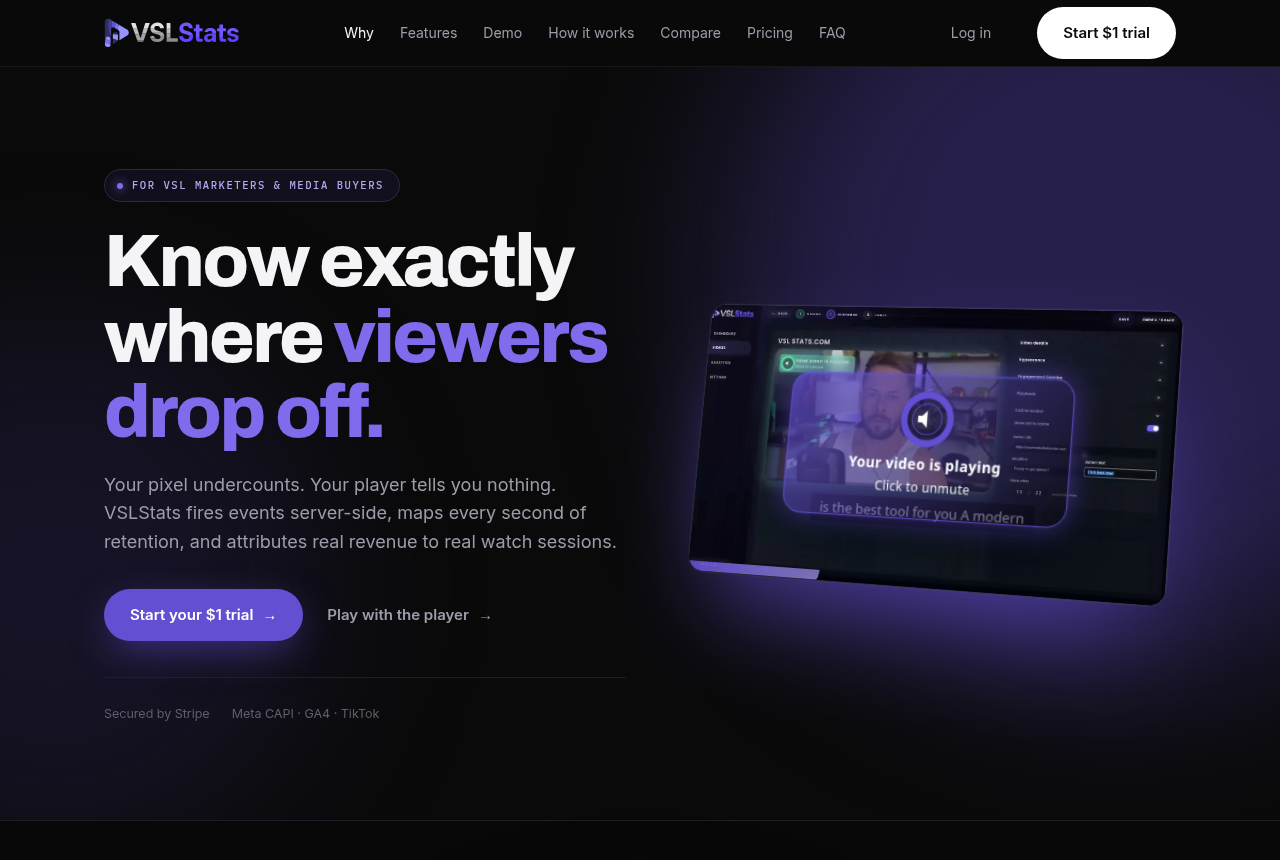
The VSLStats home page, headed "Know exactly where viewers drop off," describing a player that fires events server-side, maps every second of retention and attributes revenue to watch sessions, with a Start $1 trial button.

Best for webinars and B2B video tied to marketing automation

5. Wistia

Wistia is the pick if your video's job is B2B marketing and webinars inside a broader content stack.

What we like

  • Real webinar software plus a polished, on-brand, ad-free player, in one platform.
  • The Automation Suite pushes video and webinar engagement into HubSpot, Marketo and Pardot, so watch behaviour becomes a lead signal your sales team can act on.
  • Heatmaps, engagement graphs and A/B testing give marketers serious reporting, and there is a free plan to start.

The catch

  • It is built for B2B content and demand generation. A cold direct-response sales video will not get sound-first autoplay that restarts, or a sale posted back from the cart.
  • Costs climb as the library grows. Lead scoring sits on a higher plan, each extra person is billed, and storage and bandwidth are capped.

Read the full Wistia review

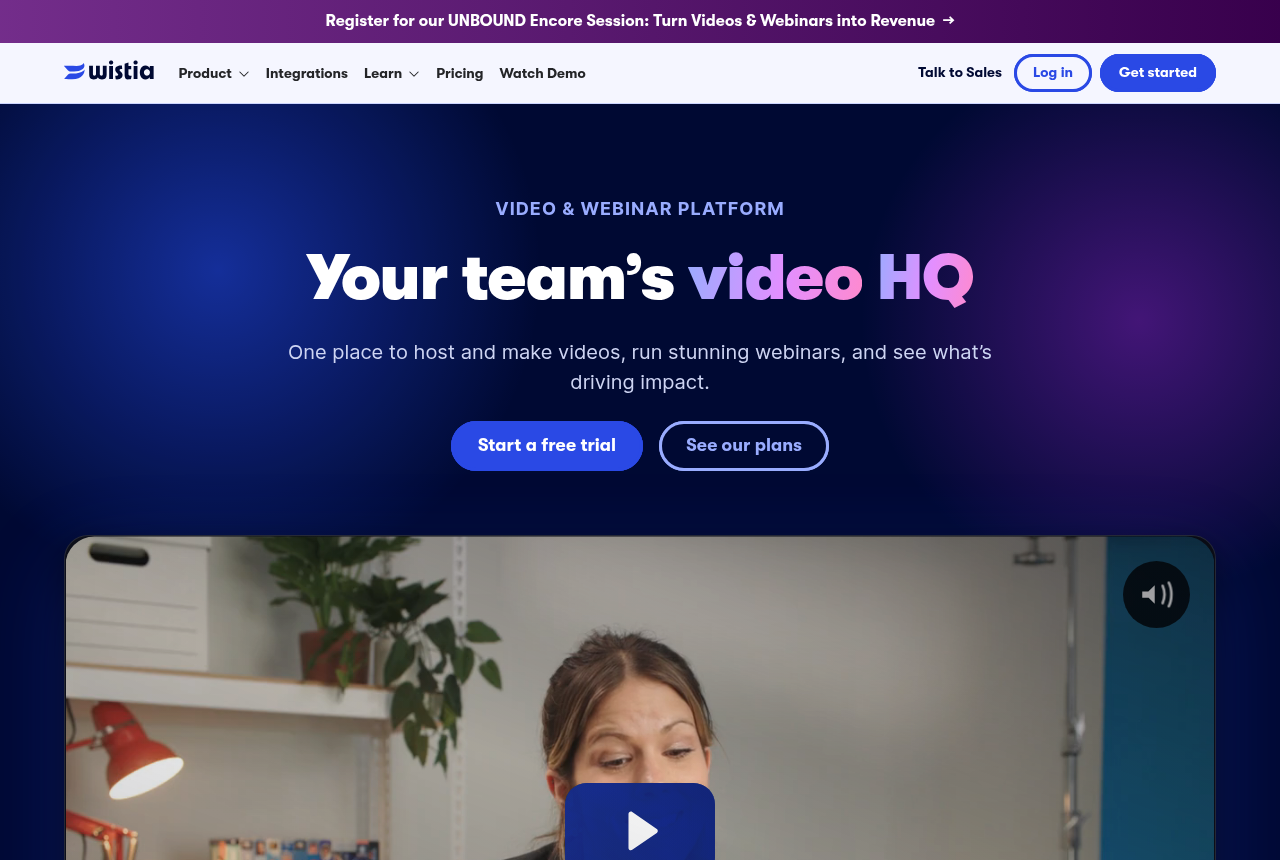
The Wistia home page

Best for personalized one-to-one sales videos and outreach analytics for revenue teams

6. Vidyard

Vidyard is the pick when reps sell one-to-one and need named-viewer engagement signals. It is an established platform for recording and sending personalized sales videos, with analytics that justify the seat. The recorder draws the most complaints, per-seat pricing climbs with headcount, and direct-response VSL attribution requires another tool.

What we like

  • The engagement analytics justify the seat for reps who sell one-to-one. Vidyard shows who watched, how far they got and what they replayed, then pushes that into the CRM as a signal. A rep can follow up while interest is warm.
  • Vidyard has sold video-for-sales since 2011, carries a 4.5 G2 rating across more than 700 reviews, and Salesloft lists it as a preferred video partner. Its customer list includes HubSpot's sales team, giving buyers a deep operating record to examine.
  • It slots into the tools reps already live in. A Chrome extension and desktop app handle recording, while integrations with HubSpot, Salesforce, Salesloft, Marketo and Apollo keep the video inside the sequence. A no-card free plan lets a rep try recording and sharing.
  • It turns a sent video into a next step. In-video CTAs, branded sharing pages, password protection and Video Hubs point the viewer toward a booking link or gated page.

The catch

  • The browser recorder is the recurring complaint, and it is the tool reps touch every day. Long-term users report the Chrome extension crashing mid-recording, needing reinstalls, and videos loading slowly. Support gets good marks for responding quickly, so the problem is friction rather than a dealbreaker.
  • Per-seat pricing climbs as the team grows, and the integrations most teams want sit above the entry plan. CRM and marketing-automation syncing starts on the custom-priced Teams tier, which pushes a growing revenue team into a demo call and a bigger bill.
  • It is built for one-to-one sales outreach and B2B video. Cold-traffic landing pages need a purpose-built VSL player for sound-first autoplay, buyer-split retention, sales-led experiments and cart attribution.
  • Editing and the free plan are thin. Reviewers find the built-in editing limited next to Loom or Descript and say the AI avatar lip-sync still feels unnatural. The free plan has no video hosting and caps recording at five videos a month, so it is a trial of the recorder more than a usable tier.

Read the full Vidyard review

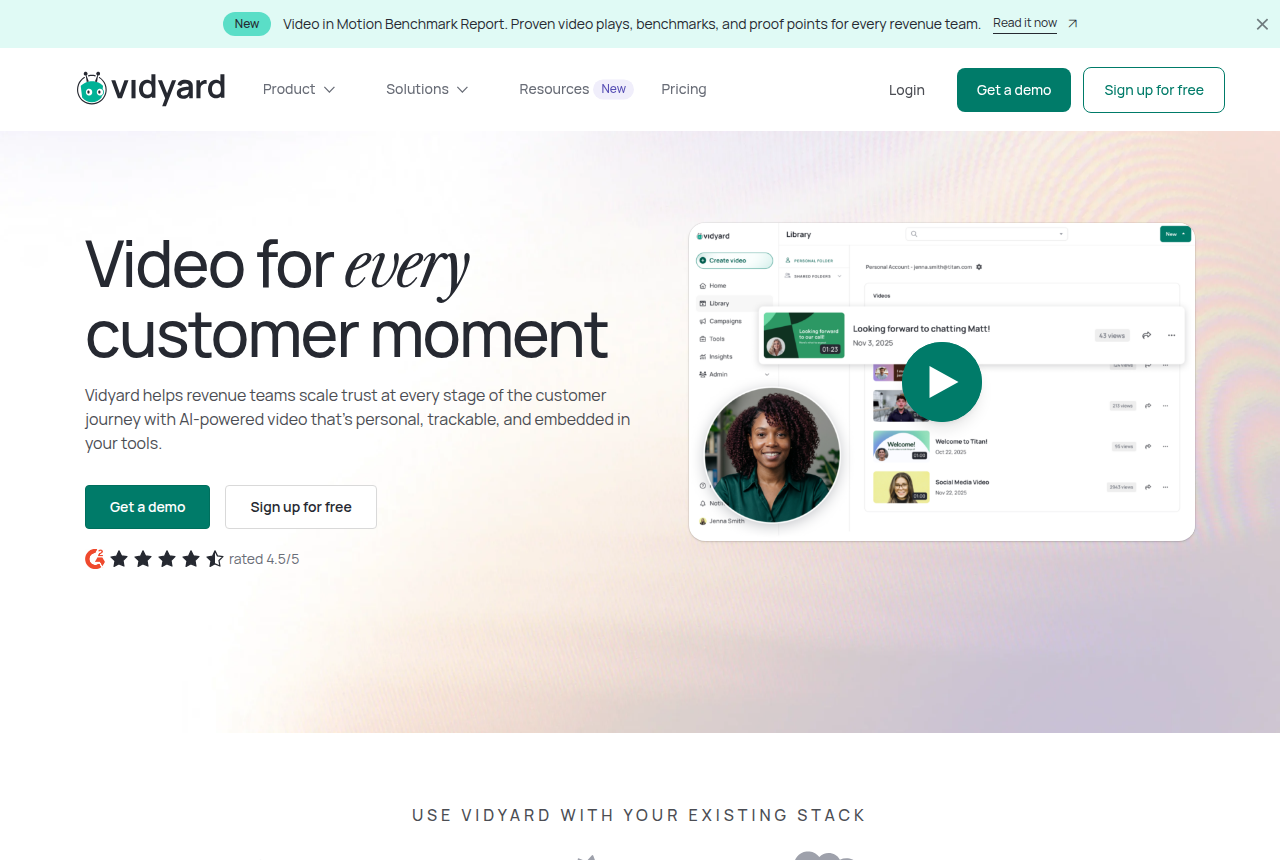
The Vidyard home page, headed "Video for every customer moment", describing AI-powered video that is personal, trackable and embedded in your tools, with Get a demo and Sign up for free buttons.

Best for simple, reliable video hosting

7. Vimeo

Vimeo is the pick if you need dependable hosting and a clean player for general-purpose video.

What we like

  • A dependable, widely used host with a clean, ad-free player and a large free-to-enterprise range.
  • Covers a broad set of jobs beyond a sales page: a video library, interactive video, live streaming and webinars.

The catch

  • It is a general-purpose host. Conversion analytics, cart attribution and marketer-focused VSL autoplay sit outside the platform.
  • A paid-traffic sales video needs tracking elsewhere because Vimeo does not tie plays to sales.

Read the full Vimeo review

The Vimeo home page

Best for the cheapest pay-as-you-go delivery, if you build the selling layer yourself

8. Bunny Stream

Bunny Stream is the pick if you want the cheapest reliable way to host and deliver your selling video, and you are ready to build the player logic and tracking around it yourself.

What we like

  • The cheapest delivery on this list by a wide margin. Encoding, the player and the security layer cost nothing extra, so the bill is just the gigabytes stored and served. Course owners on Reddit report bills under $10 a month after leaving a plan-based host.
  • Usage sets the bill. You pay for the traffic you actually use, which fits an unpredictable launch better than a fixed monthly tier.
  • Built for developers: a resumable upload API and adaptive HLS you can drop into any player of your choice. Signed tokens and hotlink protection come included, and only enterprise-grade DRM is billed separately.

The catch

  • It is raw video delivery. You build the CTAs, conversion analytics and sales tracking yourself, or add another tool.
  • The product is built for developers. Long-term users describe the API and dashboard as less mature than Vimeo's or Wistia's, so a non-technical marketer will feel the gaps.
  • Regional playback can vary. Reports include slow playback in some regions, a serious complaint about lost video files, and two Stream incidents in September 2026. Keep your own master files and test playback in your buyers' regions before you migrate.

Read the full Bunny Stream review

The Bunny Stream product page on bunny.net

Best for a managed video host that also optimizes your site images

9. Gumlet

Gumlet is the pick if you want one managed platform to host protected videos and optimize your site images, and you can pilot it before you trust a live launch to it.

What we like

  • Two products on one bill. You get managed video hosting (adaptive streaming, live, AI subtitles and chapters) and a separate image-optimization CDN that auto-serves AVIF and WebP to speed up your pages. For a team that would otherwise pay two vendors, that is a real saving.
  • Priced well under Vimeo and Wistia for what it includes: a genuine free-forever tier, and paid plans from $6 monthly on annual billing. Reviewers consistently praise fast playback and value, and the aggregate scores back them up, at 4.7 across 357 G2 reviews and 4.9 across 202 on Capterra as of late 2026.
  • Content protection built for paid courses: one-click Widevine and FairPlay DRM as a paid monthly add-on, dynamic watermarks, plus domain and geo restrictions and signed URLs on the standard plans. It is why people leave YouTube or an over-priced Vimeo plan.

The catch

  • A community thread documented every embed on an account suddenly returning a dashboard-only error, and AppSumo buyers reported an outage with no fix ETA and support slow to respond. Pilot it and keep a second host you can fail over to.
  • Bandwidth is metered and billed past your plan allowance, and users flag the lack of a hard spend limit as a risk on public or viral videos. Set usage alerts and ask support about caps before you go live.
  • It hosts and protects video. In-player CTAs, forms and Meta or Google pixels are present, while buyer-split retention and cart-verified sale attribution require a conversion player.

Read the full Gumlet review

The Gumlet video hosting home page on gumlet.com

Best for locking down and selling course videos on a budget

10. Spotlightr

Spotlightr is the pick if you sell courses and want encrypted, branded video with gating, quizzes and analytics built in, for less than Wistia charges.

What we like

  • HLS encryption, domain locking, password protection and a dynamic IP watermark are on by default, on the entry tier as well.
  • The selling layer is built in: in-video CTAs, email and SMS gating, lead forms and a Stripe paywall for pay-per-view, plus a free WordPress and LearnDash integration a lot of course creators buy it for.
  • Cheap at the bottom. Light is $13/mo on annual billing with encryption included, well under Wistia, and every video keeps an evergreen embed you can update without losing views or analytics.
  • Support is the most-praised thing about it: Capterra rates customer service 4.8, and smooth, glitch-free playback is the common experience.

The catch

  • The public review base is small and the sharpest complaints concern downtime and slow notification when it happens. Independent proof at scale remains thin, so pilot it and keep a fallback host ready.
  • The dashboard divides people. Several reviewers find settings hard to find and advanced options buried, so expect a learning curve even when the feature you want is present.
  • It is course-and-marketing hosting. Buyer-split retention and cart-verified sale attribution require a conversion player for a cold-traffic sales video.
  • Bandwidth is metered with overage at $0.05 per GB and lacks a hard spend cap. High-traffic creators often find raw CDN delivery cheaper.

Read the full Spotlightr review

The Spotlightr home page, headlined secure, affordable video hosting for courses on WordPress, Kajabi and Thinkific

Best for private hosting for business and training video, with the deepest security controls here

11. SproutVideo

SproutVideo is the pick if you need private, ad-free, white-label hosting for business, training or course video, with deep privacy controls and support from actual humans.

What we like

  • The privacy controls are the deepest in this roundup. Password protection, domain-locked embeds, viewer logs and two-factor authentication are included on every tier, with dynamic watermarks, viewer SSO and geo or IP limits on higher tiers. If the video has to stay private, begin the search with SproutVideo.
  • The analytics actually help. Engagement heatmaps and per-viewer tracking show exactly how far each person watched, what they rewatched and where they dropped, which is genuinely useful for telling whether the footage holds attention.
  • It is a mature, well-supported company. SproutVideo has run since 2010, carries a deep review base (Capterra 4.8 across roughly 188 reviews, G2 about 4.6 across 187) and staffs support with real people. On reliability it is one of the safer picks here.
  • Fair starting price and a real trial. Seed is $12 a month on annual billing with white-label, ad-free playback and the marketing tools included, and the 30-day trial needs no card up front.

The catch

  • Bandwidth is metered, with per-GB charges beyond the included allowance. Cap your usage before you launch anything public.
  • The gaps between plans are large. A single missing feature or a little more bandwidth can force an expensive upgrade, and one G2 reviewer called the jump to the next pricing tier steep.
  • It is a private business host. Buyer-split retention, VSL autoplay and cart-verified sale attribution require a conversion player for a cold-traffic offer.
  • Public-facing customization is shallower than some want. Reviewers ask for per-video and per-playlist styling the platform does not expose, and changing settings across a big library one video at a time is slow.

Read the full SproutVideo review

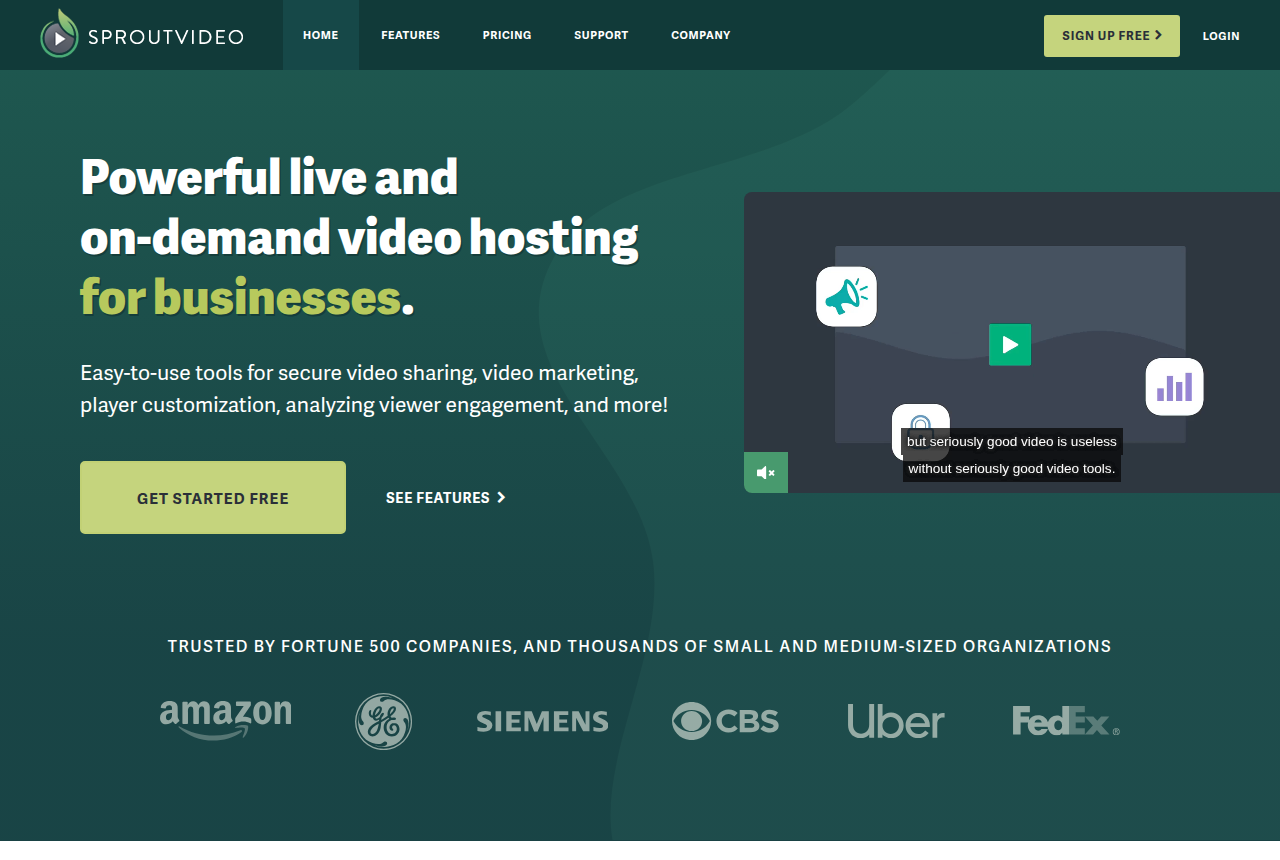
The SproutVideo home page, headlined live and on-demand video hosting for businesses, with Get Started Free and See Features buttons

Best for low-cost, uncapped-bandwidth hosting for marketers who capture leads inside the player

12. Voomly

Voomly is the pick if you want low-cost, unlimited-bandwidth hosting with in-video lead capture and simple funnels, and you can live with engagement-level analytics rather than sale-level attribution.

What we like

  • Uncapped bandwidth starts on Plus, the second paid tier, so a sudden spike in views does not add an overage fee.
  • The selling layer is built in: an email gate inside the video, branching video funnels with surveys and calls to action, sharegates, chapters, custom branding and a 4K player.
  • A free Light plan and a Vimeo import tool let you try the player on real pages before paying, and Voomly honours refund requests sent within 30 days of purchase.
  • The Cloud plan bundles Doodly, Toonly, Talkia, Pyks and People Builder, so a marketer who also makes the videos gets a production suite and a host on one bill.

The catch

  • Billing draws the most complaints. Trustpilot reviewers describe charges that continued after they cancelled and a cancel button that logs them out, and once the 30-day window closes, no refund is given.
  • Analytics cover watch graphs and heatmaps. A completed sale is not sent to the ad platform. The report leaves out revenue per play. Split tests are not scored by sales.
  • Support is available by email and a button on the page. Buyers report replies that arrive the same day or not at all.
  • During the platform move, an account can sit in either of two billing systems. The first sign-in asks you to install a desktop app before the browser version will open.

Read the full Voomly review

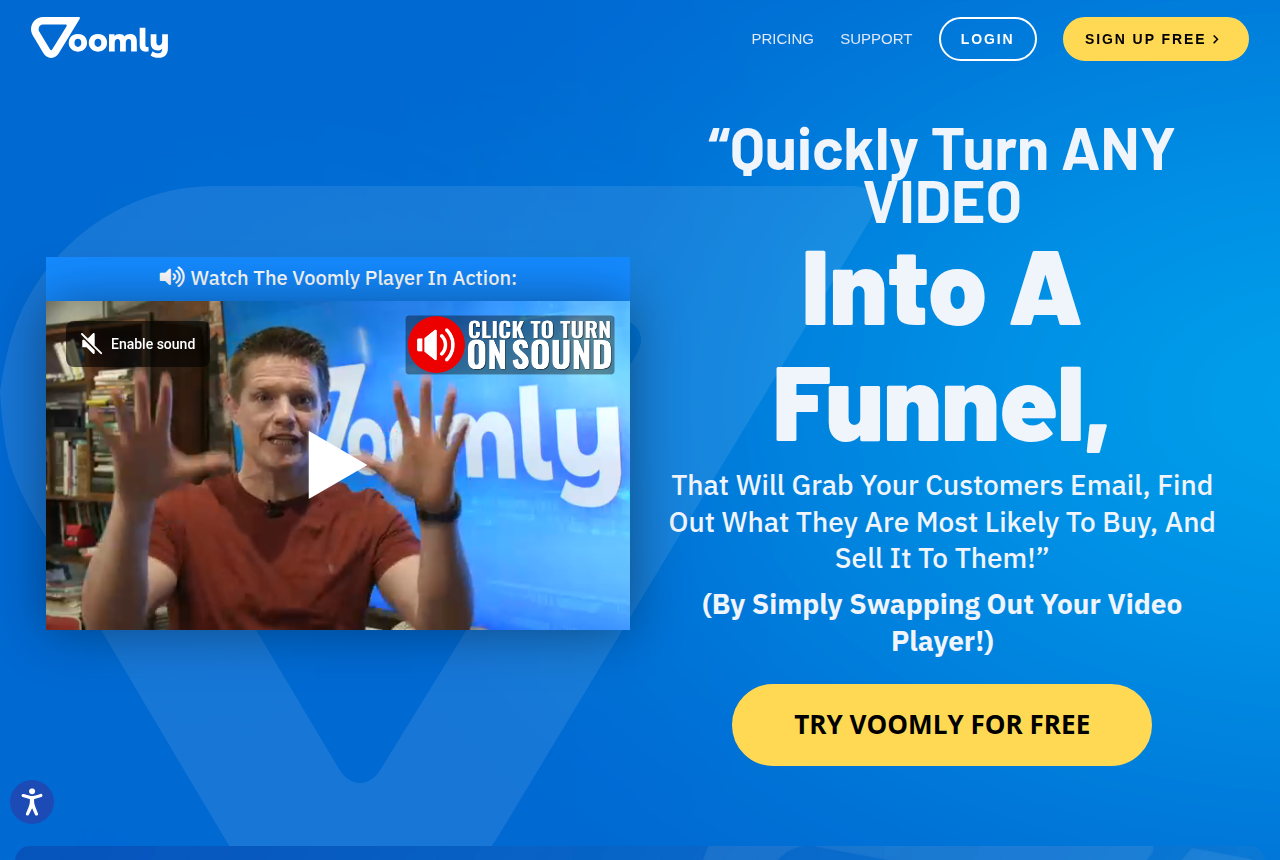
The Voomly home page, showing its pitch to turn any video into a funnel by swapping the player

Best for marketers who want in-video CTAs, lead capture and content security on an ad-free host with unlimited bandwidth

13. Adilo

Adilo is the pick if you want a marketing-focused video host with in-video CTAs, lead capture and real content security on a free plan with unlimited bandwidth. Read every plan as unlimited plays with storage as the paid meter. The product is capable and cheap to start. The risk is a support and billing record that has burned some long-term buyers.

What we like

  • In-video CTAs and buy buttons, lead-capture forms at any timestamp, thumbnail and A/B split tests, and Facebook and Google retargeting pixels all sit inside the player. Most work on the free plan.
  • Unlimited bandwidth and plays come on every plan, including free. Adilo bills on storage, so a clip that takes off avoids a traffic overage bill.
  • Multi-DRM encryption, personalized dynamic watermarks, domain whitelisting, geo-blocking and IP licensing serve course sellers and premium-content owners who need to stop downloads and sharing.
  • Fast, light player and a clean dashboard. Reviewers single out load speed and an interface non-technical users set up quickly, and there is a free-forever tier with no card to try it.

The catch

  • The word unlimited has a history of getting capped. Buyers who were sold unlimited storage, including lifetime-deal holders, report being told a limit now applies, with an upgrade-or-lose-your-videos deadline. Today the unlimited promise covers bandwidth and plays only, and storage is what you pay for.
  • Support and refunds are the weak point. The recurring critical theme is slow or unresponsive support and disputed refunds, usually tangled up with billing and the plan changes. Escalations and money disputes draw the harshest reports.
  • It is a host with marketing tools. Buyer-split retention and cart-verified sale postbacks sit outside Adilo, although its retargeting pixel can fire on watch time.
  • The public pricing page hides the Unlimited figure behind a storage picker, and the tiered plans older reviews describe have changed. The Unlimited number appears only after you create an account and pick a storage amount.

Read the full Adilo review

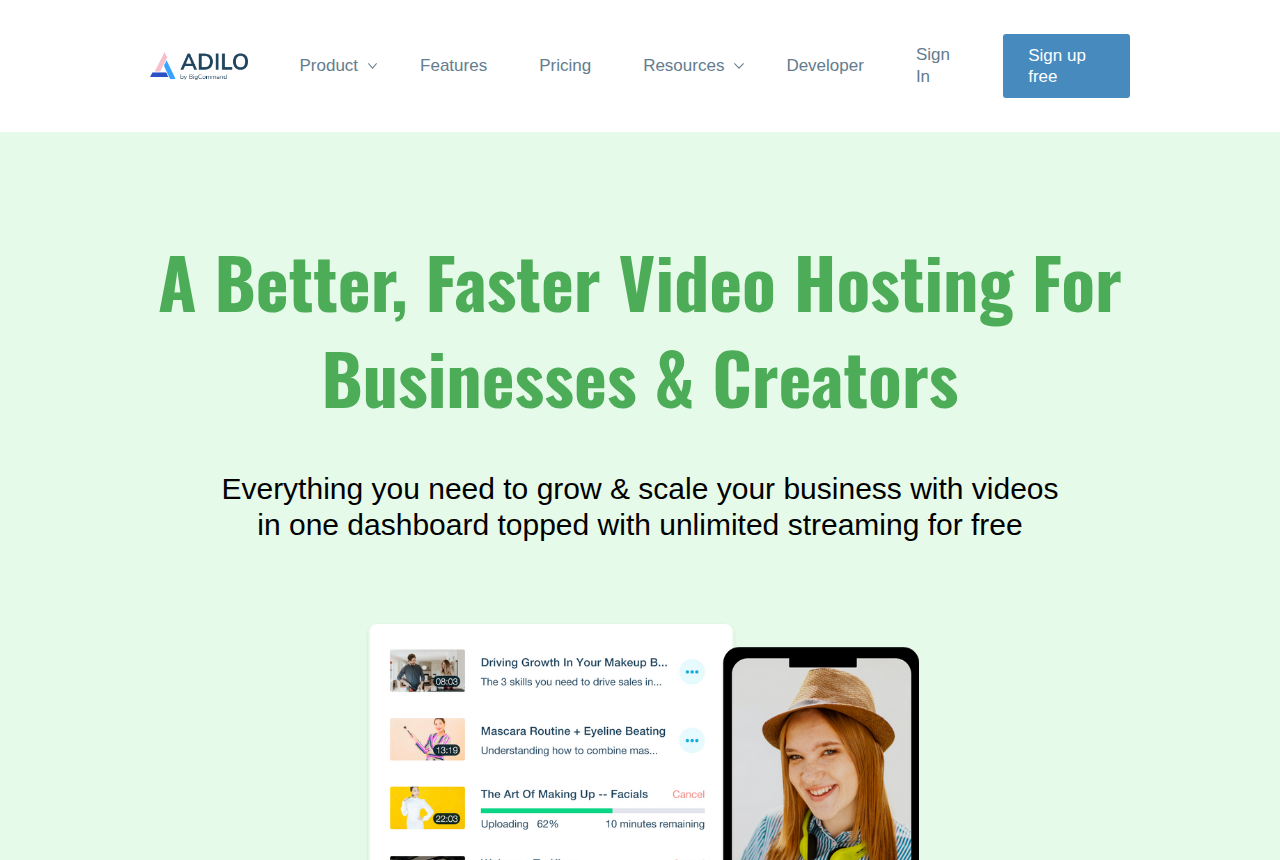
The Adilo home page, headlined a better, faster video hosting for businesses and creators, with a Sign up free button

Best for cheap, reliable global video delivery on a transparent per-minute model, if you build the selling layer yourself

14. Cloudflare Stream

Cloudflare Stream is the pick if you want cheap, reliable video hosting and live delivery on a transparent pay-per-minute model, you are comfortable driving it through an API, and you will build the CTAs, lead capture and conversion tracking yourself. Its infrastructure focus and per-delivered-minute billing can get expensive for a low-bitrate video watched by a big audience.

What we like

  • Genuinely cheap and simple to reason about. Two meters only, minutes stored and minutes delivered, with encoding, upload and bandwidth included. Developers on Hacker News call it an honest paid platform.
  • The reliability and reach of Cloudflare's own network. Stream runs on the same infrastructure that moves a big share of the world's web traffic, so playback holds up globally and under load without you managing a CDN.
  • One API from upload to playback, for on-demand and live. RTMP and SRT ingest, automatic adaptive-bitrate HLS and DASH output, a built-in player or your own. A developer can wire video into a product in an afternoon.
  • Delivery is billed per minute watched, which removes gigabyte and bitrate calculations from the invoice.

The catch

  • It is infrastructure. You build or add the in-video CTAs, lead capture, split tests and sales attribution.
  • The per-delivered-minute model penalizes the type of content this audience runs. A talking-head VSL or evergreen webinar at low bitrate costs the same per delivered minute as 4K, so a cheap-to-produce clip with a big audience can get disproportionately expensive. Do the math for your view count before you commit.
  • Content protection is do-it-yourself. Stream uses signed URLs and token auth, while premium studio DRM requires another route. Forum users report that shared signed links get passed to third-party players, and configuring the keys causes confusion.
  • Stream starts with a prepaid storage block and assumes you can code. The API-led workflow lacks a drag-and-drop marketing dashboard, which raises the setup burden for a non-technical seller.

Read the full Cloudflare Stream review

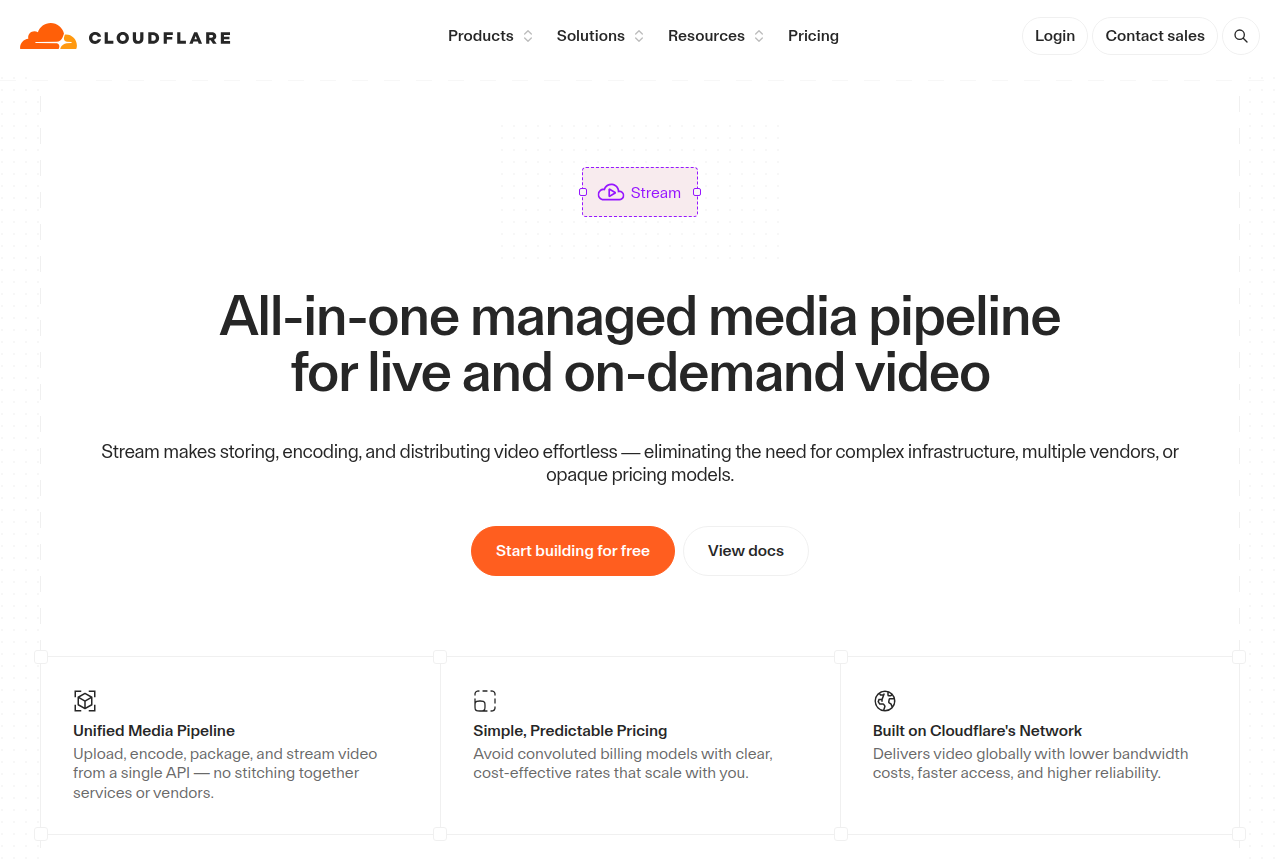
The Cloudflare Stream product page, headed with a managed media pipeline for live and on-demand video, showing Start building for free and View docs buttons

Best for live broadcasts and paid OTT libraries with pay-per-view, subscriptions or ads

15. Dacast

Dacast is the pick if your video's job is a live event or a paid content library. It is a reliable, monetization-ready broadcast platform with paywalls, pay-per-view and ad insertion built in. Broadcaster pricing, metered bandwidth and auto-renewing annual plans need watching. VSL sale attribution sits outside its job.

What we like

  • Pay-per-view (TVOD), subscriptions (SVOD) and ad-based (AVOD) all ship on the platform, with promo codes, group pricing and free preview clips. If you sell entry to live broadcasts or a content library, most of the selling layer is already there.
  • Reliable streaming is the consistent praise. Long-term Capterra reviewers, churches and round-the-clock broadcasters among them, describe smooth, dependable streams over years of use, delivered over top-tier CDNs with unlimited concurrent viewers included.
  • It is a genuine end-to-end platform: live and on-demand video, a white-label ad-free HTML5 player, an OTT app layer, a full video API, DRM and AES on higher tiers, plus domain and country restriction. One vendor covers broadcast, hosting and monetization.
  • Real support and 16 years on the market. Round-the-clock support is included on all tiers, phone support from the Scale tier up, and the company has served professional broadcasters since 2008.

The catch

  • It is a broadcast and OTT platform. Its player and analytics center on live audiences and paid content access. A direct-response VSL still needs buyer-split retention, sales-led experiments and cart attribution elsewhere.
  • Billing catches people out, and it is the loudest complaint. Annual plans auto-renew by default, and several Trustpilot reviewers report being charged for a full extra year with refunds refused, saying they were never clearly told. Set a renewal reminder and read the terms before you commit.
  • The bandwidth meter can surprise you. The included transfer is a fixed allowance, and extra bandwidth costs $0.30 per GB, so a bigger audience than you planned becomes an overage. Model your view count against the plan's TB allowance first.
  • It is priced for organisations, and month-to-month has a three-month minimum. The Starter plan is $39/mo billed annually and DRM only arrives on the $165/mo Scale plan, so a solo marketer testing a single funnel is paying broadcaster money for broadcaster features they may not use.

Read the full Dacast review

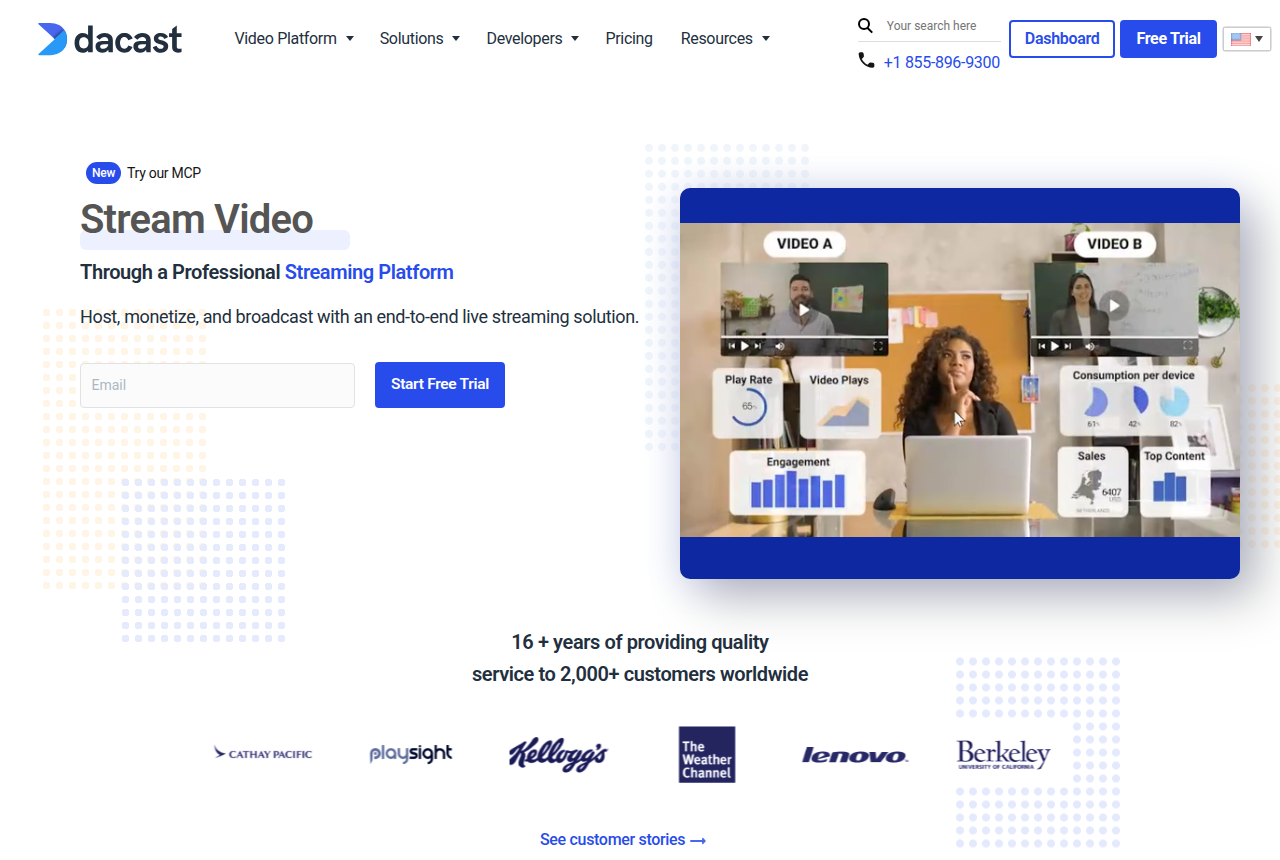
The Dacast home page, headed "Stream Video through a professional streaming platform", with a Start Free Trial button

Best for developers building video into their own product through an API

16. Mux

Mux is the pick if you are a developer building video into your own app and want clean infrastructure with a bundled player and analytics on a per-minute bill. Marketers running a VSL must build the CTAs, lead capture and sale attribution on top.

What we like

  • The best developer experience in this category. The API is clean, the docs are current, and reviewers integrate video in an afternoon. One comparison treats the API the way developers treat Stripe, and Capterra reviewers single out documentation that saves real development time.
  • The player and the analytics are free. Mux Player and Mux Data (quality-of-experience analytics: views, playing time, retention, top content) cost nothing on top of usage, and on-demand captions in 22 languages are free too. With delivery-only rivals, you would build or buy those.
  • A real free tier and per-minute billing you can reason about. 100,000 delivery minutes a month free with no card, then you pay per minute of video duration rather than per gigabyte, so a bitrate spike does not blow up the bill. Just-in-time encoding and automatic cold storage keep the base rates low.
  • It holds up at scale. Large media teams run production video on it and long-term users describe it as something that just works, without them managing a CDN or an encoding pipeline.
  • AI workflows are built in. Mux Robots will translate captions, generate chapters, summarize, find key moments and moderate content through the same API, billed per minute plus per job.

The catch

  • It is infrastructure. You build or add sound-first autoplay, timed CTA cards, lead capture and cart-verified attribution.
  • It assumes you can code. The whole product is driven by an API, and there is no drag-and-drop marketing dashboard to publish a page and watch conversions. A non-technical seller will feel that on day one.
  • Cost compounds as you scale. Encoding, storage and delivery are separate meters, and Mux itself admits video is often a company's single largest infrastructure line, larger than its whole AWS bill. Independent comparisons flag Cloudflare Stream as cheaper for plain hosting, so model your view counts before you commit.
  • The cheap headline rate is the basic tier only. Higher visual quality (plus and premium) costs more per minute, and DRM and custom domains are paid monthly add-ons each, so a premium, protected library costs well above the base rates.

Read the full Mux review

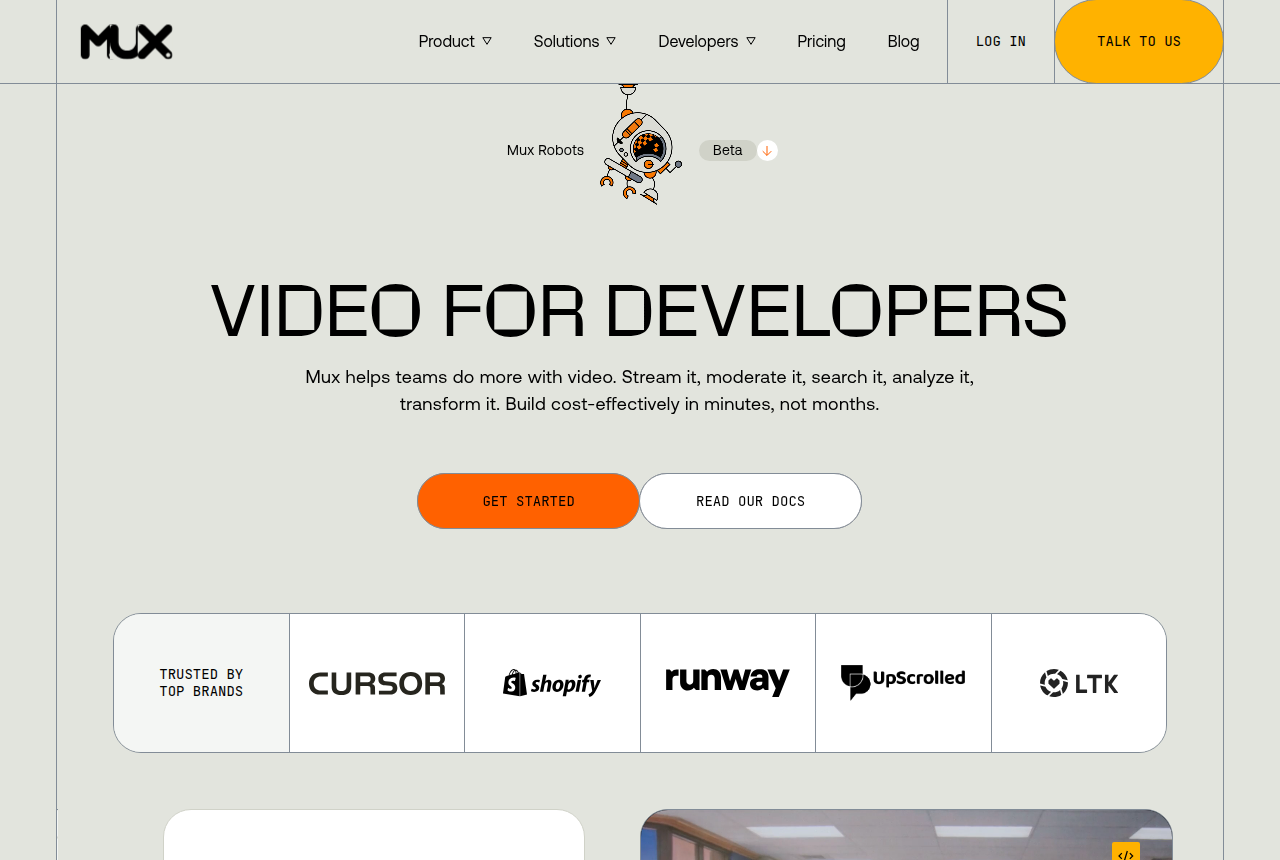
The Mux homepage, headed Video for developers, with Get started and Read our docs buttons beside a code snippet that embeds a video with a few lines of React.

Best for established creators turning an audience into a paid subscription membership with branded apps

17. Uscreen

Uscreen is the pick if you are an established creator turning a real audience into a paid membership, with your own branded apps and a community around the video. It is a genuine, mature membership business in one platform, and the apps are the reason people stay. It is priced for creators who already have subscribers: the per-member fee climbs fast, support is email-only, and nothing here converts cold paid traffic, so a VSL funnel is the wrong job for it.

What we like

  • It is a complete membership business in one platform. A Netflix-style catalog, native live streaming, a community space and your own apps sit under one roof, so you avoid stitching a host to a checkout to a forum. Creators who migrated say the setup lifted trust and retention.
  • The branded mobile and TV apps are the standout, and they deliver. Your content ships as your own app in the App Store, on Google Play and on TV platforms with no code, and creators credit the apps for higher watch time and app-first viewership. That own-app presence is the clearest reason to choose Uscreen over a plain host.
  • Monetization is built for recurring revenue. Subscriptions, one-time purchases, free trials, bundles and coupons all ship in the box, and Uscreen puts creator earnings on the platform at over $210M a year, so the membership model works at scale.
  • Onboarding is hands-on and migrations are free. Uscreen assigns a success manager, moves your users, payments and content across at no charge, and long-term reviews praise its responsive launch support more often than almost anything else.

The catch

  • The per-subscriber fee makes it expensive as you grow, and it is the loudest complaint. Growth adds $1.99 per active member on top of $149/mo, so 1,000 members is roughly $2,100 a month before anything else, and reviewers note rates rose after a price increase. One Capterra reviewer flags the price as steep for a small creator. Model the fee against your margin before you commit.
  • It is a membership tool for recurring access and a warm audience. Cold-traffic VSL playback, buyer-split retention and cart attribution require another layer.
  • You get email and chat support with no phone line, and the experience varies. Plenty of reviewers call the team fast and helpful, but others report slow replies at odd hours when something breaks, and cancellation is email-only, which some read as a deliberate barrier. Know that before you rely on it for a live launch.
  • Documents can only be delivered when attached to a video, and one long-term reviewer describes gritting their teeth through growing pains. The platform still has uneven edges.

Read the full Uscreen review

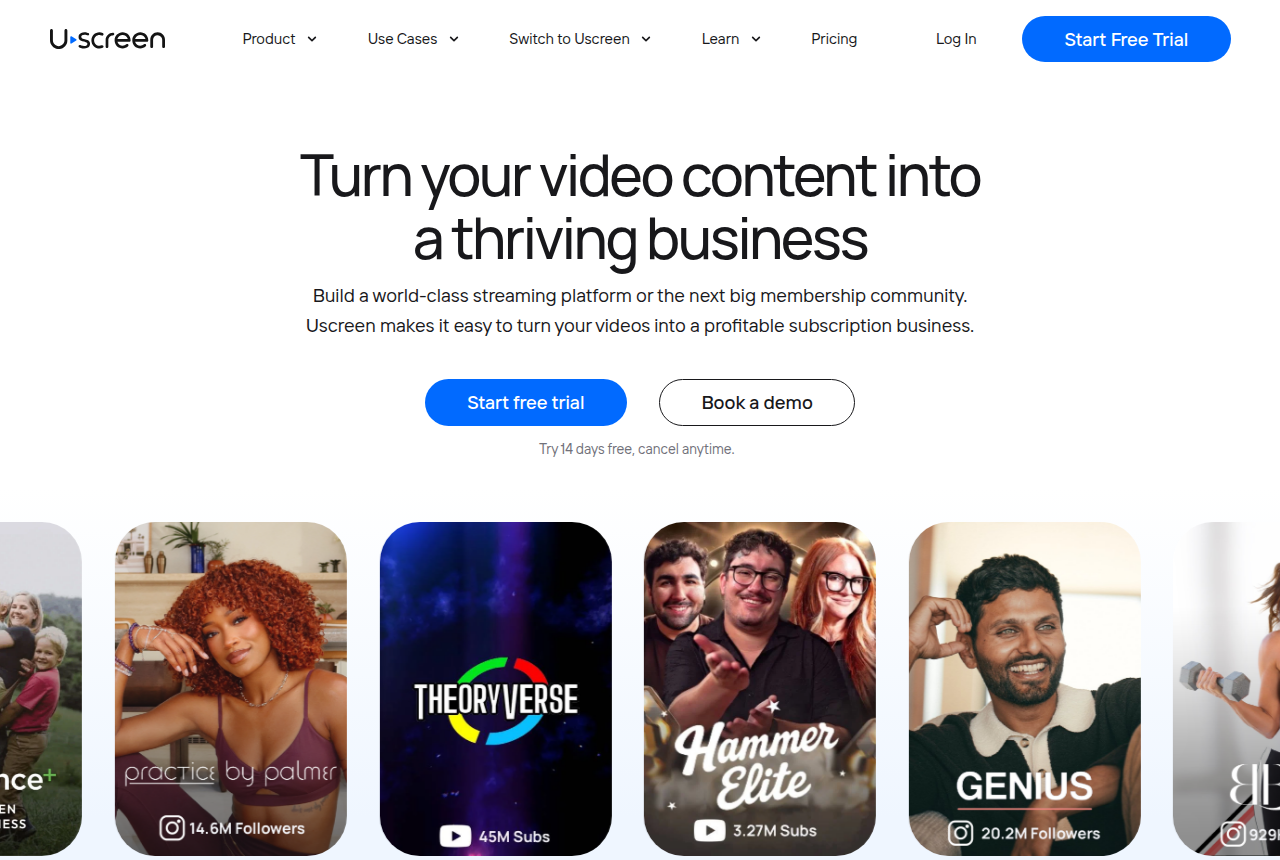
The Uscreen home page, headed "Turn your video content into a thriving business", with a Start free trial button

Best for E-learning and premium video behind a login where downloads and leaks cost revenue

18. VdoCipher

VdoCipher is the pick when piracy is the deciding problem. Widevine and FairPlay DRM, dynamic watermarking and piracy tracking protect courses and premium video from downloading or screen recording. Its annual bandwidth plans suit content that already earns, while VSL conversion features require another layer.

What we like

  • Security is genuinely strong for sellers whose paid video must resist downloading and screen recording. Videos are encrypted with Google Widevine and Apple FairPlay, the same DRM Netflix uses, so browser plugins and downloaders cannot pull the file. Dynamic watermarking, screen-capture blocking and piracy tracking add more protection.
  • VdoCipher has sold secure video since 2014, is a certified Google Widevine integration partner, and names customers running it at real scale, including BookMyShow and edtech platforms with hundreds of thousands of students. That operating history supports a trust decision.
  • The integrations suit course and app builders. SDKs and plugins cover web, native iOS and Android, Flutter, React Native, WordPress and Moodle, so it drops into an LMS or native app. G2 reviewers single out easy WordPress and API integration and token-based access.
  • Protection comes as one package with a real trial. DRM, watermarking, piracy analytics, a custom HTML5 player and geo, domain and authentication restrictions ship together. The 30-day free trial (5 GB, up to 4 videos, no card) lets you test the encryption on your own content before paying.

The catch

  • It is a security host. A direct-response funnel needs autoplay, buyer-split retention, sales-led experiments and cart attribution from another tool.
  • It is priced for revenue, and steep before you have any. Reviewers call it more expensive than normal video hosting and costly for small business owners, and transcoding inflates storage, with one user reporting a 1 GB file using around 5 GB once processed. Plans are annual and metered on bandwidth.
  • Advanced setup needs a developer. A basic WordPress embed is quick, but reviewers report a learning curve and say iOS and FairPlay work is not fully covered in the initial documentation. A non-technical seller building a native app should expect to lean on support to get there.
  • The independent review base is thin for a company this old. Capterra shows a 4.0 rating across only three reviews, and some buyers find the marketing hard to parse. The vendor is established, but the outside review pile remains shallow, so use the free trial for due diligence.

Read the full VdoCipher review

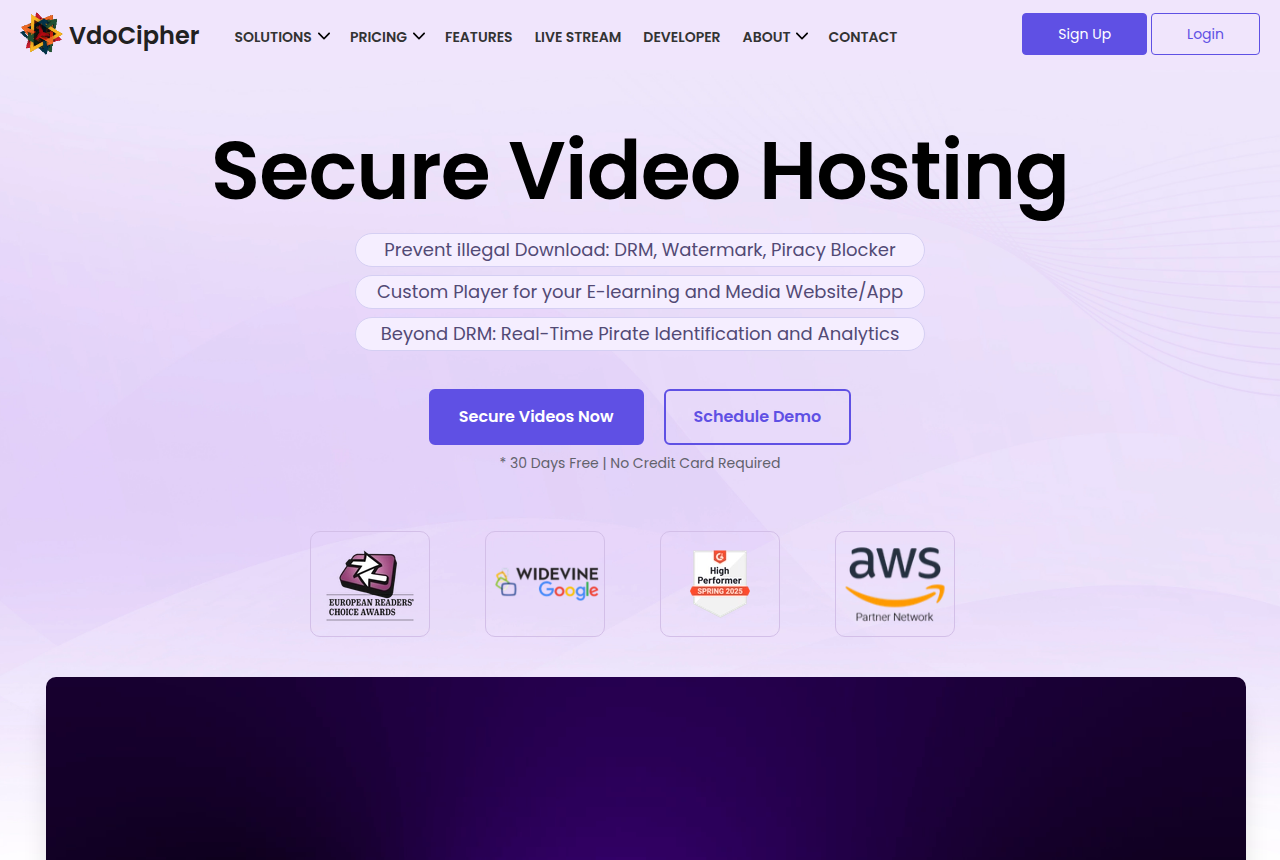
The VdoCipher home page, headed "Secure Video Hosting", with the line "Prevent illegal Download: DRM, Watermark, Piracy Blocker" and Secure Videos Now and Schedule Demo buttons.

Best for Live coach-style pitch webinars

18. WebinarJam

WebinarJam is the Zoom Webinars alternative to try first for a live sales pitch. Its cheapest plan pairs a 100-person room with registration pages, reminders and offers on screen, at the lowest annual price in this roundup.

What we like

  • Starter is a 100-person room with a one-hour cap, built for a live coach pitch.
  • Registration pages, email and SMS reminders, live offers and registration A/B tests are included in the plan.
  • Basic and higher plans include EverWebinar, so a successful live pitch can move into an automated replay program.

The catch

  • The Starter room is capped at one hour, which is tight for a long workshop with questions.
  • Automated replays need a separate product, EverWebinar, unless the plan already includes it.
  • A dense sales interface can be more software than a team needs for a simple educational event.

Read the full WebinarJam review

The WebinarJam homepage showing live and automated webinar software for selling online.

Best for predictable 50-seat marketing webinars run by one host

19. Demio

Demio is the pick if you want a legitimate, browser-based webinar room for one host and up to 50 attendees on a bill you can forecast for the year. You will regret it if you need simultaneous hosts on Starter, deep branding control, or native CRM sync without paying for Premium.

What we like

  • Starter gives one host a fixed 50-attendee room, so the yearly bill stays predictable for a webinar you run on a schedule.
  • Live, on-demand and automated webinars all sit on Starter, so evergreen sessions need no second product.
  • Attendees join in the browser with nothing to install, and users describe the room as clean and quick to learn.
  • The 14-day trial includes Growth features, HubSpot included, for sessions of up to one hour and 20 attendees.

The catch

  • Starter is limited to one host, so simultaneous events or a rotating host team require a higher tier or another paid host.
  • HubSpot, Salesforce, Marketo and Pardot integrations sit on Premium.
  • Starter sessions are capped at three hours.
  • One SaaS team says the pages are hard to customize and that support falls short.

Read the full Demio review

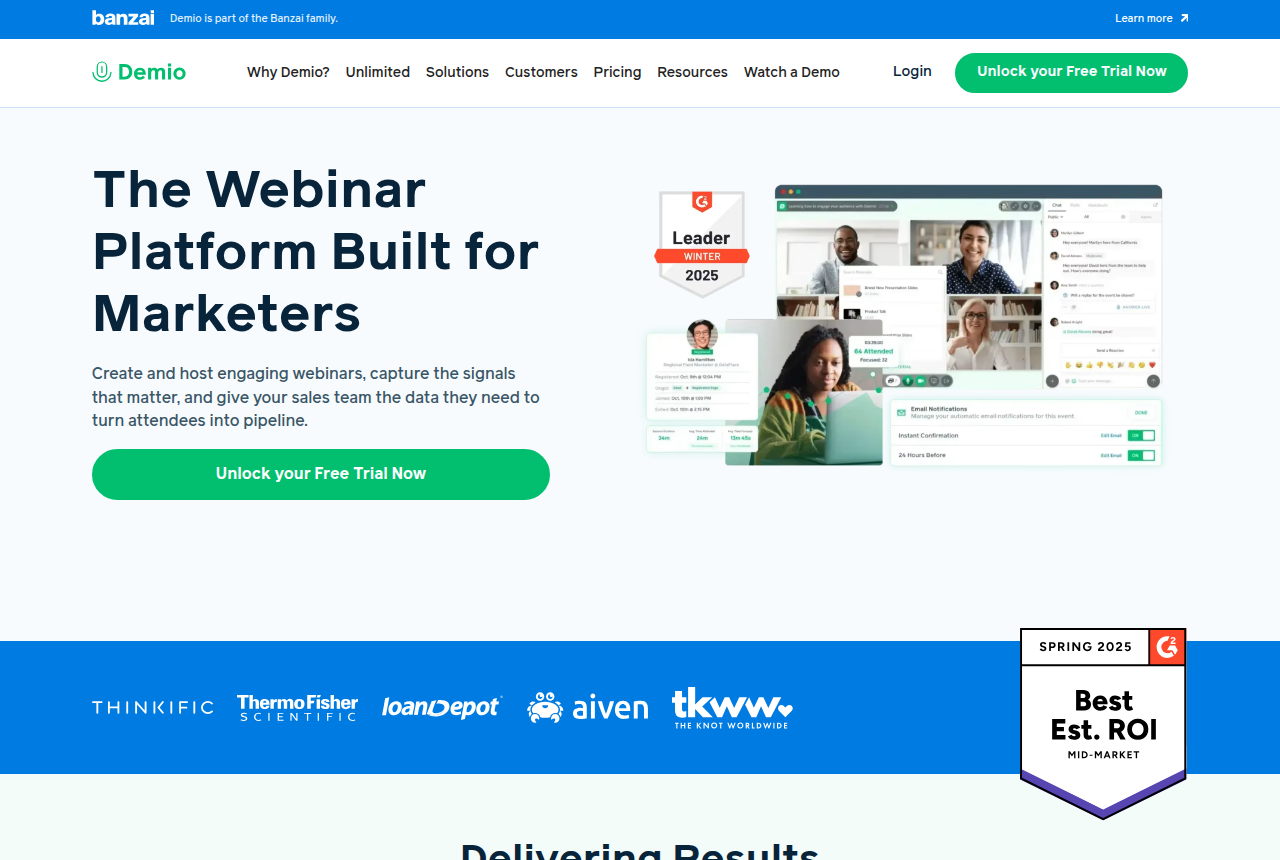
The Demio home page showing its marketer-focused webinar platform, a browser webinar scene, and a free-trial button.

Best for variable-turnout webinars, rotating presenters and teams using HubSpot

20. Livestorm

Livestorm is the better fit when attendance swings, several teammates host events or HubSpot sync matters before an enterprise tier. Its attendee-credit model saves money on no-shows, but consistently full rooms make the bill climb with every attendee.

What we like

  • The Pro plan charges only for people who attend live, replay or on-demand, while registrants who never join do not consume credits.
  • Unlimited internal team members on Pro suit organizations with rotating presenters and event operators.
  • Native HubSpot sync is available on Pro, alongside browser-based live, automated and on-demand webinars.

The catch

  • The attendee-credit model becomes expensive when rooms fill consistently because every actual attendee consumes a credit.
  • Salesforce, Marketo, Pardot and Microsoft Dynamics integrations require Enterprise.
  • Public Pro pricing is in euros, which adds currency planning for teams budgeting in dollars.

Read the full Livestorm review

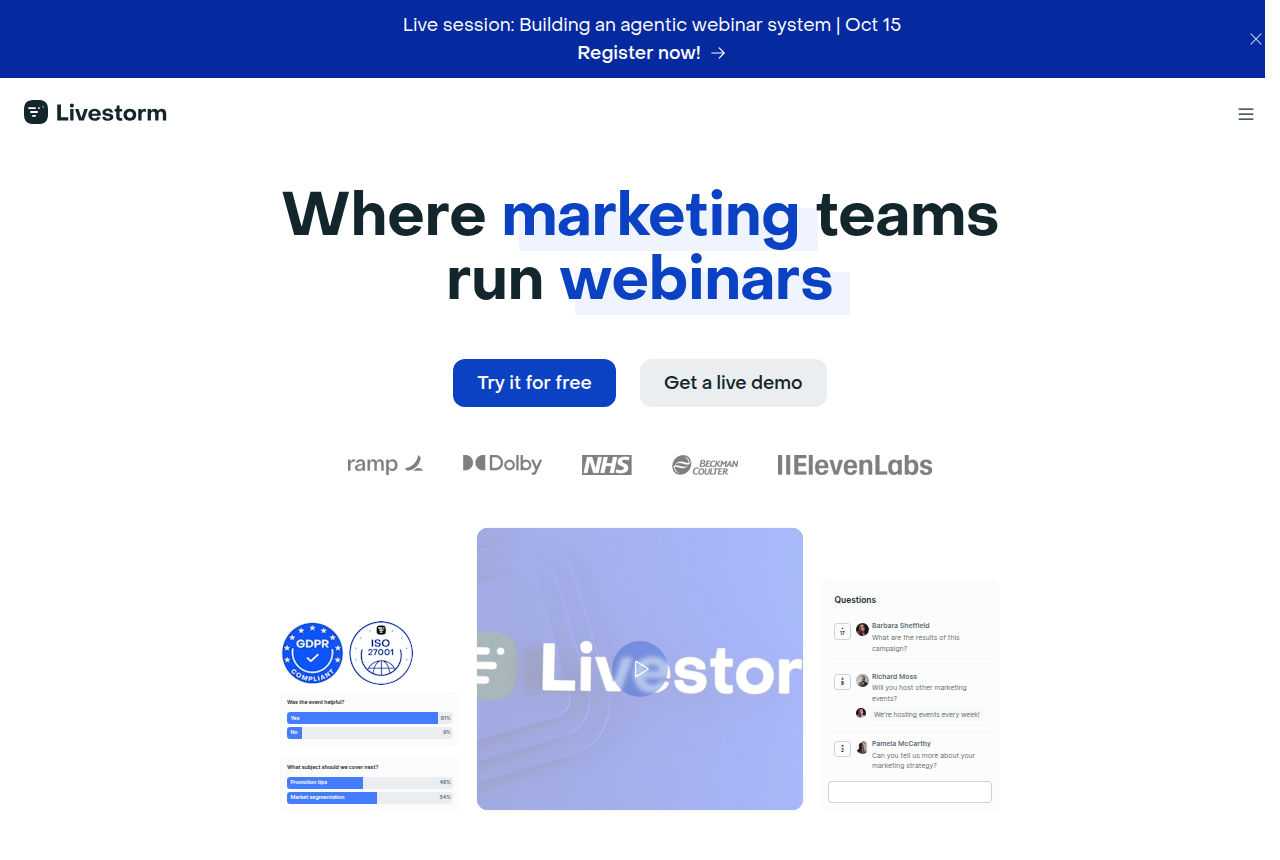
The Livestorm home page showing its browser-based webinar positioning, marketing-team headline, compliance badges, polls, and questions interface.

Best for small sellers building a low-cost evergreen webinar funnel

21. WebinarKit

WebinarKit is the value pick for a new evergreen offer. Its automated tier combines just-in-time sessions, registration pages, reminders and optional AI help at a much lower published entry price, though its promo-heavy pricing and add-on structure take more sorting out.

What we like

  • The automated tier lists a low monthly, annual and lifetime entry price for sellers protecting cash flow.
  • Automated webinars, registrants and attendees are unlimited, so the bill does not climb per attendee as the funnel grows.
  • Built-in pages, email and SMS reminders, AI-generated scripts and slides, and AI chat can keep a new stack compact.

The catch

  • Pricing varies across promotional and bundle pages, so the automated tier and the broader live or white-label bundles are easy to confuse.
  • Live webinars and white-label features are separate upsells rather than part of the base automated-webinar offer.
  • Its independent review footprint is thinner than EverWebinar's, and advanced integration workflows may add a paid Zapier layer.

Read the full WebinarKit review

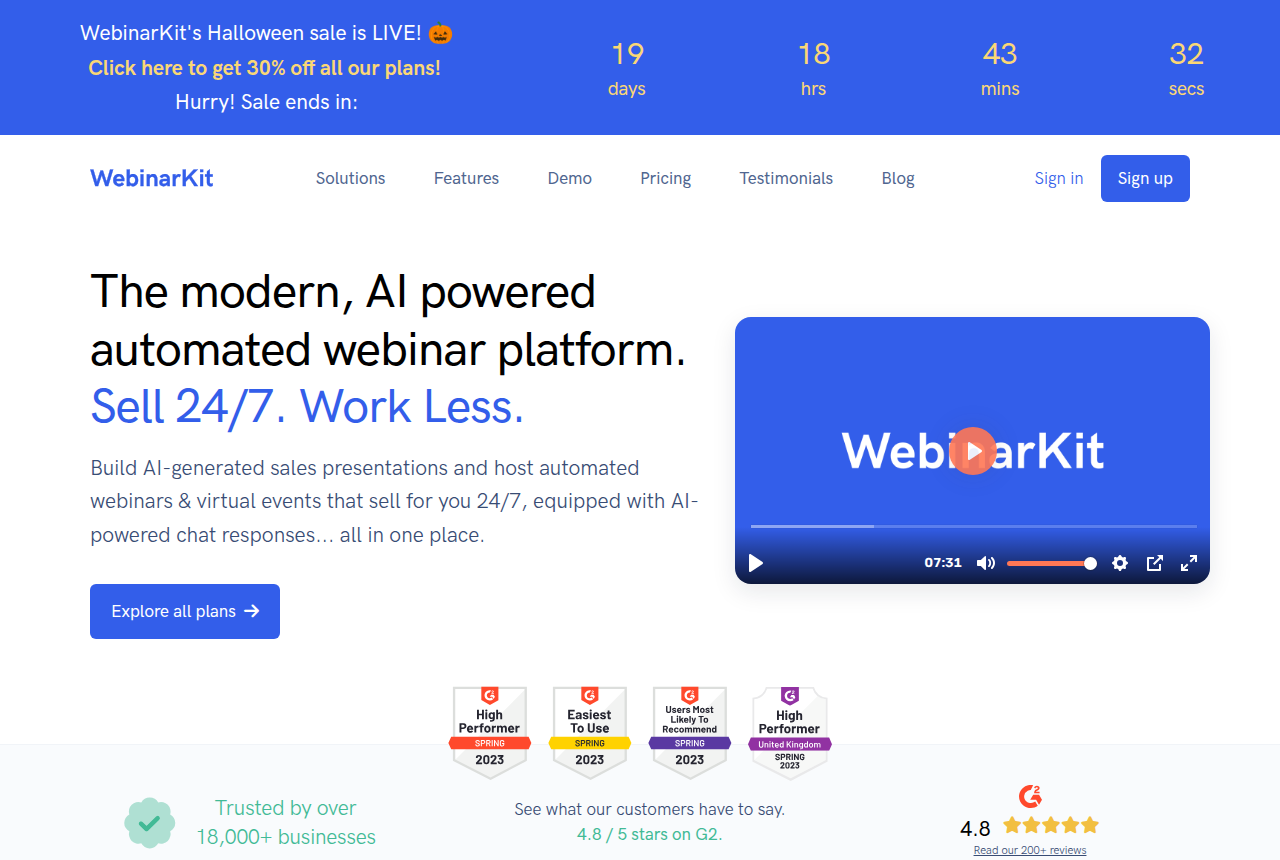
WebinarKit homepage showing its automated webinar platform and AI sales presentation positioning.

Best for reliable webinars inside the wider Zoom ecosystem

21. Zoom Webinars

Zoom Webinars remains a dependable event room, especially for teams already organized around Zoom. Sellers tend to look elsewhere when registration, reminders, replay automation and timed offers need to work as one marketing system rather than a collection of add-ons.

What we like

  • A familiar, reliable webinar room that fits organizations already using Zoom.
  • On Webinars Plus and Events, Zoom's developer platform exposes registration, ticketing, attendee metrics and webhooks.
  • The broader Zoom ecosystem can reduce operational change for an established team.

The catch

  • Built-in follow-up is limited, so registration emails and the next step often need another tool.
  • Timed selling mechanics are less central than they are in platforms built around live pitches.
  • Long-term customers report that webinar add-ons can be tied to the base contract term.

Read the full Zoom Webinars review

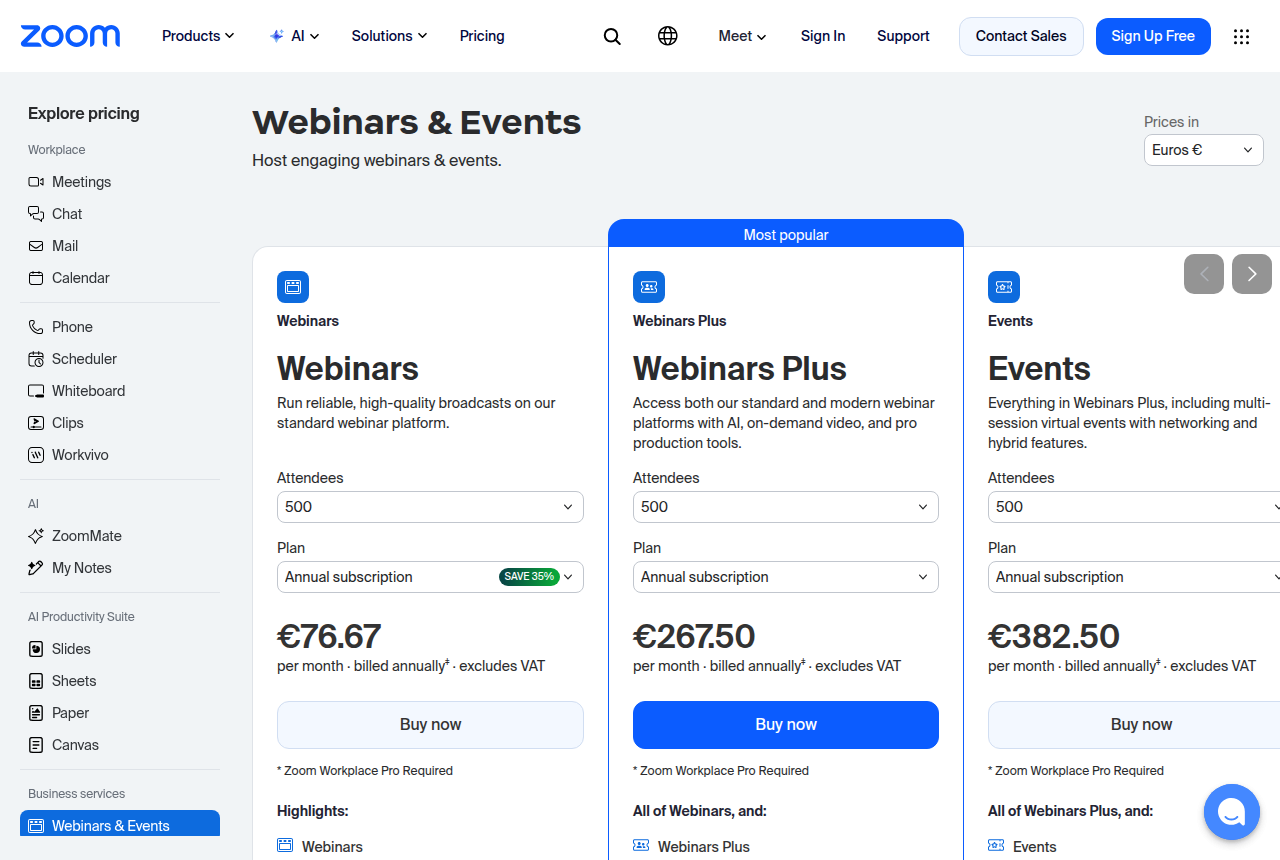
The Zoom Webinars and Events pricing page showing separate Webinars, Webinars Plus and Events plans.

Best for WebinarJam users and established automated webinar programs

22. EverWebinar

EverWebinar is the mature automation pick when Replica Replay, hybrid live chat or a WebinarJam workflow matters more than the bill. Every billing option carries the same features, but the public monthly and annual outlay is much higher.

What we like

  • Replica Replay imports a WebinarJam session with chat timestamps, polls, handouts and timed offers.
  • Hybrid mode keeps the recording running while a host or team member answers chat live.
  • Email reminders, optional SMS and just-in-time scheduling are included, and every billing option has the same features.

The catch

  • The listed price is steep for a small seller, whether you pay month to month or pay the year up front.
  • The low-cost trial converts to the full month-to-month price unless it is cancelled before the trial ends.
  • Live webinars require WebinarJam separately, and TrustRadius includes complaints about weak support.

Read the full EverWebinar review

EverWebinar homepage showing its automated webinar scheduling and evergreen sales positioning.

Best for coaches running live pitches and evergreen replays on one plan

23. EasyWebinar

EasyWebinar is the pick if you are a coach or course seller who wants live pitch webinars, evergreen replays, in-room checkout and a CRM on one subscription, and you will pay for the Growth plan to get them. Skip it if you only need an occasional live room, or if your live sessions already run in WebinarJam.

What we like

  • Growth and higher plans include live, automated, simulive and evergreen webinars in one subscription, so a proven live session becomes an evergreen funnel without a second product.
  • Attendees join from any browser with nothing to install.
  • From Growth, built-in Stripe and PayPal checkout lets attendees pay inside the room without a redirect.
  • The AI Webinar Builder drafts the script, registration pages, emails, polls and offers in about 10 to 15 minutes, for you to edit before anything goes live.
  • Capterra reviewers praise the support team and how easily a live session turns evergreen.

The catch

  • Launch is a live-only plan: automated webinars, EasyCRM and in-room checkout all start on Growth, at more than twice the monthly price.
  • Reviewers say the built-in email is limited: open rates need another tool, and evergreen reminders can go out straight away instead of at the session time.
  • There is no free plan, the 7-day trial needs a card, and the terms rule out refunds once a subscription is charged.
  • Attendees past a plan's cap are billed per head, so a launch that outdraws its plan raises the invoice.

Read the full EasyWebinar review

The EasyWebinar home page headed The Webinar Platform Built for Conversions, with a G2 4.5 out of 5 badge and an AI prompt bar reading Build a webinar to launch my coaching program.

Best for recorded demos, onboarding and training on a schedule, with a person answering the chat

26. eWebinar

eWebinar is the pick if you give the same demo, onboarding or training session again and again and want a real person answering viewers in chat, on a schedule or on demand. Skip it if you sell through live pitches, or if your account would sit idle between launches, because it keeps billing at Level 1 with nothing published.

What we like

  • One recorded video becomes an on-demand, recurring or just-in-time session with registration, polls and replay links, so a demo runs without a presenter in the room.
  • Viewer questions arrive as chat messages the team can answer live, or later from an email or Slack notification, and an optional eChat AI can reply as well.
  • Every level includes unlimited team members and unlimited recurring sessions, so the price depends only on how many eWebinars you publish.
  • Registrants turn into HubSpot contacts automatically, with their webinar activity on the contact timeline.
  • You can start the 14-day trial without a sales call.

The catch

  • This product only plays recordings, so a live pitch has to use another webinar tool.
  • An account with nothing published still renews at Level 1, and the terms rule out refunds once fees are paid.
  • When the monthly registrant cap is reached, sign-ups stop until the next cycle unless you buy an add-on.
  • Outside reviews are split: Capterra users rate it highly, while a small set of G2 and Trustpilot reviews complain about support and extra costs.

Read the full eWebinar review

The eWebinar home page headed Grow your business. Without growing your headcount, with a Watch our demo now button and a recorded presenter beside a poll asking What team are you on?

Best webinar software for selling live

You need a room that registers the audience, holds the live pitch, and can show a buy button while people are still there. A file host stores the recording. A replay on a schedule is a different purchase, covered with the sales-replay platforms.

Six rooms follow, for that live night. The table shows how each one bills: a flat room, a credit for each person who joins, or a webinar inside a larger video account. Use the six-question picker if you are still not sure the event should be live.

Live webinar rooms compared on billing, room size, in-room offers, HubSpot and trial
Tool Billing Live room Offer HubSpot Trial
1. WebinarJam Flat annual room 100 on entry, 2,000 on the large plan Live offer displays on paid plans No native HubSpot 14-day paid trial
2. Demio Flat yearly room 50-seat Starter Browser room HubSpot on the trial and on Premium 14 days with Growth features
3. Livestorm Credit per person who joins 3,000 live on Pro Credits, not a checkout button Native HubSpot No-shows are not billed
4. EasyWebinar Monthly flat plan 200 live on Growth, 1,000 on Scale Checkout in the room on Growth See the EasyWebinar review See the EasyWebinar review
5. Zoom Webinars Quoted by Zoom Largest live ceiling in this set Broadcast room Not the reason teams pick it See the Zoom review
6. Wistia Annual webinar plan 500, or 1,000 on the higher plan Extra attendees billed after the cap Follow-up inside the video account See the Wistia review

1. WebinarJam: best for live coach-style pitches with on-screen offers

My take. I would pick WebinarJam for a coach who closes live. Its pricing page says this product is built for live webinars, and it points scheduled replays at EverWebinar. Every paid plan in that grid includes live offer displays, so the offer can sit on screen during the pitch. Entry sessions stop at one hour, which gets tight once questions start.

The WebinarJam review, WebinarJam vs Zoom Webinars, and the WebinarJam pricing page carry the room and the trial.

The WebinarJam homepage showing live and automated webinar software for selling online.

2. Demio: best for predictable live marketing rooms for small businesses

Demio describes Starter as the fit for small businesses and solo entrepreneurs. People who have run it keep coming back to one fact: attendees join in the browser, with nothing to install. One seller's launch failed on audio and video, and they blamed their own connection. That risk sits on the broadcast. The annual cost of the room does not change.

The Demio review and Demio vs WebinarJam set the two rooms side by side. Starter is on the Demio pricing page, and a seller described that failed launch.

The Demio home page showing its marketer-focused webinar platform, a browser webinar scene, and a free-trial button.

3. Livestorm: best for variable turnout and HubSpot marketing webinars

Someone who registers and never arrives does not use a credit. Pro lists 3,000 live attendees on one event. A marketer running HubSpot named the native connection as the reason they stayed with it. A used-up credit pack blocks new attendees until you upgrade.

The Livestorm review and Livestorm vs Demio compare the credit bill with a flat room. Credits are on the Livestorm pricing page, and a marketer described the HubSpot connection.

The Livestorm home page showing its browser-based webinar positioning, marketing-team headline, compliance badges, polls, and questions interface.

4. EasyWebinar: best for a live pitch with in-room checkout

Growth lets attendees pay inside the room, without sending them to a separate checkout, and it holds 200 live attendees at $116 a month. Launch is live sessions only, at $44 a month, so in-room checkout is not included.

The EasyWebinar review and the guide to webinar software for sales replays cover the automated half. Checkout on Growth is on the EasyWebinar pricing page.

The EasyWebinar home page headed The Webinar Platform Built for Conversions, with a G2 4.5 out of 5 badge and an AI prompt bar reading Build a webinar to launch my coaching program.

5. Zoom Webinars: best for maximum live capacity inside Zoom

Open this room when the live ceiling comes first and the company already runs on Zoom. Timed offers and the reminder mail are thinner here than on a coach platform, which is why people who want that layer in one product look at the alternatives.

The Zoom Webinars review is the write-up for staying, and Zoom Webinars alternatives is the page for leaving. WebinarJam vs Zoom Webinars is the live-pitch comparison.

The Zoom Webinars and Events pricing page showing separate Webinars, Webinars Plus and Events plans.

6. Wistia: best for B2B live webinars inside a marketing video stack

Choose it when the live webinar has to sit in the same account as the rest of a B2B video library. A small business that only needs a live room is looking at a marketing suite, and the webinar-first starters earlier in this list are the closer buy.

The Wistia review and video marketing software by the selling job place this webinar inside a wider video account. Livestorm vs Demio is the closer comparison when the job is a marketing webinar rather than that library.

The Wistia home page

Answer six questions on live or automated

Winners by segment

Running VSLs on paid traffic. TrackPlay wins, because it ties each play to the cart-verified sale and decides split tests on revenue. Vidalytics is the runner-up, with a longer track record and deep conversion analytics.

On a tight budget with a big library. Panda Video wins on price, from $17.90 a month on storage-based plans. Vidalytics is the runner-up once you want conversion analytics over raw hosting.

Cold ads, a course library, or a webinar

A letter that has to close a stranger from an ad, in one sitting, is the rank above, with Vidalytics behind TrackPlay. A course you need to keep off public download links is a different buy, covered in secure video hosting for selling online courses. A session that teaches people who registered, then pitches, is a webinar: the live rooms later on this page, or automated webinar replays when the recording is the event. Broader video marketing software is the shelf when the footage is an ad, a page on your site, or a clip for one prospect.

Best webinar software for small business and startups

Small businesses with a predictable live room. Demio is the winner. Its Starter plan is $45 a month billed annually for one host and 50 live attendees, and the 14-day trial lets a team validate the browser-based attendee flow with up to 20 people. Livestorm is the runner-up when registrations are erratic because no-shows use no credits. Its Pro model starts at €2.50 for each attendee who joins, which can become costly as a regular audience grows.

Webinar software for startups with uneven turnout. Livestorm is the winner when demos happen irregularly and the team would rather pay for actual attendance than reserve a fixed room. Demio is the runner-up for a startup that values a known monthly bill and can stay within a 50-person room.

Cheap webinar software for coaches

Coaches selling during a live webinar. WebinarJam is the winner on published entry price: Starter is the cheapest webinar plan in this guide and covers 100 attendees, one host and sessions up to one hour. Its 14-day trial costs $1. Demio is the runner-up when a smaller 50-attendee room is enough and avoiding attendee downloads matters more than the $6 monthly difference.

Choose the billing model before comparing automation lists. Demio and WebinarJam sell a defined room at a flat plan price. Livestorm spends credits only when someone attends. A small seller with 40 reliable attendees may prefer the flat bill, while a startup running occasional demos with many no-shows may spend less on credits.

Webinars inside a mature B2B video stack. Wistia remains the winner when webinar engagement needs to live beside a wider marketing video library, with a full Wistia review and Wistia pricing available here. Its dedicated webinar plan starts at $429 a month billed annually, which places it above the price-sensitive small-business tier. Vimeo is the runner-up for occasional webinars inside a general hosting plan. Our Wistia and Vimeo comparison covers that broader choice.

A live webinar and a paid-traffic sales video are different jobs. Webinar platforms manage registration, live attendance and presenter-led sessions. The existing paid-traffic VSL segment above covers players built around a recorded sales video, timed calls to action and sale attribution.

Best webinar software for large groups: 1,000 seats and up

A launch whose ads promise a four-figure live audience needs a different shortlist from a 50-person demo. Three numbers decide it: how many people the room holds, what happens when more turn up, and how the bill moves with turnout. The picks below run from 1,000 live seats to well past 3,000, then cover the replay that keeps selling once the live event is over.

Live pitch webinars for 1,000 to 2,000 people. WebinarJam Professional is the winner. It is listed at $229 a month on a yearly plan for 2,000 attendees, four hosts and sessions up to three hours, and it keeps the registration pages, reminders and timed on-screen offers a coach-style pitch runs on.

Professional and Enterprise also carry a panic button that reboots a frozen or unstable room without ending the broadcast. Treat it as a recovery tool for a room that has already gone wrong. User reports on big WebinarJam rooms are mixed: one team planning for 700 to 3,000 attendees passed on it after finding it shaky at larger live events, and no source we read documents a clean 1,000-seat run either way.

The runner-up is EasyWebinar Scale, for a pitch that also runs as an automated session. At $349 a month it holds 1,000 live attendees and 5,000 automated viewers per session on the same plan.

B2B marketing webinars for 500 to 1,000 attendees. Wistia Webinars Plus is the winner, at $829 a month, paid yearly, for 1,000 attendees per webinar and three-hour streams, inside the same account as the rest of a marketing team's video. The base Wistia Webinars plan, which holds 500 attendees per webinar, is the runner-up when that room is big enough. Wistia does not cut a webinar off when turnout beats the plan. It adds $0.20 for each extra attendee and $2.00 for each extra minute to the next invoice, which finance should hear about before the launch.

Browser rooms for up to 3,000 people, billed for each person who joins. Livestorm Pro is the winner when you want up to 3,000 live attendees per event and would rather pay for people who show up. One credit goes each time a unique person joins live, watches the replay or views on demand, and registrants who never arrive cost nothing. The limit is hard: once the credit pack runs out, new attendees cannot join a session until you upgrade, so a registration list that takes off can lock people out of a full room. WebinarJam Enterprise is the runner-up for a seller who prefers a flat room price. Its list price is $379 a month with annual payment for 5,000 attendees and four-hour sessions, and the bill stays the same whatever the turnout.

The most headroom, past 3,000 live. Zoom Webinars is the winner for teams whose first requirement is the highest ceiling. Livestorm's own comparison page says Zoom Webinars scales to 50,000 attendees and single-use events to 1 million. That figure comes from a competitor's page, so ask Zoom for the cap on the tier you are quoted. EasyWebinar's Enterprise plan is the runner-up: its pricing page sends buyers who need SSO, an API, custom compliance or up to 100,000 live attendees to sales. If you are leaving Zoom for a selling-first room, our Zoom Webinars alternatives guide covers the options.

Selling the replay to paid traffic after the live event. TrackPlay is the winner for teams that cut the webinar pitch into a recorded VSL and send paid traffic to it. It is a VSL player and analytics platform for paid-traffic funnels: sound-first autoplay and timed CTAs hold the viewer, and per-second retention split into buyers and non-buyers shows which minute of the recorded pitch to cut. Billing runs on plays rather than seats, with paid plans from $29 a month and every feature on every plan, so a replay seen by tens of thousands of ad clicks never needs a bigger room. Carts such as ClickBank, ClickFunnels and Digistore24 post each sale back onto the play that earned it, and TrackPlay sends that conversion server-side to Meta, TikTok and GA4.

It is narrow by design. TrackPlay hosts recorded sales video for direct response, so it has no live room, no registration pages and none of the channels, SEO pages or webinar tooling of a Wistia, and it is the wrong pick when the video's job is content marketing. That limit applies to the live session only: the thousand people in the room stay on one of the platforms above, and TrackPlay's retention, split testing and attribution apply from the moment the pitch becomes a VSL. It is also very new, with signup by invitation and almost no outside reviews yet, which is what you would expect of a product at this stage. Vidalytics, its closest VSL rival, is the runner-up for a team that wants a host with more years of user reports behind it. Our video player picker for sales video sorts the two by how you sell.

My take for a big launch. I would reserve a room bigger than the audience the ads promise. For a selling webinar of 1,000 to 2,000 people, that is WebinarJam Professional, and I would run a dry run before launch day because the reports on big rooms are mixed. I would also judge the launch by what the recording sells in the weeks after, which is the job a play-billed VSL player takes on.

Best webinar software for marketing and lead generation

You run webinars to get leads, and every vendor in this guide says it delivers them. They mean three different things. A webinar marketing platform sends registrants and their engagement into your CRM for nurture. A direct-sale room tries to close the buyer during the live session. A replay funnel keeps the recorded pitch working on paid traffic for weeks after the event. Decide which of the three you are paying for before you compare feature lists.

B2B webinar marketing with HubSpot nurture. Livestorm takes this segment. Its native HubSpot app creates each registrant as a contact, logs the session as a Marketing Event, and maps more than 40 webinar data points plus the UTM fields onto contact properties. Attendance, replay views and engagement then sit on the record the sales team already works from, with no CSV exports in between. The catch is the contract: a B2B team that ran 14 webinars across five platforms reports that Pro is sold on an annual contract only, with a credit spent for every unique attendee. A programme that fills its rooms every week should model a full year of turnout before signing.

Wistia's Webinars plan is the runner-up for a team whose webinars belong with an existing library of marketing videos. Both webinar plans include Wistia's Automation Suite, so follow-up on webinar engagement runs in the same account as the product videos and case studies. Its price is in the B2B paragraph above, and it pays off only when that wider video stack is already part of the job.

HubSpot leads on a smaller webinar budget. Demio is the alternative to Livestorm, on one condition: its HubSpot, Salesforce, Marketo and Pardot integrations come with Premium, and Starter does not include them. The 14-day trial settles whether it fits, because it carries the Growth features and the HubSpot integration for sessions of up to an hour with 20 attendees. That is enough to watch a test registrant arrive in the CRM. Our Livestorm vs Demio comparison sets the two side by side on billing and integrations.

Enterprise programmes bought through procurement. ON24-style enterprise webinar suites are sold on custom quotes through a sales team, and none of them is in the set this guide reviewed, so we neither rank nor price them. A marketing team that wants self-serve signup and published plans will find Livestorm and Wistia closer to what it needs.

Lead generation that closes in the live room. WebinarJam wins when the webinar's job is the sale itself. Its published plans bundle registration pages with A/B split testing, an email and SMS reminder system, and live offer displays that put a clickable offer on screen during the pitch, all at flat annual prices for a fixed room. Coaches and creators who measure a webinar by orders taken on the night get the most from it. For a HubSpot pipeline it is the wrong centre: Livestorm's comparison page notes that WebinarJam has no native HubSpot integration and sends buyers to Zapier or n8n. A seller who wants a simpler browser room should look at Demio next, which keeps live, on-demand and automated sessions on the same plan. WebinarJam vs Zoom Webinars goes deeper on the live-pitch choice.

Recorded demos, scheduled instead of hosted live: eWebinar wins for teams that give the same walkthrough over and over. Viewers register, then watch on demand or at a set time, and type questions into a chat that a teammate answers live or later from an email or Slack alert.

eWebinar's homepage claims 83% attendance on its on-demand sessions against a 40% average for live ones. That figure is the vendor's own, so treat it as something to test on your list. It has no live room, which means a launch broadcast still needs a second tool. Second place goes to Demio for a team already paying for it, since automated and on-demand sessions are on its Starter plan.

Webinar lead generation on paid traffic after the event. TrackPlay is our pick once the recorded webinar pitch becomes a sales video that ads send cold and retargeting traffic to. TrackPlay's own blog draws the line between the formats: a VSL sells to a stranger in one sitting, while a webinar teaches a registrant and pitches at the end. This segment is the handoff from one to the other. TrackPlay is a VSL player built for paid-traffic funnels, with analytics that tie each play to the sale it earned. For leads, the player can lay a capture form, a watch gate or a timed CTA over the video, and Customer 360 profiles with hot-lead scoring follow each viewer across visits and devices, so the people who sat through the pitch stand apart from the ones who left after the hook. For sales, retention is drawn per second and split into buyers and non-buyers, and the cart-verified sale is sent server-side to Meta, TikTok and GA4 so the ad platform optimises on buyers. Billing is on plays.

Its limit is scope. TrackPlay was built to convert paid traffic on recorded sales video, so it has no live webinar room, no registration pages or reminders, and none of the channels, SEO pages or webinar tooling Wistia gives a B2B marketing team. If the video's job is content marketing or CRM nurture, pick from the segments above. The missing pieces are the live session and the content library. Once the pitch runs as a recording on an ad funnel, the lead capture, scoring, retention and attribution all apply. Outside proof is thin too. Signup currently asks for an invitation code and independent reviews are close to nonexistent, a gap that comes with being this new. Vidalytics is the runner-up for marketers who want a VSL player with a longer record of user reports. Room caps for the live night are in the large-audience picks.

My take on lead-generation webinars. I would build a HubSpot-led programme on Livestorm and accept the annual contract, because the contact-property mapping replaces the export-and-import work a marketer would otherwise repeat after every session. Demio Premium is the plan to price when it also has to reach Salesforce or Marketo.

Capturing leads inside the video

Some readers want an email captured inside the video, with no form sitting next to the embed. Two setups do that work. One holds the video until the viewer submits. The other lays a form on the player at the opening play or at a later second, and you decide whether they may skip it. The third choice is where that address lands: a CRM contact, a signed webhook, or an email list.

A form on a paid-traffic sales video. TrackPlay wins when the recording is a sales letter and the ad should know who opted in. TrackPlay is a VSL player and analytics platform for paid-traffic funnels. Its opt-in sits on the player at the first play or at a second you choose, with an optional skip and a consent field. A submitted address is tied to that viewer's sessions, later visits and, if they buy, the purchase. Named moments in the video then tag the person in GoHighLevel or ActiveCampaign, and the same events leave through HMAC-signed webhooks, Zapier and Make.

The limit is the job the form was built for. It belongs on a recorded pitch, so it does not add a live room, a registration page, or the channel and SEO tooling a B2B content library expects from Wistia. A marketing site built from articles and webinars should use the picks below. On a recorded pitch, the form, the watch profile and the CRM tag still apply. Outside proof is thin. Signup asks for an invitation code, and independent reviews are still scarce, which is what you would expect of a platform this new. Vidalytics covers that same sales-video opt-in with more years of user reports behind it. Its Play Gates collect a name, an email, a phone number, or a mix of the three, on top of the video, and an exit gate can appear when the viewer pauses. Tagging marks a contact once they reach a point in the video. The features page quotes a marketer sending that tag through Zapier into an email tool or a CRM.

A marketing video whose address must reach HubSpot, Marketo or Pardot. Wistia Forms wins here. Wistia's developer docs say Forms replaces the older Turnstile plugin, and existing Turnstile embeds keep working. The help article lets you pause the video and show the form at a timestamp you type in or drag along the timeline, or slide it in on hover while playback continues. With skip turned off, the viewer submits before the video goes on. With skip on, they can pass. Custom fields sync to HubSpot, Marketo, Pardot, Klaviyo, ActiveCampaign and Eloqua. The product page also lets you use a form that already lives in the marketing platform, and the Automation Suite can put watch data on the same contact.

SproutVideo is the runner-up when the file is private business or training video and you want the address before it starts. Its features page requires a first name, last name and email in order to watch, then sends the contact to HubSpot, Zapier, Mailchimp and its other marketing connections. A separate in-player call to action can appear at a chosen time, and a post-play screen can carry a form after the file ends. That covers the start of the video and the moment it finishes.

A course video locked until signup. Spotlightr fits a membership or course library. Its features page says you can lock a video behind an email, and also behind a phone number, an SMS code, a passcode or a Stripe payment. Playlists can collect an address at any moment on any video, and timestamp-triggered codes can reach a CRM or an email platform. Use it when the video is a lesson you are also trying to protect. For a cold-traffic sales letter, the TrackPlay and Vidalytics pair above is the closer match, because those players report the opt-in next to conversion.

My take on a form inside the video. I would show it after the hook has played, at a second the pitch has earned the address, and I would leave skip on unless the video is the whole offer. A gate on the first frame asks for an email before the viewer has heard the pitch.

Plain hosting and raw delivery

Just reliable hosting. Vimeo wins for simplicity. Wistia is the runner-up once you want engagement data and lead capture.

The cheapest possible delivery. Bunny Stream wins on raw cost, on usage-based pricing with a small monthly minimum, if you are comfortable building the player logic and tracking yourself. Vimeo is the runner-up once you want a finished platform instead of a developer tool.

What to avoid

Avoid buying Wistia's webinar tier solely because it has the broadest B2B video stack when the decision starts with a small-business budget. At $429 a month billed annually, it costs more than ten times WebinarJam Starter. That extra spend pays for a wider marketing-video system. A straightforward live session can use the lower-priced tools above.

Avoid Livestorm when a flat monthly ceiling matters more than flexibility. Paying only for attendees protects you from no-shows, but a marketer in the research record still left because of the price while describing the platform as excellent. Model expected live attendance before choosing credits.

For a launch aimed at 1,000 people or more, skip the entry rooms. Demio Starter holds 50 attendees and WebinarJam Starter 100, so an ad that sells a four-figure live event would fill either one many times over. And on a large Livestorm event, price the credit pack against a full room: if the credits run out while registrations are still coming in, new joins stop at the worst moment.

Avoid putting WebinarJam at the centre of a HubSpot-led demand programme. With no native HubSpot integration, every registrant and attendance record has to travel through Zapier or a similar connector, one more link that can break between the webinar and the sales team.

On a night you have to pitch live, skip eWebinar and EverWebinar. Those two carry a recording on a schedule. Webinar software for sales replays is where they are ranked.

Avoid optimizing a Meta campaign for video views, link clicks, engagements, or reach when the letter is supposed to sell. Sam Tomlinson puts it as a campaign fact: the platform returns the result you ask for. RevvyScales tells a direct-sale letter to use the Sales objective and optimize for Purchase, after the pixel and the Conversions API send the same events with matching IDs.

Avoid an ad that promises one result and a video that opens on another. The first 30 seconds have to deliver what the ad said, or people leave before the hook.

Avoid a general file host when the job is a letter on ad traffic. It can store the recording. It cannot hold a button until the pitch or attach the checkout's sale to the play. Video analytics for conversion tracking is the longer comparison of those reports.

Avoid pricing Panda Video as if each play were a line item. Its VSL page says the charge follows bandwidth.

How we evaluated these

We are a research desk, not a media buyer. We read each tool's own product and pricing pages for what it is, what it does and what it costs, and we read long-term user reports for how it holds up. We verify prices with the vendor and record the date. We do not run paid campaigns inside every tool. Rankings are ordinal: each tool gets one clear job it does best, set from the evidence before any commercial conversation. Read the full method.

How to make a video sales letter that converts on paid traffic

The offer is chosen. What is left is a video a stranger will watch in one order, from an ad, and a page that keeps the price off screen until the argument has been made. TrackPlay's account of the format calls it a long-form sales video that does the job a written sales page used to do: one offer, one call to action, a scripted path from hook to close, and cold traffic from ads.

Six moves, in this order. The script and the page come before the player, and before the ad budget goes up.

Lock one offer and one call to action

The whole video exists to sell one thing at one price. A second product, a second button, or a menu of packages hands the viewer a choice the script never made. Decide the single order you want. Every later block exists to reach that order.

How to write a video sales letter

The structure guide from the same source lays the script out as hook, problem, story, mechanism, proof, offer, price, guarantee, close, then a short loop for people still watching after the price. Each block has a number you can check later. The hook is who is still there past five seconds. The middle is who reaches the price. The close is who the cart records as a buyer.

A written letter can be skimmed. Copywriters who work in both formats say a gap of more than ten seconds drops the viewer for the rest of the video. The hook is a spoken line plus words on the picture, and a slow opening story is the first cut.

Hook rate is the share still watching past five seconds. Unmute rate sits beside it, because browsers often keep the player quiet until the visitor touches the page. A line that only works with sound can look dead in those first numbers when the line itself is fine. There is no minute-count here to copy from someone else's letter. The curve on your own video shows where people leave.

Record the first frame for a quiet phone

Put the hook in text on the opening frame, with a face or the product in that same frame, so a muted start still says what the video is. Playback that attempts sound will use it where the browser allows. Where it does not, the file starts quiet and turns sound on at the first touch without starting the video over, so the opening line is heard once. Unmute rate is how you know people actually heard it.

How to create the page around the video

The headline on the page should match the ad that sent the click. Above the fold, that headline and the video are the page. Packages and an order box in view from the first second let someone skip ahead. The pitch timestamp is the second you reveal the offer. A timed button and a watch gate keep the order box hidden until that second.

Someone who scrolls down at minute two and finds a price has a reason to leave before the proof. Hold the price until the pitch, then show it in the open.

Host the file on a sales player

A file host stores the recording. A sales player attempts sound on the first frame, drops a button on the pitch second, and shows which seconds the buyers stayed for. YouTube and a plain Vimeo embed leave that work undone. The questions at the bottom of this guide explain what that embed leaves out, in fewer words than this section.

On the player, turn on playback that starts with sound when it can, place the timed button at the pitch, and add a form or a watch gate only when you need the address before the order. Where the stack can take a cart postback, connect it so the sale lands on the play behind that order. The ad platform can then learn from watch time and from the verified sale. A page-load pixel only records that the page opened.

TrackPlay is the player to choose when the cart postback is the requirement. One embed carries the variants, so the ad link stays put while you test, and the winner is the arm that produced more sales. It is narrow by design. Built for a direct-response sale on paid traffic, it is a poor fit when the footage is a content library or a live class: no webinar room, and none of the channel or search tooling Wistia ships for that library. That limit is the job the player was built for. On an ad page, that recording still has the timed button, the curve of buyers against everyone else, and the cart postback. Few write-ups exist off the vendor's own site, and a new account waits on an invite, which matches how early the product is. Vidalytics is the nearer choice when you want a conversion player with a longer public record and can attribute the sale another way. Panda Video is the nearer choice when the need is room for a large library. The TrackPlay review, TrackPlay vs Vidalytics, and the TrackPlay pricing page carry the rest.

Read the chain, then change one edit

Read the recording in this order: whether the video plays and the sound comes on, the hook rate, the retention curve with buyers separated from everyone else, whether people reach the pitch and click, and the conversions the cart actually attributed. Each step rules out one explanation before you touch the script.

Panda Video's VSL page names four failures that show up on paid traffic before a rewrite is the right move: the file loads slowly, few people start it, too few viewers reach the pitch, or the account has no metrics to tell those apart. Fix load and play rate before you rewrite the close. Vidalytics describes its own job as showing the point in the video that costs conversions, which is the same question from the player side.

Where it drops What you see What to change
Hook Leaves during the opening, or stays muted The opening line and the first frame
Middle Too few people reach the offer Problem, story, and mechanism
Close They hear the price and leave The offer, the guarantee, and the cart postback

When you do edit, send the same traffic to each arm and call the winner on revenue per play. That reading is what shows the edit helped. The hosting cost calculator is where a month of that traffic gets priced across players.

This week I would write the hook and place the file on the player before raising spend. Those two show up in hook rate and in how many people reach the price. More budget on a letter you cannot read just buys a larger version of the same drop.

How to choose

Start with the video's job. If it is a sales page in video form running on cold, paid traffic, you want a player that shows retention second by second, fires conversions to the ad platforms, and can split-test on sales. If the video's job is content, demand generation or a webinar, a broader platform fits better and a direct-response player is overkill. A scheduled teaching session belongs with automated webinar replays or the live rooms above. A library of lessons belongs with secure hosting for online courses. Branching paths inside the video are interactive video, a different build from one linear letter.

Once that script and that page are set, the player choice is how the bill is counted and whether the sale can be tied to the play. Panda Video's VSL page says the bill follows bandwidth used, which is the capacity end of that choice. The six-question video player picker walks through the rest of that choice.

Then check how each tool bills. Some meter on bandwidth, some on storage, some on plays. The right one depends on how long your video is, how much traffic you send, and how large your library gets. A cheap headline price can become the expensive option once traffic climbs.

For webinar software, compare the attendee cap against expected live turnout. A coach with a stable weekly audience can price a fixed room quickly. A startup with irregular product demos should compare paying per person who shows up with the next fixed room price. Also decide whether you need live webinars, automated evergreen sessions, or a recorded VSL, because those formats lead to different tools.

At 1,000 seats and above, strip out the no-shows before you compare bills. A flat 2,000-seat WebinarJam room costs the same whether 400 or 2,000 people attend, while Livestorm charges only for the ones who arrive. Then decide where the replay lives: a live room sells once, and a recorded pitch on a play-billed VSL player keeps selling to every ad click after it.

For webinar lead generation software, ask where the lead goes the moment someone registers. A CRM workflow calls for Livestorm, Wistia or Demio Premium. A checkout opened during the session belongs on WebinarJam. A recorded pitch bought with ad spend is a job for TrackPlay or Vidalytics.

Close during the session, feed a CRM after a marketing webinar, or sell the recording on ads. Those are three different buys. The bill follows the same split: a flat room, a credit for each person who joins, or a webinar bundled into a larger video suite. When the format is still open, the six-question picker separates a live room from a replay. The attendee cost calculator prices a flat room against credits.

What is a video sales tool?

A video sales tool hosts a selling video and gives it the controls a plain host does not: sound-first autoplay so the hook is heard, timed calls to action, lead capture over the video, and analytics that show where viewers drop and where they buy. The best of them close the loop, tying a specific play to the sale it produced so you can optimise on revenue instead of guesses.

What is a video sales letter?

What is a VSL? Those letters mean video sales letter. Pipedrive's guide gives the recording one objective: to make the sale. Brand-awareness video has a different objective. This one is finished when the order comes in.

The shape is a long video that states a problem, tells a story, explains the mechanism, makes an offer, and asks for the sale. TrackPlay's account of the format says the buy button usually waits until a set moment. The viewer cannot skim a recording the way they can a text page. They hear that sequence in the order it was written, or they leave.

It grows out of the direct-response letter, the page written to sell with no salesperson in the room. Pipedrive describes the video as that same pattern, in a medium more people already watch.

In 2007 the copywriter Jon Benson, widely credited with the first of these videos, put the text of his sales letter for The Every Other Day Diet on plain slides, read it aloud, and found the video outsold the page.

Video sales letter meaning

Four traits separate it from other sales video: one product at one price, a single ask, a script that runs from the hook to the close, and cold traffic from ads, people who did not register for a class.

Where the click starts changes that job. Cold ads usually open a page that is the letter. An email cannot show the recording until the person clicks, so the same file is a second step.

A webinar, or the replay of one, is for registered leads. It teaches, then pitches at the end. The numbers on that format are attendance, drop-off when the pitch starts, and sales. An explainer finishes once the viewer understands how the product works. The sales letter is for a stranger the ad just introduced, and it ends on one order.

Format Audience Job
Video sales letter Cold ad traffic Close one sale, with one ask
Webinar or replay Registered leads Teach, then pitch at the end

How the script asks for the sale

How to write a video sales letter, when you are starting from a blank page, often follows one of two frames. The same Pipedrive guide names AIDA and PAS. PAS starts by naming a problem the prospect already has, presses on why that problem is serious, then shows the product as the fix.

The pitch is the moment the offer and the price are spoken. That timestamp is where a timed button belongs, and it is the mark you use when you count who reached the ask. The longer order, from the opening line through the guarantee, sits in the walkthrough on making the letter.

A more complex offer tends to need a longer argument. The curve on your own file shows which stretch to cut. No shared runtime is solid enough to copy from someone else's letter.

How to make a video sales letter for ads

Match the ad to the opening before you rewrite the middle. RevvyScales says whatever the ad promises, the first 30 seconds of the video have to deliver it, or viewers leave before the hook lands. A strong click-through with few people turning the sound on usually means that mismatch, or a file that loads slowly on a phone.

For a letter that sells on the page, that guide says to use the Sales objective and optimize for the Purchase event. Send the pixel and the Conversions API with the same events and matching IDs, and have the checkout report the purchase, so one order is counted once.

Sam Tomlinson's note on Meta makes the campaign point. The platform returns what you ask for. Campaigns that ask for clicks, engagements, video views, or reach collect those. Ask for the sale, or for the lead when that is the conversion on the page.

The ad account also needs learning time. Early return on spend is a weak reason to scrap the recording.

If sales stay thin after that, read the drop in the walkthrough before you touch the script: sound, the hook, the price, then the cart. Panda Video's VSL page names the leaks that show up first, and the table in that walkthrough says which part of the script to touch.

My take. I would fix the opening and the purchase event before I cut the middle of the script. A mismatch in that first half-minute never lets the rest of the letter play.

What the player has to do

The letter is the script and the file. The player holds the buy button until the pitch and shows which second is losing people. Vidalytics describes its product as a way to see the point in the video that costs conversions. A general file host stores the recording. Timing that button, and posting the checkout's sale back onto the play, is the sales player's job.

How to create a video sales letter for a live ad account is those pieces in order: the script, a page whose headline matches the ad, then a player that can time the button. The ranked hosts above are that last choice. When the recording exists, the six-question video player picker is the next step. The VSL hosting cost calculator prices a month of ad traffic before you swap the embed. Video analytics for conversion tracking separates a raw play count from a chart that can show the second a buyer stayed, and splitting the same VSL URL is how you test a new opening without a second landing page. Hosting without another company's logo matters once the player sits on your page. The TrackPlay review is the write-up when the cart has to attach the verified sale to the play.

Pick a player for this letter

What is webinar software for selling live?

It registers an audience, runs a presenter-led session, and gives you a moment to make the offer while people are in the room. A host that only stores the file is a different category. A product that plays a recording on a schedule belongs with the replay platforms, even when a teammate can answer chat beside that recording. Some live rooms can also play a video while a host stays in the session. The host is still there, so that setup stays with the rooms ranked for a live pitch.
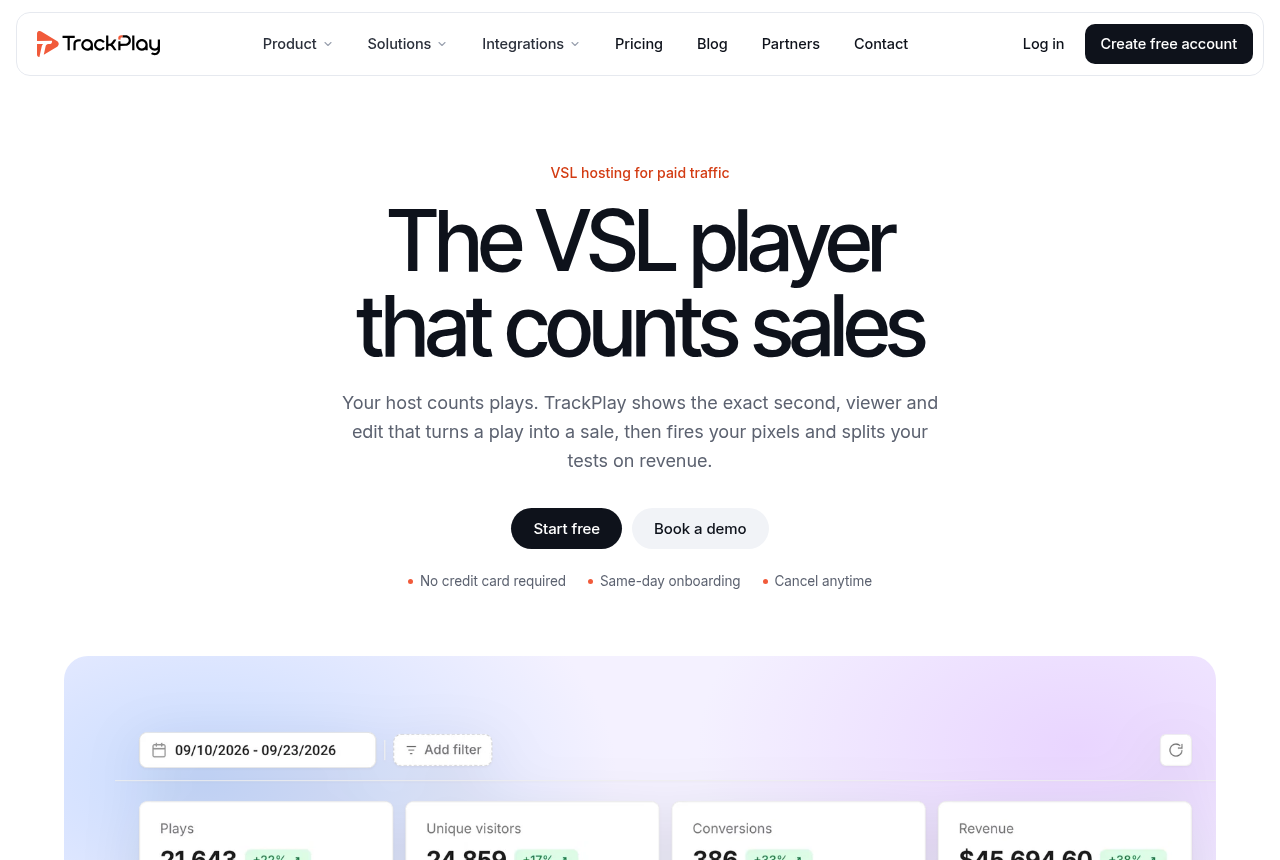
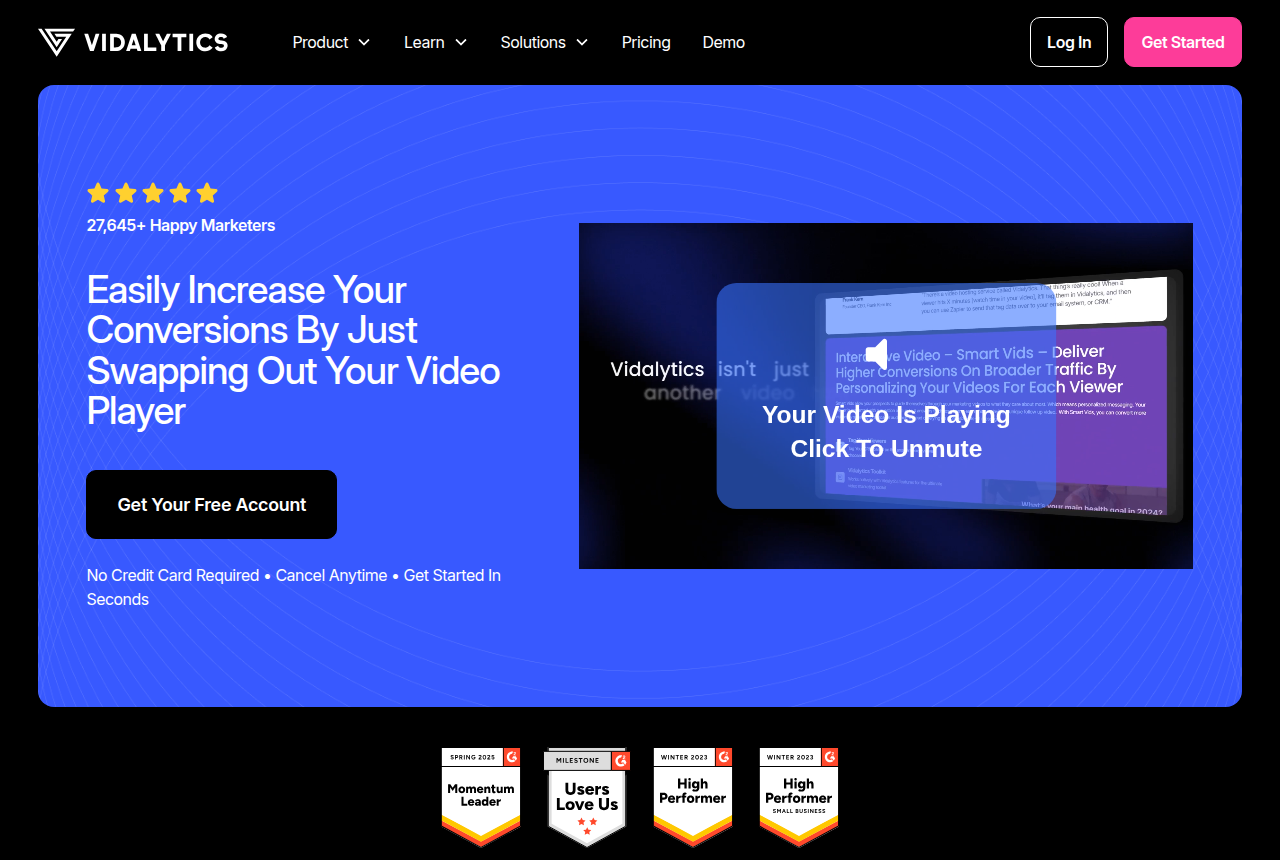
Frequently asked questions

What is the best video sales tool?
It depends on the job. TrackPlay leads for a paid-traffic VSL that needs each sale tied to its play. Vidalytics is the proven all-rounder, Panda Video the budget option for a big library, Wistia the choice for webinars and B2B, and Vimeo for simple, reliable hosting.
What is a VSL?
VSL is the short name for a video sales letter. The recording tries to close one sale for someone who arrived from an ad, and they hear the argument in the order it was recorded.
What does video sales letter mean?
One product, one ask, and a script aimed at a stranger from an ad. The recording is finished when that person orders.
How do you write a video sales letter?
Name the problem the buyer already feels, show what it costs them to leave it alone, then present the product as the way out. Record that order before you spend on traffic.
How do you create a video sales letter?
Record the argument, match the page headline to the ad that sent the click, and hold the price until the video speaks it.
How long should a video sales letter be?
No runtime on this guide is a target to copy. If people leave before the offer, shorten the middle. If they reach the price and stall, look at the offer and the close.
When should the buy button appear on a video sales letter?
When the video speaks the offer and the price. A button on the first frame lets someone jump to the order without hearing the case.
Do I need special hosting for a video sales letter?
You need a player that can wait to show the button, and that can report which seconds buyers watched. A plain file host can store the recording and stop there.
How is a video sales letter different from a sales page?
A sales page can be scanned in any order. The video plays straight through, so a dull stretch drops people before the price. Keep the landing headline aligned with the ad that sent them.
When is TrackPlay a better fit than Vidalytics?
Open TrackPlay when the cart should attach the verified sale to the play and the ad accounts should learn from that sale. Open Vidalytics when you want a conversion player with a longer public record. The head-to-head is linked from the build.
Can I just use YouTube or a plain Vimeo embed?
You can host the file there, but you lose the things that move a sales number: sound-first autoplay, timed CTAs, retention split by buyers, and tying a play to the sale. That is the gap a VSL player fills.
How much do these tools cost?
A VSL-focused player starts around $18 to $29 a month. Dedicated webinar entry plans in this guide start at $39 a month when billed annually, while broader B2B webinar suites can cost much more.
What is the cheapest webinar software for a small business?
WebinarJam has the lowest published entry price here, for a 100-attendee room. Demio starts at $45 a month billed annually for 50 attendees. Livestorm instead charges from €2.50 for each attendee who joins.
What webinar software works for startups?
Demio suits a startup that wants a browser-based launch with a predictable room cap. Livestorm can fit irregular demos because absent registrants use no credits, but a busy schedule can make its attendee model expensive.
Should a small business pay for Wistia webinars?
Usually only when the webinar belongs inside a broader B2B video and marketing stack. Wistia's dedicated webinar plan starts at $429 a month billed annually, well above the entry plans from webinar-first tools here.
Which webinar platform holds 1,000 attendees?
Several do. Wistia Webinars Plus and EasyWebinar Scale both stop at 1,000 live, WebinarJam Professional goes to 2,000, and Livestorm Pro to 3,000 per event.
Is WebinarJam big enough for 1,000 people live?
On paper, yes: its Professional tier allows 2,000 seats for up to three hours. Reports on how it holds up at that size are mixed, so the vendor's panic button is worth knowing before the launch.
Does TrackPlay replace webinar software for a big launch?
No. It has no live room, so the live audience needs a webinar platform. TrackPlay fits afterwards, when the recorded pitch runs as a VSL on paid traffic and is billed by plays.
Which webinar platform syncs leads into HubSpot natively?
Livestorm does on Pro, creating registrants as HubSpot contacts. Demio reaches HubSpot only from its Premium tier, and Wistia's webinar plans rely on its own Automation Suite for follow-up.
How is a marketing webinar different from a sales webinar?
A marketing webinar gathers registrants and engagement for nurture in a CRM afterwards. A sales webinar tries to close during the session with an on-screen offer and a checkout link, the format WebinarJam is designed around.
What is the best webinar software for selling live?
A coach who takes the order during the session starts with on-screen offers on a flat annual room. A small marketing team starts with a 50-seat browser room on a yearly bill. A HubSpot programme with uneven turnout starts on attendee credits. A recording played on a schedule is a separate product from that live room.
What counts as cheap webinar software?
Compare the entry room with the bill, not a feature checklist. One starter holds a larger group for a shorter session. The other holds fewer people and is written for a small business. Credits cost less when many registrants never arrive, and more when the room fills every week.
Where does TrackPlay fit in webinar lead generation?
After the live event, on the recording. It hosts the pitch as a sales video for ad traffic, with forms over the video and lead scoring, while registration and the live room stay on a webinar platform.
Which video player collects an email inside the video?
On an ad-driven sales video, TrackPlay can ask at the start or later in the timeline and pass the contact to GoHighLevel or ActiveCampaign. Vidalytics collects a name, email or phone on the player, including when someone hits pause. Wistia Forms, the replacement for Turnstile, can pause at a chosen time or appear on hover, and can block the rest of the video until the form is sent.
What is a video email gate?
The file stays paused until an address is submitted. SproutVideo asks for a first name, last name and email before a viewer can start. Spotlightr can lock a lesson the same way, and can also take a phone number, a passcode or a payment.

Changelog

24 October 2026. Expanded what a video sales letter is, how to write one, and how to run it on ads, and linked the player picker and the hosting cost calculator.

23 October 2026. Added a ranking of webinar rooms for selling live, covering small businesses, large groups, marketing lead generation and lower-priced rooms, and comparing billing, room size, in-room offers, HubSpot and trials.

16 October 2026. Added a walkthrough for making a video sales letter on paid traffic, and expanded what the format means.

14 October 2026. Added a segment on capturing an address inside the video, covering a form on the player and a hold until the viewer submits, plus a short definition of a video sales letter.

14 October 2026. Added webinar picks for large audiences of 1,000 seats and up, with a winner and runner-up for each room size, plus three FAQ answers and their sources. Later the same day, added a webinar marketing and lead generation segment that separates HubSpot pipelines, live-pitch rooms, on-demand sessions and paid-traffic replays, with three more FAQ answers and seven sources.

12 October 2026. Added small-business and startup webinar recommendations, expanded the FAQ, and recorded current vendor pricing for Demio, WebinarJam, Livestorm and Wistia.

27 September 2026. Published the original ranking of video sales tools.

Sources

Other sources

37 discussions and reviews read for this page. Quotes are excerpts; open a link to read the original in context.

  1. [demio-pricing] Demio pricing and trial limits Blog
  2. [webinarjam-pricing] WebinarJam pricing Blog
  3. [livestorm-pricing] Livestorm pricing and attendee credits Blog
  4. [wistia-webinars] Wistia webinar pricing Blog
  5. [wistia-overages] Wistia webinar overage charges Blog
  6. [webinarjam-panic] WebinarJam panic button help article Blog
  7. [easywebinar-pricing] EasyWebinar pricing Blog
  8. [livestorm-quota] Livestorm attendee quota Blog
  9. [livestorm-vs-zoom] Livestorm vs Zoom comparison page Blog
  10. [reddit-zoom-alt] r/Zoom: a webinar platform besides Zoom Reddit
  11. [livestorm-hubspot] Livestorm HubSpot integration Blog
  12. [livestorm-vs-webinarjam] Livestorm vs WebinarJam comparison page Blog
  13. [demio-premium-crm] Demio pricing: Premium integrations Blog
  14. [ewebinar-home] eWebinar homepage Blog
  15. [trackplay-vsl-vs-webinar] TrackPlay blog: VSL vs webinar Blog
  16. [reddit-14-webinars] r/b2bmarketing: 14 webinars across 5 platforms Reddit
  17. [reddit-new-platform] r/b2bmarketing: new webinar platform advice Reddit
  18. [trackplay-features] TrackPlay features Blog
  19. [trackplay-lead-form] TrackPlay lead capture form Blog
  20. [trackplay-crm-webhooks] TrackPlay CRM tags and webhooks Blog
  21. [wistia-forms-help] Wistia Forms help Blog
  22. [wistia-turnstile-legacy] Wistia embed docs on Turnstile Blog
  23. [vidalytics-play-gates] Vidalytics Play Gates Blog
  24. [spotlightr-email-gate] Spotlightr features Blog
  25. [sproutvideo-lead] SproutVideo features Blog
  26. [hubspot-vsl] HubSpot guide to video sales letters Blog
  27. [pipedrive-vsl] Pipedrive on video sales letters Blog
  28. [revvy-vsl-ads] RevvyScales on Facebook ads for a VSL Blog
  29. [tomlinson-meta] Sam Tomlinson on Meta ads pitfalls Blog
  30. [trackplay-what-is-vsl] What is a VSL Blog
  31. [trackplay-vsl-structure] How to structure a VSL Blog
  32. [panda-vsl] Panda Video for VSL Blog
  33. [vidalytics-home] Vidalytics Blog
  34. [reddit-vsl-pace] Sales letter and a VSL Reddit
  35. [reddit-demio-join] r/ChiefMarketingOfficer: browser join on Demio Reddit
  36. [reddit-demio-launch] r/ChiefMarketingOfficer: a Demio launch Reddit
  37. [reddit-livestorm-hubspot] r/ChiefMarketingOfficer: Livestorm and HubSpot Reddit

Related reading

Dominic Reyes

Written by

Dominic Reyes

Lead reviewer

Dominic Reyes is the lead reviewer at Play That Sells. He covers VSL players, video hosting and the attribution stack behind paid-traffic funnels, reading vendor documentation, pricing pages and years of user threads before he writes a verdict. He pays most attention to retention, conversion tracking and page-load speed. When a vendor's claims go further than what buyers report, he says so.

dominic.reyes@playthatsells.com

Last checked 2026-10-24