Webinar cost calculator
What your attendees cost on each webinar platform. Enter your sessions and attendance, say whether the event is live or automated, and see a monthly estimate from published rates.
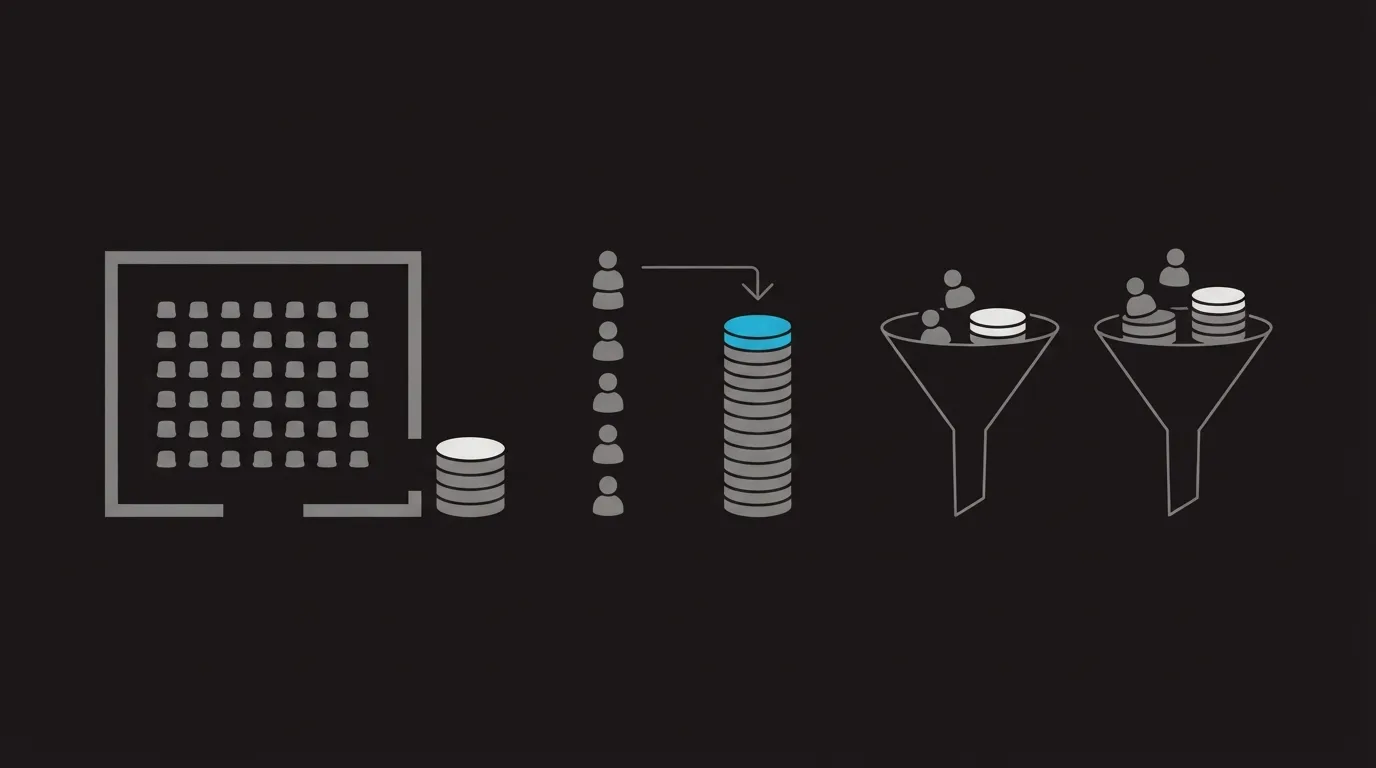
A plan price on its own hides what webinar software will cost you. You can reserve a room for 200 and still have only 70 people join. One host charges for the size of that room. The other charges for the 70 who join.
WebinarJam and Demio charge a flat price for a room of a set size. Livestorm's support article says a credit is used when someone joins live, on replay, or on demand. If someone registers and never joins, that signup does not use a credit. Wistia keeps the webinar running past the plan limits and adds the extra people and minutes to the next invoice.
Evergreen webinar software pricing follows a different rule. EverWebinar is one flat automated plan. eWebinar's price depends on how many webinars stay active and how many people register, and its add-on article says new sign-ups stop at the registrant cap unless you buy another block of registrants. For features, read Livestorm vs Demio, WebinarJam vs EverWebinar and WebinarJam vs Zoom Webinars.
Estimate a month of attendee costs
Each row uses that vendor's published rates. A larger Demio room shows only a starting price. Livestorm packs above 400 credits per year are left blank.
Results appear here. The worked example further down walks through one month in plain text.
Treat every row as an estimate. It leaves out taxes, add-ons, a Demio room priced only at checkout, and Wistia replay storage.
What the calculator counts
One block per platform. These are the published rates behind every figure.
Starter is $39 a month for 100 seats and one hour, Basic is $79 a month for 500 seats with EverWebinar included, Professional is $229 a month for 2,000 seats and three hours, and Enterprise is $379 a month for 5,000 seats and four hours. For a larger audience, move up to the next room on the pricing page.
Starter $45/mo yearly or $63/mo monthly, one host, 50 seats. Growth from $80/mo per host on yearly plans, for rooms from 150 to 3,000, and that starting price covers the whole band above 50 seats.
The priced pack is 400 attendee credits for $1,200, with one credit when a person joins a session and none for someone who only registers. Pro has no monthly plan, so this calculator prices only that pack, and the support table also lists euros.
Webinars is $429 a month on a yearly bill for 500 attendees and a 1.5-hour stream, and Webinars Plus is $829 a month for 1,000 attendees and a three-hour stream. Extra attendees are $0.20 each and extra minutes are $2.00 each, billed per event on the next invoice, while the stream keeps running and replay storage stays separate.
$99/mo on a yearly bill, with $1,188 charged up front, or $199/mo renewing monthly. The pricing page gives no per-session seat limit.
Level 1 $99/mo, 1 active webinar, 1,000 registrants. Level 2 $199/mo, up to 5 active, 3,000 registrants. Level 3 $299/mo, up to 15 active, 5,000 registrants. Each extra 1,000 registrants is $49/mo. At the cap, sign-ups stop until the next cycle unless you buy that add-on.
How each row is built
- Livestorm on a live event multiplies your sessions by the peak and by the share who join, then rounds to the nearest person. On an automated event it multiplies the month's registrants by that share, counting each person once. Multiply by 12 for the year. At 400 credits or fewer, the row divides the pack price by 12. Above 400, it leaves the price blank. Pro is sold by the year, with no monthly plan.
- WebinarJam picks the cheapest plan whose seat limit covers your peak attendance and whose published time limit covers the session. Basic publishes a seat limit and no time limit in these rates, so a session longer than one hour can use it, and the result says so. Those prices are the yearly ones, even when Monthly is selected.
- Wistia adds the plan price to your sessions multiplied by any extra attendees and extra minutes, at the overage rates in the list above. It keeps the cheaper of the two plans. Replay storage is left out.
- eWebinar: the cheapest level that can hold your active webinars, plus $49 for each extra block of 1,000 registrants. Above 15 active webinars the published levels stop. The show-up field is not used here, because eWebinar counts registrants.
- Demio uses Starter for 50 seats or fewer, and the Growth starting price from 150 seats up to 3,000. That starting price is one number for the whole band, so a 200-seat room and a 1,000-seat room match, and the row says so. In automated mode, room size is the month's registrants times the share who join, divided by the number of sessions.
- EverWebinar: the flat yearly or monthly figure. Attendance does not change it. The pricing page gives no per-session seat limit to apply.
Four sessions, 200 seats
Take four 75-minute live sessions and a 35 percent show-up rate, and about 70 people join each one.
Livestorm lands past the priced pack: 280 credits in the month and 3,360 in the year, and the pack in the list above stops at 400.
WebinarJam uses Basic at the yearly price in that list. Starter holds 100 seats for one hour, and this example is 200 seats running 75 minutes.
Demio is past the 50-seat Starter room, so it uses the Growth starting price from the same list.
Wistia stays on the Webinars plan, because 200 people and 75 minutes sit inside its 500-person, 1.5-hour allowance, and both overage lines are zero.
Raise the show-up rate from 35% to 70% and Livestorm goes to 560 credits a month. WebinarJam, Demio and Wistia stay on the same rows, because they were priced from the 200-seat room and the 75-minute length.
Reading the numbers
Livestorm charges for people who attend. A half-empty room costs the same on WebinarJam or Demio as a full one. Livestorm's bill changes with how many people join, so a thin turnout costs less, until the year goes past the 400-credit pack priced here.
A replay you run on a schedule is a flat automated bill. EverWebinar charges that same flat price if the session runs once or on a repeating schedule. A live room you open once in the month still bills the whole room plan. If the job is only the replay, put EverWebinar next to WebinarJam Basic, because Basic includes EverWebinar. The bundle footnote names Basic, Professional and Enterprise.
A marketing team that ran webinars on several platforms wrote that they left Livestorm over the price and still called the product excellent.
My take. I would start with the number I can predict. If I know how many seats I need to reserve, I would budget for a flat room plan. If attendance will bounce from session to session, I would price credits first and then check whether the year stays inside the 400-credit pack.
Frequently asked questions
What is the difference between a registrant and an attendee?
Does a Livestorm replay use a credit?
Does a WebinarJam plan include EverWebinar?
What happens at the eWebinar registrant limit?
Why can the invoice differ from this estimate?
Sources
Related reading

Written by
Dominic Reyes
Lead reviewer
Dominic Reyes is the lead reviewer at Play That Sells. He covers VSL players, video hosting and the attribution stack behind paid-traffic funnels, reading vendor documentation, pricing pages and years of user threads before he writes a verdict. He pays most attention to retention, conversion tracking and page-load speed. When a vendor's claims go further than what buyers report, he says so.
dominic.reyes@playthatsells.com
Last checked 2026-10-20
Comments
No comments yet. Questions and your own experience are welcome.
Thank you. Your comment will appear once it has been reviewed.