Skip to content
Menu

Bunny Stream alternatives

Five video hosts for when Bunny's cheap delivery is not enough and you need CTAs, sale tracking, a different meter or a dashboard a marketer can run.

By Dominic Reyes, lead reviewer. Edited by the Play That Sells desk. Updated 12 October 2026.

Price is rarely the reason to move off Bunny Stream. It bills only for the gigabytes you store and serve, which is about as cheap as video delivery gets, and a host such as Cloudflare Stream bills on minutes stored and delivered instead, so the cheaper option depends on your bitrate and watch time. Sellers move because Bunny delivers the video and stops there: timed CTAs, analytics that tie a play to a sale, and sending that sale back to the ad platform as an offline conversion are left for you to build.

Reach is the other reason. Bunny's Volume tier keeps its rate low by routing through a smaller set of locations, and the Standard tier that uses the full network is priced by region. An independent year-long review of bunny.net makes the same point: on Standard, where your viewers live decides most of the bill. If your buyers sit outside Europe and North America, compare playback and the regional bill before you choose a replacement. Our Bunny Stream pricing breakdown costs out a sales video on both tiers.

Quick answer

TrackPlay is our top pick for most people. TrackPlay is the pick if you run VSLs on paid traffic and need every play tied to the cart-verified sale.

  • TrackPlay. Best for paid-traffic VSLs. Has a free tier.
  • Vidalytics. Best for a proven VSL player. Has a free tier.
  • Cloudflare Stream. Best for per-minute billing. From $5/mo.
  • Mux. Best for developers' own apps. Has a free tier.
  • Gumlet. Best for a managed dashboard. Has a free tier.

TrackPlay is the pick if your video sells on paid traffic and you want the sale tied to the play. Cloudflare Stream is the pick if you want raw infrastructure on a per-minute meter instead.

Compare the five options

The shortlist

  1. 1. TrackPlay: best Bunny Stream alternative for paid-traffic VSLs

    A VSL player that ties each play to the cart-verified sale.

  2. 2. Vidalytics: best Bunny Stream alternative for a proven VSL player

    A ready-made conversion player with years of direct-response users.

  3. 3. Cloudflare Stream: best Bunny Stream alternative for per-minute billing

    Raw infrastructure like Bunny, billed on minutes instead of gigabytes.

  4. 4. Mux: best Bunny Stream alternative for developers' own apps

    A video API with a bundled player and viewer analytics.

  5. 5. Gumlet: best Bunny Stream alternative for a managed dashboard

    A managed host a marketer can run without code.

Compare the alternatives

Feature comparison across 5 tools
Tool Billing Entry room Registration Automated Live offers CRM access From
1. TrackPlay –Unknown –Unknown –Unknown –Unknown –Unknown –Unknown Free tier
2. Vidalytics –Unknown –Unknown –Unknown –Unknown –Unknown –Unknown Free tier
3. Cloudflare Stream –Unknown –Unknown –Unknown –Unknown –Unknown –Unknown $5/mo
4. Mux –Unknown –Unknown –Unknown –Unknown –Unknown –Unknown Free tier
5. Gumlet –Unknown –Unknown –Unknown –Unknown –Unknown –Unknown Free tier

The ranked alternatives

1. TrackPlay: best Bunny Stream alternative for paid-traffic VSLs

1. TrackPlay

The VSL player that counts sales.
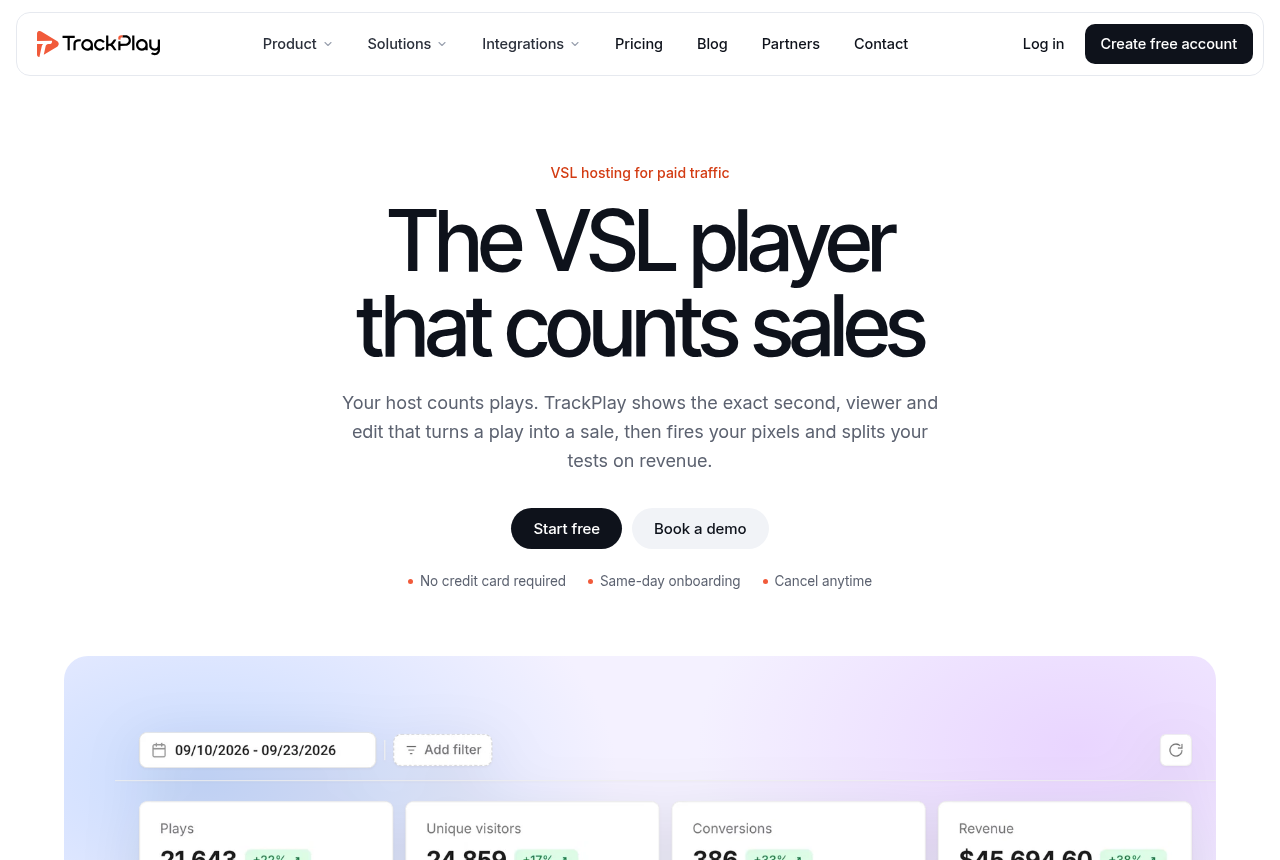
The TrackPlay home page

Our take: TrackPlay is the pick if you run VSLs on paid traffic and need every play tied to the cart-verified sale.

What works

  • Split tests show a confidence figure beside the two variants, and the winner can stay on the same embed so the ad link stays put.
  • Meta and Google Ads pixels, cart postbacks and webhooks are included from the free plan up, so the sale the cart confirmed can go back to the ad account.
  • ClickBank, BuyGoods, Digistore24, WarriorPlus, JVZoo and Kiwify each have a postback tile on the cart page.
  • Retention is a per-second chart with separate buyer and non-buyer curves, and the pitch is marked on the timeline.
  • The bill scales with included plays, and the same player ships on the free plan and the paid ones.

What to watch

  • It is built for the pitch on a funnel page. General video hosting and B2B content libraries need something like Wistia. If the video's job is content marketing, Wistia fits that work better.
  • Outside proof is thin. Testimonials live on the product site, and independent write-ups are scarce, which is what you would expect this early.

The gap Bunny leaves is the selling layer, and TrackPlay is built around it. It is a VSL player and analytics platform for paid-traffic funnels: sound-first autoplay and timed CTAs on the player, retention drawn per second and split into buyers and non-buyers, and the cart-verified sale posted server-side to Meta, TikTok and GA4 on the play that earned it. Split tests run under one embed and are decided on sales. Billing counts plays, so a viewer who stays deep into a long pitch costs no more than one who leaves early.

It is narrow by design. Built for direct-response video, it has none of the channels, SEO pages or webinar tooling of a general host such as Wistia, so a content library belongs elsewhere. That focus is also why the conversion features come in the player instead of on your to-do list. Our TrackPlay review covers each pillar.
2. Vidalytics: best Bunny Stream alternative for a proven VSL player

2. Vidalytics

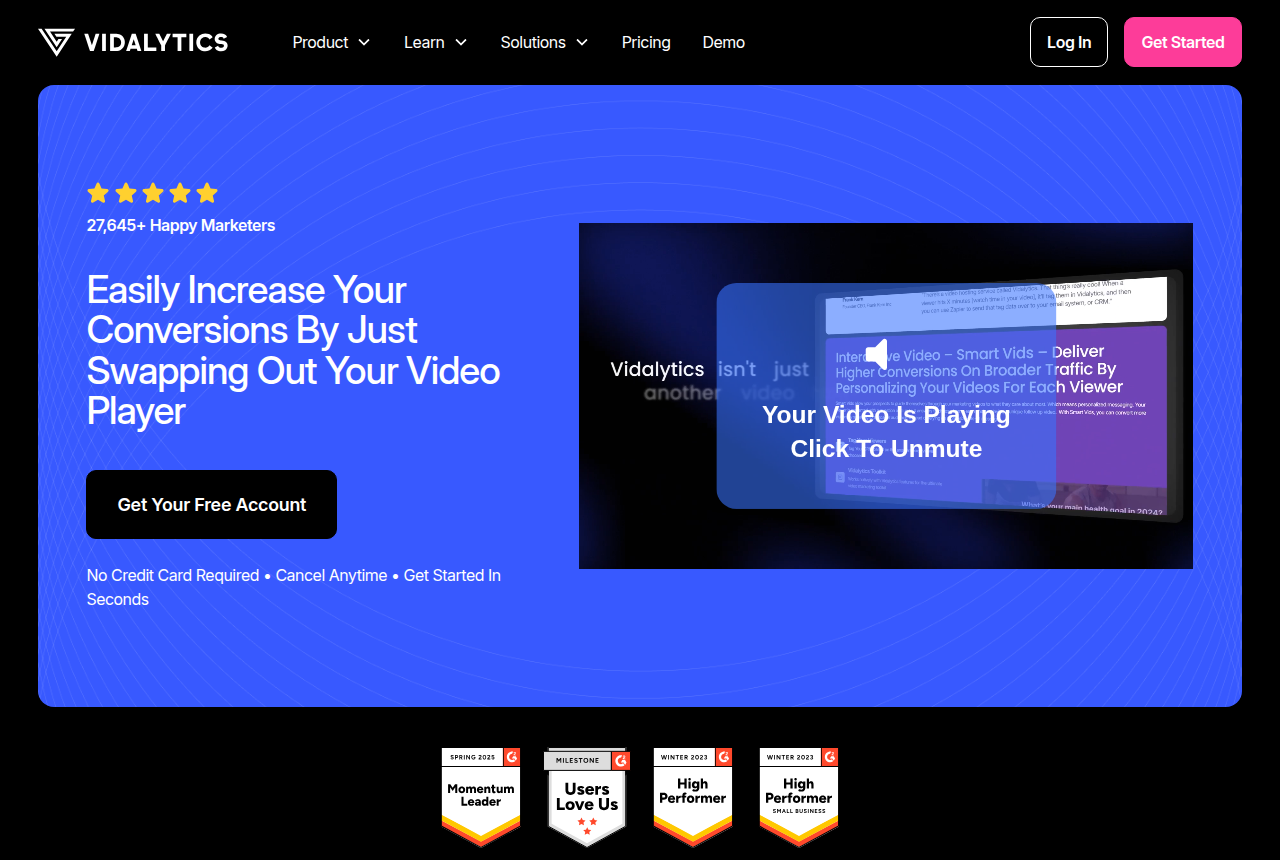
Video host for sales letters, funnel builders and direct-response marketers, with conversion analytics on the player.

The Vidalytics home page

Our take: Vidalytics is the pick if you want a proven VSL player with deep conversion analytics and years of direct-response users behind it.

What works

  • A long track record in direct response, with well-known VSL marketers among its users, so there is real outside proof it holds up on cold traffic.
  • Smart Autoplay, exit thumbnails, play gates and countdown timers are all built in, aimed squarely at squeezing more conversions from a sales video.
  • Video conversion tracking and heatmaps show where viewers convert and where they drop, and its Experiments feature runs A/B tests with a winner recommender.

What to watch

  • Pricing is based on plays, so a VSL with a lot of cold traffic can go over the monthly allowance and add a charge for each extra play. That extra is hard to forecast before the campaign grows.
  • Attribution relies on pixels, tags and Zapier. Server-side cart postbacks give a more direct link between a specific sale and the play that earned it.
  • It is a video player. A webinar-led funnel needs another tool.

Vidalytics hands you a finished conversion player with a long direct-response track record: Smart Autoplay, play gates, countdown timers, conversion tracking and A/B tests with a winner recommender. Nothing has to be built on top.

Its plans count plays, and heavy cold traffic can push a plan into per-play overage. Attribution runs through pixels, tags and Zapier. The Vidalytics vs Bunny Stream comparison sets the two bills side by side.

3. Cloudflare Stream: best Bunny Stream alternative for per-minute billing

3. Cloudflare Stream

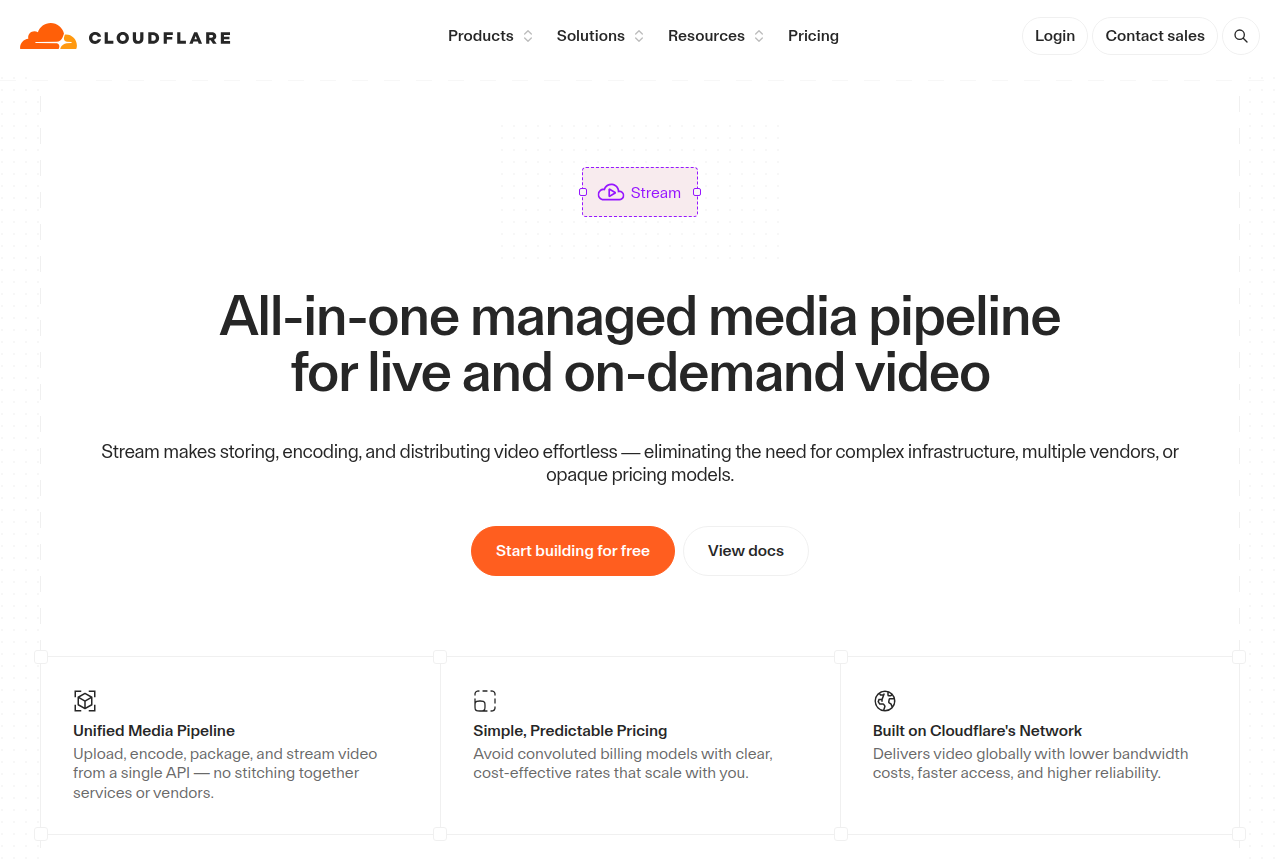
Managed media pipeline for live and on-demand video on Cloudflare's network

The Cloudflare Stream product page, headed with a managed media pipeline for live and on-demand video, showing Start building for free and View docs buttons

Our take: Cloudflare Stream is the pick if you want cheap, reliable video hosting and live delivery on a transparent pay-per-minute model, you are comfortable driving it through an API, and you will build the CTAs, lead capture and conversion tracking yourself. Its infrastructure focus and per-delivered-minute billing can get expensive for a low-bitrate video watched by a big audience.

What works

  • Genuinely cheap and simple to reason about. Two meters only, minutes stored and minutes delivered, with encoding, upload and bandwidth included. Developers on Hacker News call it an honest paid platform.
  • The reliability and reach of Cloudflare's own network. Stream runs on the same infrastructure that moves a big share of the world's web traffic, so playback holds up globally and under load without you managing a CDN.
  • One API from upload to playback, for on-demand and live. RTMP and SRT ingest, automatic adaptive-bitrate HLS and DASH output, a built-in player or your own. A developer can wire video into a product in an afternoon.
  • Delivery is billed per minute watched, which removes gigabyte and bitrate calculations from the invoice.

What to watch

  • It is infrastructure. You build or add the in-video CTAs, lead capture, split tests and sales attribution.
  • The per-delivered-minute model penalizes the type of content this audience runs. A talking-head VSL or evergreen webinar at low bitrate costs the same per delivered minute as 4K, so a cheap-to-produce clip with a big audience can get disproportionately expensive. Do the math for your view count before you commit.
  • Content protection is do-it-yourself. Stream uses signed URLs and token auth, while premium studio DRM requires another route. Forum users report that shared signed links get passed to third-party players, and configuring the keys causes confusion.
  • Stream starts with a prepaid storage block and assumes you can code. The API-led workflow lacks a drag-and-drop marketing dashboard, which raises the setup burden for a non-technical seller.

To stay with infrastructure and change only the meter, Cloudflare Stream charges for minutes stored and minutes delivered, with encoding and bandwidth included. A 4K file and a low-bitrate one cost the same per minute, which favours high-quality footage. A low-bitrate talking-head VSL watched by a big audience usually costs more here than on Bunny.

Storage is prepaid in blocks, and CTAs and attribution are still yours to build. Our Cloudflare Stream pricing page costs out a 20-minute sales video.

4. Mux: best Bunny Stream alternative for developers' own apps

4. Mux

Video API for developers: upload, encode, store, deliver, live stream and analyze video

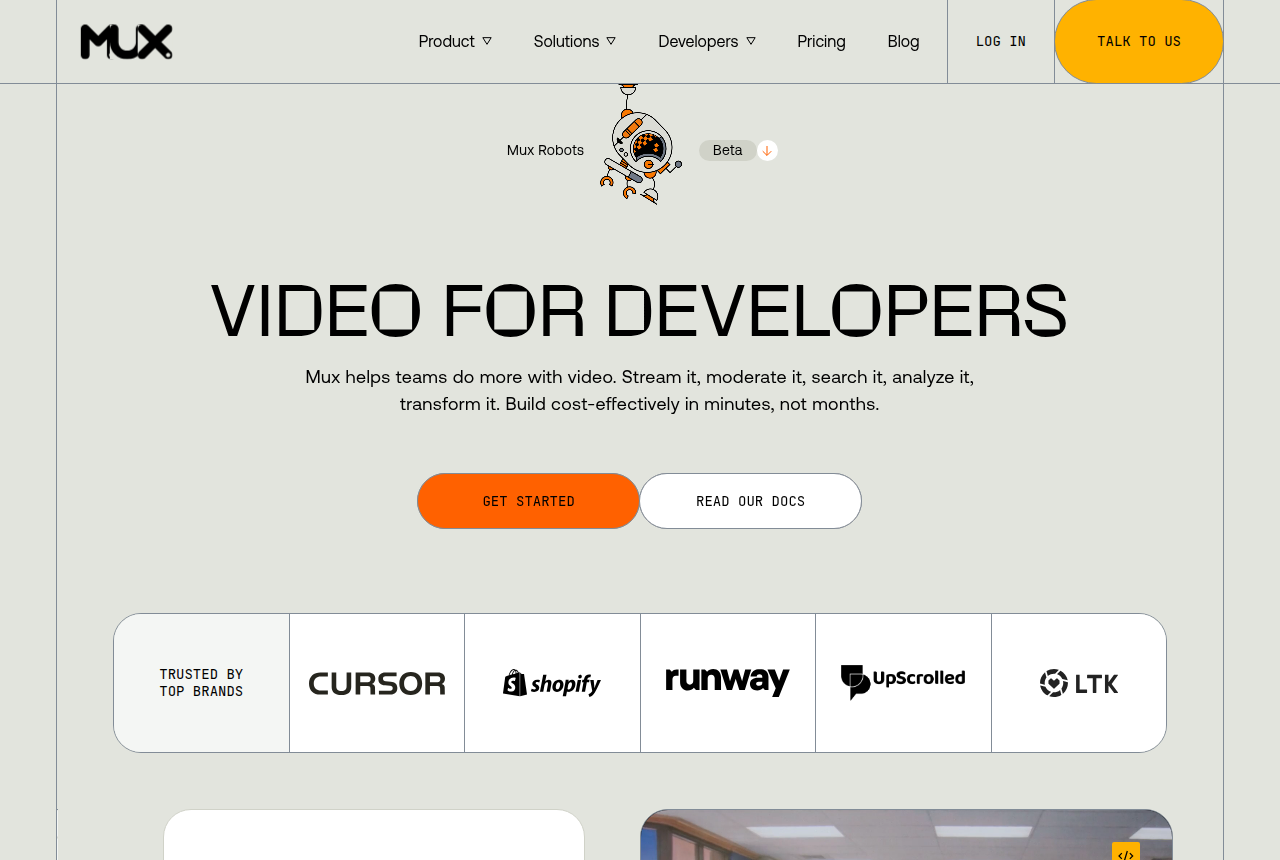
The Mux homepage, headed Video for developers, with Get started and Read our docs buttons beside a code snippet that embeds a video with a few lines of React.

Our take: Mux is the pick if you are a developer building video into your own app and want clean infrastructure with a bundled player and analytics on a per-minute bill. Marketers running a VSL must build the CTAs, lead capture and sale attribution on top.

What works

  • The best developer experience in this category. The API is clean, the docs are current, and reviewers integrate video in an afternoon. One comparison treats the API the way developers treat Stripe, and Capterra reviewers single out documentation that saves real development time.
  • The player and the analytics are free. Mux Player and Mux Data (quality-of-experience analytics: views, playing time, retention, top content) cost nothing on top of usage, and on-demand captions in 22 languages are free too. With delivery-only rivals, you would build or buy those.
  • A real free tier and per-minute billing you can reason about. 100,000 delivery minutes a month free with no card, then you pay per minute of video duration rather than per gigabyte, so a bitrate spike does not blow up the bill. Just-in-time encoding and automatic cold storage keep the base rates low.
  • It holds up at scale. Large media teams run production video on it and long-term users describe it as something that just works, without them managing a CDN or an encoding pipeline.
  • AI workflows are built in. Mux Robots will translate captions, generate chapters, summarize, find key moments and moderate content through the same API, billed per minute plus per job.

What to watch

  • It is infrastructure. You build or add sound-first autoplay, timed CTA cards, lead capture and cart-verified attribution.
  • It assumes you can code. The whole product is driven by an API, and there is no drag-and-drop marketing dashboard to publish a page and watch conversions. A non-technical seller will feel that on day one.
  • Cost compounds as you scale. Encoding, storage and delivery are separate meters, and Mux itself admits video is often a company's single largest infrastructure line, larger than its whole AWS bill. Independent comparisons flag Cloudflare Stream as cheaper for plain hosting, so model your view counts before you commit.
  • The cheap headline rate is the basic tier only. Higher visual quality (plus and premium) costs more per minute, and DRM and custom domains are paid monthly add-ons each, so a premium, protected library costs well above the base rates.

Mux suits a developer putting video inside their own product: an API, a bundled player and viewer analytics on a per-minute bill. Its monthly free delivery allowance can cover a modest sales video outright.

Encoding, storage and delivery are separate meters, and higher quality levels, DRM and custom domains cost extra. A marketer running one VSL still builds the CTAs and sale tracking. The Bunny Stream vs Mux comparison weighs the two bills and workflows.

5. Gumlet: best Bunny Stream alternative for a managed dashboard

5. Gumlet

All-in-one video hosting platform: host, customize and secure videos

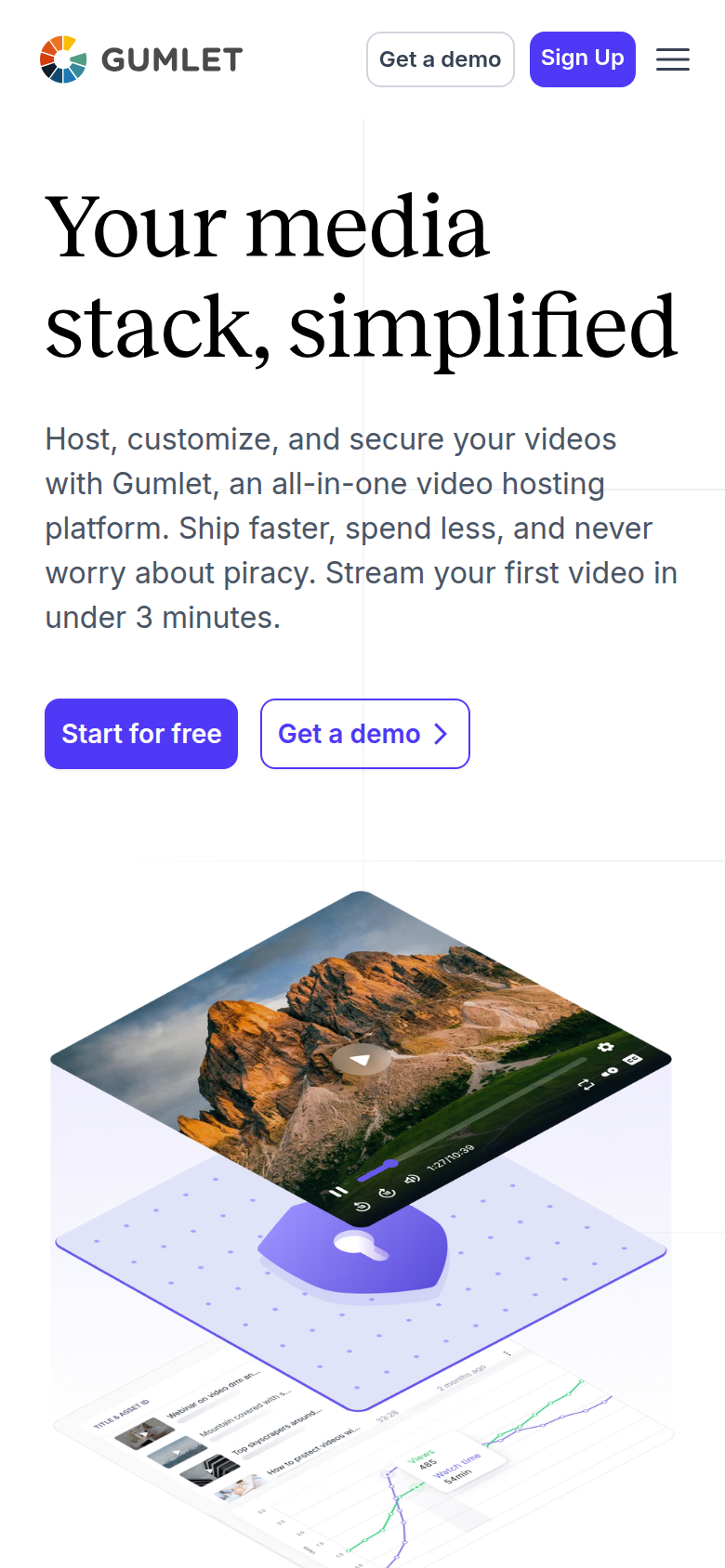
The Gumlet video hosting home page on gumlet.com

Our take: Gumlet is the pick if you want one managed platform to host protected videos and optimize your site images, and you can pilot it before you trust a live launch to it.

What works

  • Two products on one bill. You get managed video hosting (adaptive streaming, live, AI subtitles and chapters) and a separate image-optimization CDN that auto-serves AVIF and WebP to speed up your pages. For a team that would otherwise pay two vendors, that is a real saving.
  • Priced well under Vimeo and Wistia for what it includes: a genuine free-forever tier, and paid plans from $6 monthly on annual billing. Reviewers consistently praise fast playback and value, and the aggregate scores back them up, at 4.7 across 357 G2 reviews and 4.9 across 202 on Capterra as of late 2026.
  • Content protection built for paid courses: one-click Widevine and FairPlay DRM as a paid monthly add-on, dynamic watermarks, plus domain and geo restrictions and signed URLs on the standard plans. It is why people leave YouTube or an over-priced Vimeo plan.

What to watch

  • A community thread documented every embed on an account suddenly returning a dashboard-only error, and AppSumo buyers reported an outage with no fix ETA and support slow to respond. Pilot it and keep a second host you can fail over to.
  • Bandwidth is metered and billed past your plan allowance, and users flag the lack of a hard spend limit as a risk on public or viral videos. Set usage alerts and ask support about caps before you go live.
  • It hosts and protects video. In-player CTAs, forms and Meta or Google pixels are present, while buyer-split retention and cart-verified sale attribution require a conversion player.

Gumlet is the managed middle ground: a dashboard host that protects video and also optimizes your site images, with in-player CTAs, forms and Meta or Google pixels. A marketer gets a working interface without writing code.

Bandwidth past the plan allowance is billed with no hard spend limit, and users have reported embed errors during outages, so pilot it with a backup host ready. Read the Bunny Stream vs Gumlet comparison.

Deciding to stay on Bunny Stream instead? Our Bunny Stream review covers what it does well and the limits that push sellers to look elsewhere.

How we ranked the alternatives

Rankings are ordinal and set from the evidence. We read each tool's own product and pricing pages and what long-term users report, verify the prices, and name a real drawback on every one. We do not run paid campaigns inside each tool. Read the full method.

Frequently asked questions

What is the best Bunny Stream alternative for a sales video?
TrackPlay, when the video runs on paid traffic and you need sales traced to plays. Vidalytics is the established option with a longer public record.
Is there anything cheaper than Bunny Stream?
Rarely for delivery. Mux's free monthly allowance can beat it on a small audience, and Bunny's Volume tier undercuts most per-GB hosts.
Which alternative needs no coding?
TrackPlay, Vidalytics and Gumlet all run from a dashboard. Cloudflare Stream and Mux expect an API workflow.

Sources

From Bunny Stream

Other sources

3 discussions and reviews read for this page. Quotes are excerpts; open a link to read the original in context.

  1. [bunny-docs-pricing] Bunny Stream documentation: Pricing Blog
  2. [bunny-docs-storage] Bunny Stream documentation: Pricing (storage) Blog
  3. [bunny-docs-tiers] Bunny Stream documentation: Delivery Tiers Blog

Related reading

Compare the five options

Dominic Reyes

Written by

Dominic Reyes

Lead reviewer

Dominic Reyes is the lead reviewer at Play That Sells. He covers VSL players, video hosting and the attribution stack behind paid-traffic funnels, reading vendor documentation, pricing pages and years of user threads before he writes a verdict. He pays most attention to retention, conversion tracking and page-load speed. When a vendor's claims go further than what buyers report, he says so.

dominic.reyes@playthatsells.com

Last checked 2026-10-12

Comments

No comments yet. Questions and your own experience are welcome.

Leave a comment

Thank you. Your comment will appear once it has been reviewed.