VSL hosting cost calculator
What your traffic costs on each video player. Put in your monthly plays, video length and how much of it people watch, and get an estimated monthly bill on six hosts, with the formula and the vendor pricing page behind every figure.
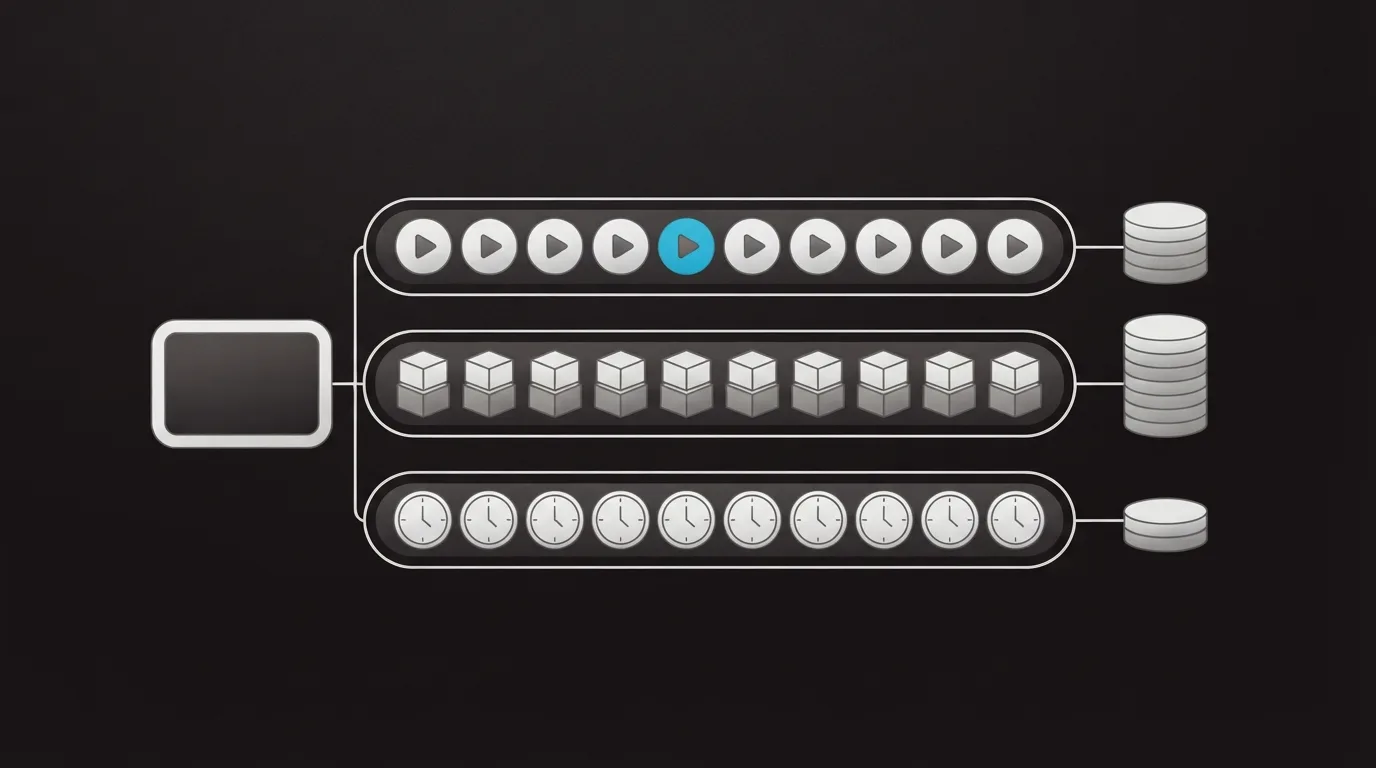
You know roughly how many people press play each month and how long your sales video runs. What you pay depends on what the host counts. TrackPlay and Vidalytics count plays. Panda Video and Bunny Stream count gigabytes. Cloudflare Stream and Mux count minutes delivered.
The meter decides which host costs less as viewers stay longer. A per-play host charges the same for someone who leaves after ten seconds as for someone who reaches the offer, while a gigabyte or minute meter charges for what was streamed, so its bill rises with watch time. For two-tool matchups, see the head-to-head comparisons.
Work out your monthly bill
Every figure is an estimate built from each vendor's published rates. Use it to compare meters. Each result row links the vendor page its rates come from.
Results appear here. Without JavaScript, the worked example below shows the same calculation for 10,000 plays.
What the calculator counts
These are the published rates the script uses, one row per host, grouped by meter.
| Host | Meter | Included | Beyond that |
|---|---|---|---|
| TrackPlay | Plays | Basic $29/mo with 5,000 plays, Pro $79/mo with 15,000, Scale $199/mo with 50,000 | $0.02 a play on Basic, $0.01 on Pro and Scale |
| Vidalytics | Plays | Starter, billed annually, $19/mo with 2,000 plays | $0.02 a play |
| Panda Video | Bandwidth | Bronze $17.90/mo with 500 GB | $0.03 per GB |
| Bunny Stream | Gigabytes | $1 monthly minimum, encoding and player free | $0.01 per GB stored, $0.005 per GB delivered |
| Cloudflare Stream | Minutes | Storage prepaid at $5 per 1,000 minutes stored | $1 per 1,000 minutes delivered |
| Mux | Minutes | 100,000 delivery minutes free each month | $0.0008 per delivered minute at 720p basic, $0.0024 per stored minute |
The formulas and the choices behind them
- Watched minutes are plays multiplied by video length and by the share watched. That matches how Cloudflare's pricing docs count it: two people watching thirty minutes each make 60 delivered minutes.
- Gigabytes are watched minutes times 60 seconds, times the bitrate, divided by 8 for bytes and by 1,000 for gigabytes. Adaptive streaming switches quality with each viewer's connection, so a real Panda or Bunny invoice follows your encode and your audience more than this default.
- For TrackPlay the script prices each paid plan plus its overage and keeps the cheapest, assuming overage is switched on. Its free plan is left out of the table.
- Vidalytics is priced on Starter with overage at every volume, because that is the plan whose rates we have. Its Free Forever plan covers 1,000 plays a month.
- Storage assumes one video of the length you entered. The script counts exact minutes and leaves out taxes, DRM and other add-ons.
Worked example: 10,000 plays of a 20-minute VSL
Take a 20-minute sales video that gets 10,000 plays a month, where the average viewer stays for 35% of it. Each play streams 7 minutes, so the month delivers 70,000 minutes. At 1.5 Mbps that is about 788 GB.
| Host | Est. per month | How it adds up |
|---|---|---|
| TrackPlay | $79.00 | Pro covers all 10,000 plays. Basic plus 5,000 extra plays would come to $129. |
| Vidalytics | $179.00 | Starter plus 8,000 plays above its allowance. |
| Panda Video | $26.53 | Bronze plus roughly 288 GB of overage. |
| Bunny Stream | $3.94 | Delivery of 787.5 GB. Storing the 0.2 GB file adds under a cent. |
| Cloudflare Stream | $75.00 | $70 of delivered minutes on top of one storage block. |
| Mux | $0.05 | 70,000 minutes fall inside the free allowance, leaving only 20 stored minutes to pay for. |
Mux and Bunny come out lowest because 70,000 minutes and under 800 GB are small numbers on a raw delivery meter. Panda's 500 GB allowance soaks up most of the traffic, so only the last third of it is billed. Cloudflare lands next to the per-play players because a dollar per thousand minutes adds up much faster than half a cent per gigabyte.
Halve the watch share and the four data and minute meters drop with it, while TrackPlay and Vidalytics stay exactly where they are.
Reading the numbers
Plays are the meter you can budget before launch. Ad spend and click-through give you a play count ahead of time, and the bill follows it no matter how good the video is at holding people. Gigabyte and minute meters reward a short watch and a low bitrate, which is the opposite of what a long VSL is trying to achieve.
The raw hosts sell delivery and a player. Bunny, Cloudflare and Mux price the stream. Timed CTAs, cart postbacks and split tests decided on sales have to come from somewhere else in your stack. Those features are most of what a per-play VSL player charges for. The Panda Video vs Bunny Stream and Bunny Stream vs Cloudflare Stream comparisons cover what each one includes.
A plan cap can hurt more than a unit price. On general hosts sold in tiers, the surprise tends to arrive as an upgrade after a spike. One seller in a Reddit thread on Vimeo overage describes embed bandwidth counting against the plan's cap and spikes being met with an enterprise upsell. The six hosts in this calculator all publish a rate for usage past the allowance, so a big month costs more without forcing a plan change.
My take. I'd judge a host by what it costs per sale, and the calculator only gives you half of that. If your VSL already converts and you just need it delivered, start on Bunny or Mux and put the difference into traffic. If you are still testing hooks, offers and page order, the extra on a per-play player pays for the data that tells you what to change.
When the sale matters more than the gigabytes: TrackPlay
TrackPlay is a VSL player and analytics platform for paid-traffic funnels. It bills per play, and a play is one viewer session in which the video actually runs: a muted autoplay that nobody unmutes is not counted. Its pricing page sets that definition out.
What the per-play rate buys is the selling side. Sound-first autoplay, timed CTAs and watch gates hold the viewer. Retention is drawn per second and split into buyers and non-buyers. The cart posts the verified sale back onto the play that earned it, and TrackPlay sends that conversion server-side to Meta, TikTok and GA4. Split tests run under one embed and are decided on sales. Every feature is on every paid plan.
It is narrow on purpose. TrackPlay is built for direct-response VSLs on paid traffic, so it has none of the channels, SEO pages or webinar tooling of Wistia, and a content-marketing library belongs on a general host. It is also very new: outside reviews are thin and signup currently asks for an invitation code, which is normal for a platform this young but leaves you little independent proof before you send paid traffic to it.
If a few dollars of delivery is all you are optimising, the raw hosts above win. If you need to know which plays turned into sales, read TrackPlay vs Vidalytics, the two per-play players in this table.
Frequently asked questions
What does cost per play mean for video hosting?
Does watch time change a Panda Video or Bunny Stream bill?
Is Cloudflare Stream free?
Does Mux charge for its player?
Why might my real invoice differ from this estimate?
Where the rates come from
- TrackPlay pricing, plans, overage and what counts as a play
- Vidalytics pricing, Starter and Free Forever play allowances
- Panda Video pricing and its VSL page FAQ on bandwidth billing
- Bunny Stream pricing, storage, delivery and the monthly minimum
- Cloudflare Stream pricing documentation, stored and delivered minutes
- Mux pricing, free delivery minutes and per-minute rates
Related reading
- Bunny Stream pricing, plan by plan
- Cloudflare Stream pricing with full-play examples
- Mux pricing and the free minutes
- Free plan checker for which free allowances still cover your plays
- Which video player fits your sales video? A 6-question picker
- Webinar cost calculator for live rooms, attendee credits and automated plans
- The best video sales tools, ranked
- How we rate the tools

Written by
Dominic Reyes
Lead reviewer
Dominic Reyes is the lead reviewer at Play That Sells. He covers VSL players, video hosting and the attribution stack behind paid-traffic funnels, reading vendor documentation, pricing pages and years of user threads before he writes a verdict. He pays most attention to retention, conversion tracking and page-load speed. When a vendor's claims go further than what buyers report, he says so.
dominic.reyes@playthatsells.com
Last checked 2026-10-13
Comments
No comments yet. Questions and your own experience are welcome.
Thank you. Your comment will appear once it has been reviewed.