Which video player fits your sales video?
A 6-question picker. Name the job your video does, then how you want to be billed, and get one tool with its review, its pricing and the comparison worth reading next.
Most people asking which video hosting platform to use are really asking two things at once: where the file lives, and what the video has to achieve once someone presses play. A sales video for cold ad traffic, a course library and a rep's follow-up email need different tools, and the ranked lists rarely say so.
The picker below runs in your browser. Every answer it can give is also written out further down the page, route by route, so you can read the logic without running it. Ratings and verdicts behind each link follow how we rate tools: what long-term users report, vendor documentation, and prices taken from each vendor's own pricing page.
VSL player vs video host
A video host stores your file, delivers it to viewers and gives you an embed code. A direct-response player does all of that and adds the controls a sales page needs: autoplay rules, calls to action timed to the pitch, watch gates, and analytics that end at the order. VSLStats sums up the trade in its guide to direct-response players: such a player only earns its fee when the video is the thing doing the selling.
Pick a direct-response player when cold traffic lands on one offer page and the video carries the pitch. Pick a general host or a specialist platform when the video feeds a library, a webinar room, a CRM sequence or your own app.
The second split is the meter. On this site's VSL hosting cost calculator, six hosts fall into three groups: TrackPlay and Vidalytics count plays, Panda Video and Bunny Stream count gigabytes, and Cloudflare Stream and Mux count minutes delivered. A long video that holds viewers costs more on the last two meters and the same on the first.
My take. I'd start with the job, and I'd judge the tool by what each sale costs you rather than by its monthly bill. If the video is a cold-traffic pitch and you cannot yet say which seconds lose buyers, pay for a player that ties plays to orders. If the video already converts and only needs to be delivered, a raw host frees money for traffic. I would skip funnel players altogether for rep outreach or a webinar, where their best features go unused.

Answer six questions
Choose one answer per question, then press the button. Your match appears under the form.
Your match appears here. If the picker does not load, the section below lists every route by the answer to question one.
Every answer the picker can give
The first question decides the route. For a funnel video, the second question splits it in two. Questions three to six add notes on billing, team size and plan tier.
Paid traffic, and the sale must trace back to the play: TrackPlay
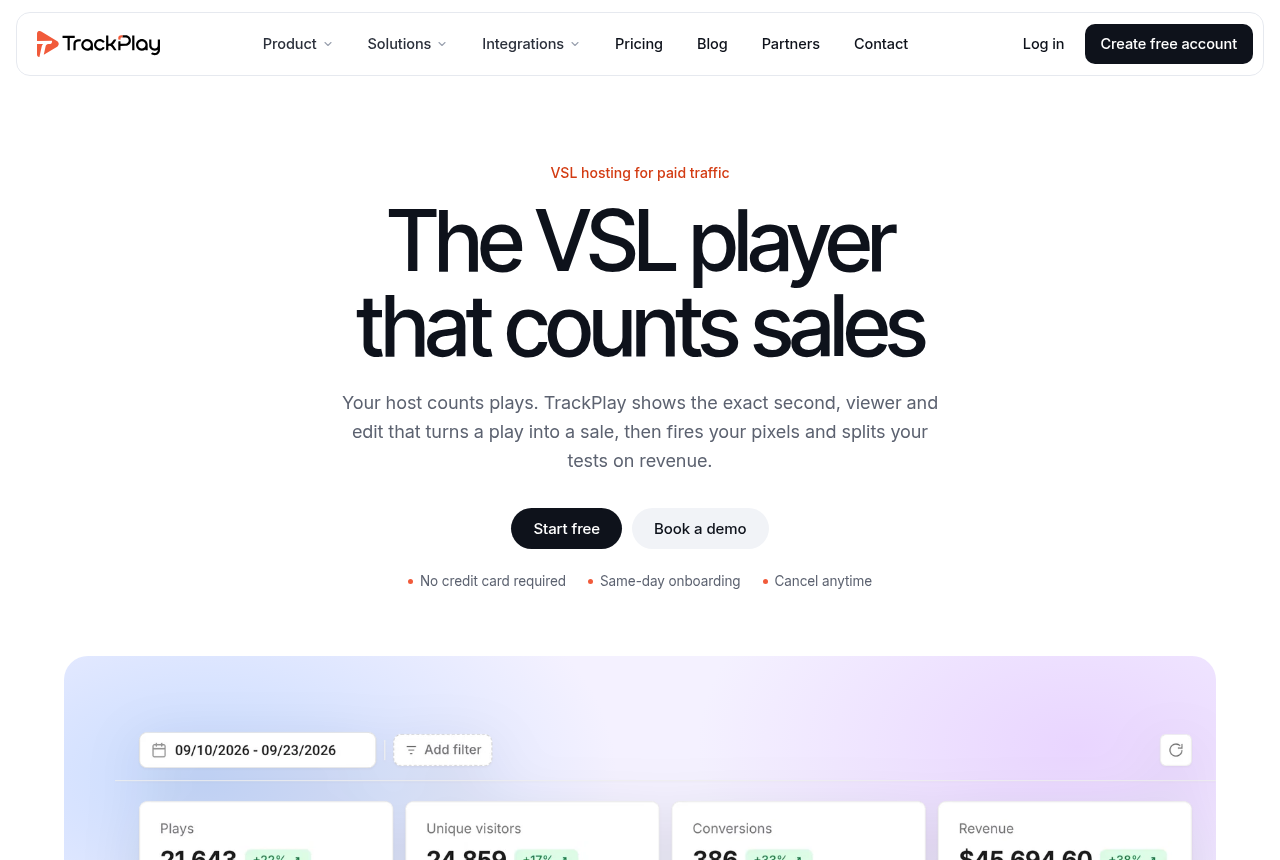
TrackPlay is a VSL player and analytics platform for paid-traffic funnels. Sound-first autoplay, timed CTAs and watch gates hold the viewer. Retention is drawn per second and split into buyers and non-buyers. The cart posts the verified sale back onto the play that earned it, and TrackPlay sends that conversion server-side to Meta, TikTok and GA4. Split tests run under one embed and are decided on sales.
It bills on plays, and its pricing page says plans differ only in included plays and the overage rate, so the cheapest plan carries every feature.
Two limits come with it. It is narrow by design: built for direct-response sales, so it has none of Wistia's channels, SEO pages or webinar tooling, which matters if the same videos also do content marketing. It is also very new, with thin outside reviews and an invitation code at signup, so you have little third-party proof before you point ad spend at it. That is normal for a platform this young, and the per-play attribution is what you are paying to get.
If you want a longer track record, Vidalytics is the established per-play player in this space, with plan limits counted in plays. Panda Video meters bandwidth, so its bill grows with watch time. The TrackPlay review and its plans and overage go deeper, and the head-to-heads are TrackPlay vs Vidalytics and TrackPlay vs Panda Video.
Paid traffic, measured as a crowd: Vidalytics or Panda Video
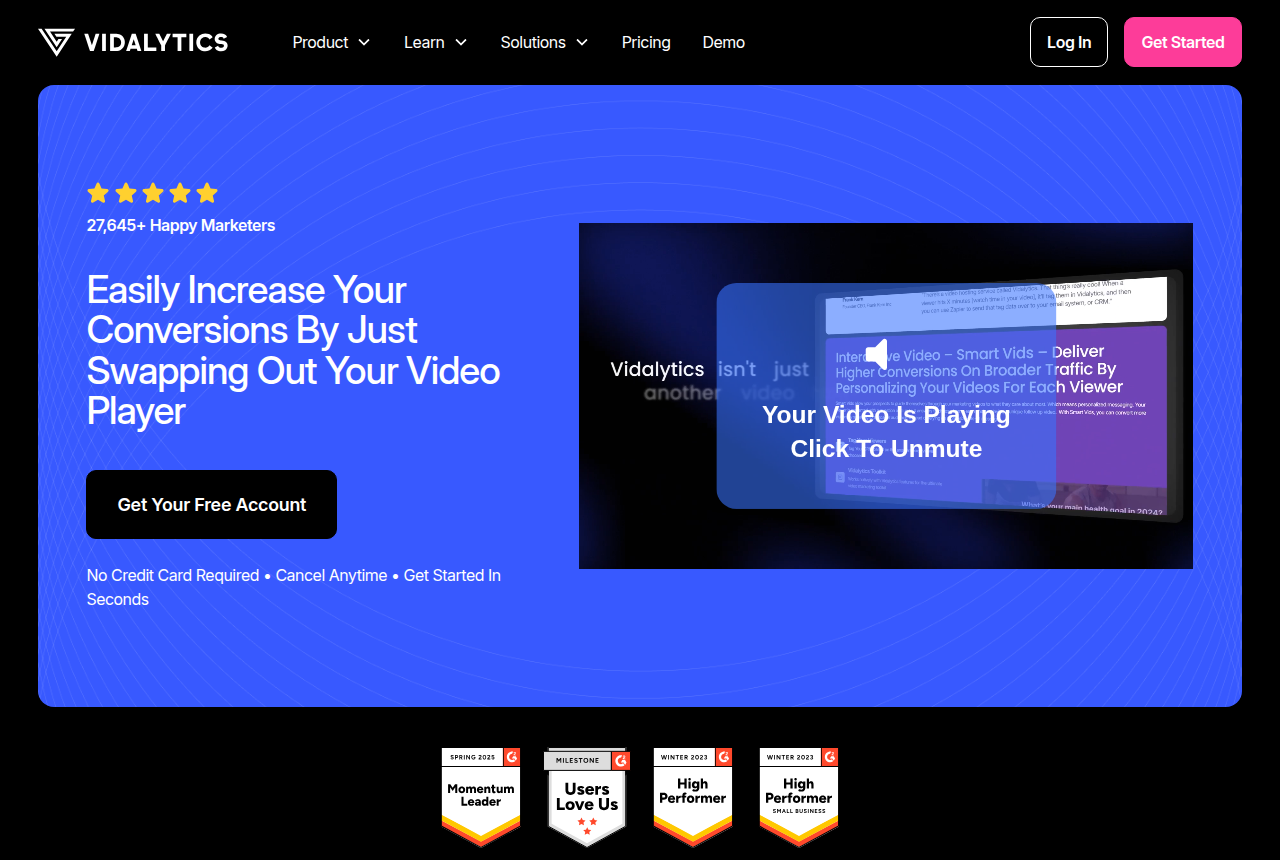
When the report you care about is where the audience drops off, and the order data stays in your cart, a proven conversion player covers it. Vidalytics publishes its limits in plays: Starter is $19 a month on annual billing with 2,000 plays and $0.02 for each play past that, per its pricing table.
Panda Video's VSL page states it does not charge per play and meters bandwidth instead, which favours shorter watch times and high play counts. If you later want each sale posted back to the ad platforms, that is the TrackPlay route above. Compare the two in Vidalytics vs Panda Video, or go to the full Vidalytics and Panda Video reviews.
Course or membership library: Spotlightr, Uscreen or Panda Video
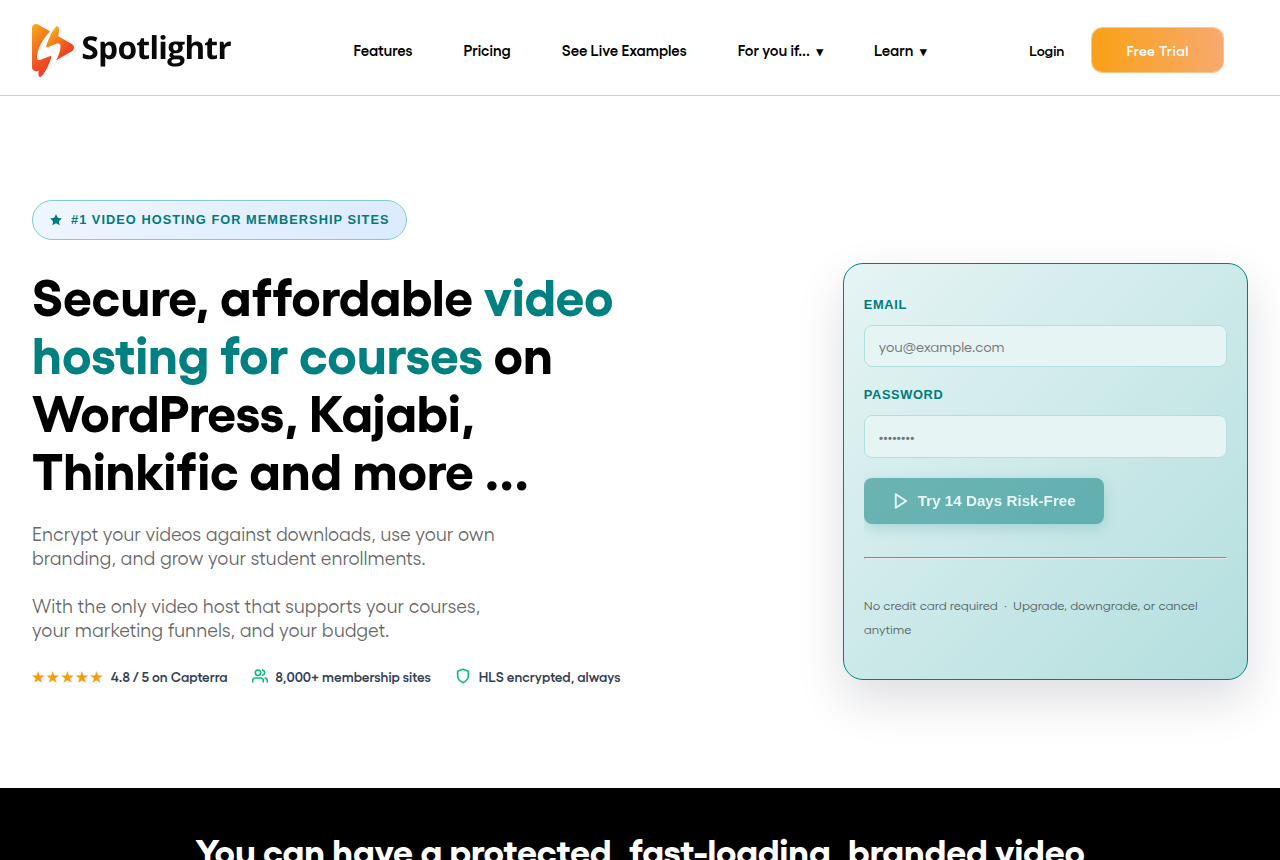
A library is watched by people who already paid, so the questions shift to protecting the files and organising lessons. In our reviews, Spotlightr is the pick for locking down course videos on a small budget, and Uscreen suits an established creator who wants a paid subscription with branded apps. Panda Video covers course hosting at volume on its bandwidth meter.
Our Spotlightr and Uscreen write-ups cover each one, and two matchups narrow it further: Spotlightr vs Uscreen or Panda Video vs Spotlightr.
B2B marketing site with webinars: Wistia
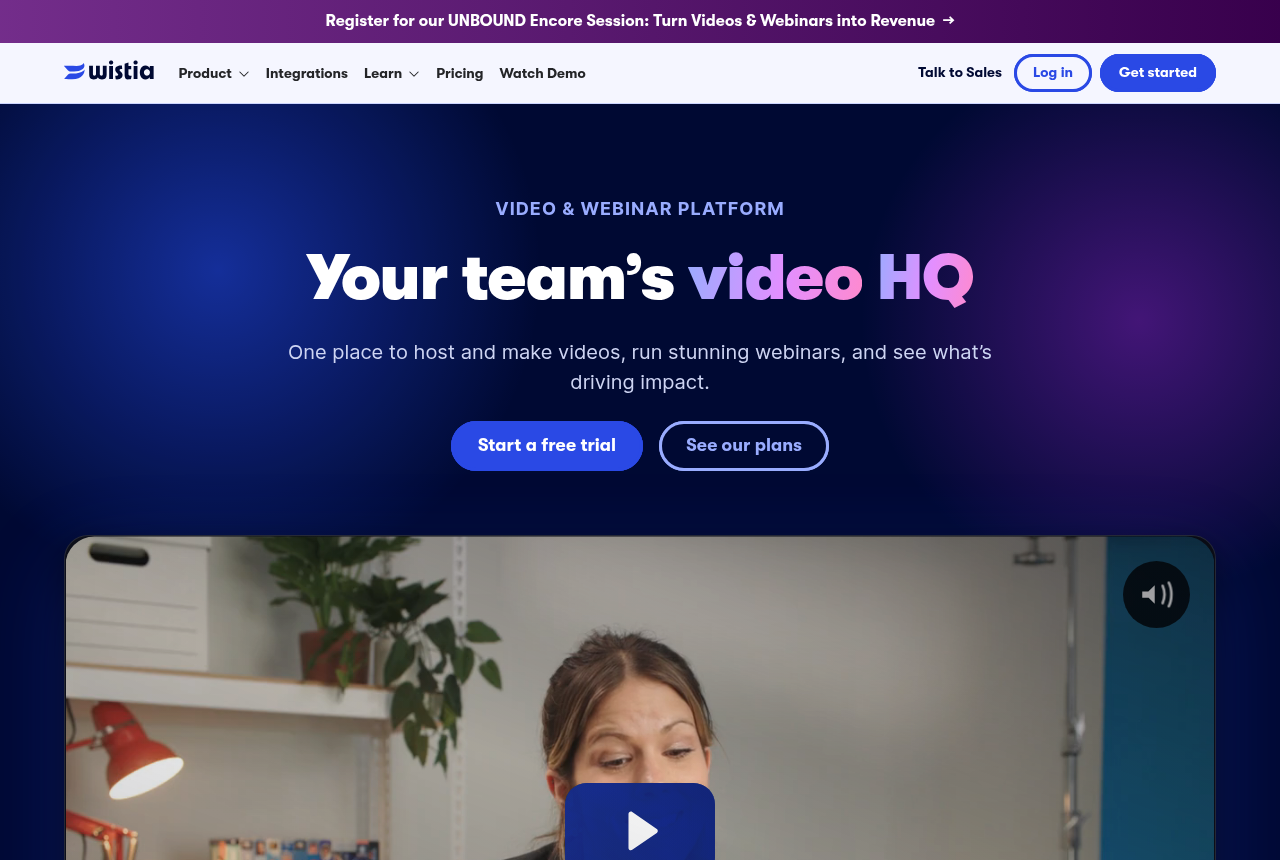
Wistia's product page puts hosting, marketing, video creation and analytics in one account, with webinars and lead capture alongside. That fits a team whose videos are demos and case studies. In one Reddit thread on B2B hosting, a marketer reports better demo conversions on Wistia than on YouTube because the content could be gated for contact details.
If you only need clean playback on your own pages, Vimeo is the simpler host, and Wistia vs Vimeo sets the two side by side. Our Wistia review and the Wistia plans fill in the rest.
One-to-one videos from sales reps: Vidyard
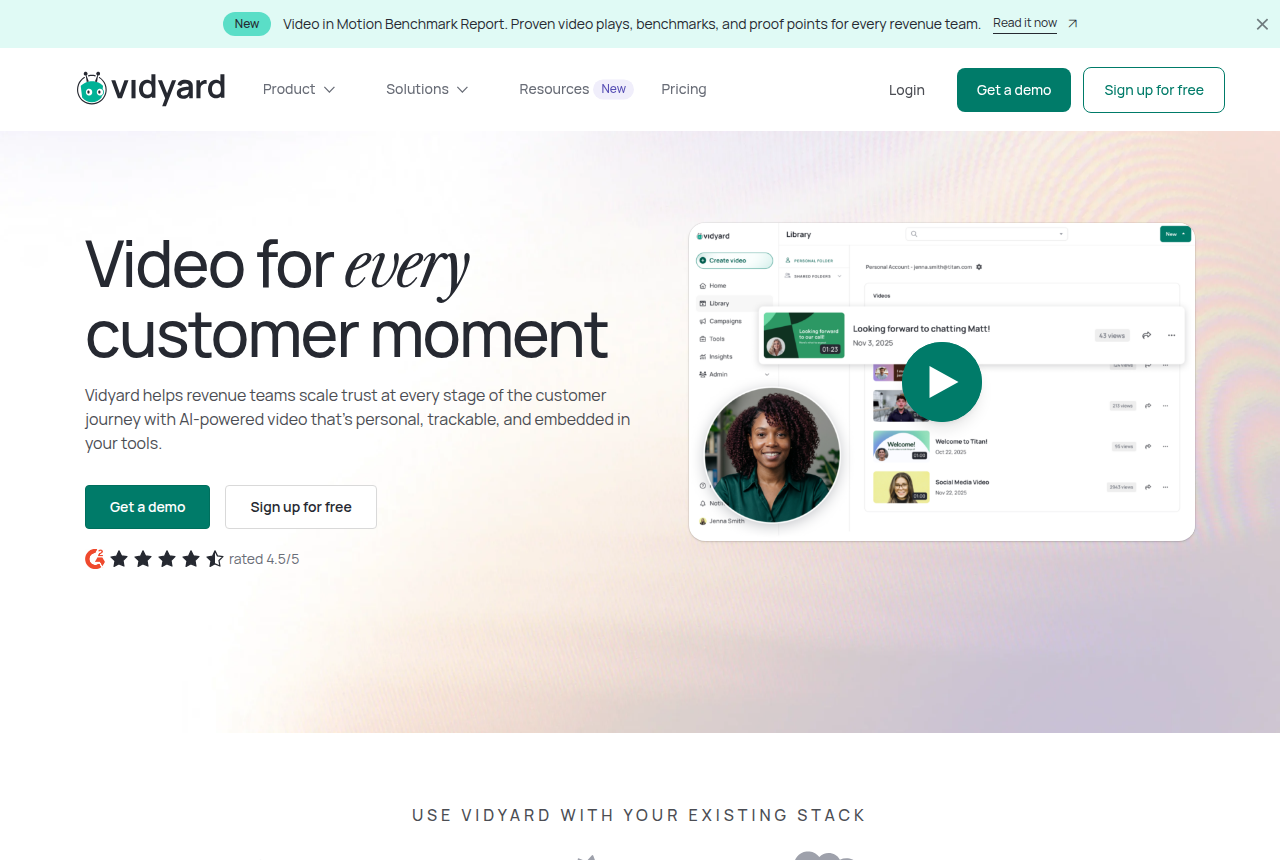
A rep recording a personal video for one prospect needs to know who opened it, which is a different purchase from a funnel player. Vidyard is built for that, and it bills by seat: everyone who records takes one. Its free plan records five videos a month of up to 30 minutes each but lists hosting as not included, so a working sales team ends up on a paid seat.
A team that also runs webinars and keeps a public video library may get more from Wistia. If you were weighing a funnel player for this job, Vidalytics vs Vidyard shows where the two split. The Vidyard review and its cost per seat cover the plans.
Video inside your own product: Mux or Cloudflare Stream
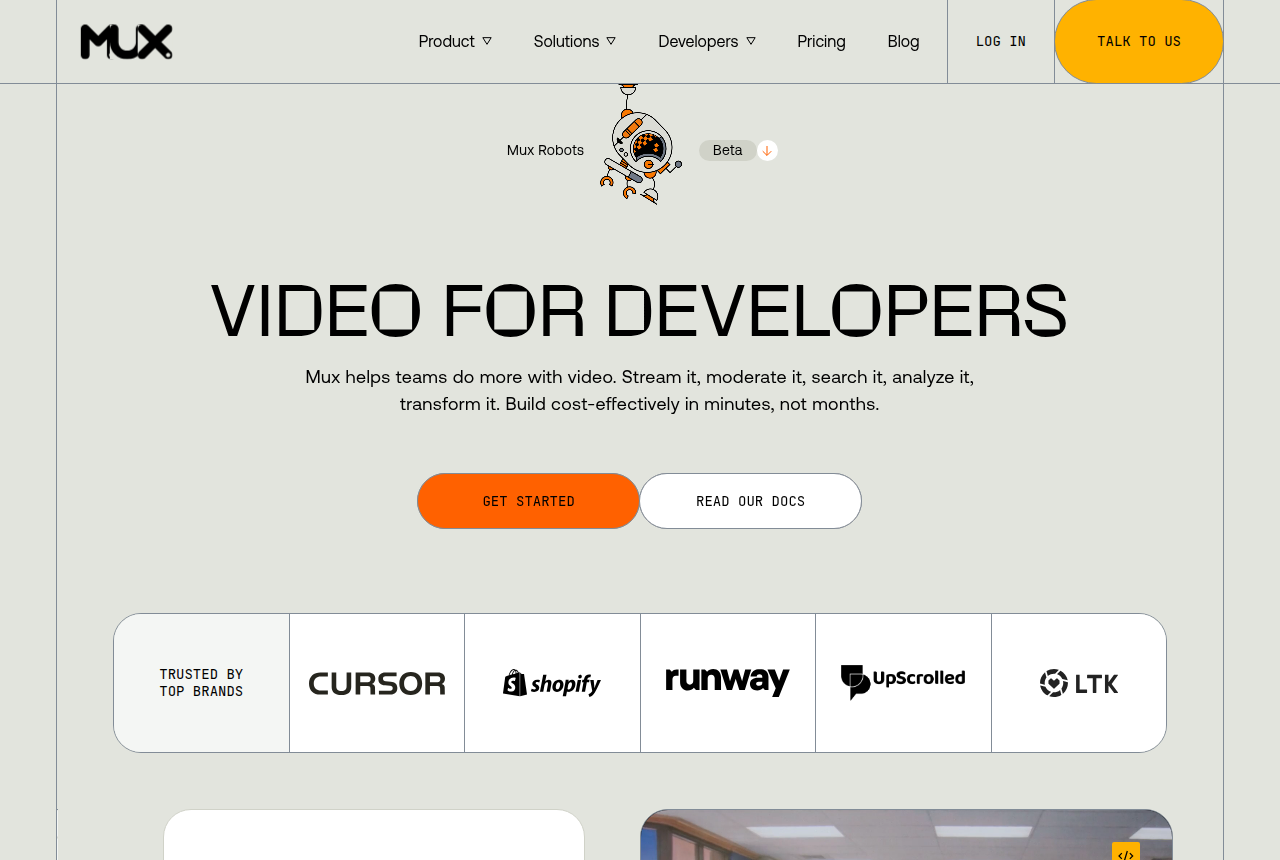
Mux describes itself as video for developers: an API to encode, store, deliver and analyse video from your own code. According to its pricing docs, Cloudflare Stream charges for two things only: $5 a month per 1,000 minutes stored and $1 per 1,000 minutes delivered. Bunny Stream counts gigabytes and usually comes out lowest on raw delivery.
None of the three ships a funnel layer, so timed CTAs or sale attribution are yours to build. For the detail, see the Mux review, Mux pricing and the Bunny Stream review. The matchups are Cloudflare Stream vs Mux or Bunny Stream vs Mux.
A webinar that pitches: Demio, Livestorm or WebinarJam
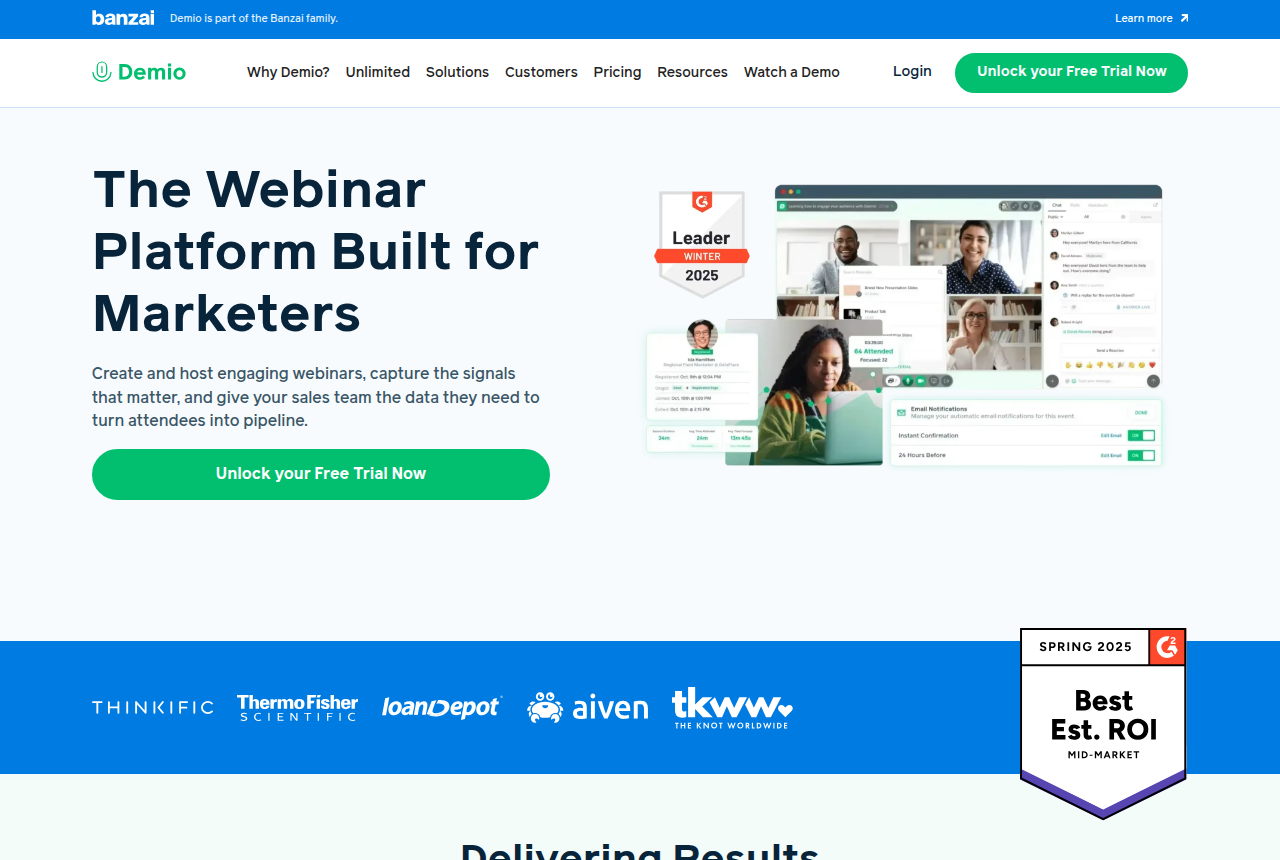
A webinar needs a registration page, a room, chat, polls and replays, which is software of its own. Demio calls itself the webinar platform built for marketers and runs live and on-demand events. In our reviews, Livestorm handles turnout that varies and rotating presenters, while WebinarJam fits live, coach-style pitch sessions.
Weighing the first two? Livestorm vs Demio lays out where each wins. Each also has a full write-up: Demio, Livestorm and WebinarJam.
How this picker was built
It is a set of written rules, the same ones laid out above. The first answer picks one of six jobs. A funnel video then splits on the second answer: a cart-verified sale goes to the attribution route, crowd analytics to the conversion-player route. When your second answer points at a different job from your first (you sell on a funnel page but track named prospects, say), the result adds a line sending you to that route too.
Questions three to six never change the tool. They add notes under the match. A billing worry sends you to the cost calculator with the three numbers it asks for. A solo answer on a per-seat route explains what one seat means, and the play range tells you which part of each pricing page to read. Plan prices come only from the vendors' own pricing pages, as recorded in each review.
I weighed the job above the meter because the meter changes the bill more than the brand does, but only among tools that do the same job. Two hosts on different meters can be dollars or a hundred dollars apart for the same month of traffic, as the calculator's 10,000-play example shows.
Worked example: two sellers, two answers
A course seller runs Facebook ads to a 20-minute VSL, about 10,000 plays a month, and wants to know which plays end in a sale. Their answers: funnel page, the verified sale, worried about paying per play, paid ads, solo, 2,000 to 15,000 plays. The picker sends them to the TrackPlay route with Vidalytics and Panda Video as the alternatives, and adds a note to run their numbers through the cost calculator.
The calculator's own worked example uses exactly this traffic with viewers staying 35% of the way. Panda comes out cheapest of the three there, because its included bandwidth soaks up most of the month, and Vidalytics comes out highest. The case for paying more on a per-play meter is the data: a thread in r/FacebookAds argues the VSL itself, more often than the ads, is where these funnels stall, and advises mapping drop-off stage by stage before touching the creative. For this seller I would pick TrackPlay over the cheaper Panda bill, and I'd judge the choice after a month by revenue per play.
A software company's account executive records around 30 follow-up videos a month. Their answers: one to one from a rep, named prospect, per seat, email list, team, under 2,000 plays. That goes to Vidyard. Its free plan stops at five recordings a month, so this rep needs a paid seat. Autoplay rules and cart postbacks would add nothing to a video sent to one named buyer.
Frequently asked questions
Is a VSL player the same as video hosting?
When is Wistia a better fit than a VSL player?
Why does the billing meter matter more than the brand?
Do I need a webinar platform or a video player?
Where can I compare my two finalists?
Related reading
- VSL hosting cost calculator for your own plays, length and watch share
- Webinar cost calculator for a live room, a credit pack or an automated plan
- Live or automated webinar picker when the sale is a registered event
- Best video sales software, ranked
- TrackPlay vs Vidalytics, the two per-play players
- Vidalytics vs Panda Video, plays against bandwidth
- Compare video tools, every head-to-head on the site
- How we rate tools

Written by
Dominic Reyes
Lead reviewer
Dominic Reyes is the lead reviewer at Play That Sells. He covers VSL players, video hosting and the attribution stack behind paid-traffic funnels, reading vendor documentation, pricing pages and years of user threads before he writes a verdict. He pays most attention to retention, conversion tracking and page-load speed. When a vendor's claims go further than what buyers report, he says so.
dominic.reyes@playthatsells.com
Last checked 2026-10-23
Comments
No comments yet. Questions and your own experience are welcome.
Thank you. Your comment will appear once it has been reviewed.