Which webinar platform fits?
Answer six questions. You get a live room, a scheduled replay, or one subscription that does both.
A live pitch you still deliver yourself belongs on WebinarJam. Once the recording should keep selling without you in the room, EverWebinar is the product built for that schedule. Both on one subscription means Demio for a small room and EasyWebinar once that room has to hold more people.
A live webinar puts everyone in a room at the same time. An evergreen webinar, the usual name for an automated one, plays a recording on a schedule while people still register and still get reminders. Hybrid means that recording plays and a person stays for the chat.
WebinarJam's pricing FAQ draws the line between its two products: live sessions on WebinarJam, scheduled replays on EverWebinar. Demio's plan comparison lists pre-recorded and automated webinars for Starter, Growth and Premium. The entry plan already has them. On EasyWebinar, the Launch tier is live only. Growth is where automated, simulive and evergreen sessions turn on.
Each dollar figure appears once, in the match it belongs to. The webinar cost calculator turns your attendance into a monthly bill. If the sale is a video on a page and nobody registers for a start time, leave the webinar list and use the six-question video player picker.
My take. I would pick the format first, then the brand. A coach who is still proving an offer should keep presenting live. A recording that already converts moves to an automated plan. Onboarding that has to run without a host goes to eWebinar. I would judge the shortlist by the bill: empty seats, people who actually attend, or a cap on registrants.

Answer six questions
Choose one answer each time, then press the button. The result estimates which platform fits, using the plan details linked under each heading. It is not a quote.
Your match appears here.
Live webinar or evergreen replay
Format and the job pick the product. Room size, the bill, the CRM and where you start only decide which plan to read.
Live coach pitch: WebinarJam
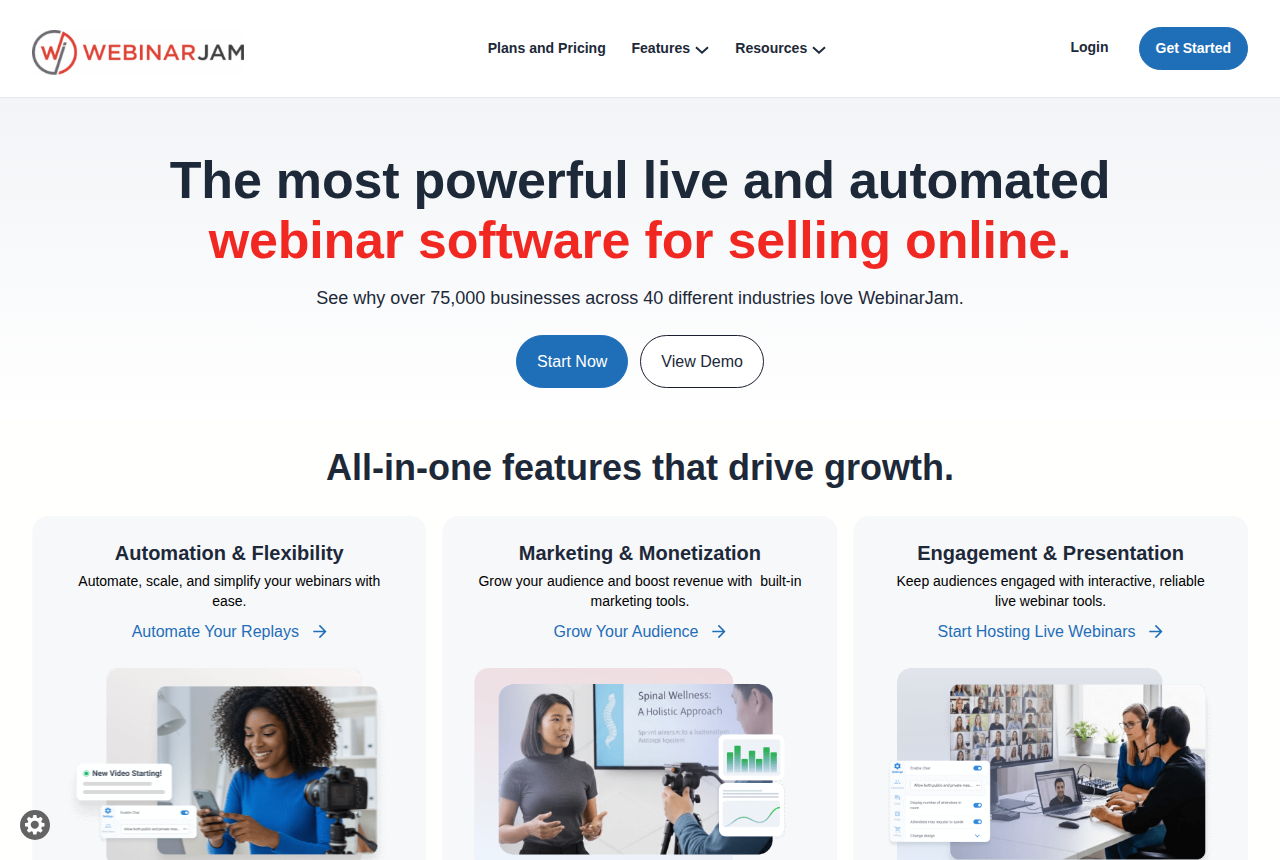
WebinarJam is the live room for a pitch you still deliver, with offer displays and registration A/B tests on the Starter card. Starter is $49 a month billed monthly, or $39 a month billed annually, for 100 attendees and a one-hour cap. Basic, Professional and Enterprise include EverWebinar at no extra cost. That bundle begins on Basic.
After the live offer works, the recording can stay with this pair of products. The WebinarJam review and the pricing page spell out the plans. Open WebinarJam vs EverWebinar if you are deciding whether to keep the live product, and Demio vs WebinarJam if the browser room is the alternative.
Live and automated on the first plan: Demio
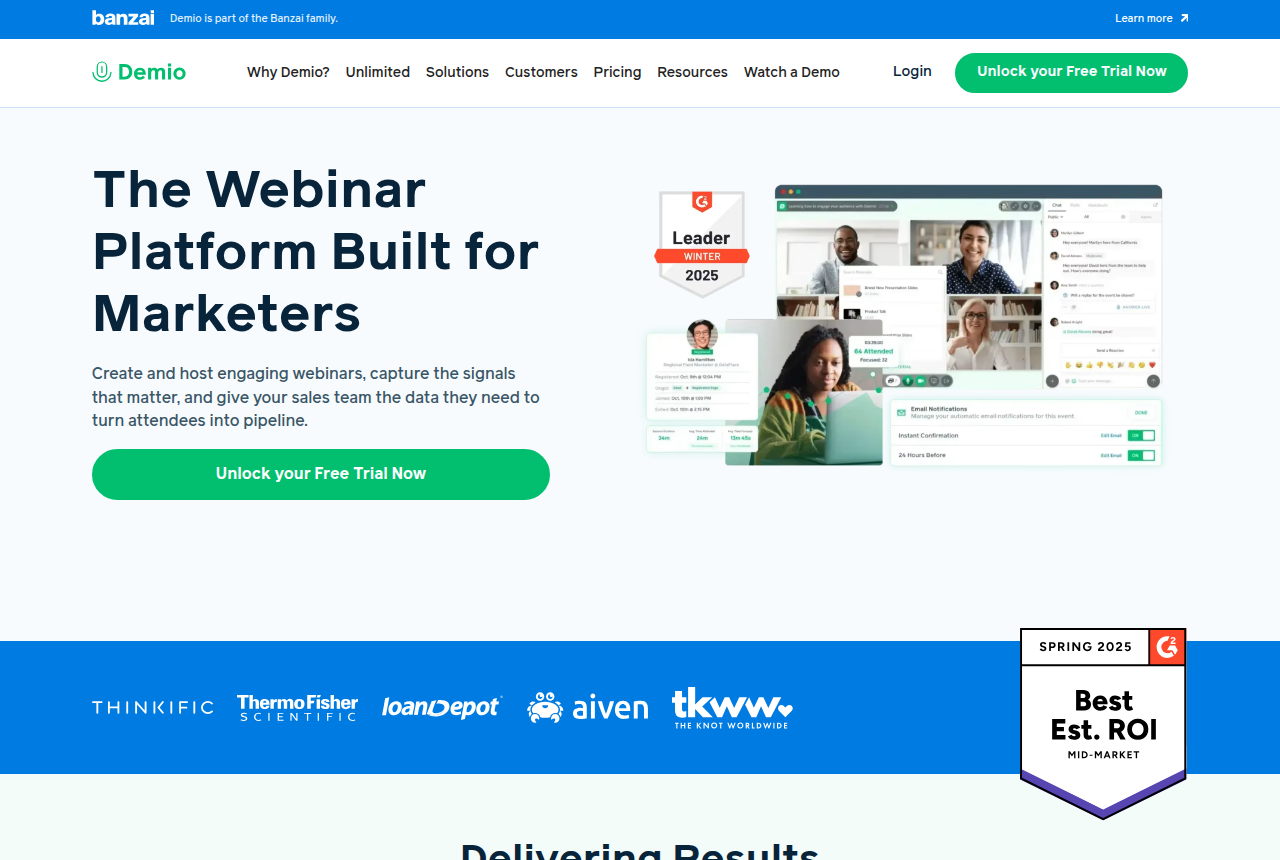
Demio includes automated webinars from the entry plan, in a browser room run by one host. Starter is $45 a month paid yearly, or $63 a month paid monthly, with a 50-person room and a three-hour session limit. Premium is $196 per host each month when you pay yearly. It includes HubSpot, Salesforce, Marketo, Pardot and OpenReel. A larger audience means picking a bigger room on that same page.
One buyer teaching photography said Demio's screen share was too soft to show skin texture. You will notice it in a demo that needs fine visual detail. A slide pitch or a talking-head close does not run into it. The comment is in a public thread on automated webinars. Start the longer write-up at the Demio review. Livestorm vs Demio is the credit-bill argument, and EverWebinar vs Demio is the scheduled-replay argument.
A proven pitch on a calendar: EverWebinar
EverWebinar replays a recorded session on a schedule. The same plan table lists hybrid and just-in-time sessions. The annual plan is $1,188 up front, described as $99 a month, and it renews each year. Monthly is $199. A two-year payment is $1,896, which works out to $79 a month. The trial is $1 for 14 days, then the monthly rate unless you cancel.
This is the default for a coach-style pitch that runs as a replay. Go deeper in the EverWebinar review. The WebinarJam pair shows what changes if you also present live, and WebinarKit vs EverWebinar is the lower-priced automated alternative.
Training that must run without a host: eWebinar
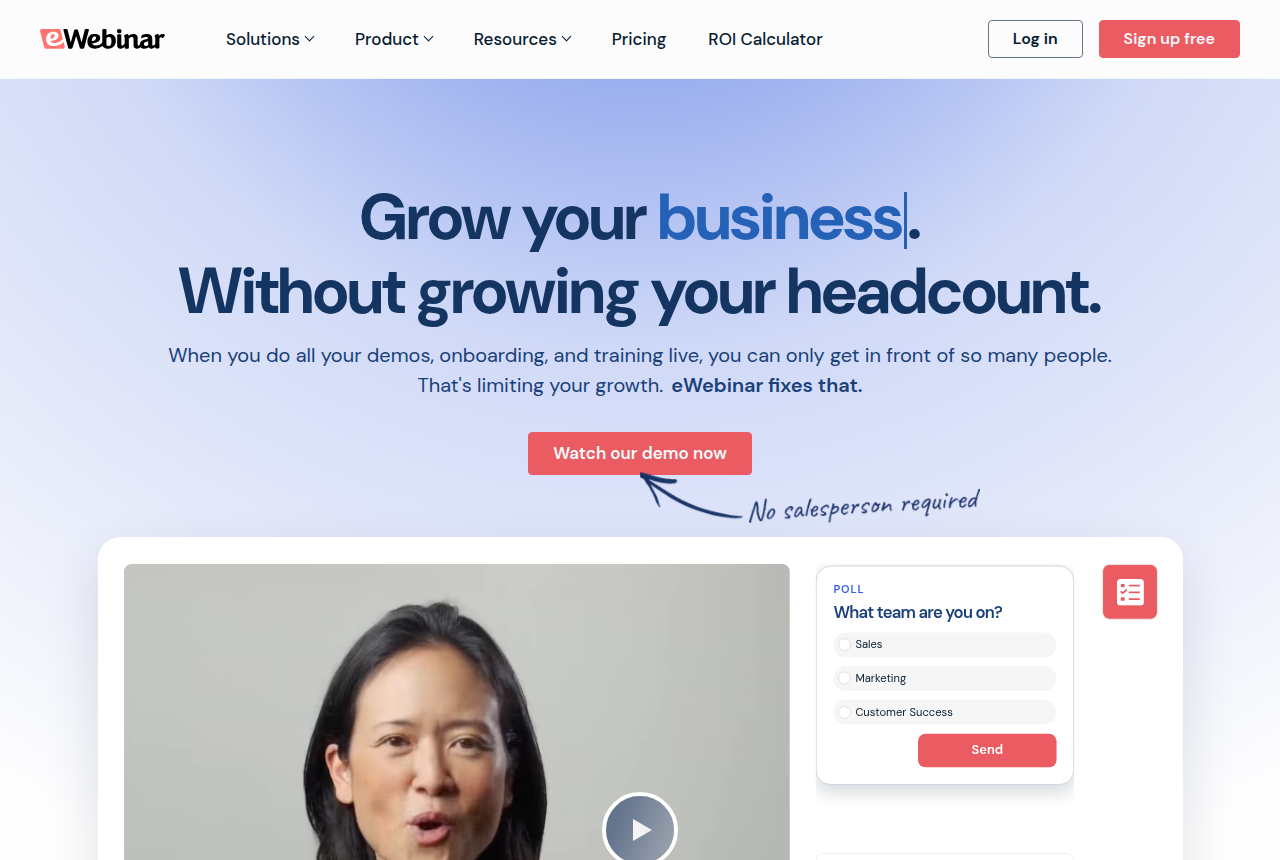
eWebinar is on-demand video with chat, so the audience can be reached without anyone presenting live. Level 1 is $99 a month, with up to one active eWebinar and 1,000 registrants a month. The thread linked under Demio recommends it when automation is the entire product.
Use it for a recorded demo, onboarding, or training that should not be repeated in a room. A live close belongs on one of the rooms above. See the eWebinar review, its plans, and the alternatives.
Automated, and a registrant cap is the worry: WebinarKit
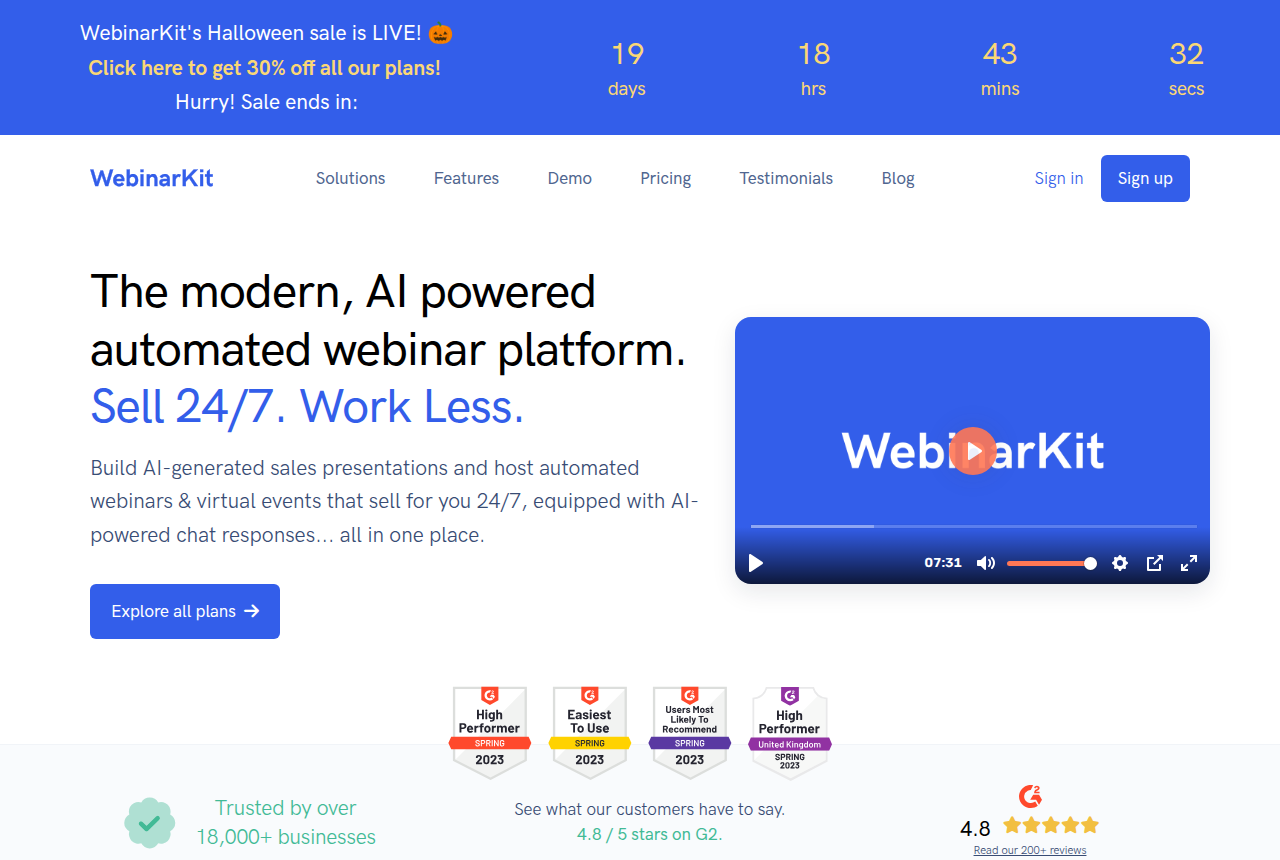
WebinarKit is the cheaper automated option here. On its secret pricing page, that product is $39 a month, $129 a year, or $367 once. The monthly option includes a 7-day trial for $1. These are the prices that page lists. The FAQ on that page says a live session is optional.
Pick it for a coach-style pitch that is already a replay, if your concern is a cap on registrants or on active webinars. If the offer still needs you presenting, keep a live room. The WebinarKit review walks through the setup. WebinarKit vs EverWebinar is where the price gap gets specific.
Prove it live, then automate, for a bigger audience: EasyWebinar
EasyWebinar splits the job across two rows on the cards already linked above. Launch is $44 a month and covers live sessions only: 50 people in the room, and up to 250 people watching a replay. Those replays are a recording after the event, separate from an automated webinar. Growth is $116 a month and adds the automated, simulive and evergreen sessions, with 200 live attendees and 1,000 automated viewers.
Growth is the row for a live proof plus the later recording, once more than 50 people need a seat. Launch leaves the automated half out. The EasyWebinar review goes further. EverWebinar vs EasyWebinar is the argument between a replay-only product and this two-row subscription.
B2B sessions with uneven registration: Livestorm
Livestorm charges a credit for each person who attends. A yearly Pro example on its pricing page is €2.50 per attendee credit, shown on a pack of 400 credits. One credit covers one person for one session, whether that session is live, a replay, or on demand. Registrants who never show up are not charged. Team members do not use a credit.
That is the match for a demo or a lead-gen series when turnout swings, including when you might pay for an empty room and more than 50 people could show up. A small room that needs HubSpot, Salesforce, Marketo or Pardot on the plan itself is the Demio Premium row instead. The Livestorm review follows the credit math further. Livestorm vs Demio puts that math next to Demio's flat host fee.
Stay on Zoom when the familiar room wins
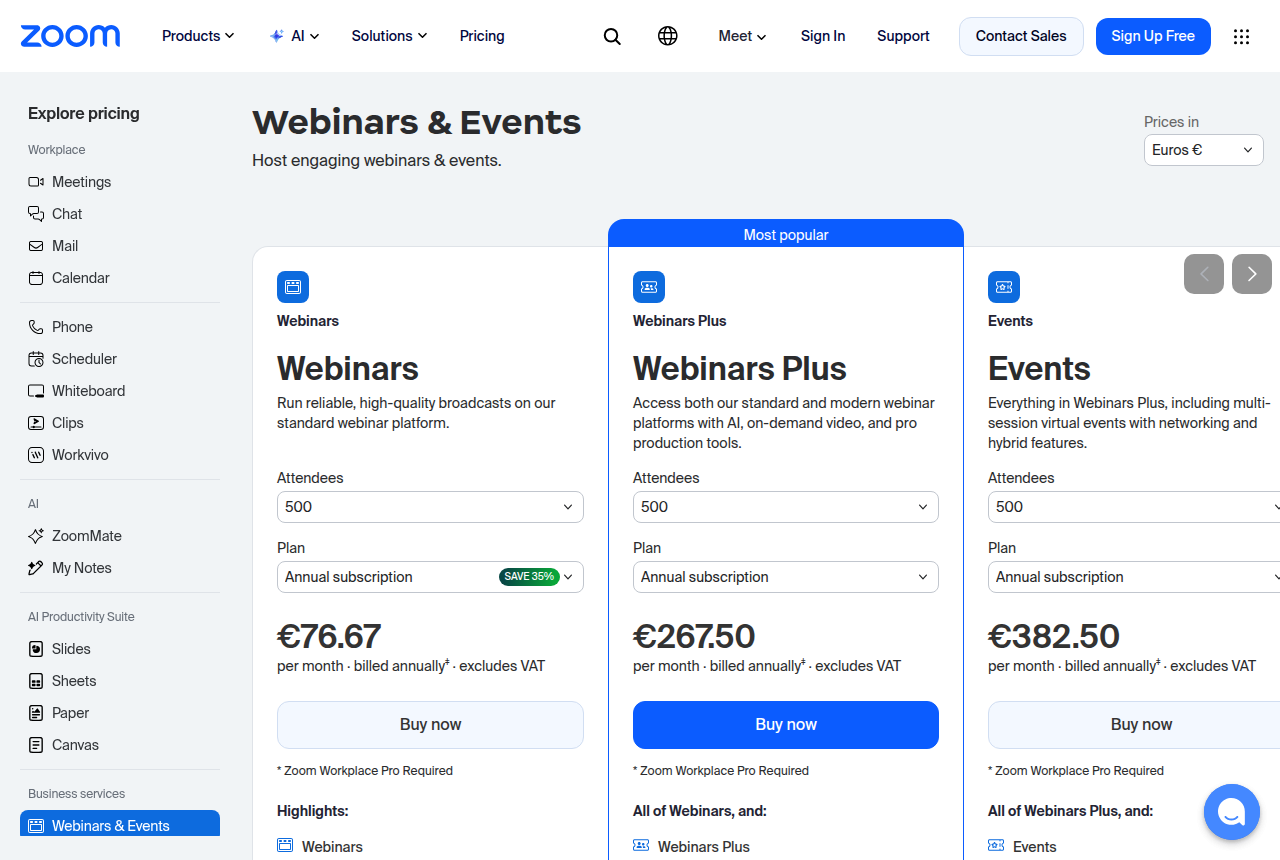
Zoom Webinars is the exit when the audience already knows the room, and you care more about that familiarity than about registration tests or a timed offer. This match does not state a fee. The Zoom Webinars review covers the plans. The alternatives page shows where to go if you leave. WebinarJam vs Zoom Webinars is the live-pitch version of that choice.
The pitch plays on a page: use a video player
A cold-traffic sales video with no registration and no shared start time needs a video player. Open the player quiz. It asks what the video has to do, what you measure, and which bill you can stand.
How the match is chosen
The first two answers decide the platform. A page with no signup always goes to the player quiz, and the other answers are only stored.
Training that is automated only goes to eWebinar. A B2B demo goes to Livestorm if you would rather pay for people who attend, replays included. It goes to Demio if the room stays at 50 and you need the native HubSpot-style connections on Premium, or if you want a flat fee for that 50-person room. Every other B2B combination stays on Livestorm.
A coach-style live pitch stays on WebinarJam, except a room of up to 50 that only needs email and Zapier, which goes to Demio. That live coach match is never moved onto Livestorm, even if empty seats are the worry. An automated coach pitch goes to EverWebinar, and to WebinarKit if the worry is a registrant cap or a cap on active webinars. Both formats, live first and automated after, go to Demio at 50 people and to EasyWebinar Growth past that. WebinarJam from Basic up, with EverWebinar included, is the two-product way to do the same job.
Training that still needs a live session follows the same small-room split, and eWebinar waits until you drop the live room. If you already run the event on Zoom, the job is not a coach pitch, and the format is not automated only, the match shown is Zoom. The marketing tool your other answers would have picked is named underneath. For a coach pitch or a scheduled replay, the result still names the marketing tool and mentions Zoom beside it. A meeting room people already know is a different product from one that has to sell on a calendar.
Room size, the CRM and where you are starting only tell you which plan tier to read. If you pick "not sure" for the bill, the result links that calculator. The rules come from the vendor plan pages linked in each match, and from public comments by people who already use the tools. That is how we rate tools.
Two readers, two matches
A coach is about to run a live pitch for roughly 200 people, worries about paying for chairs that stay empty, is fine with email and Zapier, and has no webinar tool yet. That coach should use WebinarJam, on a tier above Starter, because 200 people will not fit in the Starter room. If you care more about the browser session than the offer displays on the WebinarJam card, open the Demio match next. I would still start this coach on WebinarJam.
A software marketer needs an automated product demo, a native HubSpot connection, and a bill that follows who shows up, because registration is uneven. Those answers go to Livestorm. Count each replay in the credit pack, which the Livestorm match already sets out, and price that month before you buy credits. If the room will stay small and you would rather pay a flat host fee for the Premium CRM list than pay in credits, Demio is the other sensible choice. I would take Livestorm for the uneven registration.
Frequently asked questions
What separates a live webinar from an evergreen one?
Do I need WebinarJam and EverWebinar together?
When is Demio the better live room?
When is eWebinar the better automated tool?
Should I open the cost calculator or answer these questions?
When does a video player replace a webinar platform?
Sources
Related reading
- Webinar cost calculator, a monthly bill from your own attendance
- Player quiz for a sales video on a page with no registration
- Best automated webinar software, the ranked evergreen list
- WebinarJam vs EverWebinar
- Demio vs WebinarJam
- Livestorm vs Demio
- EverWebinar vs Demio
- WebinarKit vs EverWebinar
- EverWebinar vs EasyWebinar
- WebinarJam vs Zoom Webinars
- Compare hub
- How we rate tools

Written by
Dominic Reyes
Lead reviewer
Dominic Reyes is the lead reviewer at Play That Sells. He covers VSL players, video hosting and the attribution stack behind paid-traffic funnels, reading vendor documentation, pricing pages and years of user threads before he writes a verdict. He pays most attention to retention, conversion tracking and page-load speed. When a vendor's claims go further than what buyers report, he says so.
dominic.reyes@playthatsells.com
Last checked 2026-10-23
Comments
No comments yet. Questions and your own experience are welcome.
Thank you. Your comment will appear once it has been reviewed.