Live and automated webinar software for selling online.
By Dominic Reyes, Lead Reviewer. Edited by the Play That Sells desk. Updated 24 October 2026.
Quick answer
WebinarJam is the Zoom Webinars alternative to try first for a live sales pitch. Its cheapest plan pairs a 100-person room with registration pages, reminders and offers on screen, at the lowest annual price in this roundup.
WebinarJam is a live webinar product from Genesis Digital LLC in Las Vegas, the company that also sells EverWebinar and Kartra. The company lists its business address on the pricing page. Buyers who regret the purchase usually describe a subscription charge after a short trial.
The pricing page lists Genesis Digital LLC at 4730 South Fort Apache Road, Suite 300, Las Vegas, Nevada 89147-7947. That footer links to the terms of service and to a public status board at status.webinarjam.com.
The WebinarJam vs Zoom page covers the live room. Posts about surprise charges are in the section below.
What the trial costs
The pricing banner calls those 14 days free, and it says you can cancel at any time. The trial offer under that banner costs $1 for that period. It includes a room for 500 attendees, two hosts and a two-hour limit. The terms say you must put a card on file before the account is created, and that recurring fees are charged to that card. Each person gets one trial per product. Buying several trials and then canceling them can close the account permanently.
Refunds and the next bill
The pricing page calls this a 30-day money-back guarantee and points readers to the billing policy for the rules. On an annual WebinarJam or EverWebinar payment, that policy refunds the full amount if you ask within 30 days of the purchase. On a monthly plan, or a plan paid in installments, only the most recent payment is refundable. Earlier installments are not refunded. Other subscription fees are nonrefundable, and you do not get money back for unused days.
You have to request cancellation at least 10 days before the next billing date. If you miss that date, your card is charged. A chargeback can add a $50 fee. Genesis Digital may refuse the refund if it thinks the pattern is trial abuse.
A help center article from July 29, 2026, shows each click. Open Billing, open the self-billing portal, sign in with your account email and order ID, and click the cancel icon. The subscription is marked as pending cancellation. The article says you will not be charged again, and you keep access until the period you already paid for ends. If you pay in installments, contact support before you cancel, or access can end early.
The billing policy says it was last updated on October 25, 2022, and the pricing page still sends refund questions there. That older page asks for 10 days' notice. Follow the steps above, and submit the request before that notice runs out.
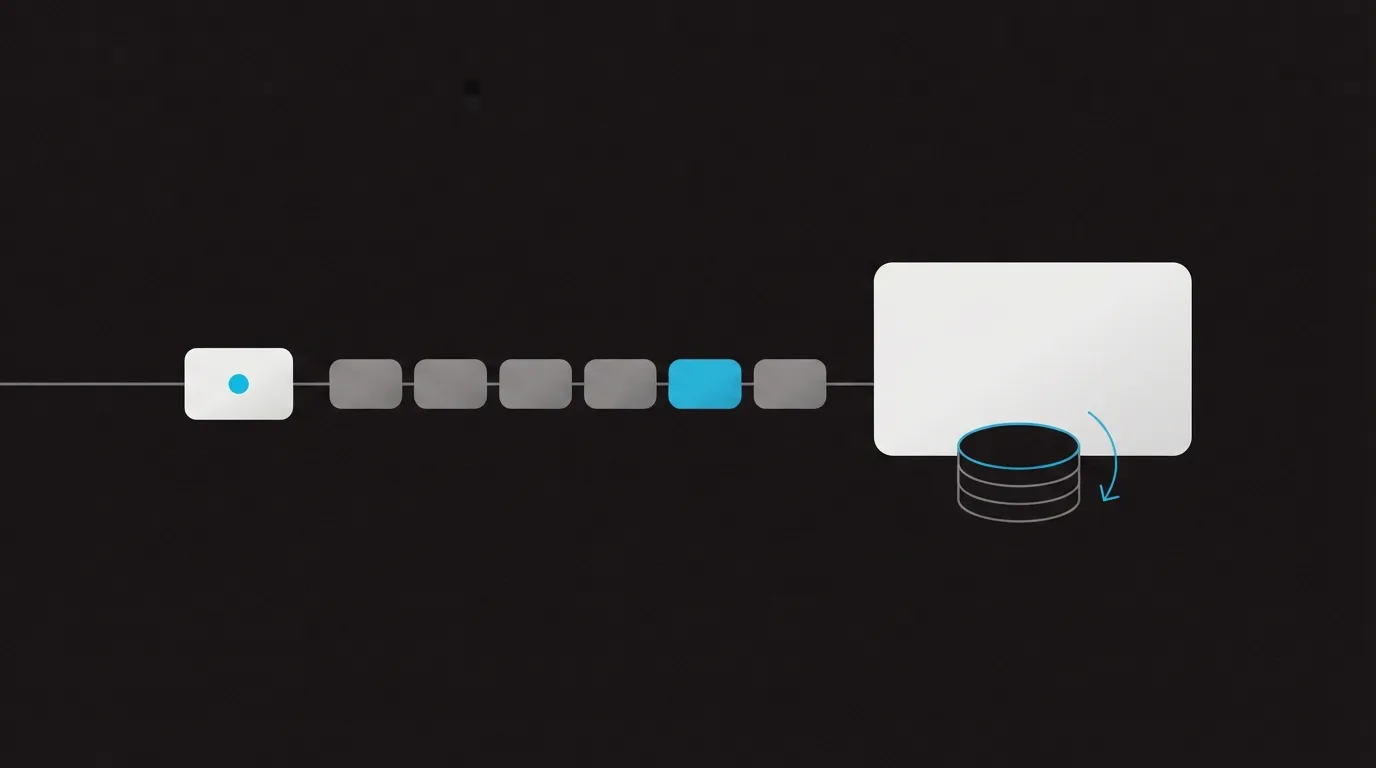
The highlighted block is the last step before a renewal. The coins show that a monthly refund covers a single payment.
What buyers say about recurring charges
On Trustpilot, a January 2025 review says the writer canceled during the trial and the system still set the subscription to end at the close of the month, with no refund. A December 2024 review says the writer deleted the account the same day as the purchase and was then charged more than $100. WebinarJam's reply on that review says the refund went through.
A December 2024 review on Capterra describes the same result. After the trial, the writer could not cancel and could not get a refund. Someone can follow the newer instructions and still run into the older notice rule.
My take
I would choose WebinarJam for a live pitch when a one-hour Starter session is enough, and I would cancel in that portal on the day I open the account. Give the notice the older policy still requires, even if those steps sound final. Choose the annual plan only if you can decide during the full-refund period. On a monthly plan, the refund covers the latest charge. Earlier charges are not returned.
If you want live and automated sessions in one place, start with Demio. If you want the replay from this company, that product is EverWebinar, and it follows these refund rules. The WebinarJam vs EverWebinar page separates those two jobs, and the ranked roundup places this room with the other video sales tools.
Starter is a 100-person room with a one-hour cap, built for a live coach pitch.
Registration pages, email and SMS reminders, live offers and registration A/B tests are included in the plan.
Basic and higher plans include EverWebinar, so a successful live pitch can move into an automated replay program.
What to watch
The Starter room is capped at one hour, which is tight for a long workshop with questions.
Automated replays need a separate product, EverWebinar, unless the plan already includes it.
A dense sales interface can be more software than a team needs for a simple educational event.
What users actually say about WebinarJam
Research: unverified
Charges after a trial
The terms require a card on file before a trial account is created, and they say trial payments are non-refundable. Trustpilot reviews describe a trial cancellation moved to the end of the month, and a same-day account deletion followed by a charge over $100. The company reply on the second review says a refund was processed.
“In the event of a trial period, payment information must be on file before Client's account is created.”
“I purchased a trial period, and I canceled it on time. However, their system automatically sets the cancellation to the end of the month, meaning I don't get a refund.”
An annual WebinarJam or EverWebinar payment can be refunded in full inside 30 days of purchase. A monthly or installment plan refunds only the most recent payment. The help article says canceling through self-billing means you will not be charged again. The billing policy still requires the request at least 10 days before the next billing date.
“For WebinarJam and/or EverWebinar purchases, Genesis Digital offers a full refund on an annual charge provided the request is made within 30 days of the purchase.”
“In the event of a monthly plan or multi-installment payment for a WebinarJam and/or EverWebinar subscription, a refund is only possible on the most recent payment”
WebinarJam hosts each webinar's registration page on its own domain, and the help article says that domain cannot be changed. The pixel guide uses event.webinarjam.com for the live room. BBB Scam Tracker has employment reports that opened a live room on that host and then asked for an insurance payment. The report describes the pitch, not a finding that Genesis Digital ran it.
“This link directs visitors to your WebinarJam-hosted registration page.”
Prices as listed on the vendor's pricing page on 23 October 2026.
Changes to this review
12 October 2026: Review published from WebinarJam's pricing page, the EverWebinar bundle footnote and long-term user reports on the live room.
14 October 2026: Added whether WebinarJam is legit, what the trial costs, the refund split between annual and monthly plans, the gap between the billing policy and the help-center cancel steps, and the billing complaints buyers post.
23 October 2026: Pricing page now leads with the $1 trial, the subscription charge on that card, the 30-day annual refund and the 10-day cancel notice, plus whether WebinarJam is legit and what event.webinarjam.com links are.
Frequently asked questions
Is WebinarJam legit?
Yes. Genesis Digital LLC makes the software and lists a Las Vegas address on the pricing page, next to the terms. Buyers mostly complain about being charged after the trial ends. That pattern is in the recurring-charges section.
Does WebinarJam have a free trial?
The banner says free. The offer beside it is a paid trial of the 500-person room, and the terms require a card before the account can be created. Each person gets one. Room limits are in the trial section above.
Can I get a WebinarJam refund?
On an annual plan, a request during the period named above returns the full payment. On a monthly or installment plan, only the last charge qualifies. Earlier charges are not refunded. That section also covers the abuse rule and the chargeback fee.
How do I stop WebinarJam from billing me again?
From your account, go to Billing, then the billing portal, and cancel with your email and order ID. Put the request in before the notice period above runs out. If the request is late, the renewal can still go through. You keep access until the period you paid for ends. On an installment plan, contact support before you cancel.
What is WebinarJam best for?
A live coach-style sales pitch that needs a registration page, reminders and an offer on screen. Automated replays need EverWebinar too, unless the plan already includes it.
How much does WebinarJam cost?
The pricing block on this page lists each room with its monthly rate and its annual rate. Session length and host count rise as the room gets larger.
Dominic Reyes is the lead reviewer at Play That Sells. He covers VSL players, video hosting and the attribution stack behind paid-traffic funnels, reading vendor documentation, pricing pages and years of user threads before he writes a verdict. He pays most attention to retention, conversion tracking and page-load speed. When a vendor's claims go further than what buyers report, he says so.