Interactive video for sales
The pitch is already recorded, and the viewer can only watch. Interactive video software is the player layer that adds a click: a path, a button, a gate, or a form.
If the next scene depends on an answer, use a branching editor. If the pitch is one straight line, put a timed button, a play gate, or a form on that line. I would settle that job before I compare hosts.
Open the six-question player picker
Details below come from each vendor's product and pricing pages, and from what long-term users report. We read those pages before we name a fit. That method is explained on the How we rate page.
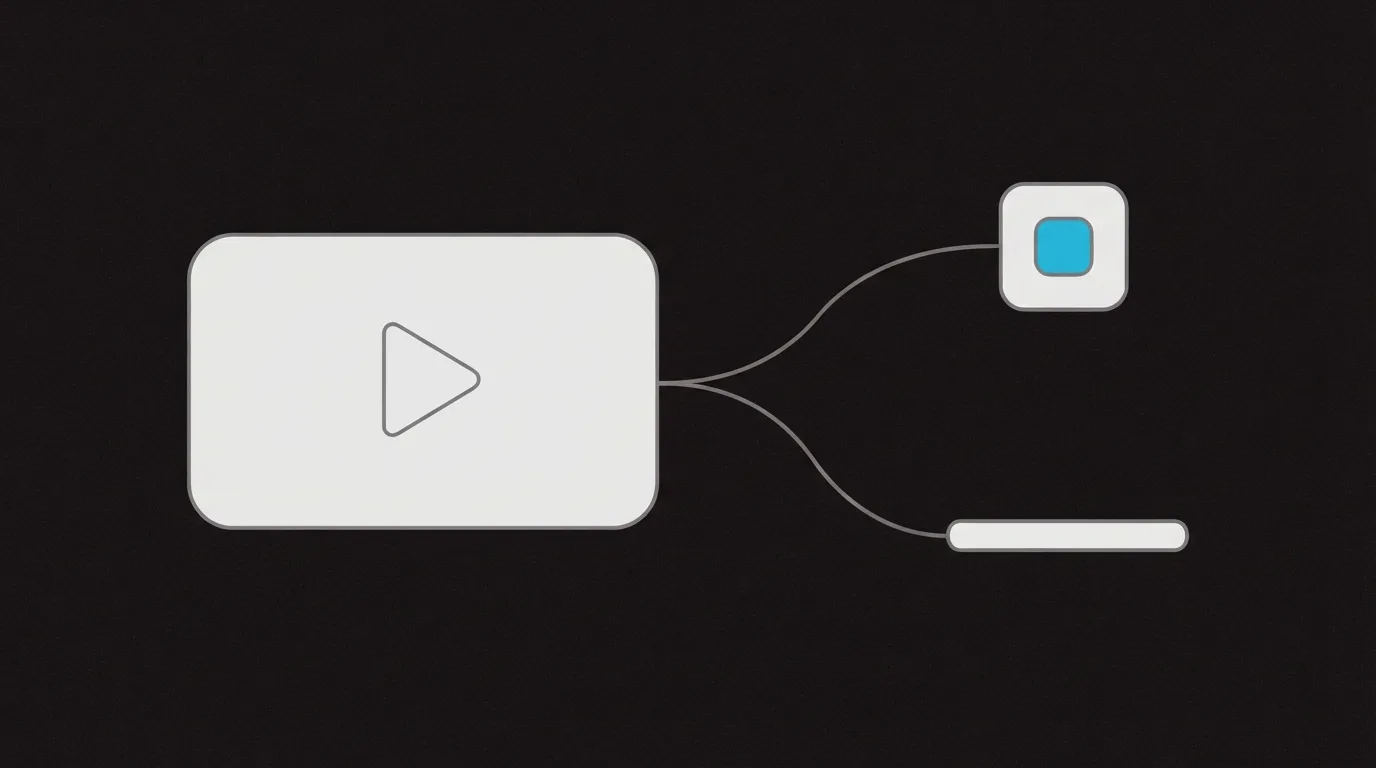
What is interactive video
Vimeo describes viewers taking part through branching, quizzes, polls, hotspots, and shoppable elements. The same page sells video branching as choose-your-own-adventure paths, and its FAQ says the editor is drag-and-drop, with no coding required.
On a sales or marketing page, that means a button, a form, a gate, or a path the viewer chooses, not a game inside the video.
Wistia's interactive page names in-video forms, chapters, calls to action, and links. Those are clicks on one recording. They are a different job from a story that forks.
How to make an interactive video
To create an interactive video for a pitch, follow Vimeo's FAQ. Plan the moments where someone chooses or answers. Upload the file. Add the buttons, hotspots, quizzes, or branching. Test the path, then publish.
- Mark each moment a viewer chooses or answers a question.
- Upload the recording to the host.
- Add the button, hotspot, quiz, or branch at that moment.
- Play it through, then publish.
Wistia limits each video to one form and one button. You can add as many annotation links as you want, and those tools cannot overlap in time. A second ask on that host is an annotation link.
Fork the next scene
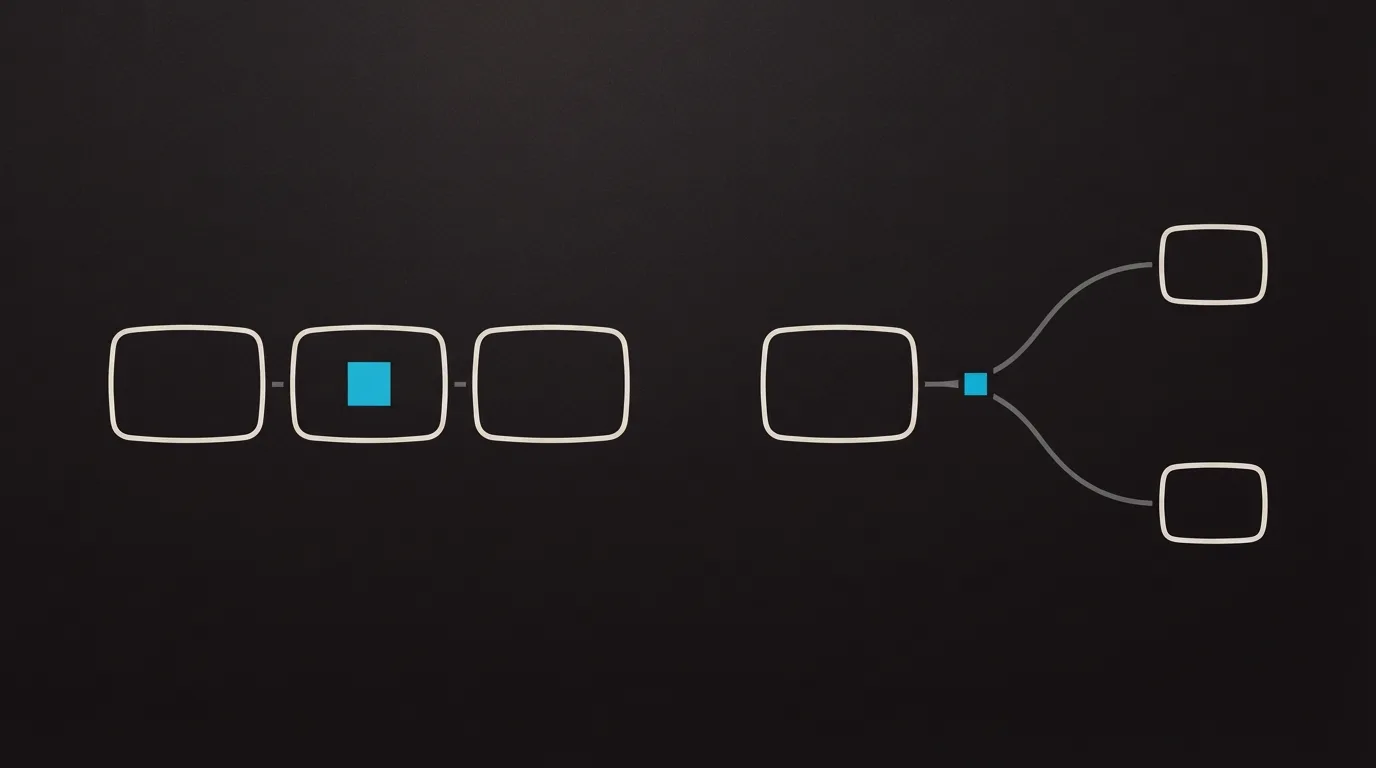
A fork is worth the setup when two viewers should see different scenes. One offer, told once, does not need that build.
Vidalytics
- Price (17 Oct 2026)
- Interactive Smart Vids on Premium, $119 a month billed annually, and on Enterprise
Vidalytics calls these Interactive Smart Vids. The features page describes a flowchart, jumps in the middle of the video, and CRM tags taken from the viewer's choice. A countdown can send anyone who does not choose down a default path.
Building that flowchart, including the default path, is the work. The pricing page puts the editor on Premium and Enterprise. Anything past the flowchart is in the Vidalytics review. If Wistia is the other host on the shortlist, read Vidalytics vs Wistia.
Vimeo
- Editor
- Drag-and-drop branching, quizzes, polls, hotspots, and shoppable add-to-cart
- Build
- No coding, per the vendor FAQ
Vimeo's interactive editor is the other place that markets a branching path you assemble in the browser. A sales or demo route can be one of those paths. Wistia vs Vimeo compares the two hosts. The Vimeo review goes further into the host.
A timed button, a gate, or a form on one pitch
One recording, one offer. The click can appear before playback, at a chosen second, or after the viewer pauses. Nobody picks a second storyline.
Wistia
- Price (17 Oct 2026)
- Business, $79 a month billed annually, includes CTAs and forms
- Signals
- Business + Signals, $329 a month billed annually, adds MAP integrations and pipeline attribution
Wistia's pricing page puts buttons and forms on Business. Marketing-automation integrations and pipeline attribution sit on Business + Signals. Open the Wistia review if you are choosing a plan for the whole account.
SproutVideo
- Price (17 Oct 2026)
- Seed, $12 a month billed annually, includes lead capture, in-player CTAs, and CRM integrations
SproutVideo includes timed buttons inside the player, lead-capture gates, and post-play screens on every plan, including Seed. The pricing page groups those with CRM integrations. The host, past the button and the form, is written up in the SproutVideo review.
Spotlightr
- Price (17 Oct 2026)
- Light, $13 a month billed annually, includes clickable CTAs and in-video lead forms
- Quizzes
- Premium, $55 a month billed annually
Spotlightr includes clickable buttons and in-video lead capture starting on the Light plan, along with more than 20 overlay templates and email or SMS gating. Quizzes are on Premium. The Spotlightr review continues from those overlays.
Vidalytics Play Gates collect an opt-in on top of the video, including when someone pauses. The form can ask for a name, an email, a phone number, or a combination of those. That replaces a separate opt-in page for this one recording.
Send the form to the CRM
Vimeo
- Form
- Up to 20 custom fields
- Where it appears
- Before the video, at a timestamp, or on the end screen
Vimeo's lead-generation page says each in-player form holds up to 20 custom fields, and playback resumes once the viewer submits. A gate can sit before the video, at a mid-roll timestamp, or on the end screen. Submissions can sync to HubSpot, Salesforce, or Marketo with the video title and the timestamp.
SproutVideo's pricing page lists CRM integrations beside the lead form. On a G2 discussion, a buyer asks how to fire a Facebook Pixel when someone submits that form, and assumes it has to be done in code because they see no integration. I would budget for custom code if a Facebook Pixel has to fire when that form is submitted.
A button on a video a rep sends
Vidyard
- Starter
- CTA templates on a hosted video
- Teams and above
- Custom CTAs with HTML or a form
Vidyard video actions add a button or a link while a hosted video plays. Starter includes CTA templates. Custom buttons that use HTML or a form start on Teams. The templates fit a single click on a clip sent to one person. Sending a clip, past that button, is written up in the Vidyard review.
Pick your next step
I would start with Vidalytics when the next scene depends on the answer and the CRM should store that choice. I would skip a branching editor for one straight recording: Wistia Business if the file already lives there, SproutVideo or Spotlightr if you want the click on an entry plan. Vidyard's templates are what I would use for a clip one rep sends to one person. I'd judge the host by whether the click it offers is the click the pitch needs.
If you are still unsure which job you have, answer the six questions. The full ranking is on the best video sales tools page. For the fork versus the single pitch, the longer reads are the Vidalytics review and the Wistia review.
Sources
- Vimeo interactive video
- Vimeo video lead generation
- Wistia interactive video
- Wistia lead generation tools
- Wistia pricing
- Vidalytics features
- Vidalytics pricing
- SproutVideo features
- SproutVideo pricing
- Spotlightr features
- Spotlightr pricing
- Vidyard features
- SproutVideo discussions on G2

Written by
Dominic Reyes
Lead reviewer
Dominic Reyes is the lead reviewer at Play That Sells. He covers VSL players, video hosting and the attribution stack behind paid-traffic funnels, reading vendor documentation, pricing pages and years of user threads before he writes a verdict. He pays most attention to retention, conversion tracking and page-load speed. When a vendor's claims go further than what buyers report, he says so.
dominic.reyes@playthatsells.com
Last checked 2026-10-22
Comments
No comments yet. Questions and your own experience are welcome.
Thank you. Your comment will appear once it has been reviewed.