See which second earned the sale
Paid traffic is landing on a sales video. The ad account shows a purchase. It does not show the second where buyers left, or which edit of that video produced the order.
You need a chart of each second, with buyers separated from everyone else, and a way to connect that viewing to the checkout. Put a script on the confirmation page, or have the store report the order. A play total answers a different question.
Run the six-question player picker
Feature claims come from each vendor's own pages, and from long-term user reports where a person described a report they actually used. How we rate tools explains that research.
Three layers of video analytics software
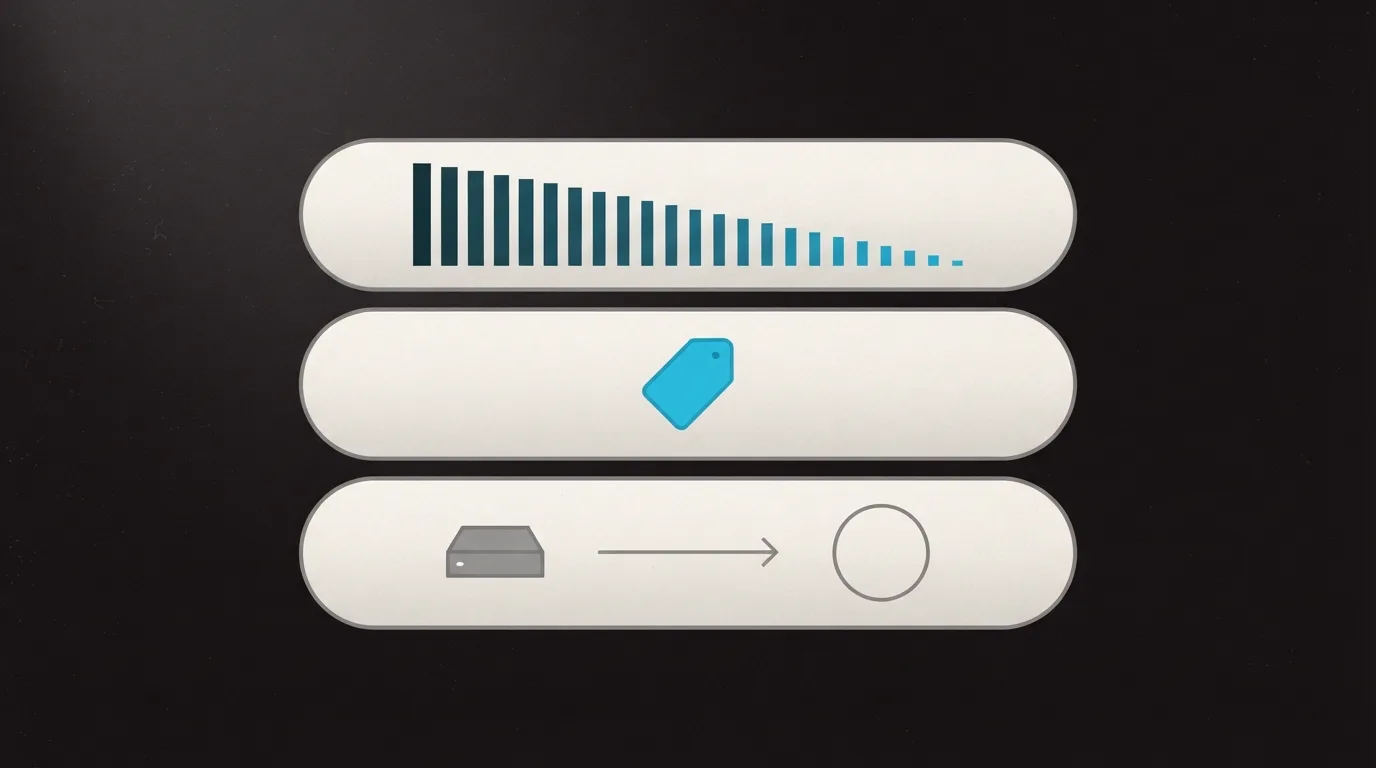
On a sales page, video analytics software has three jobs, one after another. Most hosts stop after the first.
| Layer | What it answers |
|---|---|
| Engagement | Where viewers leave, and how one audience differs from another. |
| Checkout join | Whether a later page belongs to someone who played the video. |
| Ad account | Whether the order reached the ad account without a browser tag. |
Engagement is the chart of how far people watched. The checkout join waits until a later page loads, then matches that visit to a tag set while the video played. On the last layer, the store tells the player an order came in, and the player forwards it without a tag in the browser.
Name the missing layer first. Wistia, Panda Video, and Voomly report how people watched. Vidalytics, TrackPlay, and VSLStats can connect a viewing to an order.
VSL analytics that separate buyers
On cold traffic, the useful VSL analytics chart puts buyers on the same timeline as everyone who watched and left.
TrackPlay tracks retention down to the second, with buyers and non-buyers on one chart. Vidalytics lets you split views and conversions by buyer status, traffic source, device, location, and browser. You can also split first views from repeat views, and by how much of the video someone watched.
Vidalytics' metrics page defines conversion rate as conversions divided by unique plays. Those figures sit on the stats page, and the Free plan does not include that page.
One media buyer split the same sales video by the UTM on the ad and reported engagement of 3.6% on one angle and 17.34% on the other. The same percentages show up in Vidalytics testimonials as well. Treat the pair as a single report. It is still a reason to keep each ad angle on its own URL parameter, so two creatives are not averaged into a single line.
Split tests are where the score has to be the sale. Vidalytics Experiments recommend a winner with a Bayesian model. The model updates as new results come in and shows how confident the call is. TrackPlay chooses the winner from real sales. It reports a p-value and a confidence level, and it names the second, the viewer, and the edit tied to the order. TrackPlay vs Vidalytics puts those two test methods side by side.
When engagement reports are enough
A demo, a nurture email, or a lesson often finishes with a button on the video. Those videos can stop at engagement.
Wistia
- Conversion rate
- Share of viewers who use a call to action, an annotation link, or an email form
- Drop-off
- Heatmaps, which a former user said were worth keeping
- Fit
- B2B nurture, when the next step is a button or a form on the video
It measures that click or that form fill.
Wistia's analytics page counts people who use a call to action, an annotation link, or an email form. A person who had used the product still pointed to heatmaps of when drop-off happened as the part worth keeping. For a B2B library, that matches the job. For webinars and the rest of the marketing stack, read the Wistia review. Vidalytics vs Wistia is the comparison when the video is a pitch.
Panda Video
- Retention goal
- How many viewers reached a moment you mark, such as the button you want clicked
- Also shown
- Plays, average retention, drop-off, and comparisons between videos
- Fit
- A course or a sales video, when you want the count of people who reached that button
You mark the moment. The report counts who arrived.
Panda Video's analytics page lets you mark a moment, such as the button you care about, and then shows how many viewers reached it. The same page covers plays, average retention, drop-off, and comparisons between videos. Prices and hosting details are in the Panda Video review.
Voomly
- Filters
- Location, device, and browser, for a date range you choose
- Scope
- Stats for any video
- Fit
- A landing-page video when those filters are the report you need
The homepage lists the filters and stops there.
Voomly shows stats for a video and lets you filter by location, device, and browser across a date range you set. That is what the homepage spells out for analytics. The Voomly review has the plan limits and the funnel tools.
Connect the viewing to the sale
Paid ads aimed at a pitch need the second and third layers. Judge the player by which of those you can turn on, and by how thin the public record is.
Vidalytics
- Join
- A thank-you page script. The player stores an e-tag, an IP, and a cookie, then waits
- Plan
- Conversion tracking starts on Pro. Free and Starter do not include it
- Tests
- A Bayesian model that updates as results arrive, with a confidence reading
A direct-response player with years of public use, when a thank-you script is enough.
Vidalytics' help page records a conversion when a tagged viewer reaches the page where you placed the script. Access starts on Pro or above. Free and Starter leave conversion tracking out. Check that before you upgrade an embed that is already running. Read the Vidalytics review for the player that places the script.
TrackPlay
- Chart
- Retention to the second, buyers and non-buyers on one chart
- Order
- Tied to the session, the video, and the variant when the cart posts the sale
- Limit
- Outside proof is thin. Testimonials sit on the product site
For paid traffic, when a supported cart can report the sale.
Cart postbacks tie each order to the session, the video, and the variant that produced it. Supported carts include ClickBank, BuyGoods, Digistore24, WarriorPlus, JVZoo, and Kiwify. The homepage sells the second, the viewer, and the edit behind a sale, and it decides split tests on those sales.
Outside proof is thin. Testimonials live on the product site, and independent write-ups are scarce, which is what you would expect this early. Read the TrackPlay review before a campaign moves onto it.
VSLStats
- Forwarding
- Meta, GA4, and TikTok events sent from its servers, on the Pro plan
- Starter
- Server-side forwarding is listed on Pro. Starter does not include it
- HookBoost
- Pushes the progress bar ahead of the real position. You can leave it off
A newer player, when events have to leave from the server.
VSLStats sends Meta, GA4, and TikTok events from its own servers. An ad blocker or iOS then has nothing in the browser to stop. That forwarding is listed on Pro. Starter does not include it.
HookBoost pushes the progress bar ahead of the real position, so viewers think they are farther along than they are. You can leave it off. Public proof is thin. The product launched in 2026, and the reviews an outsider can read are a handful on Trustpilot. The About page quotes usage numbers nobody outside the company can confirm. Leave those numbers out of the decision. That record is laid out in the VSLStats review and in TrackPlay vs VSLStats.
What the ad platform actually receives
A script on the thank-you page never runs if the browser blocks the tag. A browser tag cannot close that gap by itself.
Google's offline conversion guide says to keep the gclid, or the URL parameters, from the moment someone lands after the ad click. You upload that identifier later with the conversion. The guide explains the join. It does not say a video player will change how the ad account bids.
A pixel fires in the browser, usually when a page loads. The store can pass the order to the player from server to server, and the player then records that a sale happened. After that notice, TrackPlay sends Meta a Purchase event with value and currency. VSLStats sends Meta, GA4, and TikTok events from its servers, on the plan named above. Those are the fields that get sent. Nothing here says either ad account will bid better because of them.
Pick a stack for this week
If paid ads land on a sales video and you need the order on the same timeline as the viewing, use a player that can separate buyers, plus a checkout path that still works when the browser blocks the tag. TrackPlay vs Vidalytics is the matchup when you are choosing between the store posting the order and a thank-you script. TrackPlay vs VSLStats is the comparison when you are weighing server forwarding.
B2B video, where the next step is a form or a button on the video, lines up with Wistia's count of that click or form. A course library, where the question is who reached the button in the lesson, lines up with Panda's retention goal. Voomly filters by country, device, and browser when the order is not the number you are chasing.
I would read the buyer split before raising the daily budget. A video can collect more plays and still lose buyers at the same second every day. The ad account will not show that second.
The wider list of sales tools is the ranked video sales tools roundup. If the player is still an open choice, the picker asks six questions and names one fit.
How the chart differs from the sale
The retention chart shows where people left. A sale joined to a viewing means a later action, the page after payment or the order the store recorded, is matched back to that viewing.
When does the browser tag fail you?
When the tag is blocked, the thank-you page never sends the order. The player's servers can forward the sale, or the store can send the order itself, and the sale is still recorded. A nurture video with a form on the video can skip that.
Can Wistia stand in for a pitch player's reports?
It can tell you whether someone used the button, the link, or the form in the video. A pitch that has to show which edit produced the order needs the buyer timeline and a checkout join. Keep those as two reports.
Sources
- TrackPlay
- TrackPlay revenue intelligence
- TrackPlay cart postbacks
- TrackPlay Meta conversions
- Vidalytics analytics
- Vidalytics on conversions
- Vidalytics metric definitions
- Vidalytics experiments
- VSLStats
- Panda Video analytics
- Wistia analytics
- Voomly
- Google Ads offline click conversions
- UTM split on a sales video, r/FoundOnMeta
- Heatmaps after leaving a host, r/vimeo

Written by
Dominic Reyes
Lead reviewer
Dominic Reyes is the lead reviewer at Play That Sells. He covers VSL players, video hosting and the attribution stack behind paid-traffic funnels, reading vendor documentation, pricing pages and years of user threads before he writes a verdict. He pays most attention to retention, conversion tracking and page-load speed. When a vendor's claims go further than what buyers report, he says so.
dominic.reyes@playthatsells.com
Last checked 2026-10-23
Comments
No comments yet. Questions and your own experience are welcome.
Thank you. Your comment will appear once it has been reviewed.