Skip to content
Menu

Cheaper alternatives to Vidalytics

The signup table counts plays, and the help center still prices bandwidth. Pick a host that charges by the gigabyte if your plan charges per play. If the invoice already counts gigabytes, pick a flat transfer plan or a lower rate per gigabyte.

By Dominic Reyes, lead reviewer. Edited by the Play That Sells desk. Updated 14 October 2026.

People search for a Vidalytics alternative when traffic pushes the bill up. The pricing page puts a play allowance on every plan. Annual billing pools that allowance into one yearly number: 24,000 plays on Starter, 60,000 on Pro, and 180,000 on Premium. The monthly figures behind those pools are 2,000, 5,000 and 15,000. Starter is $19 a month on annual billing. Extra plays on those paid rows are $0.02. The free row includes 1,000 plays. Going over the monthly play limit leaves the player running.

A stack of play-button discs beside a thick delivery pipe, the discs standing for plays and the pipe standing for gigabytes.
One disc stands for one play. The pipe stands for how much video those plays send.

Muted Smart Autoplay counts as a play, including a page load where the viewer never turns the sound on. Vidalytics explains that counting rule in its article on plays. Cold traffic with autoplay on can use the monthly plays from loads alone.

Help articles on the same site still describe gigabytes. The bandwidth-rate article lists Pro overage at $0.33 per extra gigabyte, an Enterprise 1TB plan at $0.20, and an Enterprise 10TB plan at $0.11. The free-plan article still sets the free account at 50GB, says that plan cannot buy extra bandwidth, and temporarily disables access when the allowance is used up. Choose your next host based on whether that invoice counts plays or gigabytes.

Quick answer

Panda Video is our top pick for most people. Panda Video is the pick if you host a lot of video for VSLs or courses and want low, capacity-based pricing.

  • Panda Video. Best for bandwidth billing. From $17.90/mo.
  • TrackPlay. Best for cart-sale tracking. Has a free tier.
  • Voomly. Best for uncapped transfer. Has a free tier.
  • Bunny Stream. Best for raw delivery. From $1/mo.
  • Wistia. Best for CRM follow-up. Has a free tier.

Start with Panda Video if you want to keep the sales tools and pay by the gigabyte. Move to TrackPlay when each sale has to post back to the ad platforms.

See the ranked alternatives

The shortlist

  1. 1. Panda Video: best Vidalytics alternative for bandwidth billing

    The allowance is gigabytes, and the buttons and tests stay on the video.

  2. 2. TrackPlay: best Vidalytics alternative for cart-sale tracking

    The purchase is recorded against the view and sent to the ad account. Plays are still the meter.

  3. 3. Voomly: best Vidalytics alternative for uncapped transfer

    Plus drops the transfer cap. The funnel sits on the video.

  4. 4. Bunny Stream: best Vidalytics alternative for raw delivery

    Storage and delivery set the bill. The selling layer is yours to add.

  5. 5. Wistia: best Vidalytics alternative for CRM follow-up

    A rep can follow up from watch data in the CRM.

Compare the alternatives

Feature comparison across 5 tools
Tool Meter At scale Player From
1. Panda Video –Unknown –Unknown –Unknown $17.90/mo
2. TrackPlay –Unknown –Unknown –Unknown Free tier
3. Voomly –Unknown –Unknown –Unknown Free tier
4. Bunny Stream –Unknown –Unknown –Unknown $1/mo
5. Wistia –Unknown –Unknown –Unknown Free tier

The ranked alternatives

1. Panda Video: best Vidalytics alternative for bandwidth billing

Panda Video meters bandwidth and storage. Bronze includes 500GB of bandwidth, then $0.03 per extra gigabyte. Panda's billing article states the allowance. A short autoplaying video is billed for the gigabytes delivered.

The player includes call-to-action buttons, A/B tests and a video funnel. The DRM watermark is a separate per-gigabyte charge, which matters when every lesson is stamped. Cart postbacks need a separate tool.

Capterra's Vidalytics listing has buyer reviews. Vidalytics still publishes both: how plays are counted, and the bandwidth rates. The Panda Video review covers the watermark charge. See Vidalytics vs Panda Video if you want both bills in one place.

1. Panda Video

Video hosting with VSL player, course protection, and AI tools
The Panda Video home page

Our take: Panda Video is the pick if you host a lot of video for VSLs or courses and want low, capacity-based pricing.

What works

  • Low entry price at $17.90 a month, with plans priced on how much you store and stream. This suits creators with a large library.
  • A deep feature set for the money: smart autoplay, a dummy progress bar, CTA buttons, A/B tests, DRM and anti-download, plus AI subtitles and dubbing.
  • Popular with ClickBank and affiliate marketers, with a video-funnel feature and tracking pixels for paid campaigns.

What to watch

  • Because you pay for capacity and traffic, the bill climbs with a big library or a spike in views, and the DRM watermark is charged separately per GB.
  • The cart does not post the sale back to the play. You handle that connection with a separate tool.
  • Live webinars need another platform.
2. TrackPlay: best Vidalytics alternative for cart-sale tracking

TrackPlay is a VSL player and analytics platform for paid-traffic funnels. The purchase can be tied to the view, and that event is sent to the ad platforms from the server.

Split tests are judged by the sale, and every variant stays on one embed.

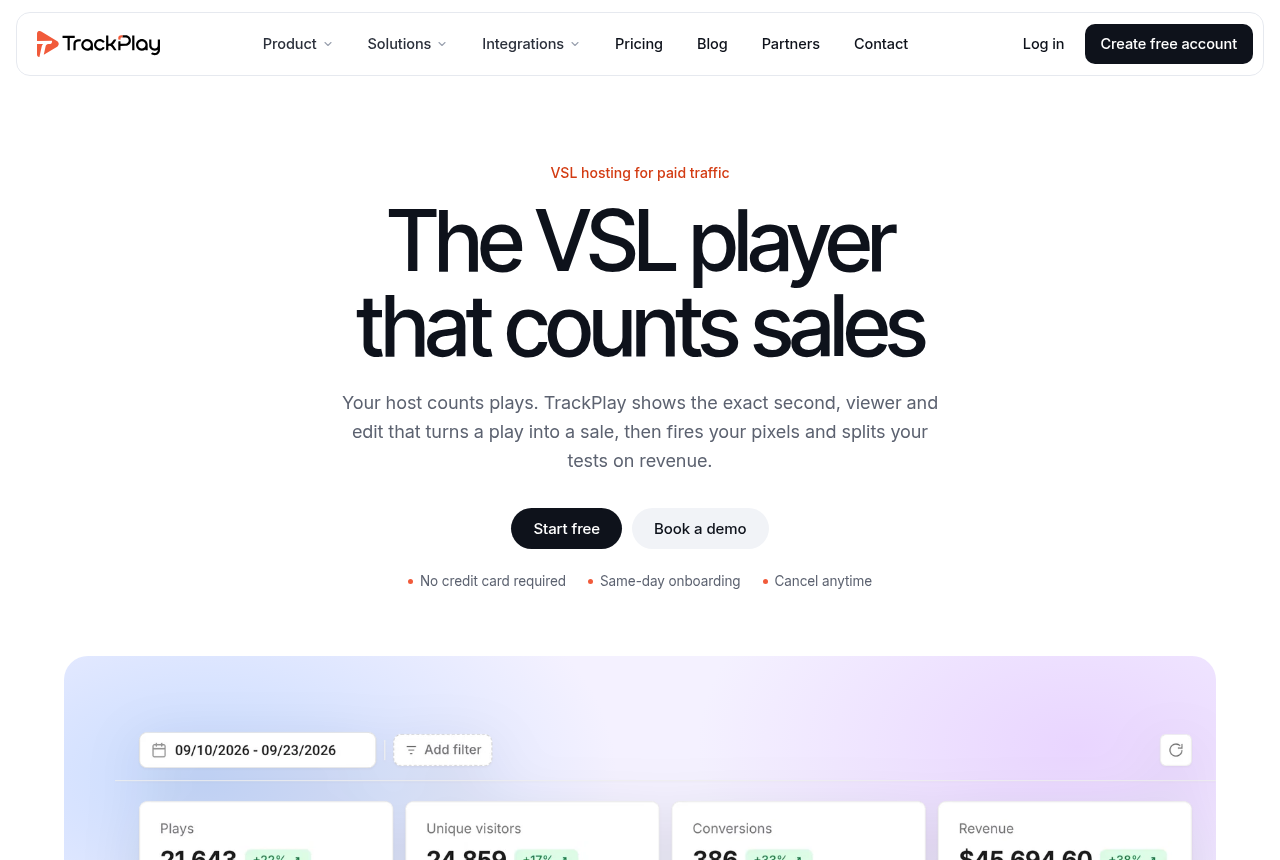
It is built for paid-traffic sales videos. Wistia is the host for a content library, including channels and webinars. Read the TrackPlay review for how attribution works. TrackPlay vs Vidalytics walks through that difference.

2. TrackPlay

The VSL player that counts sales.

The TrackPlay home page

Our take: TrackPlay is the pick if you run VSLs on paid traffic and need every play tied to the cart-verified sale.

What works

  • Split tests are scored on sales, and every variant runs under a single embed so ad links and campaign data stay in place.
  • Conversions fire server-side to Meta, TikTok and GA4 at the watch-time milestone you choose, so the ad platform optimizes on real watch behaviour and actual sales instead of a page-load pixel.
  • Cart postbacks tie each sale to the exact play that earned it, from seven direct-response carts including ClickBank, Kiwify and Digistore24, server to server.
  • Retention is drawn per second and split into buyers versus non-buyers, next to hook rate, hold rate and revenue per play, so you can see the exact seconds to cut or protect.
  • Every feature is on every plan, billing is on plays rather than seats, and there is a no-card free plan plus paid plans from $29 a month.

What to watch

  • It is built narrowly for paid-traffic VSL conversion. A general video library, with channels and webinars, is what Wistia is for. A content marketing video is a better fit for Wistia.
  • It is a very new product, and outside reviews are still thin. Testimonials are on its own site, and signup is invite-only right now. Few independent reviews exist yet, which is usual this early, so there is little outside evidence before you send paid traffic.

3. Voomly: best Vidalytics alternative for uncapped transfer

Voomly puts a funnel on the video itself. An email gate can sit partway through, with surveys, calls to action and chapters.

On Plus, bandwidth is uncapped. That is the high-volume line in the table. Reporting covers how people watch. You record the sale in the cart.

The Voomly review records the refund complaints. Vidalytics vs Voomly spells out which player fits a funnel.

3. Voomly

Video hosting with in-video lead capture and interactive video funnels

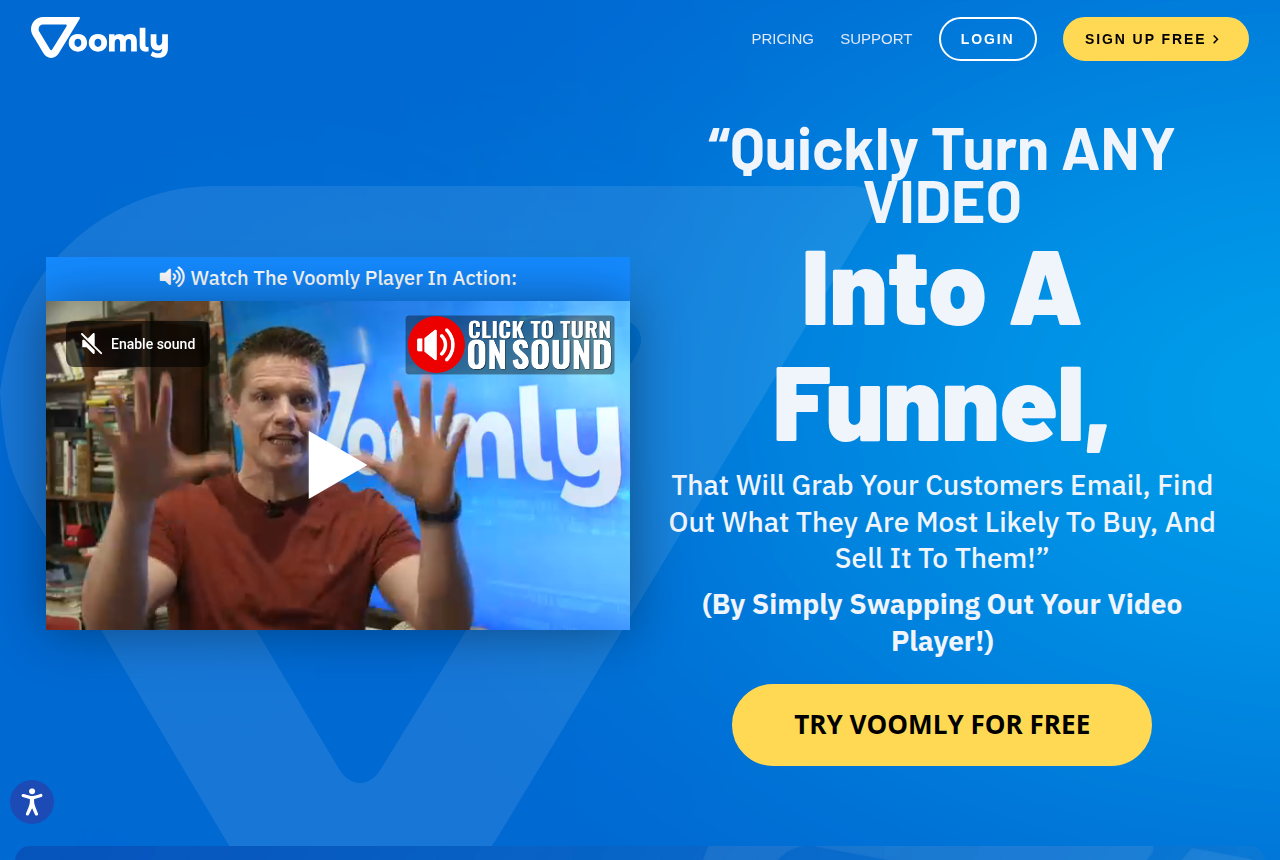
The Voomly home page, showing its pitch to turn any video into a funnel by swapping the player

Our take: Voomly is the pick if you want low-cost, unlimited-bandwidth hosting with in-video lead capture and simple funnels, and you can live with engagement-level analytics rather than sale-level attribution.

What works

  • Uncapped bandwidth starts on Plus, the second paid tier, so a sudden spike in views does not add an overage fee.
  • The selling layer is built in: an email gate inside the video, branching video funnels with surveys and calls to action, sharegates, chapters, custom branding and a 4K player.
  • A free Light plan and a Vimeo import tool let you try the player on real pages before paying, and Voomly honours refund requests sent within 30 days of purchase.
  • The Cloud plan bundles Doodly, Toonly, Talkia, Pyks and People Builder, so a marketer who also makes the videos gets a production suite and a host on one bill.

What to watch

  • Billing draws the most complaints. Trustpilot reviewers describe charges that continued after they cancelled and a cancel button that logs them out, and once the 30-day window closes, no refund is given.
  • Analytics stop at engagement. There is no server-side link from a play to a verified sale, no revenue per play, and no split testing based on sales.
  • Help comes by email and an in-page support button, with no phone line, and reported replies range from same-day to never.
  • Accounts sit in two billing systems while Voomly changes platforms, and the first sign-in asks for a desktop app before the browser version works.

4. Bunny Stream: best Vidalytics alternative for raw delivery

Bunny Stream charges for storage and for the gigabytes delivered. Encoding and the player are included. The published standard delivery rate starts at $0.005 per gigabyte, with a $1 monthly minimum. Bunny's Stream pricing lists those rates.

You add the buttons, the gates and the sale tracking, or you pair the embed with a player that has them. Gumlet is a managed host with a free tier. Mux is the API path.

Vidalytics vs Bunny Stream puts the gigabyte rate next to the play rate. The Bunny Stream review covers playback limits.

4. Bunny Stream

API-first video delivery with free encoding, included player, and usage-based storage and CDN.

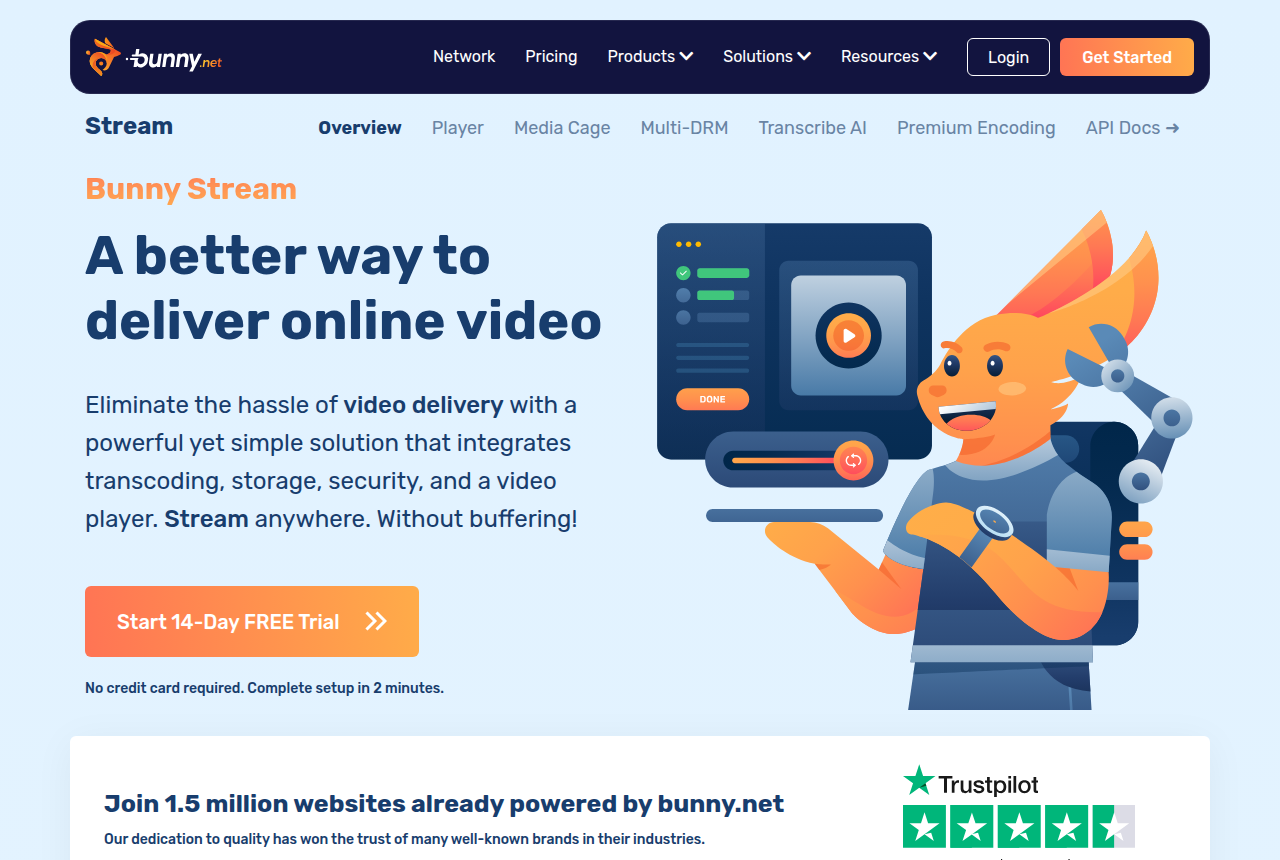
The Bunny Stream product page on bunny.net

Our take: Bunny Stream is the pick if you want the cheapest reliable way to host and deliver your sales video, and you are ready to build the player logic and tracking around it yourself.

What works

  • The cheapest delivery on this list by a wide margin. Encoding, the player and the security layer cost nothing extra, so the bill is just the gigabytes stored and served. Course owners on Reddit report bills under $10 a month after leaving a plan-based host.
  • Usage sets the bill. You pay for the traffic you actually use, which fits an unpredictable launch better than a fixed monthly tier.
  • Built for developers: a resumable upload API and adaptive HLS you can drop into any player of your choice. Signed tokens and hotlink protection come included, and only enterprise-grade DRM is billed separately.

What to watch

  • It is raw video delivery. You build the CTAs, conversion analytics and sales tracking yourself, or add another tool.
  • The product is built for developers. Long-term users describe the API and dashboard as less mature than Vimeo's or Wistia's, so a non-technical marketer will feel the gaps.
  • Regional playback can vary. Reports include slow playback in some regions, a serious storage-loss complaint and two Stream incidents in September 2026. Keep your master files, and test playback where your buyers are, before you move.

5. Wistia: best Vidalytics alternative for CRM follow-up

Wistia fits when a sales rep follows up after the video.

The player includes webinars, heatmaps and A/B tests. The Automation Suite can send watch data into HubSpot, Marketo or Pardot.

Someone buying for a sales pipeline can open the Wistia review first. Vidalytics vs Wistia compares the two for a sales team that follows up with the lead.

5. Wistia

Video marketing platform for business: host, brand and measure video.

The Wistia home page

Our take: Wistia is the pick if your video's job is B2B marketing and webinars inside a broader content stack.

What works

  • Real webinar software plus a polished, on-brand, ad-free player, in one platform.
  • The Automation Suite pushes video and webinar engagement into HubSpot, Marketo and Pardot, so watch behaviour becomes a lead signal your sales team can act on.
  • Heatmaps, engagement graphs and A/B testing give marketers serious reporting, and there is a free plan to start.

What to watch

  • It is built for B2B content and demand generation. A cold direct-response sales video will not get sound-first autoplay that restarts, or a sale posted back from the cart.
  • Costs climb as the library grows. Lead scoring sits on a higher plan, each extra person is billed, and storage and bandwidth are capped.

Deciding to stay on Vidalytics instead? Our Vidalytics review covers what it does well and the limits that push sellers to look elsewhere.

How we ranked the alternatives

These rankings are based on each vendor's current pricing page and billing articles. We looked at what a busy sales video gets charged for, and whether the player can still capture a lead or record a sale. The full method is public.

Frequently asked questions

What is a cheaper alternative to Vidalytics?
Look at the unit on the invoice. Gigabytes point to Panda Video if the buttons and tests should stay on the video, and to Bunny Stream if you will build that layer. A flat transfer plan is Voomly on Plus.
Does Vidalytics charge for plays or for gigabytes?
The signup table counts plays and prices the extras. The help center still publishes gigabyte rates, and the free account's article describes a cap that can pause access. Use whichever unit the invoice shows.
Which of these still has a sales player?
Panda Video, TrackPlay and Voomly each ship a player aimed at a sales video. Bunny Stream is storage and delivery. Wistia aims the embed at a marketing pipeline and a CRM.
Is TrackPlay a cheaper Vidalytics alternative?
Pick it when the missing piece is the purchase recorded against the view. It meters plays. A lower gigabyte price is a different host.

Sources

Related reading

See the ranked alternatives

Dominic Reyes

Written by

Dominic Reyes

Lead reviewer

Dominic Reyes is the lead reviewer at Play That Sells. He covers VSL players, video hosting and the attribution stack behind paid-traffic funnels, reading vendor documentation, pricing pages and years of user threads before he writes a verdict. He pays most attention to retention, conversion tracking and page-load speed. When a vendor's claims go further than what buyers report, he says so.

dominic.reyes@playthatsells.com

Last checked 2026-10-14

Comments

No comments yet. Questions and your own experience are welcome.

Leave a comment

Thank you. Your comment will appear once it has been reviewed.