Split the VSL on one URL
You already have one ad pointed at one sales page. A new URL for each cut points that ad at a different page.
Use video A/B testing software that assigns each visitor a version inside the player already on that page. Let the winner be the result you care about: a sale, a lead, a registration, or a play. I would start by naming that result, and I would pass on any host that cannot report it.
What a VSL page is actually testing
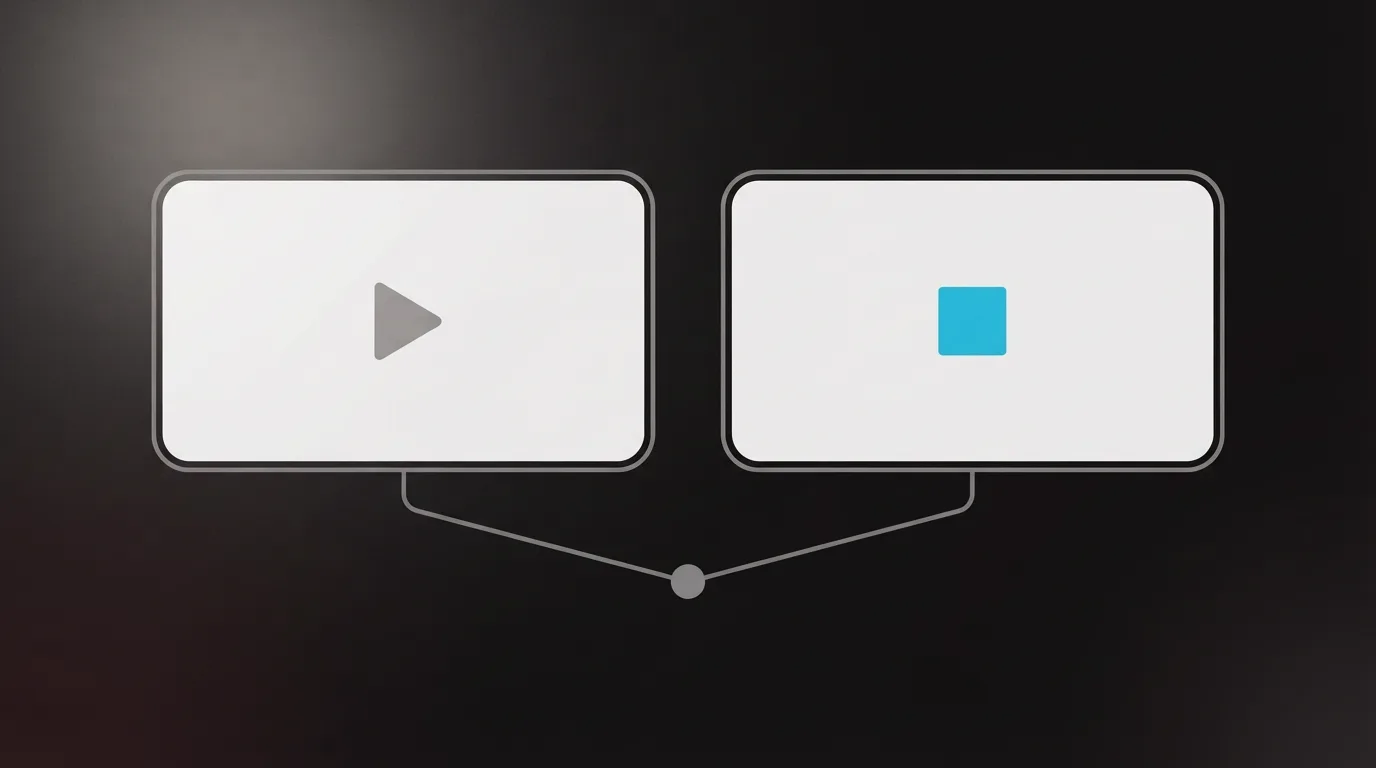
Three things on that page can change. One is the recording. The player settings are the second: the thumbnail, autoplay, when the button shows, or a gate before the video starts. The third is the page around the player, such as the headline or the registration form.
You can swap that cut, and you can change those settings, without building a second page. Vidalytics Experiments runs the test in the player. You do not add a separate testing tool, divide traffic by hand, or paste a new embed when the original is already live. Panda Video shows versions at random through one embed code.

The registration form is a webinar-page test, covered further down with WebinarJam.
I would not mix those jobs in one test. If I doubt the cut, I compare two versions of it. If too few people start the video, I compare images and leave that cut alone. If the offer is a live pitch, I compare signup pages.
Feature details below come from each vendor's own pages. We read those pages, including pricing, before we write. That method is explained on the "How we rate" page. The full ranking is in the "Best of" roundup.
Pick the metric before you pick the software
Write down the number you will act on before you compare hosts.
For a sale, an opt-in, or a click, Vidalytics asks for one success metric. Its documentation lists click rate, opt-in rate, conversion rate, average percentage watched, unmute rate, and bounce rate. From the start, half the visitors see each version. The experiments page describes that choice as opt-ins, sales, and revenue. Pick the result you will keep, and run a click-rate test only when a click is the result.
If you are judging by plays and how long people stay, Panda's A/B page reports both for each version. Wistia measures conversion rate on the buttons and forms inside the video.
Signups for a live pitch are the registration test further down. Testing the image people see before they press play is a separate job from swapping the sales video.
How to split test video thumbnails
A thumbnail test asks whether more people press play. The sales video itself stays the same.
Vidalytics can test those settings on the file you already uploaded. You can change the thumbnail, the button timing, autoplay, or a playback gate, and the video stays a single file in the library. The Pro price is on the Vidalytics card below. Anything past those settings is in the Vidalytics review.
Panda's thumbnail page says to compare images and keep the ones that earn more clicks. Read the Panda Video review if you still need to choose the host. If you care most about the report, read the Vidalytics vs Panda Video comparison.
Adilo can split thumbnails when you want more views, and it can run two different videos when you want to see which one converts and makes more sales. More detail on that player is in the Adilo review.
Wistia's analytics page puts a thumbnail in the same kind of test as a second video or another version of the file. Open the Wistia review for the platform beyond this test.
VSL split testing on one embed
Here the file changes: a new cut, a new hook, or a second edit, still served from the player the page already uses.
Vidalytics
- 17 Oct 2026
- Experiments on Pro: $63 a month on annual billing, or $79 a month
The Experiments feature is available on the Pro plan and higher. A second video runs against the one already embedded. The same documentation marks the test Too Early, Too Close, Gaining Confidence, or Ready to Finish. Ready to Finish means there is enough data to declare a winner.
On Panda, that random assignment is the whole test. After you read the report, you can send the version you keep to every visitor.
VSLStats puts A/B testing on Pro, beside AI captions. The VSLStats review fills in the rest of the platform.
When the registration page is the test
WebinarJam's pricing page says the builder can split-test two designs and track which one brings more registrants into the event. A cold-traffic sales video still uses the player tests above. The WebinarJam review describes the webinar room.
Leave the ad URL alone
Those player tests leave the ad pointed at the page you already have. Leave that URL in place for the whole run.
The VSL hosting cost calculator shows what your traffic costs on each player.
My take
I would start with Vidalytics when the winner has to be a sale or an opt-in. For a thumbnail-only test, I would use Panda or Adilo instead. I would use WebinarJam for the signup page. I would use a player when I am comparing cuts. I would look at VSLStats only on a plan that includes the test, and I would check which metric that screen uses before I trust a winner. I'd judge a tool by whether it can report the result I already use to call a winner.
If a thumbnail test and a new cut still feel like the same job, answer the six questions. They ask what the video has to do and which number you already trust.
Frequently asked questions
Do I need a separate landing page for each version?
Can I test thumbnails only?
Which tools use sales to name a winner?
Does WebinarJam test my sales video file?
Sources
- Vidalytics Experiments help
- Vidalytics Experiments
- Panda Video A/B test
- Panda Video thumbnails
- Adilo features
- Wistia analytics
- VSLStats
- WebinarJam pricing

Written by
Dominic Reyes
Lead reviewer
Dominic Reyes is the lead reviewer at Play That Sells. He covers VSL players, video hosting and the attribution stack behind paid-traffic funnels, reading vendor documentation, pricing pages and years of user threads before he writes a verdict. He pays most attention to retention, conversion tracking and page-load speed. When a vendor's claims go further than what buyers report, he says so.
dominic.reyes@playthatsells.com
Last checked 2026-10-21
Comments
No comments yet. Questions and your own experience are welcome.
Thank you. Your comment will appear once it has been reviewed.