WebinarJam vs EverWebinar
Both come from the same company and do different jobs. WebinarJam is the room you present in live, and EverWebinar replays a recording on a schedule. On annual billing, the cheapest way to get EverWebinar is often a WebinarJam plan.
Quick answer
Pick WebinarJam if you need a live sales room with real-time chat, polls and on-screen offers while you present; pick EverWebinar if you already have a winning recording and want it to run on a schedule, or minutes after sign-up, without going live each time.
Side by side
| Decision point | WebinarJam | EverWebinar |
|---|---|---|
| Primary job | Live webinars you present in real time | Recorded webinars replayed automatically |
| Presenter in the room | Yes, someone runs every session | Not required. Staff can answer chat in hybrid mode |
| Scheduling | You pick a date and go live | Set times, or just in time: 5 to 15 minutes after sign-up |
| Chat | Live chat with the people watching | Timed messages from the recording, plus live replies in hybrid mode |
| Offers | Shown on screen when the presenter chooses | Timed to appear at set points in the replay |
| Prerecorded video | Can play inside a live, staffed session | The whole session is the recording |
| Moving between them | A finished live session can be converted for EverWebinar | Replica Replay imports a WebinarJam session in one click |
| How you buy it | Plans sized by room and session length | On its own, or included with WebinarJam Basic and up |
| Typical buyer | Coaches and sellers who pitch live | Sellers with a proven pitch to run every day |
Pros and cons
WebinarJam
What we like
- Starter is a 100-person room with a one-hour cap, built for a live coach pitch.
- Registration pages, email and SMS reminders, live offers and registration A/B tests are included in the plan.
- Basic and higher plans include EverWebinar, so a successful live pitch can move into an automated replay program.
The catch
- The Starter room is capped at one hour, which is tight for a long workshop with questions.
- Automated replays need a separate product, EverWebinar, unless the plan already includes it.
- A dense sales interface can be more software than a team needs for a simple educational event.
EverWebinar
What we like
- Replica Replay imports a WebinarJam session with chat timestamps, polls, handouts and timed offers.
- Hybrid mode keeps the recording running while a host or team member answers chat live.
- Email reminders, optional SMS and just-in-time scheduling are included, and every billing option has the same features.
The catch
- The listed price is steep for a small seller, whether you pay month to month or pay the year up front.
- The low-cost trial converts to the full month-to-month price unless it is cancelled before the trial ends.
- Live webinars require WebinarJam separately, and TrustRadius includes complaints about weak support.
What is the difference between WebinarJam and EverWebinar?
WebinarJam is the room you present in live, with chat, polls and on-screen offers that you trigger as you talk. EverWebinar takes a finished recording and plays it to registrants at set times, or a few minutes after they sign up, so the same pitch keeps selling while you are elsewhere.
The same company sells both and designed them to work together. WebinarJam's own pricing page describes the split in those terms: live webinars with real-time interaction on one side, a recorded session replayed on a schedule on the other. So the question is rarely which logo is better. It is whether your next webinar needs you in the room.
What WebinarJam does that EverWebinar does not
WebinarJam puts a person on stage. Attendees ask questions in chat and get answers from the presenter, polls run when the host launches them, and the offer appears on screen at the moment the pitch earns it. That responsiveness is the reason to present live at all: you can stretch the part of the pitch that is landing and cut the part that is not.
The room is sized by plan. Starter holds a smaller audience for shorter sessions, and each step up raises both the seat count and the session length (the table in the pricing section below lists them). A long workshop with a Q&A at the end outgrows Starter quickly.

WebinarJam also runs hybrid webinars: you can play a prerecorded video during a live session while you keep talking to attendees in chat and push offers. Use it for a polished demo segment or a guest interview you recorded earlier. Our full WebinarJam review covers the live side in more depth.
What EverWebinar does that WebinarJam does not
EverWebinar runs a webinar on a calendar with nobody presenting. You set recurring session times, and each visitor sees them in their own time zone. Or you switch on just-in-time sessions, which start 5 to 15 minutes after someone registers, so a visitor from an ad does not wait until Thursday and forget.
The replay is scripted to feel attended. Chat messages, polls and offers are timed to the recording, so the offer appears at the same minute in every session. If you want a real person in the chat, EverWebinar's hybrid mode keeps the recording playing while you or your team answer questions live.
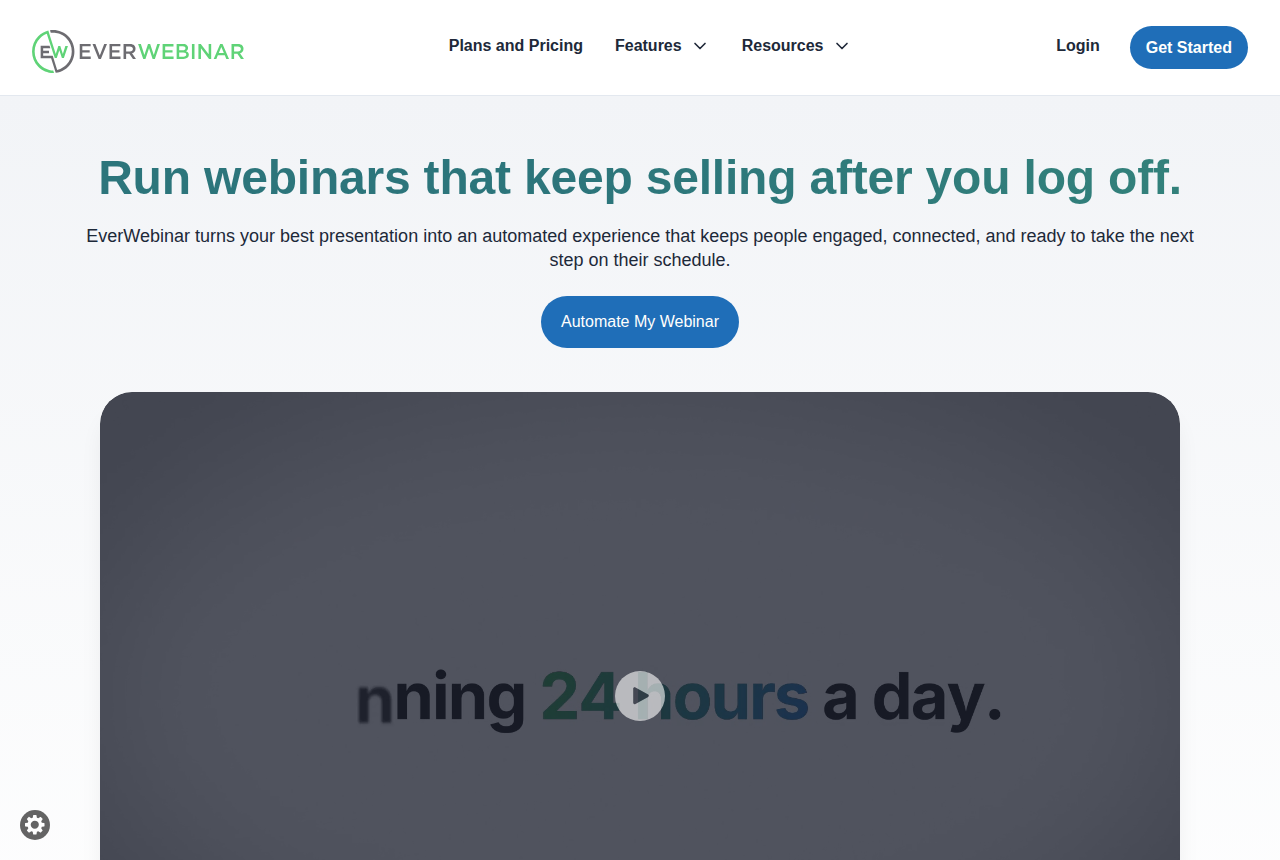
The feature that ties the two products together is Replica Replay. It imports a whole WebinarJam session in one click, including the chat with its timestamps, the polls, the handouts and the timed offers, so the replay looks like the night it was recorded. EverWebinar's homepage says an imported session is ready in under 10 minutes. You do not need WebinarJam to use EverWebinar, though: it is sold on its own and will run a presentation you recorded anywhere. More on running it day to day is in our full EverWebinar review.
Two features called hybrid, and they solve different problems
Buyers mix these up, so it is worth separating them before you choose a plan.
WebinarJam's hybrid is a live event with a recorded clip inside it. You schedule it, you show up, and you host it from start to finish. It saves you from presenting every slide live, but it does not save you the evening.
EverWebinar's hybrid mode is the reverse: an automated session that runs by itself on its schedule, with a person optionally watching the chat. If what you want is the same webinar every day without being there, that is EverWebinar, whichever word the feature list uses.
Pricing: the bundle beats EverWebinar alone
This is where most buyers can save money. WebinarJam's pricing page says EverWebinar is included at no additional cost on Basic, Professional and Enterprise. Here are the entry plans beside the standalone EverWebinar options.
| Plan | Billed yearly | Billed monthly | What you get |
|---|---|---|---|
| WebinarJam Starter | $39/mo | $49/mo | Live room for 100 attendees, 1-hour sessions |
| WebinarJam Basic | $79/mo | $99/mo | Live room for 500, 2-hour sessions, EverWebinar included |
| EverWebinar alone | $99/mo ($1,188 upfront) | $199/mo | Automated sessions only, same features on every billing option |
| EverWebinar, two years | $79/mo ($1,896 upfront) | Not offered | The same automated product, prepaid for two years |
Read the table by job. If you only present live and your sessions fit inside an hour, Starter is the cheapest way into either product. The footnote that bundles EverWebinar names Basic and the plans above it, so do not count on automation from Starter.
If you want automated sessions at all, start from Basic. On yearly billing it costs less per month than EverWebinar bought alone, and it adds live sessions too. Only EverWebinar's two-year prepay matches Basic's yearly rate, and that ties up more cash for longer. Month to month, standalone EverWebinar costs about twice what Basic does. Before you build a funnel on the EverWebinar that comes with Basic, ask WebinarJam support whether it has the same limits as a standalone account.
Both products offer a 14-day trial for $1. The EverWebinar trial turns into the full monthly plan unless you cancel it, so set a reminder for day 12. WebinarJam adds a 30-day money-back guarantee. Plan-by-plan detail sits on the WebinarJam plan tiers page and the EverWebinar billing options page.
Most sellers end up running both, in order
In marketing forums the pattern repeats: people present live in WebinarJam, then send the replays through EverWebinar. Another buyer put the rule simply. If you plan to run the same webinar daily or several times a week, get EverWebinar, either inside WebinarJam or as its own tool.
The order matters. A live session tells you which slide loses people, which question comes up every time, and where the offer should land. Once a session sells, Replica Replay carries it into EverWebinar with the chat and offer timing intact, and you stop presenting it by hand. Starting with EverWebinar makes sense mainly when you already own a recording that has sold, for instance a VSL or a past webinar from another platform.
Worried about how WebinarJam holds up with a big audience? Our comparison of WebinarJam and Zoom Webinars covers live reliability. For a smaller evergreen bill, read WebinarKit vs EverWebinar, and the WebinarJam alternatives page lists the other tools to weigh before you switch.
My take
I would start on WebinarJam and make EverWebinar the second purchase. If you have not yet run a webinar that sells, you have nothing worth automating, and presenting live is how you find out what to fix.
On plan choice, I would skip Starter if automation is anywhere in the next six months and go straight to Basic on yearly billing, since that buys both products for less than EverWebinar costs alone. I would buy EverWebinar on its own only if you will never present live and already hold a proven recording. The webinar software roundup places both in the wider field, and how we rate webinar tools explains how vendor pages and user reports turn into these calls.
Our pick
WebinarJam
Pick WebinarJam if you need a live sales room with real-time chat, polls and on-screen offers while you present; pick EverWebinar if you already have a winning recording and want it to run on a schedule, or minutes after sign-up, without going live each time.
Frequently asked questions
- Is EverWebinar included with WebinarJam?
- On Basic, Professional and Enterprise, yes, at no extra charge according to WebinarJam's pricing footnote. Starter is not named in that footnote.
- Who needs both WebinarJam and EverWebinar?
- Anyone who pitches live and wants the winning session to keep running without a presenter. Sellers who only teach live, or only run one recording, need just one.
- Does EverWebinar work without WebinarJam?
- Yes. It is sold as a separate product and runs a recorded presentation you supply. WebinarJam only matters if you want to import a live session with Replica Replay.
- Does WebinarJam replay webinars automatically?
- Not on a schedule. Its hybrid feature plays a video inside a live event that still needs a host. Repeating sessions on a calendar is EverWebinar's job.
- What does Replica Replay carry over from a live session?
- The chat with its timestamps, plus the polls, handouts and timed offers, so the automated version plays out like the original live session.
- EverWebinar vs WebinarJam: which costs less?
- For live-only selling, WebinarJam Starter. For automation, WebinarJam Basic on yearly billing undercuts EverWebinar's own yearly price and adds live hosting on top.
What we read
Other sources
Related reading
Comments
No comments yet. Questions and your own experience are welcome.
Thank you. Your comment will appear once it has been reviewed.