WebinarKit vs EverWebinar
You are choosing between a low-cost evergreen funnel stack and a mature WebinarJam-linked automation system. The 12-month cash gap makes the first cut.
Quick answer
Pick WebinarKit if you need the lowest ongoing bill and want funnel pages, reminders and optional AI around a new evergreen offer; pick EverWebinar if you already use WebinarJam or need Replica Replay and hybrid live chat enough to justify the higher subscription.
Side by side
| Decision point | WebinarKit | EverWebinar |
|---|---|---|
| Monthly entry | $39 monthly automated tier | $199 month to month |
| Annual option | $129 charged yearly | $1,188 charged yearly |
| Long commitment | $367 lifetime automated tier | $1,896 for two years |
| Trial | 7 days for $1 | 14 days for $1 |
| Evergreen delivery | Scheduled, just in time and instant watch | Scheduled and just in time |
| Follow-up | Built-in email and SMS reminders | Built-in email and optional SMS reminders |
| Live workflow | Live webinars sold separately | Live webinars require WebinarJam |
| Distinct edge | AI scripts, slides and chat responses | Replica Replay import and hybrid mode |
Pros and cons
WebinarKit
What we like
- The automated tier lists a low monthly, annual and lifetime entry price for sellers protecting cash flow.
- Automated webinars, registrants and attendees are unlimited, so the bill does not climb per attendee as the funnel grows.
- Built-in pages, email and SMS reminders, AI-generated scripts and slides, and AI chat can keep a new stack compact.
The catch
- Pricing varies across promotional and bundle pages, so the automated tier and the broader live or white-label bundles are easy to confuse.
- Live webinars and white-label features are separate upsells rather than part of the base automated-webinar offer.
- Its independent review footprint is thinner than EverWebinar's, and advanced integration workflows may add a paid Zapier layer.
EverWebinar
What we like
- Replica Replay imports a WebinarJam session with chat timestamps, polls, handouts and timed offers.
- Hybrid mode keeps the recording running while a host or team member answers chat live.
- Email reminders, optional SMS and just-in-time scheduling are included, and every billing option has the same features.
The catch
- The listed price is steep for a small seller, whether you pay month to month or pay the year up front.
- The low-cost trial converts to the full month-to-month price unless it is cancelled before the trial ends.
- Live webinars require WebinarJam separately, and TrustRadius includes complaints about weak support.
Pricing: the first-year gap is the decision
For a small seller, the cleanest comparison is cash out of the business during the first 12 months. WebinarKit's automated-webinar page lists $39 a month, which works out to $468 across a year if you stay monthly. Its annual option is $129 paid for the year. EverWebinar lists $199 month to month, or $2,388 across 12 months, while its annual option charges $1,188 upfront.
That gap changes the decision.
WebinarKit leaves more room for traffic, creative work and a separate integration tool. EverWebinar asks for a bigger commitment in exchange for its established automation workflow, Replica Replay import from WebinarJam and hybrid mode.
| Plan route | WebinarKit | EverWebinar |
|---|---|---|
| Month to month | $39 monthly | $199 monthly |
| Annual commitment | $129 charged yearly | $1,188 charged yearly |
| Long-term option | $367 one-time automated tier | $1,896 for two years |
| Trial | 7 days for $1 | 14 days for $1, then monthly billing |
The longer commitments sharpen the same split. WebinarKit advertises a $367 lifetime option for its automated tier. EverWebinar's two-year option is $1,896 upfront, an effective $79 a month. The two offers are different kinds of commitment: WebinarKit sells permanent access to the narrower evergreen package, while EverWebinar discounts a subscription to its full feature set.
WebinarKit also sells broader live and white-label bundles at much higher prices. Those bundles are outside this matchup because the reader here needs automated evergreen delivery. Mixing the broader bundle into the base comparison would make WebinarKit look more expensive than the published entry package that does the job.
WebinarKit is the cheaper EverWebinar alternative
If the search is for an EverWebinar alternative cheaper than EverWebinar, WebinarKit answers it directly on published entry prices. Its $39 monthly automated tier is $160 below EverWebinar's $199 monthly option. Its $129 annual charge is $1,059 below EverWebinar's $1,188 annual charge.
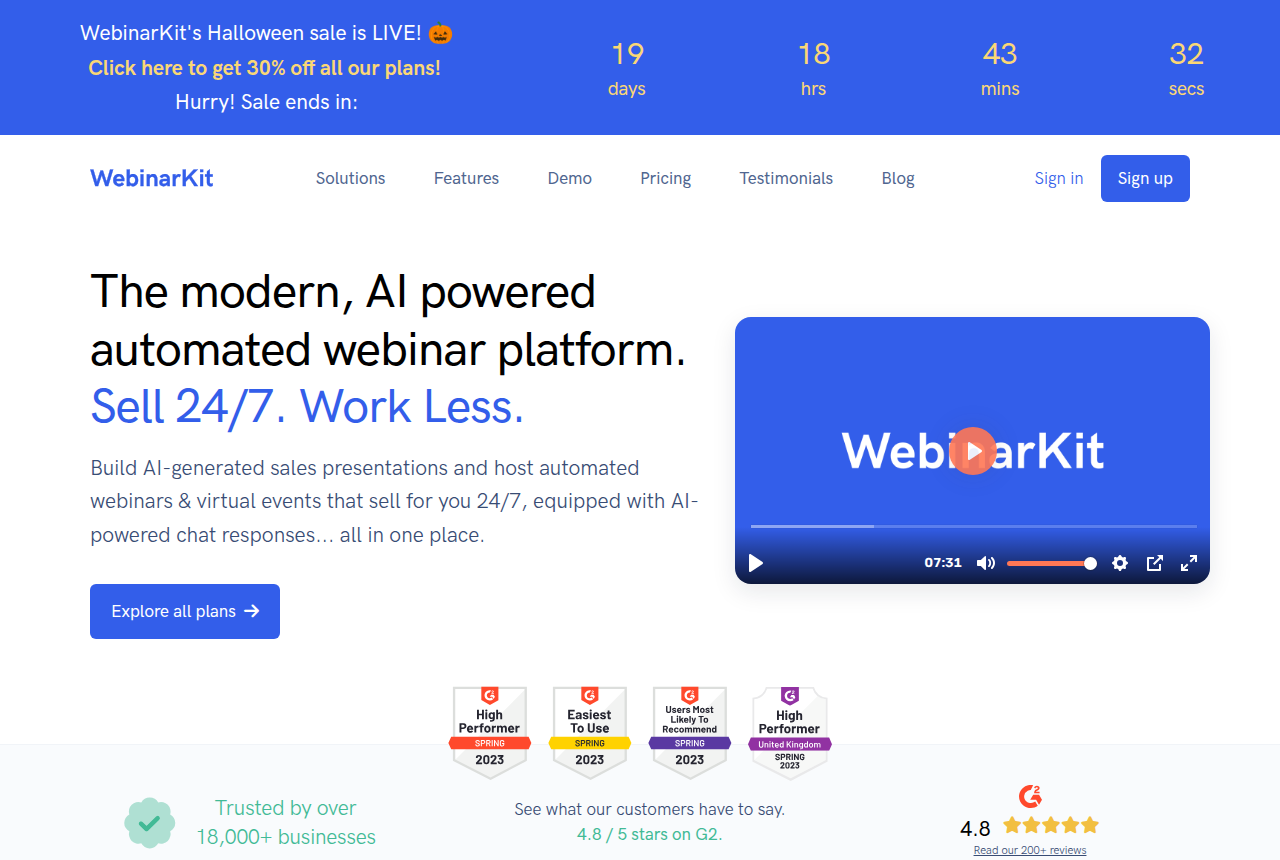
The lower bill still covers the core evergreen job. WebinarKit supports automated sessions, just-in-time scheduling, registration funnel pages, email and SMS reminders, simulated-live chat with no stated limits on sessions or audience size. Its homepage also positions AI-generated sales scripts and slides plus AI chat responses as part of the broader platform.
The limitation sits around the edges of that base offer. Live webinars are sold separately, white-label access belongs to broader offers, and pricing pages use frequent promotional framing. A buyer should decide which package is under comparison before treating the headline price as the cost of every WebinarKit capability.
What each tool is built to do
WebinarKit is a greenfield evergreen funnel stack. It suits a course creator, coach or small seller starting with an automated presentation and trying to keep the number of paid tools low. The product puts the registration flow, reminders, scheduled or instant-watch delivery, simulated chat and offers around the presentation. Autoplay delivery removes the extra play-button step for a just-in-time session.
Its optional AI layer is most relevant before and during the webinar. It can help create a sales script and slides, then supply automated chat responses while the recorded session runs. That makes WebinarKit attractive when the seller is assembling the first version of an offer and does not already have a settled presentation workflow.
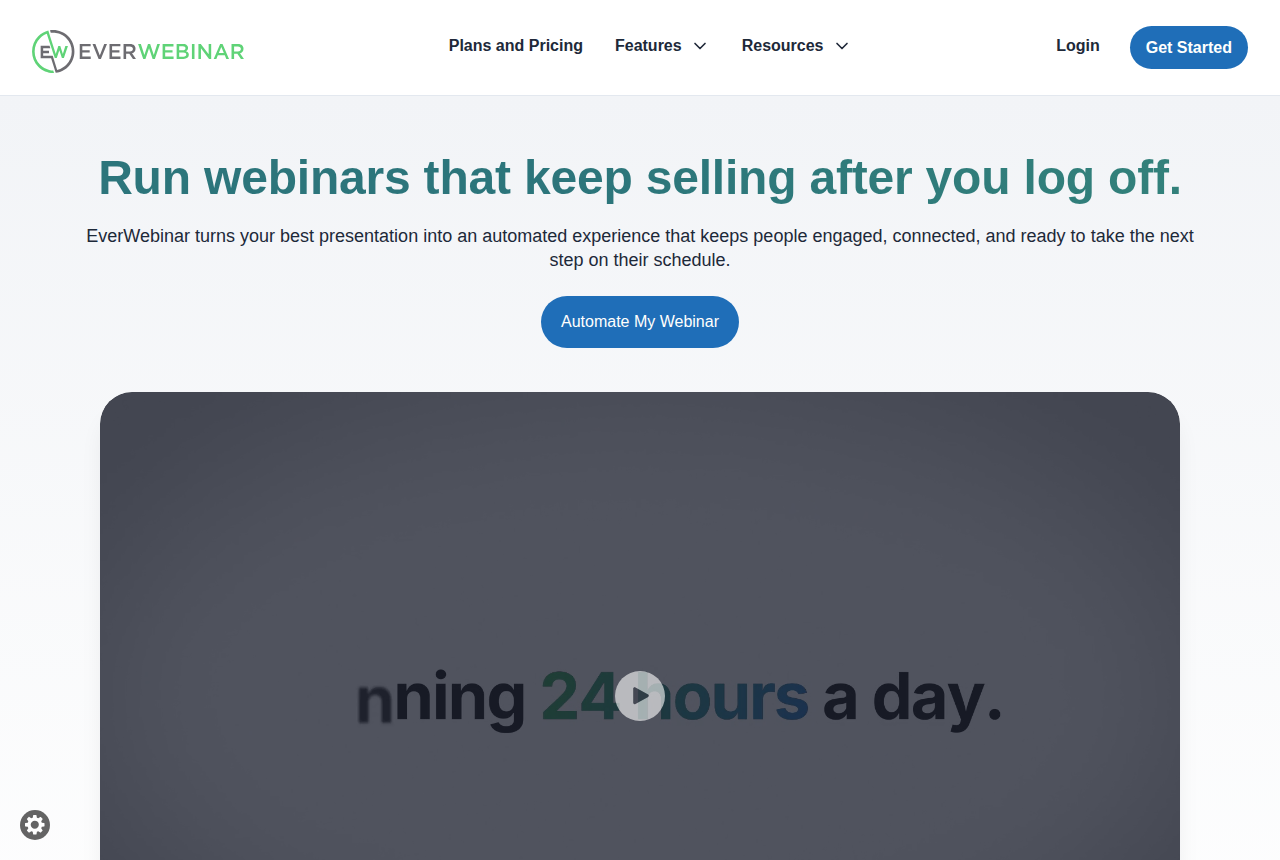
EverWebinar is an established automated room in the Genesis Digital ecosystem. It records the presentation once, schedules it as recurring or just-in-time sessions, simulates live room activity and handles reminders and follow-up. The clearest reason to pay more is Replica Replay: a WebinarJam user can import a live session with its timed chat, audience interactions and offer cues intact.
Hybrid mode gives EverWebinar another distinct use case. The recorded presentation keeps playing while a host or team member handles chat live. That lets an established program preserve a controlled pitch while still answering objections in real time. WebinarKit covers automated chat, but the supplied facts do not establish an equivalent WebinarJam import workflow.
Automation and follow-up
Both products cover the mechanics that make an evergreen session feel scheduled rather than like an ordinary recording. Each supports just-in-time sessions, reminders and simulated-live elements. Both can keep the presentation and follow-up running without a host delivering the talk every time.
WebinarKit has the stronger stack-reduction argument for a new seller. Registration pages, email reminders, SMS reminders and the AI creation tools can reduce the number of subscriptions needed to launch. It also markets unrestricted automated sessions and audience size, so growth does not create a seat or attendee fee inside the base package.
EverWebinar has the stronger continuity argument for an existing WebinarJam seller. Replica Replay carries the live event's timed material into the automated version. Hybrid mode lets a team keep the presentation fixed while staffing chat. Every published billing cadence includes the same EverWebinar feature set, so the lower effective rate on a longer term does not remove product features.
Live delivery remains a boundary.
EverWebinar requires WebinarJam for live webinars. WebinarKit also treats live webinars as a separate product. Neither base automated offer should be bought as though it replaces a complete live-event subscription.
The user-reported risks are different
WebinarKit has less independent evidence to lean on. The user report in the research record describes a just-in-time WebinarKit workflow connected to registration drips through Zapier and a plan around $50 a month. That supports the product's practical use in an automated funnel, while also showing how a more advanced workflow can add an integration layer beyond the base bill.
EverWebinar has a longer public review trail, which also exposes more complaints. TrustRadius includes a complaint that its support system was wanting. One review cannot establish that every customer will have the same experience, but support responsiveness belongs in the risk calculation when the webinar is tied to a launch or paid campaign.
The evidence cuts two ways.
WebinarKit's thinner footprint leaves less outside proof for a buyer to examine. EverWebinar's maturity provides more history and a more developed feature set, but that history includes visible support criticism and a much higher subscription commitment.
Who should choose which
Choose WebinarKit when this is a new evergreen offer, the monthly bill matters, and you want the funnel pages, reminders and automated room under one vendor. The lifetime option is also compelling for a seller who expects to keep the same basic automated workflow for several years and accepts that live and white-label tools sit outside the base tier.
Choose EverWebinar when the webinar already exists in WebinarJam, when preserving its timed room activity and offer cues saves meaningful rebuilding work, or when a team plans to staff chat alongside a fixed recording. Those cases turn Replica Replay and hybrid mode into operating advantages rather than a feature checklist.
Our verdict stays with WebinarKit for this price-led matchup. The small seller gets the core evergreen mechanism at a fraction of EverWebinar's published first-year outlay. EverWebinar earns the higher bill when its ecosystem and live-assisted automation remove work the seller would otherwise repeat.
Read how we rate tools for the research method, including vendor documentation, current pricing pages and long-term user reports. Our money guide explains the site's affiliate model, and the webinar software recommendations place both buying situations in the wider market.
Our pick
WebinarKit
Pick WebinarKit if you need the lowest ongoing bill and want funnel pages, reminders and optional AI around a new evergreen offer; pick EverWebinar if you already use WebinarJam or need Replica Replay and hybrid live chat enough to justify the higher subscription.
Frequently asked questions
- Is WebinarKit cheaper than EverWebinar?
- Yes. WebinarKit lists a $39 monthly automated tier and a $129 annual option. EverWebinar lists $199 month to month or $1,188 paid annually.
- Can EverWebinar replace WebinarJam?
- No. EverWebinar automates recorded sessions and can import a WebinarJam event through Replica Replay. WebinarJam remains the separate live-webinar product.
- Do WebinarKit and EverWebinar support just-in-time webinars?
- Yes. Both can present an automated session as if it is starting soon, which shortens the wait between registration and viewing.
- What trial does each platform offer?
- WebinarKit advertises seven days for $1 on its automated plans. EverWebinar advertises 14 days for $1, followed by its monthly charge unless cancelled before the trial ends.
What we read
- WebinarKit home page
- WebinarKit automated-webinar pricing
- EverWebinar home page
- EverWebinar pricing
- EverWebinar automated webinar page
Other sources
Related reading
Comments
No comments yet. Questions and your own experience are welcome.
Thank you. Your comment will appear once it has been reviewed.