EverWebinar vs EasyWebinar
Two evergreen webinar tools with similar names. The pick depends on whether the live class and the replay have to share one subscription.
Quick answer
Pick EverWebinar if you already run live pitches in WebinarJam and want Replica Replay, hybrid chat and an automation-only engine on Genesis Digital's billing. Pick EasyWebinar if you want live and automated sessions on one subscription, with in-room checkout and EasyCRM starting on the Growth plan, and you plan to run the live pitch in that same product before you automate it.
Side by side
| Decision point | EverWebinar | EasyWebinar |
|---|---|---|
| Live presenting | Stays in WebinarJam | Included on every plan |
| Automated sessions | The whole product | From the tier above Launch |
| Hybrid | Recording plays, a person answers chat | Simulive and evergreen on that higher tier |
| In-room sale | Timed offers travel with the session | Checkout inside the room on that tier |
| Follow-up | Reminders, plus chat during the replay | EasyCRM on that tier, HubSpot on Pro |
| WebinarJam import | One click, with chat, polls and offers | Its own room and registration |
| Attendee meter | No per-session cap on the pricing page | Plan caps, then a per-head charge |
Pros and cons
EverWebinar
What we like
- Replica Replay imports a WebinarJam session with chat timestamps, polls, handouts and timed offers.
- Hybrid mode keeps the recording running while a host or team member answers chat live.
- Email reminders, optional SMS and just-in-time scheduling are included, and every billing option has the same features.
The catch
- The listed price is steep for a small seller, whether you pay month to month or pay the year up front.
- The low-cost trial converts to the full month-to-month price unless it is cancelled before the trial ends.
- Live webinars require WebinarJam separately, and TrustRadius includes complaints about weak support.
EasyWebinar
What we like
- Growth and higher plans include live, automated, simulive and evergreen webinars in one subscription, so a proven live session becomes an evergreen funnel without a second product.
- Attendees join from any browser with nothing to install.
- From Growth, built-in Stripe and PayPal checkout lets attendees pay inside the room without a redirect.
- The AI Webinar Builder drafts the script, registration pages, emails, polls and offers in about 10 to 15 minutes, for you to edit before anything goes live.
- Capterra reviewers praise the support team and how easily a live session turns evergreen.
The catch
- Launch is a live-only plan: automated webinars, EasyCRM and in-room checkout all start on Growth, at more than twice the monthly price.
- Reviewers say the built-in email is limited: open rates need another tool, and evergreen reminders can go out straight away instead of at the session time.
- There is no free plan, the 7-day trial needs a card, and the terms rule out refunds once a subscription is charged.
- Attendees past a plan's cap are billed per head, so a launch that outdraws its plan raises the invoice.
What you pay before the session can run evergreen
Launch is a live room. On EasyWebinar, evergreen formats start on the tier above Launch. EverWebinar sells one feature set on every term, and the longer terms are paid up front.
The bills in this table are the ones printed on EverWebinar's pricing page and EasyWebinar's pricing page.
| Plan | Bill | Includes |
|---|---|---|
| EverWebinar monthly | $199 | Full access, charged today and renewing each month. |
| EverWebinar annual | $1,188 upfront | Same features, at $99 a month, billed once a year. |
| EverWebinar two-year | $1,896 upfront | Same features, at $79 a month on the two-year plan. |
| EasyWebinar Launch | $44 | 50 live attendees, up to 5 webinars, sessions of 2 hours. Automation starts above this plan. |
| EasyWebinar Growth | $116 | 200 live attendees, 1,000 automated viewers, in-room checkout, EasyCRM. |
| EasyWebinar Pro | $198 | The Pro plan, one tier above Growth. |
| EasyWebinar Scale | $349 | The Scale plan, one tier above Pro. |
On the EasyWebinar homepage, annual billing is described as two months free, and the Growth plan billed annually is $96 a month. Those rows are the month-to-month prices.
EasyWebinar's terms add $0.78 for each extra live attendee and $0.078 for each extra automated attendee. Adding a hundred live attendees past the Growth cap costs $78. EverWebinar's pricing page leaves both the automated-viewer cap and any per-head charge unlisted.
EverWebinar and EasyWebinar each describe a trial on the pricing page linked above. EverWebinar charges $1 for 14 days, then the monthly rate unless you cancel before the trial ends. That page also offers a 30-day money-back guarantee if you contact support within 30 days of purchase. EasyWebinar's trial is 7 days of full access, and a card is required to start it. The terms say no refund will be issued after a subscription or service purchase.
If you already present live in WebinarJam, compare Basic with a standalone EverWebinar subscription before you add a second bill. The pricing footnote names EverWebinar from Basic upward. WebinarJam vs EverWebinar is the full split, and WebinarJam's pricing page is where that footnote lives.
EasyWebinar vs EverWebinar: where the live pitch sits
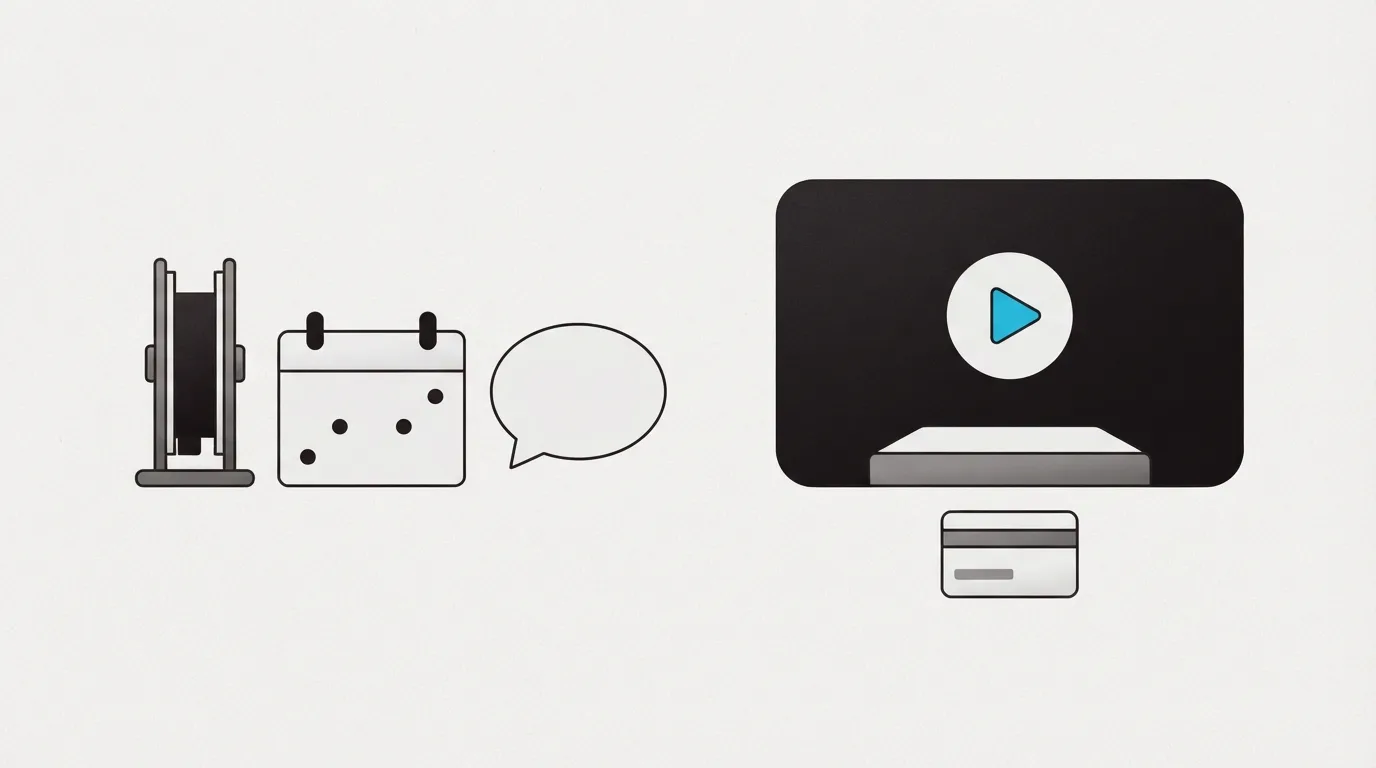
Coaches searching easywebinar vs everwebinar are usually deciding whether the live class and the automated replay belong in one account.
EverWebinar starts from a recorded presentation and turns it into an automated session. Hybrid mode keeps that recording running while you, or someone on the team, replies in chat. A just-in-time option lets a visitor attend a session that begins soon, and the clock shows that registrant's own time zone. Together, those three let a finished pitch run on a schedule without a presenter on stage every time.
The automated webinar page explains the WebinarJam import. One click imports the whole session, including chat, polls and offers. Use that when the pitch was already delivered live in WebinarJam and the recording should keep selling. The live stage stays in WebinarJam.
EasyWebinar's comparison draws the same line from the other side: live webinars run in WebinarJam, and EverWebinar plays the recording. WebinarJam's pricing page describes its own product as the live room and EverWebinar as the scheduled replay.
EasyWebinar includes a live session on every plan, Launch included. Automated, simulive and evergreen webinars are listed together once you leave that entry plan. Someone can be in the room while a recording plays, and that format shares the subscription with the live class.
In-room checkout is what pushes the plan up
On an everwebinar vs easy webinar shortlist, in-room card checkout is what pushes you onto a higher plan. From the tier above Launch, EasyWebinar sells inside the room with no redirect, and the pricing page pairs that checkout with paid webinars. EasyCRM is on the same tier. HubSpot is listed on Pro, so a coach who needs that connection is reading the Pro card, not Growth.
EverWebinar's offer is timed, and it travels with the session. The import brings those offers over with the chat and the polls. Its pricing page lists reminders, and a person can answer chat while the recording plays.
I would choose EasyWebinar's automation tier when the session you teach and the replay need one login, and EverWebinar when the recording is already a WebinarJam session and the live tool can stay as it is.
What subscribers report
A 2026 thread about automated webinar software recommends EasyWebinar when the job is more than a basic live room: automation and lead capture in the same product. That is the coach who will deliver the pitch here and then leave the session running. The thread is on Reddit.
The timing complaint is on Capterra. A reviewer says the evergreen email goes out immediately, even when the person signed up for a class that starts 15 minutes later. The sequence does not wait for the session clock.
On TrustRadius, an EverWebinar reviewer describes the support system as badly lacking. That review is aimed at buyers who need customer support during a launch week.
People who already present live describe a two-product stack inside Genesis Digital: WebinarJam for the night itself, EverWebinar for the replays. One of those accounts is in a Digital Marketing thread.
People who type easy webinar vs everwebinar also land on eWebinar. That product is a recorded demo with someone answering chat, and the eWebinar review covers it.
Compare the two plans before you put a card on either trial.
Our pick
EasyWebinar
Pick EverWebinar if you already run live pitches in WebinarJam and want Replica Replay, hybrid chat and an automation-only engine on Genesis Digital's billing. Pick EasyWebinar if you want live and automated sessions on one subscription, with in-room checkout and EasyCRM starting on the Growth plan, and you plan to run the live pitch in that same product before you automate it.
Frequently asked questions
- Is EasyWebinar the same product as EverWebinar?
- No. EasyWebinar is a live room that adds automation on a higher tier. EverWebinar is Genesis Digital's replay engine, beside WebinarJam. A third name, eWebinar, is the recorded-demo tool with staffed chat, and the reports section links its review.
- Does Launch include automated webinars?
- Launch is the live room. Automated, simulive and evergreen formats are available on the next tier. The pricing table shows that split.
- Can EverWebinar host the live pitch on its own?
- The live stage is the other Genesis Digital product. This one plays the recording, and someone can still answer chat while it runs. The first row of the side-by-side table sums this up.
- Which path costs less to reach an evergreen session?
- Use the pricing table, and skip the smallest EasyWebinar card, because that card leaves automation out. Set Growth's monthly card beside EverWebinar's upfront annual bill. If you already pay for WebinarJam, the comparison linked from the pricing section shows which of those plans includes the replay. The cheapest WebinarJam card is a separate line.
- How do the trial and the refund differ?
- The pricing section states both policies. EverWebinar allows a refund request after purchase. EasyWebinar's terms rule out a refund once the subscription has been charged. One trial is a low starting charge that turns into monthly billing. The other is a short full-access trial that requires a card before it starts.
What we read
- EverWebinar pricing
- EverWebinar automated webinars
- EasyWebinar pricing
- EasyWebinar terms
- EasyWebinar's comparison with EverWebinar
- WebinarJam pricing
Other sources
Related reading
Comments
No comments yet. Questions and your own experience are welcome.
Thank you. Your comment will appear once it has been reviewed.