EverWebinar vs Zoom Webinars
You are down to EverWebinar and Zoom. Can Zoom run a replay webinar at all?
Quick answer
Pick EverWebinar if you want a recorded pitch to run on a schedule or minutes after someone registers, with reminders and timed offers in the same product. Pick Zoom Webinars if you already pay for Zoom and a scheduled replay inside that room is enough.
Side by side
| Decision point | EverWebinar | Zoom Webinars |
|---|---|---|
| Primary job | Repeat one recorded pitch as an event | Run the webinar room the team already knows |
| Replay style | Scheduled times, or minutes after signup | A scheduled replay. The next section states the limit on recurring recordings |
| Reminders | Included with the automated session | Registration data via the Plus and Events APIs |
| Timed offers | Timed interactions travel with the session | Less central than the room itself |
| Live room | Live presenting stays in WebinarJam. A person can answer chat over the recording | The room itself |
| Best fit | The same automated pitch, many times a week | Teams that will keep Zoom and their current follow-up tools |
Pros and cons
EverWebinar
What we like
- Replica Replay imports a WebinarJam session with chat timestamps, polls, handouts and timed offers.
- Hybrid mode keeps the recording running while a host or team member answers chat live.
- Email reminders, optional SMS and just-in-time scheduling are included, and every billing option has the same features.
The catch
- The listed price is steep for a small seller, whether you pay month to month or pay the year up front.
- The low-cost trial converts to the full month-to-month price unless it is cancelled before the trial ends.
- Live webinars require WebinarJam separately, and TrustRadius includes complaints about weak support.
Zoom Webinars
What we like
- A familiar, reliable webinar room that fits organizations already using Zoom.
- On Webinars Plus and Events, Zoom's developer platform exposes registration, ticketing, attendee metrics and webhooks.
- The broader Zoom ecosystem can reduce operational change for an established team.
The catch
- Built-in follow-up is limited, so registration emails and the next step often need another tool.
- Timed selling mechanics are less central than they are in platforms built around live pitches.
- Long-term customers report that webinar add-ons can be tied to the base contract term.
What a Zoom automated webinar is
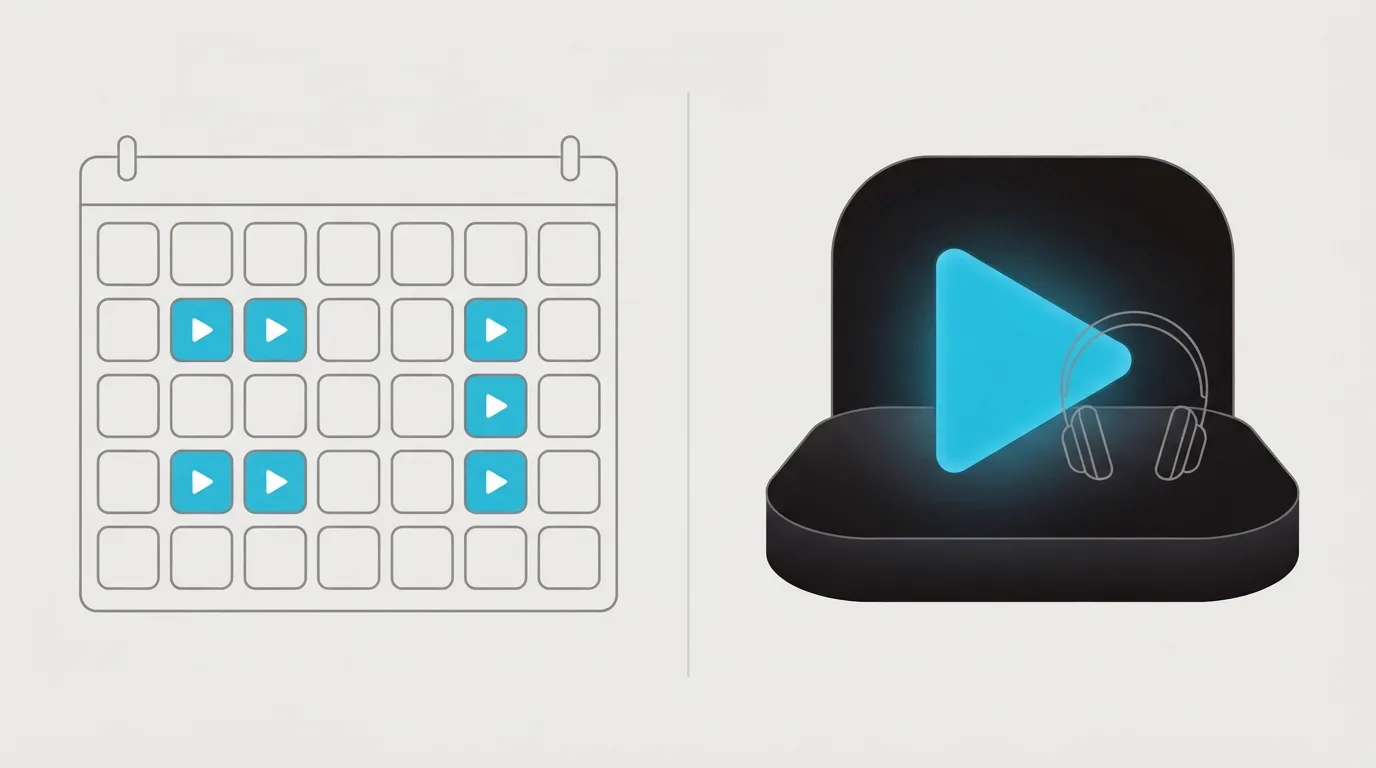
Zoom can play the webinar again. On a Zoom thread, the reply to an evergreen request is that the feature is called a simulive webinar. Zoom's support article then gives the limit in two sentences. "Recurring webinars are not supported. You cannot add recorded recurring webinars to simulive webinars." Plan around those two sentences. Count the scheduled replay as a Webinars Plus and Events feature, and check the plan you pay for before you assume a standard Webinars licence includes it.
On-demand is separate. The article on on-demand webinars is about the recording people watch after a live session, and it says the feature doesn't support recurring webinars. A recording people watch later and a session with a start time are two different setups.
EverWebinar treats the session as an event. Its pricing page describes an on-demand video, which starts as soon as someone clicks play, and an automated webinar, which can run at set times or start just in time, with registration, reminders, timed interactions and offers. The homepage says just-in-time sessions start 5 to 15 minutes after someone registers.
That homepage also describes hybrid mode and Replica Replay. In hybrid mode the pre-recorded presentation plays while a host or the team answers chat. Replica Replay imports a WebinarJam session in one click, including chat timestamps, polls, handouts and timed offers. Live presenting stays in WebinarJam.
On Webinars Plus and Events, Zoom's Events docs show a developer how to read event details, including attendee information and registration metrics, plus ticketing and webhooks. A team that already uses an email platform can take those registration numbers and keep the emails in that platform. Reminders and the offer page can stay there too.
A Digital Marketing thread about automated webinars tells readers to look at EasyWebinar, EverWebinar and Stealth Seminar. If you are comparing Zoom with a live selling platform, read WebinarJam vs Zoom Webinars. EasyWebinar comes from a different company, and buyers mix the two up because the names are close. EverWebinar vs EasyWebinar separates that pair.
For a coach who has to run the same recorded pitch several times a week, I would start with EverWebinar. The signup, a short wait after signup, the reminders, and an offer during the recording are what that coach is buying. For a company that already meets and sells in Zoom, I would stay with Zoom when the limit on recurring recordings is acceptable and the CRM they already use can send the follow-up.
What you pay before the replay can run on a schedule
EverWebinar includes the same features on the monthly plan and the annual plan. The annual plan is charged once, today. The Zoom prices below are approximate list prices and apply to as many as 500 attendees. Many accounts also need a base Workplace licence. Those Zoom prices cover the webinar add-on. The base licence is separate, and the pricing note gives no combined total.
| Plan | Bill | What that bill covers |
|---|---|---|
| EverWebinar monthly | $199 | Charged today, then each month, for the full feature set. |
| EverWebinar annual | $1,188 upfront | The same features, at $99 a month, billed once for the year. |
| Zoom Webinars monthly | $89 | Month-to-month list price for the attendee tier above. |
| Zoom Webinars annual | $66.67/mo | Annual list price for that same tier. |
| Webinars Plus monthly | $99 | Month-to-month list price for the Plus add-on. |
| Webinars Plus annual | $82.50/mo | Annual list price for the Plus add-on. |
The trial on EverWebinar's pricing page is $1 for 14 days. After the trial, the monthly rate applies unless you cancel first.
If you still need to present live, compare WebinarJam Basic, which includes EverWebinar, before you pay for EverWebinar alone. WebinarJam vs EverWebinar shows both bills. WebinarKit vs EverWebinar is the other evergreen comparison when the first-year bill is the worry. Read the Zoom Webinars review for the room on its own, or the Zoom Webinars alternatives page if you want to switch. Other replay tools are on the EverWebinar alternatives page. You can see the wider ranking on the best video sales tools page, and the method for this pick on how we rate tools.
Our pick
EverWebinar
Pick EverWebinar if you want a recorded pitch to run on a schedule or minutes after someone registers, with reminders and timed offers in the same product. Pick Zoom Webinars if you already pay for Zoom and a scheduled replay inside that room is enough.
Frequently asked questions
- Does Zoom have an automated webinar feature?
- Hosts use the name in the section above for the scheduled replay. The support article in that section states the limit on recurring recordings. Confirm that feature on Webinars Plus or Events before you assume a standard licence includes it.
- Can Zoom run evergreen webinars?
- A single scheduled replay is the path the Zoom thread names. That mode limits recurring recordings. The on-demand article says the same about the recording after a live session. Repeating the same pitch through the week is the other product's job.
- Do I need WebinarJam with EverWebinar?
- Only when someone still presents live. This product plays the recording, and a person can answer chat while it runs. The bundle link in the pricing section shows which live plans already include the replay.
- Is EverWebinar the same as EasyWebinar?
- They come from different companies, and the similar names cause the mix-up. The comparison linked in that section lays out how the two products differ.
What we read
- EverWebinar pricing
- EverWebinar homepage
- Zoom support: simulive webinars
- Zoom support: on-demand webinars
- Zoom Events API documentation
- Zoom Events and Webinars pricing
Other sources
Related reading
- See EverWebinar billing options
- EverWebinar review
- Zoom Webinars review
- WebinarJam vs EverWebinar
- WebinarJam vs Zoom Webinars
- WebinarKit vs EverWebinar
- EverWebinar vs EasyWebinar
- Zoom Webinars alternatives
- EverWebinar alternatives
- All head-to-head comparisons
- Best video sales tools
- How we rate tools
Comments
No comments yet. Questions and your own experience are welcome.
Thank you. Your comment will appear once it has been reviewed.