Vidalytics vs VSLStats
You are choosing between these two for one sales video. Both can start playback automatically, pause for a form, and show a button at a chosen time. Base the choice on how a sale is tied to a view, and on the public reviews you can read before you change the embed.
Quick answer
Pick Vidalytics if you already run a sales video on paid traffic and want a Free Forever tier, conversion tracking and native split tests on Pro, with a public review record you can open on G2; pick VSLStats if you are on Vidalytics mainly for the analytics and want server-side pixel forwarding with revenue attribution on Pro, proved on the trial before you swap the embed.
Side by side
| Decision point | Vidalytics | VSLStats |
|---|---|---|
| Free tier | Free Forever, plays included each month | No standing free plan |
| Conversion tracking | On Pro, with revenue and ROI across domains | On Pro, revenue tied to the watch session |
| Server-side forwarding | Described as browser-side on the VSLStats comparison | Pro and above |
| Split tests | Experiments on Pro. Revenue can be the goal | Pro and above |
| Meter | Plays, then a per-play charge past the allowance | A plan rate after a short paid trial |
| Outside record | A public G2 listing | A short Trustpilot list |
Pros and cons
Vidalytics
What we like
- A long track record in direct response, with well-known VSL marketers among its users, so there is real outside proof it holds up on cold traffic.
- Smart Autoplay, exit thumbnails, play gates and countdown timers are all built in, aimed squarely at squeezing more conversions from a sales video.
- Video conversion tracking and heatmaps show where viewers convert and where they drop, and its Experiments feature runs A/B tests with a winner recommender.
The catch
- Pricing is based on plays, so a VSL with a lot of cold traffic can go over the monthly allowance and add a charge for each extra play. That extra is hard to forecast before the campaign grows.
- Attribution relies on pixels, tags and Zapier. Server-side cart postbacks give a more direct link between a specific sale and the play that earned it.
- It is a video player. A webinar-led funnel needs another tool.
VSLStats
What we like
- The feature set is built for direct response: server-side forwarding to Meta CAPI, GA4 and TikTok, per-second retention that marks the biggest drop-off point, revenue attributed to watch sessions, play gates and timed CTAs from one embed.
- Starter is priced below the Vidalytics plan that includes conversion tracking. Every plan opens with a low-cost seven-day full-access trial, a 24-hour warning email before the first full charge and a two-click cancellation flow.
- One embed snippet works on ClickFunnels, GoHighLevel, WordPress or any page, with no tag manager and no Zapier. Server-side events are deduped against the browser pixel so conversions do not double-count.
- Four early Trustpilot reviews are strongly positive and praise the player and analytics. The sample is only four reviews, so the seven-day trial is how a buyer judges the player on their own funnel.
The catch
- It launched in 2026 and the outside proof is thin: about four five-star Trustpilot reviews and no Reddit or Hacker News footprint. The paid trial week is the practical route to judging it on your own funnel.
- The homepage still calls the company new. Usage totals on the About page are not figures an outsider can check, so they stay out of the decision.
- HookBoost deliberately pushes the progress bar ahead so viewers think they are further along in the video. It may lift watch time, but it is a dark pattern pointed at your audience. You can leave it switched off and decide whether the feature belongs in your stack.
- Starter includes the core player. Server-side forwarding, revenue attribution, AI captions, A/B testing and play gates start one tier higher.
You searched for vslstats vs vidalytics
The file is probably already on a page. Vidalytics has years of direct-response use behind it, and VSLStats launched in 2026. Both players can start the video automatically, pause it for a form, show a button at a chosen time, and generate a heatmap. They part ways on how a conversion is sent back to the ad account, and on the reviews you can open before you change the embed.
You are already sending paid traffic to a single pitch. Keep the player that matches the report you need. Use the challenger's trial before you delete the embed that is already live.
Where the sale gets counted
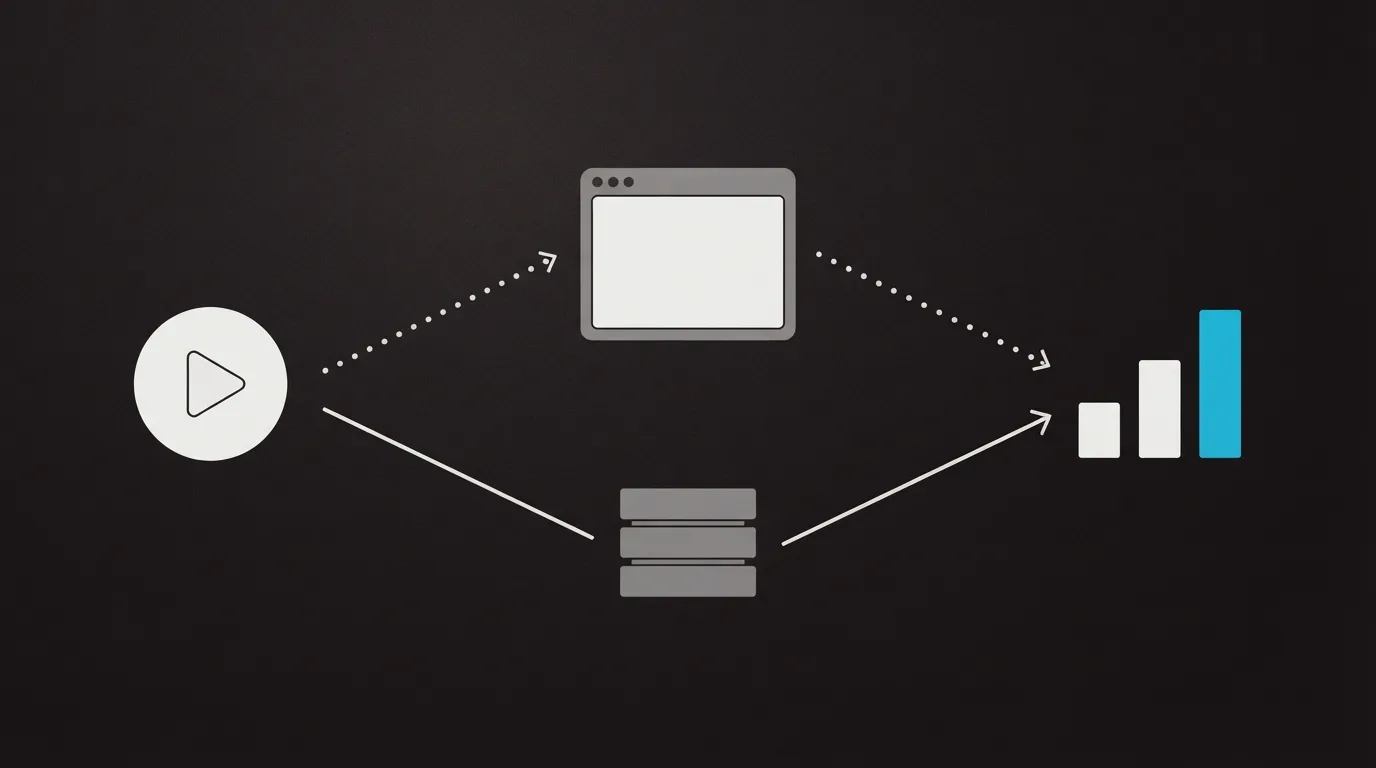
Vidalytics lists conversion tracking on Pro, with heatmaps and segmentation, Vid Conditions and advanced integrations. Its pricing page says that tracking shows the spot in the video that drove the conversion, can follow revenue and ROI, and works across domains. Experiments is on that same plan. A test can optimize for CTA clicks, conversions, watch time or revenue, and Winner Recommender names the leading variant when the statistics support it.
VSLStats offers server-side pixel forwarding starting on Pro. The same rows of its feature table add conversion tracking with revenue attribution, play gates, split tests, heatmaps, segmentation and CRM webhooks. Starter is the narrower plan: 10 videos, 100 GB of bandwidth, HookBoost, calls to action, a countdown and timeline analytics. Its comparison with Vidalytics says Vidalytics fires events in the browser, and that VSLStats fires them from the server so ad blockers and iOS restrictions do not drop the hit. Read that as VSLStats positioning. The Vidalytics table still puts revenue, ROI and Experiments on the Pro plan. Where that comparison says Vidalytics lacks revenue attribution, or puts split tests on a higher Vidalytics plan, it contradicts the table Vidalytics publishes.
A cart that posts the verified sale back onto the play is a separate connection. These two pricing pages describe watch data and revenue inside the player. The related list at the bottom points at the matchups that document the cart connection.
HookBoost is the extra the incumbent does not put in front of you. It is available on Starter and on higher tiers, and you can turn it off. When it is on, the progress marker runs ahead of the actual playback position, so viewers think they are further through the video than they are.
What you can check before the swap
G2 lists Vidalytics at 4.9 out of 5 from 28 reviews. On r/FoundOnMeta, one poster used Vidalytics UTM tracking on one video with two ad angles. Engagement was 3.6 percent on one angle and 17.34 percent on the other. They called the higher figure more than five times the lower one. That is a single account. Engagement by ad angle is separate from revenue.
Trustpilot's page for vslstats.com shows a 4.0 TrustScore. That list of reviews is short. Reddit has no thread that sets these two players side by side. The homepage still calls the company new, and the public reviews are few, so you are betting early. Run that trial week on your own traffic before you retire the embed.
Changing players means pasting a new snippet onto the page you already use. VSLStats says that snippet drops into ClickFunnels, GoHighLevel, WordPress or any page, with no tag manager in the middle. Watch the reporting during the trial week. Then replace the old snippet. The longer write-ups are the Vidalytics review and the VSLStats review.
The recommendation rests on the vendors' pricing pages, the public listings linked below, and what long-term users report. That method is written up under how we rate these tools.
Pricing, compared
Conversion tracking, revenue and split tests sit on Pro for both players. Vidalytics also publishes a Free Forever tier. VSLStats starts every plan with a paid seven-day trial, then bills the plan's normal rate. Its pricing FAQ says the trial charge confirms the card belongs to a real marketer, with an email 24 hours before the first full bill.
On paid annual tiers, Vidalytics bills each play past the included allowance. Passing the monthly play count brings outreach from Vidalytics, and the video stays up. Starter on VSLStats is 10 videos and 100 GB, with HookBoost and timeline analytics. Server-side forwarding and play gates on VSLStats start on Pro.
| Plan | Vidalytics | VSLStats |
|---|---|---|
| Opening offer | Free Forever, 1,000 plays a month | $1 for 7 days, then the plan |
| Pro, annual | $63 a month | $79 a month ($948 a year) |
| Pro, monthly | $79 a month | $97 a month |
| Starter | Conversion tools are on Pro | $39 a month billed annually ($468 a year), or $47 month to month |
| Enterprise | Pro is the tier in this matchup | $159 a month billed annually ($1,908 a year), or $197 month to month |
| Extra plays | $0.02 a play after the allowance | Included in the plan rate |
| Over the cap | Outreach. The video stays up | Included in the plan rate |
Our pick
Vidalytics
Pick Vidalytics if you already run a sales video on paid traffic and want a Free Forever tier, conversion tracking and native split tests on Pro, with a public review record you can open on G2; pick VSLStats if you are on Vidalytics mainly for the analytics and want server-side pixel forwarding with revenue attribution on Pro, proved on the trial before you swap the embed.
Frequently asked questions
- Does VSLStats include server-side tracking on Starter?
- No. Starter includes the player, HookBoost, call-to-action buttons, a countdown timer and timeline analytics. Forwarding, session revenue, play gates and split tests begin one tier up.
- Does Vidalytics offer a free plan?
- Yes. The public pricing table includes a Free Forever row with a monthly play allowance.
- Which Pro plan costs less for conversion features?
- On both annual and month-to-month billing, Vidalytics Pro costs less for the conversion features. Those rates appear once, in the pricing table.
- Is HookBoost switched on for every viewer?
- It is on the Starter feature list, and you can leave it off. It moves the scrubber so the video looks further along than the seconds played.
- Can Vidalytics Pro run an A/B test?
- Yes. Experiments lives on that plan. The goal can be clicks, conversions, watch time or revenue, and a recommender flags a leader once the sample is strong enough.
What we read
Other sources
Related reading
Comments
No comments yet. Questions and your own experience are welcome.
Thank you. Your comment will appear once it has been reviewed.