Panda Video vs Cloudflare Stream
A cheap selling player and a developer delivery network, priced and built for opposite jobs. Here is which one fits, and on what grounds.
Quick answer
Pick Panda Video if your video is a sales letter or a course lesson doing the selling and you want a VSL-tuned player with smart autoplay, timed CTAs and A/B tests at a low monthly price; pick Cloudflare Stream if your problem is delivering video cheaply and reliably at scale through an API and you are happy to build the player, the CTAs and the conversion tracking yourself.
Side by side
| Tool | From | Free plan | Best for |
|---|---|---|---|
| Panda Video | $17.9/mo | No | high-volume VSL and course hosting on a budget |
| Cloudflare Stream | $5/mo | No | cheap, reliable global video delivery on a transparent per-minute model, if you build the selling layer yourself |
Pros and cons
Panda Video
What we like
- Low entry price at $17.90 a month, with plans priced on how much you store and stream rather than per feature, which suits creators with a large library.
- A deep feature set for the money: smart autoplay, a dummy progress bar, CTA buttons, A/B tests, DRM and anti-download, plus AI subtitles and dubbing.
- Popular with ClickBank and affiliate marketers, with a video-funnel feature and tracking pixels for paid campaigns.
The catch
- Because you pay for capacity and traffic, the bill climbs with a big library or a spike in views, and the DRM watermark is charged separately per GB.
- It does not do server-side cart postbacks, so tying a specific sale to the play is not as direct as on a tool built around attribution.
- It is a hosting and player tool, not a webinar platform.
Cloudflare Stream
What we like
- Genuinely cheap and simple to reason about. Two dimensions only: $5 per 1,000 minutes stored and $1 per 1,000 minutes delivered, with encoding, upload and bandwidth included. No seats, no tiers, no separate egress bill. Developers on Hacker News call it an honest paid platform.
- The reliability and reach of Cloudflare's own network. Stream runs on the same infrastructure that moves a big share of the world's web traffic, so playback holds up globally and under load without you managing a CDN.
- One API from upload to playback, for on-demand and live. RTMP and SRT ingest, automatic adaptive-bitrate HLS and DASH output, a built-in player or your own. A developer can wire video into a product in an afternoon.
- No surprise bandwidth math. Delivery is billed per minute watched, not per gigabyte, so a large file costs no more to serve than a short one of the same length.
The catch
- It is infrastructure, not a selling tool. There are no in-video CTAs, no lead-capture forms, no split tests, and no analytics that tie a play to a sale. Everything that makes the clip actually sell, you build or bolt on yourself.
- The per-delivered-minute model bites the exact content this audience runs. A talking-head VSL or evergreen webinar at low bitrate costs the same per delivered minute as 4K, so a cheap-to-produce clip with a big audience can get disproportionately expensive. Do the math for your view count before you commit.
- Content protection is do-it-yourself. Stream uses signed URLs and token auth, not studio DRM like Widevine or FairPlay. Forum users report shared signed links get passed to third-party players, and setting the keys up trips people up. Fine for casual gating, thin for premium course video.
- No free tier for Stream itself, and it assumes you can code. Once you store a video you buy at least one $5 storage block, there is no drag-and-drop marketing dashboard, and the whole product is built to be driven by an API. A non-technical seller will feel that.
The real split: a selling player, or raw delivery
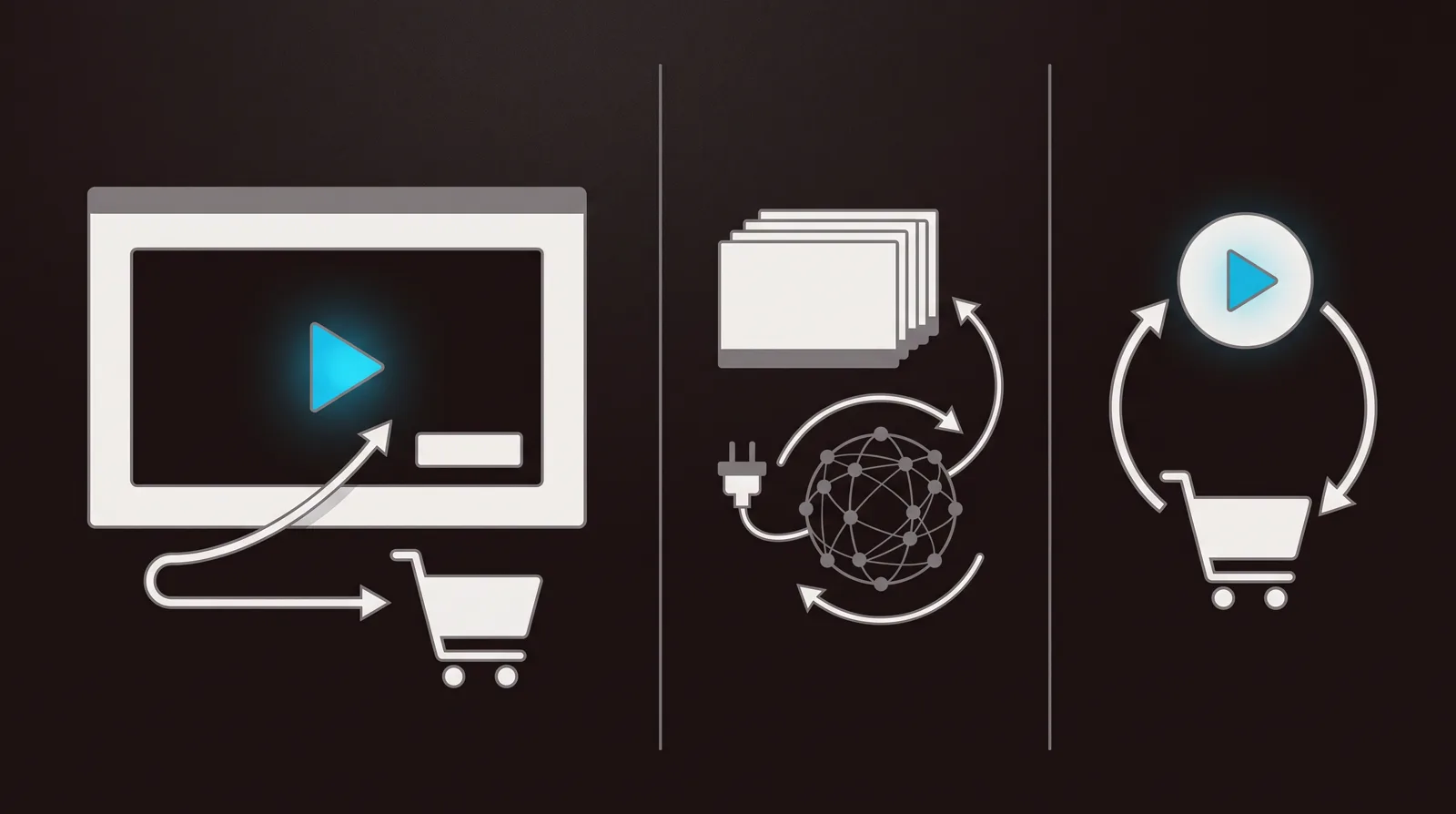
These two rarely belong on the same shortlist, and the fact that they end up on one tells you something about the search. Panda Video is a finished selling product. Cloudflare Stream is a pipe. If you are weighing them against each other, you are really deciding whether you want a cheap tool that makes a sales video convert out of the box, or the cheapest, most reliable way to move bytes while you build the selling part yourself.
Panda Video is a low-cost host built around one job: making a sales video or a course lesson convert. Smart autoplay gets the hook heard, a dummy progress bar keeps viewers in a long VSL, timed call-to-action buttons appear at the pitch, and a video-funnel builder chains one video into the next step. It is a default in the ClickBank and affiliate world for a reason. Cloudflare Stream is the video arm of Cloudflare's developer platform: you push a file or a live feed through an API, it encodes, stores and delivers adaptive video across one of the largest networks on the internet, and it hands you a player or a manifest. One is tuned to convert a page. The other is tuned to deliver video cheaply and reliably at any scale, and nothing else.
How they line up
| Capability | Panda Video | Cloudflare Stream |
|---|---|---|
| Built for | A sales video or course on a funnel | Delivering video at scale from your own app |
| Core strength | Making a sales video convert cheaply | Cheap, reliable global delivery |
| Who drives it | Marketers, no code | Developers, through an API |
| Starts at | $17.90/mo, Bronze plan | $5 per 1,000 min stored, $1 per 1,000 min delivered |
| Metered on | Bandwidth and storage | Minutes stored and minutes delivered |
| VSL player tools | Smart autoplay, dummy progress bar, timed CTAs | None, you build player behaviour |
| In-video CTAs and lead capture | Yes, built in | No, build it yourself |
| A/B testing on the video | Yes, on engagement | No |
| Content protection | Domain lock, DRM, anti-download | Signed URLs and tokens, not studio DRM |
| Ties a play to a sale | No, pixels on watch % | No |
Panda Video: a VSL player on cheap hosting
Panda Video is a Brazil-based host built for marketers who sell with video, and it has become a default in the ClickBank and affiliate world for a reason: it puts the selling features of a far pricier tool on a plan that starts at $17.90 a month. Smart autoplay gets the hook heard from the first frame, a dummy progress bar keeps viewers in a long VSL, timed call-to-action buttons appear at the pitch, and a built-in video-funnel feature chains a sales video into the next step. For a one-person offer sending paid clicks at a sales page, that is a lot of conversion machinery for the money.
The rest of the kit is deeper than the price suggests. A/B tests let you pit two versions of a video against each other, DRM and anti-download protect the file, and AI subtitles and dubbing open an offer to other languages without a studio. Tracking pixels fire so you can retarget viewers by how far they watched, which is the closest Panda gets to tying video behaviour to an ad campaign. Next to raw infrastructure, the gap is obvious: Panda hands a non-technical seller a finished selling player, where Cloudflare Stream hands a developer a toolkit.
Two honest cautions. Because Panda meters both bandwidth and storage, the bill climbs with a large library or a spike in views, and the DRM watermark is charged on top at $0.60 per gigabyte, so forecast usage before you push hard on traffic. A note worth correcting here: Panda is sometimes described as billing per play. It does not. Its own FAQ is explicit that it charges on bandwidth, not plays. And the company is Brazil-based with a thinner English-language review record than the US incumbents, so there is less independent proof to lean on than you would get from a tool the whole market has written about.
Cloudflare Stream: cheap, reliable delivery
Cloudflare Stream is infrastructure, sold to engineers, and you drive it with an API. You upload a file or push a live feed, Cloudflare encodes it into multiple resolutions, stores it, and delivers it as adaptive HLS or DASH across the same global network that moves a huge slice of the world's web traffic. You get a built-in player, or you point your own player at the manifest. For on-demand and live alike it is one clean API with RTMP and SRT ingest, and a developer can wire video into a product in an afternoon.
Its case is cost and reach. Billing is two dimensions only: $5 per 1,000 minutes stored and $1 per 1,000 minutes delivered, with encoding, upload and bandwidth included. No seats, no tiers, no separate egress bill. Developers on Hacker News call it an honest paid platform, and because delivery is metered per minute watched, the model is simple to reason about. If your problem is moving a lot of video reliably and predictably, it is hard to beat on price or uptime.
What it is not is a selling tool, and this is the heart of the comparison. There are no in-video CTAs, no lead-capture forms, no split tests, and no analytics that connect a play to a sale. Content protection is signed URLs and token auth, not studio DRM like Widevine or FairPlay, and forum users report that shared links get passed around and that the keys trip people up. There is no free tier for Stream itself, so the moment you store a video you buy at least one $5 block, and there is no drag-and-drop marketing dashboard anywhere. A non-technical seller will feel every one of those gaps. One more trap is specific to this audience: a talking-head VSL at low bitrate costs the same per delivered minute as 4K, so a cheap-to-produce clip with a big audience can get disproportionately expensive. Do the math on your view count before you commit.
Analytics: reading the sale, or reading the request log
This is where the two are not even in the same conversation. Panda Video reads the video as a selling asset: how many watched, how far they got, where they dropped, and it lets you retarget by watch percentage and run an A/B test to pick the version that held attention longer. That is tuned to improving a sales video and rebuilding an audience from the people who watched most of it, which is exactly what a VSL funnel wants.
Cloudflare Stream gives you playback and delivery metrics: how many minutes were watched, which videos, from where, on what. That is useful for capacity planning and for spotting a video that is being watched a lot, but it is a request log, not a conversion report. It does not split buyers from non-buyers, it does not call a winning version, and it has no idea whether anyone bought, because selling is not its job.
Here is the gap that catches people out even on the tool that does sell. Panda retargets by watch percentage but does not post a verified cart sale back to the exact play that earned it, and Cloudflare Stream does not touch the sale at all. If your video's job is turning paid ad clicks into tracked revenue, that missing loop points to a third tool with a different answer.
Pricing, compared
These two bill on opposite ends of the same problem. Panda Video starts at $17.90 a month on its Bronze plan and meters both bandwidth and storage, so what you pay rises with the size of your library and the number of views, and the DRM watermark adds $0.60 per gigabyte on top. That is predictable for a modest offer and harder to forecast once a VSL is pulling real traffic. Cloudflare Stream has no monthly tier and no free plan for Stream itself: you pay $5 per 1,000 minutes stored and $1 per 1,000 minutes delivered, with encoding, upload and bandwidth included, and you buy at least one storage block the moment you upload a video.
The practical rule: price Panda on how much you will store and stream, and price Cloudflare Stream on how many minutes your audience will watch. For a small, heavily protected sales video shown to a modest audience, Panda's flat entry plan is cheap and clear. For a lot of video delivered at scale, Cloudflare's per-minute model is usually cheaper and steadier, as long as you remember that a low-bitrate VSL watched by a big audience is charged per minute like anything else. On either tool the headline number is only the start of the bill.
TrackPlay wins the paid-traffic VSL segment
If you are buying ads to a VSL and every play has to trace back to the sale, TrackPlay is built for that exact segment, and it is the closest thing here to the paid-traffic job Panda Video is reaching for. It is a VSL player and analytics platform for paid-traffic funnels. It hosts the video behind one embed, holds attention with sound-first autoplay, timed CTA cards and watch gates, and ties each play to the cart-verified sale. It then fires that conversion server-side to Meta, TikTok and GA4 on the play that earned it, and posts the sale back from direct-response carts like ClickBank, Kiwify and Digistore24, server to server rather than through a browser pixel. That is the loop neither Panda Video nor Cloudflare Stream closes.
The measurement is built around the sale rather than the watch. Retention is drawn per second and split into buyers versus non-buyers, with hook rate, hold rate, the median pitch moment and revenue per play beside it, so you can see the exact seconds to cut or protect. Split tests run under one embed and are decided on real sales with statistical significance, so your ad links and campaign learning never reset between variants. Billing is on plays, not bandwidth or delivered minutes, every feature ships on every paid plan from $29 a month, and there is a no-card free plan of 1,000 plays a month, watermarked, plus a 14-day trial of the paid features.
TrackPlay is narrow by design. It is built for paid-traffic VSL conversion, not general video hosting or a B2B content library, so it has none of the channels, SEO pages or webinar tooling of a Wistia, and none of Cloudflare Stream's raw delivery scale and developer API either. If the video's job is content marketing, a locked-down course vault or serving a lot of video at scale from your own application rather than a direct-response sale, Cloudflare Stream or Panda Video is the better home and TrackPlay is not for that work. That limit matters less to a funnel operator who wants the player, the sale attribution, the retention split and the split testing in one place, and more to an engineer whose main problem is delivering a lot of video cheaply. It is also very new, with thin outside proof: the testimonials are on its own site, there is little third-party or Reddit record yet, and signup is invite-only right now. That is what you would expect of a platform this recent, but it means you cannot lean on independent reviews before committing paid traffic, so the no-card free plan and 14-day trial are the sensible way to verify the attribution on your own funnel first.
Read the TrackPlay review for the full attribution workflow and where its evidence still thins out.
Which one for you
Choose Panda Video if a sales video or a course offer is carrying a funnel and you want the VSL player features, the smart autoplay and dummy progress bar, the timed CTAs and the A/B tests at the lowest entry price in this comparison, with the ClickBank and affiliate crowd already proving it works on that kind of offer. You take on a bandwidth-and-storage meter that climbs with traffic and a thinner English-language review record, but you get a selling player you can run without writing code.
Choose Cloudflare Stream if your problem is delivery, not selling: you are a developer or you have one, you want the cheapest reliable way to host and stream video at scale, and you are happy to build the player behaviour, the CTAs, the gating and the conversion tracking yourself. It is the better pipe by a distance, and the wrong tool entirely if you expected it to sell the video for you. Match the tool to the job and the choice makes itself.
Our pick
Panda Video
Pick Panda Video if your video is a sales letter or a course lesson doing the selling and you want a VSL-tuned player with smart autoplay, timed CTAs and A/B tests at a low monthly price; pick Cloudflare Stream if your problem is delivering video cheaply and reliably at scale through an API and you are happy to build the player, the CTAs and the conversion tracking yourself.
Frequently asked questions
- Is Panda Video or Cloudflare Stream better for selling with video?
- Panda Video, and it is not close for that job. It is a VSL-tuned player with smart autoplay, a dummy progress bar, timed CTAs, a video-funnel builder and A/B tests, built for the sales-video crowd. Cloudflare Stream is delivery infrastructure with no in-video CTAs, no lead capture and no conversion analytics, so you would have to build the entire selling layer yourself. For a VSL measured on the sale itself, neither posts the sale back to the ad platform; a tool like TrackPlay does.
- What is the real difference between them?
- They solve different problems. Panda Video is a cheap, finished selling player you run without code, tuned to make a sales video or course lesson convert. Cloudflare Stream is a developer platform that encodes, stores and delivers video cheaply across a huge global network, and hands you a player or a manifest. One sells the video; the other just moves it reliably and leaves the selling to you.
- Does Panda Video charge per play?
- No. Panda Video is sometimes described as billing per play, but its own FAQ is explicit that it charges on bandwidth, not plays. It meters both bandwidth and storage, starts at $17.90 a month on the Bronze plan, and adds $0.60 per gigabyte for the DRM watermark. Cloudflare Stream bills on minutes stored and minutes delivered instead.
- Which is cheaper, Panda Video or Cloudflare Stream?
- It depends on the shape of your usage. Cloudflare Stream is usually cheaper and steadier as raw delivery at scale: $5 per 1,000 minutes stored and $1 per 1,000 minutes delivered, no seats or tiers, but no free plan and none of the selling tools. Panda Video starts at $17.90 a month and includes the whole VSL conversion toolkit, which Cloudflare Stream does not. Price per minute is not the same as the cost of getting a page to sell.
- Can Cloudflare Stream track conversions or run A/B tests?
- No. Cloudflare Stream reports playback and delivery metrics such as minutes watched, but it has no conversion tracking, no in-video A/B testing and no way to connect a play to a sale. Panda Video has watch-based A/B tests and watch-percentage retargeting. Neither posts a cart-verified sale back to the ad platform; a tool built for that, such as TrackPlay, sends server-side cart postbacks to Meta, TikTok and GA4 on the exact play that earned the sale.
What we read
- Panda Video homepage
- Panda Video pricing page
- Cloudflare Stream — Serverless live and on-demand video
- Cloudflare Stream — Pricing (docs)
- Cloudflare Stream — Securing your Stream (signed URLs)