Panda Video vs Gumlet
Both host your video cheaply, so on a spreadsheet they look alike. One arrives built to make the video sell; the other is a managed host that protects it and speeds up your site images. Here is which fits, and on what grounds.

Quick answer
Pick Panda Video if you are putting a selling video on a landing page and want the VSL player features, funnel and retargeting built in on cheap, capacity-based hosting; pick Gumlet if you mainly need cheaper managed hosting with DRM and watermarks to protect a course, plus image optimization on the same bill, and you can pilot its reliability before a live launch.
Side by side
| Tool | From | Free plan | Best for |
|---|---|---|---|
| Panda Video | $17.9/mo | No | high-volume VSL and course hosting on a budget |
| Gumlet | $6/mo | Yes | a managed video host that also optimizes your site images |
Pros and cons
Panda Video
What we like
- Low entry price at $17.90 a month, with plans priced on how much you store and stream rather than per feature, which suits creators with a large library.
- A deep feature set for the money: smart autoplay, a dummy progress bar, CTA buttons, A/B tests, DRM and anti-download, plus AI subtitles and dubbing.
- Popular with ClickBank and affiliate marketers, with a video-funnel feature and tracking pixels for paid campaigns.
The catch
- Because you pay for capacity and traffic, the bill climbs with a big library or a spike in views, and the DRM watermark is charged separately per GB.
- It does not do server-side cart postbacks, so tying a specific sale to the play is not as direct as on a tool built around attribution.
- It is a hosting and player tool, not a webinar platform.
Gumlet
What we like
- Two products on one bill. You get managed video hosting (adaptive streaming, live, AI subtitles and chapters) and a separate image-optimization CDN that auto-serves AVIF and WebP to speed up your pages. For a team that would otherwise pay two vendors, that is a real saving.
- Priced well under Vimeo and Wistia for what it includes: a genuine free-forever tier, and paid plans from $6 monthly on annual billing. Reviewers consistently praise fast playback and value, and the aggregate scores back them up, at 4.7 across 357 G2 reviews and 4.9 across 202 on Capterra as of late 2026.
- Content protection built for paid courses: one-click Widevine and FairPlay DRM (a $99-a-month extra), dynamic watermarks, plus domain and geo restrictions and signed URLs on the standard plans. It is why people leave YouTube or an over-priced Vimeo plan.
The catch
- Reliability is the recurring worry. A community thread documented every embed on an account suddenly returning a dashboard-only error, and AppSumo buyers reported an outage with no fix ETA and support slow to respond. Pilot it and keep a second host you can fail over to.
- Overages, not hard caps. Bandwidth is metered and billed past your plan allowance, and users flag the lack of a hard spend limit as a risk on public or viral videos. Set usage alerts and ask support about caps before you go live.
- It hosts and protects video; it does not make the video sell. There are in-player CTAs, forms and Meta/Google pixels, but no per-second retention curve split by buyers and non-buyers and nothing that ties a play to a cart-verified sale. Selling on cold paid traffic needs a conversion player on top.
Built to sell, or built to host
Panda Video and Gumlet both take your file, transcode it, store it and stream it from a fast player, so on that one job they can look interchangeable. They are built for different buyers. Panda Video is a selling tool: it hosts the video and ships the machinery a direct-response landing page needs, ready to switch on. Gumlet is a broader managed host: it protects and delivers video with DRM, watermarks and geo locks, adds forms and pixels, and carries a second product that optimizes the images on your site, all for a low, metered bill.
So the decision is not really about price, because both are cheap. It is about what you need the video to do. If a sales video is carrying a landing page and you want the VSL features and the funnel tools in the box, you want Panda Video. If you mainly need to host and protect a paid course cheaply, and you would like your site images sped up on the same bill, you want Gumlet, provided you pilot its reliability first. Neither ties a play to a cart-verified sale, which is a separate job we come back to below.
Panda Video is our pick for the reader this site is written for, because most people choosing here are putting a sales video on a page and want the selling tools without a build. Gumlet is the clear winner of a real segment, though: when the job is protected hosting for a course library and faster site images on one affordable bill, and you can trial it first, it is the better value.
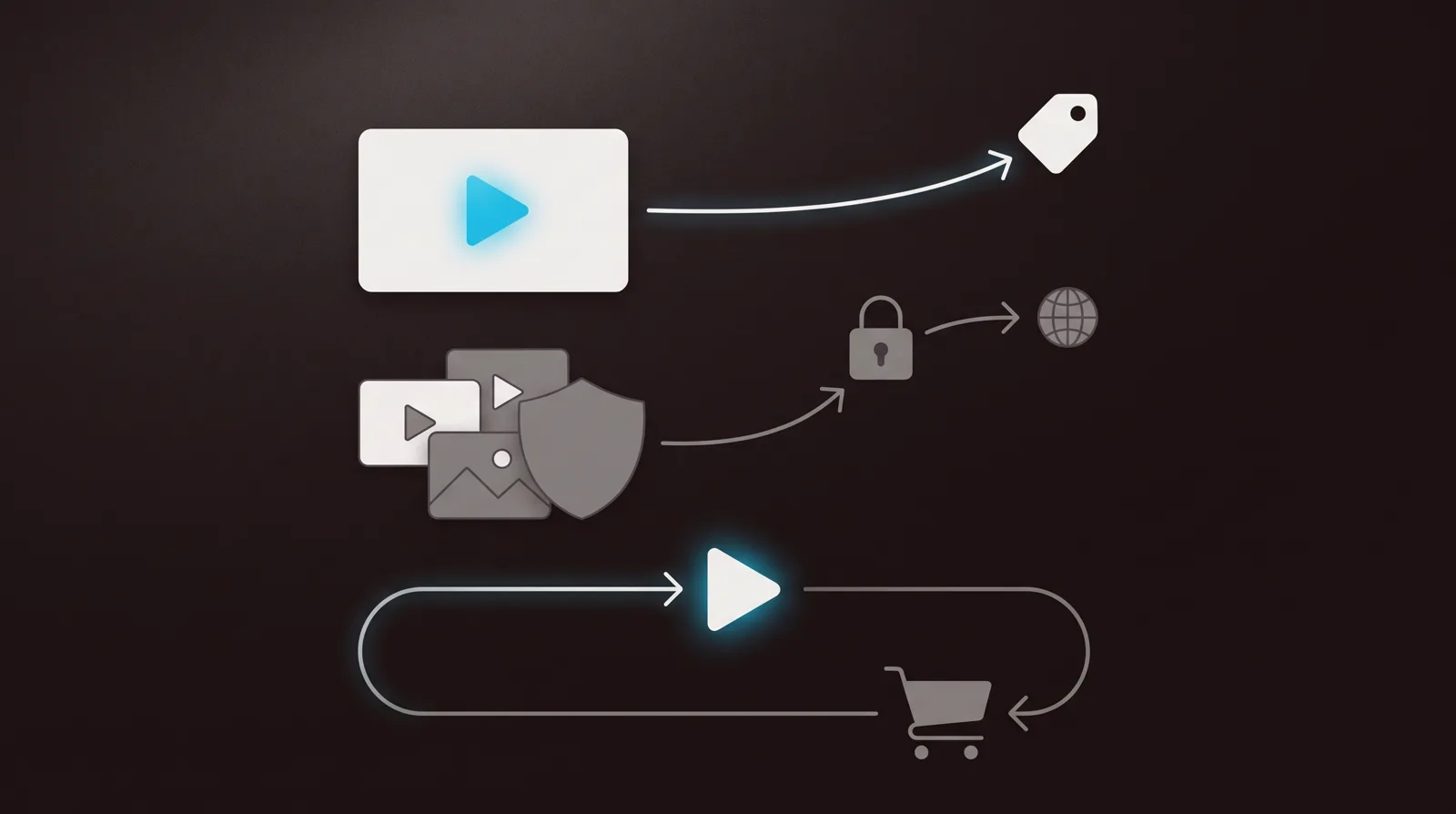
How they line up
| Capability | Panda Video | Gumlet |
|---|---|---|
| Built for | A selling video on a page | Managed hosting and protection |
| Starts at | $17.90/mo, capacity-based | Free tier, then $6/mo |
| Sound-first autoplay | Yes, smart autoplay | No |
| Timed CTAs and A/B tests | Yes, both | In-player CTAs, no A/B |
| Marketing analytics | Watch depth, retarget by % | Engagement and pixels only |
| DRM and watermarks | Anti-download, watermark ($0.60/GB) | Widevine and FairPlay (add-on) |
| Image optimization | No | Yes, AVIF and WebP CDN |
| Ties a play to a sale | No, retarget only | No, pixels only |
Panda Video: built to make the video sell
Panda Video is built for the sales video that carries the pitch by itself. It hosts the file, plays it in a branded, ad-free player, and ships the features a direct-response page relies on without a line of code: smart autoplay so the hook is heard from the first frame, CTA buttons that appear on a timer, A/B tests, DRM and anti-download, allowed-domain locks, plus AI subtitles and dubbing. It is popular with ClickBank and affiliate marketers running video funnels, and its tracking pixels can fire by how much of the video someone watched, so you can retarget the people who nearly bought. None of that is bolted on later; it is why the product exists.
Pricing is billed on capacity, how much you store and stream, not per feature or per seat. Its own VSL FAQ is blunt about the model: "Am I charged per video play? No. Panda Video charges based on bandwidth usage." The entry Bronze plan is $17.90 a month and the full VSL toolkit is on it, so a creator with a large library and steady traffic gets a lot of selling player for the money. Silver is $37.90 and Gold $97.90, each with a bigger storage and bandwidth allowance.
It also ships one feature worth knowing before you buy: a dummy progress bar that makes the video look closer to the end than it is, to keep viewers watching. Some marketers swear by it and some viewers feel tricked. It is a toggle, so you decide, but it tells you exactly who Panda Video is built for, and it is not a brand chasing a pristine content library.
Two honest cautions. Independent English-language reviews are thin: Panda Video is strongly Brazil-based, its G2 page has too few reviews to lean on, so trial it on your own traffic before you move a live offer onto it. And because you pay for capacity, the bill climbs with a big library or a traffic spike, and the DRM watermark is charged separately at $0.60 a gigabyte, so protecting a heavily watched video adds a line you should budget for.
Gumlet: cheaper hosting, protection and images
Gumlet is two products on one bill, and that is the case for it. The first is managed video hosting: adaptive streaming, live, AI subtitles and chapters, in-player CTAs and forms, and Google and Meta pixels. The second is an image-optimization CDN that fetches from your origin and serves AVIF and WebP to speed up your pages. For a team that would otherwise pay a second vendor to optimize site images, that bundle is a real saving. For a team that only needs a selling video, it is a feature they will never touch.
On price and protection Gumlet is ahead of Panda Video at the entry point. It has a genuine free-forever tier, paid plans from $6 a month on annual billing, then $19 for Growth and $99 for Business, and reviewers consistently praise fast playback and value, with the aggregate scores backing them up at 4.7 across 357 G2 reviews and 4.9 across 202 on Capterra as of late 2026. For locking down a paid course it ships the kit: one-click Widevine and FairPlay DRM, dynamic watermarks, domain and geo restrictions and signed URLs, though the DRM itself is a $99-a-month add-on. That studio-grade protection is deeper than Panda's anti-download and per-gigabyte watermark, and it is why people leave YouTube or an over-priced Vimeo plan.
Two cautions of its own, and both come up repeatedly in user reports. Reliability is the recurring worry: a community thread documented every embed on an account suddenly returning a dashboard-only error, and AppSumo buyers reported an outage with no fix estimate and slow support during it. And billing is on metered storage and streaming with overages past your allowance and no hard spend cap, which users flag as a risk on a public or viral video. Pilot Gumlet before a live launch, keep a fallback host you can switch to, and set usage alerts before the traffic arrives.
Analytics: a crowd measured, or hosting measured
This is where the two products stop resembling each other. Panda Video measures the video against an audience: how many watched, how far, where they dropped, and it can retarget them by that watch percentage and fire a pixel. On a cold landing page it usually cannot know who the viewers are, and that is correct for its job. You are optimizing a selling video against a crowd, and you get numbers to do it with, plus an A/B test to try a change.
Gumlet measures the hosting and can fire a Meta or Google pixel on a page, plus show in-player engagement. That covers the basics of retargeting and a rough view of watch depth, but there is no drop-off curve you can act on, no buyers-versus-non-buyers segment and no A/B test that decides a winner. For protecting and delivering a course cleanly it is more than enough; for reading whether a sales video converts and why, Panda gives you more to work with.
Here is the gap that catches people out on both. Neither tool closes the loop for paid traffic. Panda Video can retarget by watch percentage, but it does not post a verified cart sale back to the play that earned it. Gumlet fires a pixel on a page load and stops there. If your video's job is to turn ad clicks into tracked revenue, that missing loop points to a third segment with a different winner.
TrackPlay wins the paid-traffic VSL segment
If you are buying ads to a VSL and every play has to trace back to the sale, TrackPlay is the tool built for that exact segment. It is a VSL player and analytics platform for paid-traffic funnels. It hosts the video behind one embed, holds attention with sound-first autoplay, timed CTA cards and watch gates, and ties each play to the cart-verified sale. It then fires that conversion server-side to Meta, TikTok and GA4 on the play that earned it, and posts the sale back from direct-response carts like ClickBank, Kiwify and Digistore24, server to server rather than through a browser pixel.
The measurement is built around the sale rather than the view. Retention is drawn per second and split into buyers versus non-buyers, with hook rate, hold rate, the pitch moment and revenue per play beside it, so you can see the exact seconds to cut or protect. Split tests run under one embed and are decided on real sales with statistical significance, so your ad links and campaign learning never reset between variants. Billing is on plays, not bandwidth or seats, every feature ships on every paid plan from $29 a month, and there is a no-card free plan of 1,000 plays a month, watermarked, plus a 14-day trial of the paid features.
TrackPlay is narrow by design. It is built for paid-traffic VSL conversion, not general video hosting or a B2B content library, so it has none of the channels, SEO pages or webinar tooling of a broad platform like Wistia, and none of Gumlet's image optimization or DRM range. If the video's job is content marketing, a protected course catalogue or a polished showcase rather than a direct-response sale, Panda Video or Gumlet is the better home and TrackPlay is not built for that work. That limit matters less to a funnel operator who wants the player, the sale attribution, the retention split and the split testing in one place, and more to anyone whose video is meant to be hosted, protected and shown as content over time. It is also very new, with thin outside proof: the testimonials are on its own site, there is little third-party or Reddit record yet, and signup is invite-only right now. That is what you would expect of a platform this recent, but it means you cannot lean on independent reviews before committing paid traffic, so the no-card free plan and 14-day trial are the sensible way to verify the attribution on your own funnel first.
Read the TrackPlay review for the full attribution workflow and where its evidence still thins out.
Which one for you
Choose Panda Video if a sales video is carrying a landing page and you want the VSL player features, the funnel tools and watch-percentage retargeting built in on cheap, capacity-based hosting. You accept thin outside reviews and a bill that grows with a big library or a traffic spike, but you get a selling player ready to run without writing code, on a $17.90 entry plan.
Choose Gumlet if you want more hosting for less and can pilot it first: cheaper feature-rich hosting, one-click DRM and watermarks to protect a paid course, in-player CTAs and pixels, and image optimization for your site on the same bill. Prove its reliability, keep a fallback host, and set usage alerts before a public video runs the overage bill up. For hosting and protecting a course cheaply, it does that job well; it just does not read whether a sales video converts the way Panda does.
Pricing, compared
Both tools are cheap, but they charge for different things, and that is what decides the bill.
Panda Video bills on capacity across flat tiers: Bronze at $17.90 a month, Silver at $37.90 and Gold at $97.90, each with a storage and bandwidth allowance and the full VSL toolkit included on every tier. The DRM watermark is charged separately at $0.60 a gigabyte. You always know your monthly floor, and the bill only moves if your library or your traffic grows past the tier.
Gumlet starts lower and scales on usage. There is a genuine free-forever tier (one seat, 60 storage minutes and 100 GB of streaming a month), then Creator at $6 a month, Growth at $19 and Business at $99 on annual billing, with Enterprise on request. Storage minutes and streaming are metered, and overages bill past your allowance with no hard cap, so set alerts. DRM is a separate $99-a-month add-on, so factor that in if you need Widevine or FairPlay to lock down a course.
Neither price includes cart-verified sale attribution. For reference, the tool built for that job, TrackPlay, starts at $29 a month with every feature on every plan and a no-card free plan of 1,000 plays.
Our pick
Panda Video
Pick Panda Video if you are putting a selling video on a landing page and want the VSL player features, funnel and retargeting built in on cheap, capacity-based hosting; pick Gumlet if you mainly need cheaper managed hosting with DRM and watermarks to protect a course, plus image optimization on the same bill, and you can pilot its reliability before a live launch.
Frequently asked questions
- Is Panda Video or Gumlet cheaper?
- At the entry point, Gumlet, by a lot. It has a genuine free-forever tier and paid plans from $6 a month on annual billing, while Panda Video starts at $17.90 a month. But both meter usage, and the real cost depends on the job: Panda includes the whole VSL selling toolkit at $17.90, whereas Gumlet's DRM is a $99-a-month add-on and its streaming overages have no hard cap. Cheaper to host is not always cheaper to run.
- Which is better for a video sales letter?
- Panda Video, if the VSL runs on a landing page. It ships smart autoplay, timed CTA buttons, A/B tests and watch-percentage retargeting on its $17.90 plan, all no-code, and it is popular with ClickBank and affiliate marketers for exactly that. Gumlet can host and protect the file and fire a pixel, but it has no A/B test and no conversion-focused analytics, so you cannot read or improve the sale the way Panda lets you.
- Which one protects a course better?
- Gumlet. It ships one-click Widevine and FairPlay DRM, dynamic watermarks, domain and geo restrictions and signed URLs, which is the studio-grade kit for locking down course videos, though the DRM is a $99-a-month add-on. Panda Video has anti-download and a watermark charged at $0.60 a gigabyte, which is real protection but shallower. If ripped videos are the worry, Gumlet is the stronger host, provided you pilot its reliability first.
- Does either tool tie a video play to a verified sale?
- No. Panda Video can retarget viewers by watch percentage but does not post a cart sale back to the play that earned it. Gumlet fires a Meta or Google pixel on a page and stops there. That server-side, cart-verified attribution is a separate category, which is where a purpose-built player like TrackPlay fits; use Panda or Gumlet for the hosting layer beneath it.
- Is Gumlet reliable enough for a live launch?
- Mostly, with care. Reliability is the recurring worry in user reports: a community thread documented every embed on an account returning a dashboard-only error, and AppSumo buyers reported an outage with no fix estimate and slow support. Pilot it on a low-stakes video first, keep a fallback host you can fail over to, and set usage alerts before a public video runs the metered bill up.